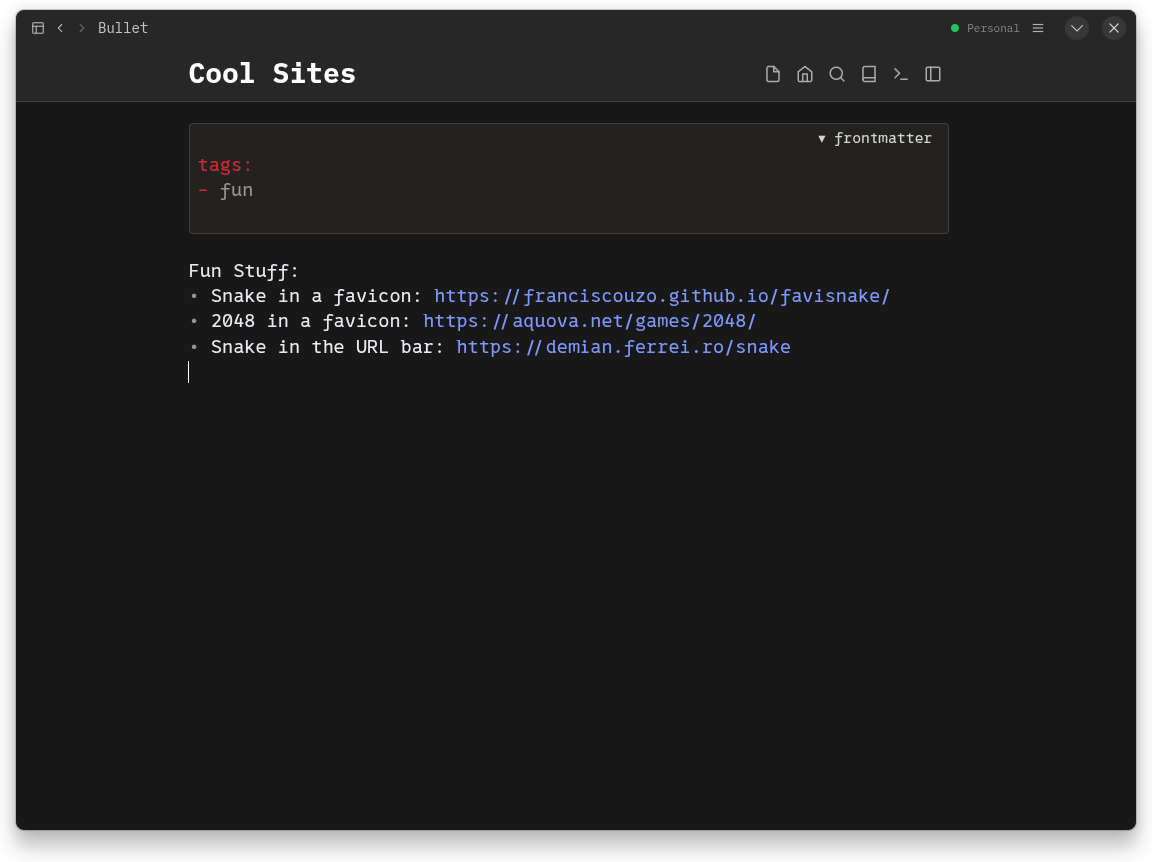
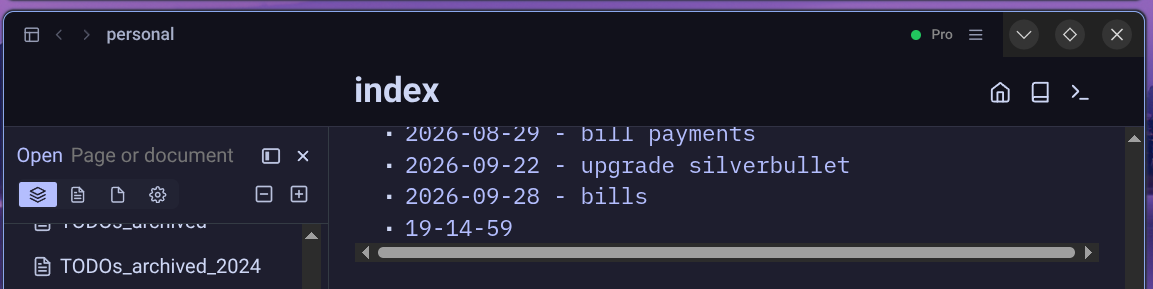
Electron desktop version: Some testing help

TL;DR: I have experimental builds of SilverBullet+ using Electron hoping for better performance and a better Linux experience, I would really appreciate people to download test it out for a bit, see if you run into any issues and how it performs for you:

(downloads under the edge section).

The longer version

In May I launched the first version of SilverBullet+, the desktop version of SilverBullet:

It was proudly built on Tauri instead of the, much more common Electron framework that practically everybody else uses (VS Code, Slack, Obsidian, LogSeq, ...). I had a few arguments for this choice:

  1. Tauri (usually) uses the OS's native browser engine (Webkit on Linux and Mac, Chromium on Windows) so there's no need to distribute the entirety of Chromium with every single app (= smaller downloads, less disk space) and I thought this would also translate in lower resource consumption (notably: memory).
  2. Tauri could also build mobile apps (iOS and Android) in the future, whereas Electron is desktop focused only.

A few insights since the launch:

Supporting multiple browser engines remains a bit of a pain. There's a bunch of webkit specific issues that took a lot of time to iron out. Yes, it's good they are (because of course there's also many Safari users of silverbullet in general), but I really got to appreciate the value of having "one browser engine that you control". I'm not a fan of the dominance of Google's Chrome for this, but as a single-person shop, I can use all the simplicity I can get and Tauri's different rendering engines didn't help.

Resource use — while the download and app size of a Tauri app is significantly smaller, at least on Mac and Windows, due to its architecture, its memory usage is actually not. If you have a single window open it's probably a bit cheaper, but personally I have often 2-5 windows open and each window uses a lot of additional RAM. With Electron it's easier to share these resources so the memory usage can actually be cut down to be lower.

Linux — no offense — is a pain in the buttocks to support. So many versions of libraries, window managers, package managers. I shipped with a bunch of hacks to disable GPU based rendering and whatnot, just to get people to get it running for people. And I suspect the Linux experience is pretty bad as a result (I only have VMs to run this on and don't use it day to day so I cannot say for sure).

On the topic of mobile: I've deprioritized this project for a bit, but I'll start a separate thread about this topic.

Anyway. I now have a test version of SB+ built on Electron. I tested it on mac, windows and ubuntu, but if you have time and give it a shot and tell me what you'd run into and what your general impression on performance is, I'd appreciate it:

Migration note: if you have spaces configured with sync enabled, you'll have to re-enable sync on those and likely reauthenticate because auth info is pretty much impossible to migrate.

Thanks! And open to input on this topic, of course.

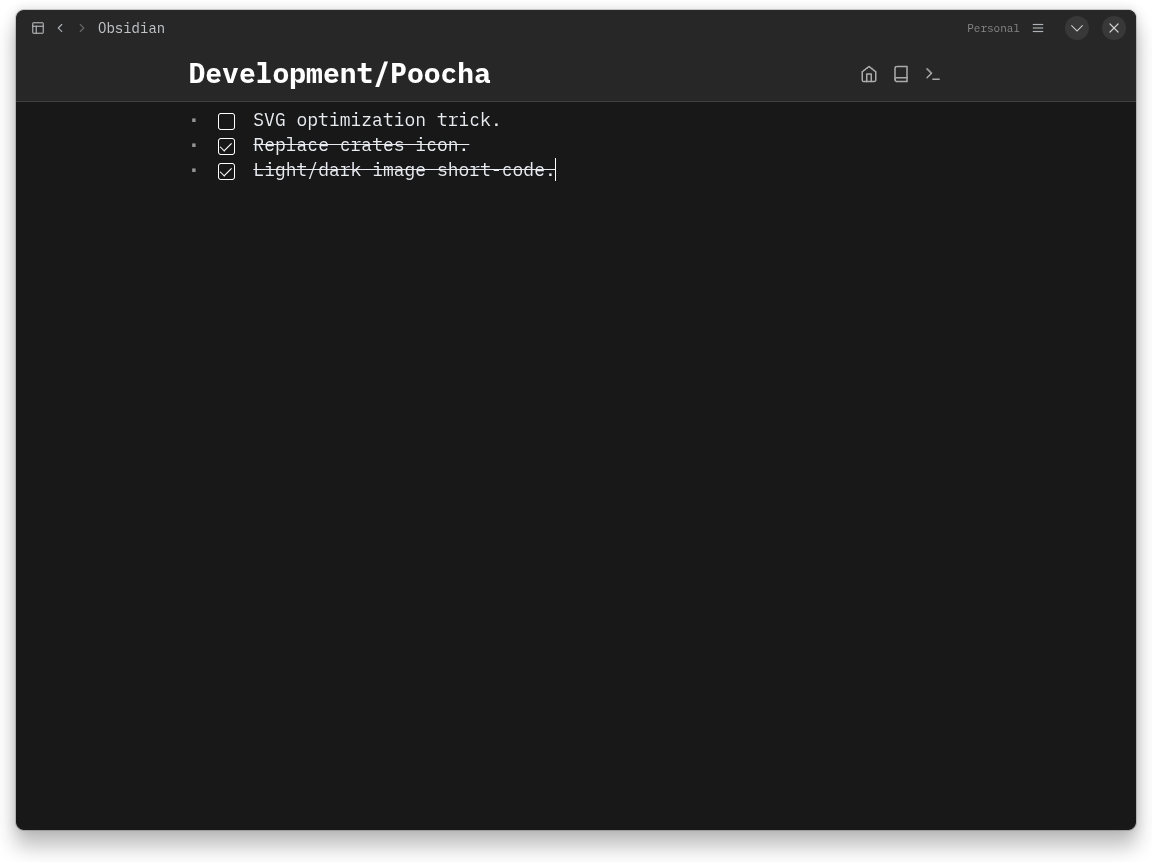
First issue - right click doesn't work. I think I remember electron not providing a default context menu at all?

Memory usage is actually almost exactly the same on the electron version and firefoxpwa. Both just started and only one space open, but I'll leave them both running to compare.

I like the idea of Tauri and native apps too, but I can see how it might not be worth the effort. Especially when the web app already works well.

Good one, will fix that. What context menu items do you actually use?

Ok, if you're on the SB+ edge channel (Pro feature, but for now also available via the download page (bottom): Download — SilverBullet+) you will now be upgraded (or asked to upgrade) to the new Electron based builds. Still some issues to iron out, but promising so far.

tbh I don't use it that often, it just feels weird to right click and have nothing happen :sweat_smile: . I noticed because I was trying to right click -> inspect to get to the console.
So I guess just the normal cut/copy/paste type of thing?

Maybe a future idea would be custom items added through lua? A customizable context menu could be interesting to add SB-specific stuff like creating links or running commands.

Yeah, it would be possible to make this programmable too. My sense is that people are so used to web apps and mobile apps these days that "traditional" UI patterns like menu bars and context menus are kind of forgotten.

In the previous macOS Tauri-App I've often used markdown links like [Reply email](message://xyz), which now do not work anymore.

Fixed this one, will be in tonight's daily build.

Found a way to integrate a menu bar like UI through a little hamburger menu in the title bar now, it's in the latest edge build.

The electron version looks and feels really nice!

A 1px border around the CSD that uses the same color as the header's separator could be a nice additions

I also couldn't connect to my actual SilverBullet instance with the error:

Error occurred in handler for 'dashboard:invoke': Error: Cannot reach server: error sending request for url (https://<sb-url-here>/.auth/authorize)
    at Interface.<anonymous> (/app/lib/plus.silverbullet.desktop/resources/app.asar/.build/main.cjs:703:25)
    at Interface.emit (node:events:514:28)
    at [_onLine] [as _onLine] (node:internal/readline/interface:474:12)
    at [_normalWrite] [as _normalWrite] (node:internal/readline/interface:669:18)
    at Socket.ondata (node:internal/readline/interface:268:23)
    at Socket.emit (node:events:514:28)
    at addChunk (node:internal/streams/readable:568:12)
    at readableAddChunkPushByteMode (node:internal/streams/readable:519:3)
    at Readable.push (node:internal/streams/readable:399:5)
    at Pipe.onStreamRead (node:internal/stream_base_commons:189:23) {
  backendReplied: true
}

What version is your server on?

Hi Zef,

I'm testing the electron version on
Fedora 44 with Gnome 50 (and of course wayland).

I'd say it runs much more smoothly, and in my opinion, various plugins work better too—for example, the Kanban plugin by Mr-xRed.
Truly an incredible job

Happy to hear it. Yeah I think the win here comes from switching to Chromium as the browser engine under the hood. It's generally faster than webkit. I will launch 2.12 based on this version.

Server is 2.11.1 single-space.

Ok, when did you get this error? When you needed to authenticate? With a single-space server this may only work with username/passworth auth and no auth proxy in between. What does your setup look like exactly?

Well... I don't know how but it works now... Did you fix something in the last update? Or did initializing it once with a local workspace somehow work around it?

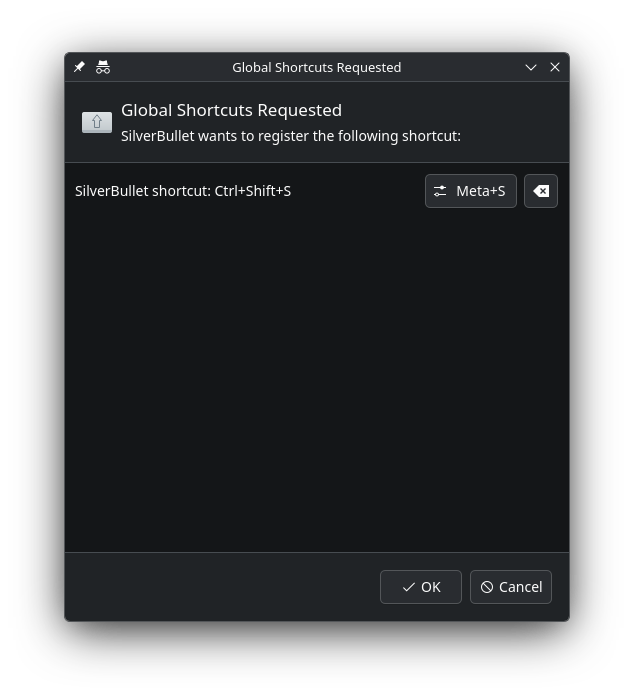
The global shortcuts portal window appears on every launch, which I assume is an Electron bug since Chromium had a similar bug in the past:

The borderless appearance still looks a bit off, but it's amazing otherwise and honestly even as is:

TOC and keyboard shortcuts

I realised yesterday that in the electron version the keyboard shortcuts doesn't work (at least some of them) and also the TOC doesn't appear.

Keyboard shortcuts: Back in History : mod + arrow left => doesn't work
Forward in History doesn't work either

Still on fedora 44, with gnome 50

Mike

Agreed it looks much better now. Borderless still looks a little weird by the window buttons, but maybe that's my theming.

I like the hamburger menu for the file/edit/etc app menus.

For the sb cli, I noticed there's a bundled cli I can run with flatpak run --command=sb plus.silverbullet.desktop. Is the intention to use sb that is bundled in the flatpak (vs installing separately)? I added a small wrapper for it, but maybe the desktop app could offer to install its own wrapper under Advanced?

There is a menu item and command the install the sb CLI. That doesn’t work?

Turns out I just didn't look very hard :sweat_smile:

The menu item to install it did work fine, but I had to set SB_ELECTRON_DATA for it to work. Otherwise it opened a new instance every time I ran the command.