Use this:
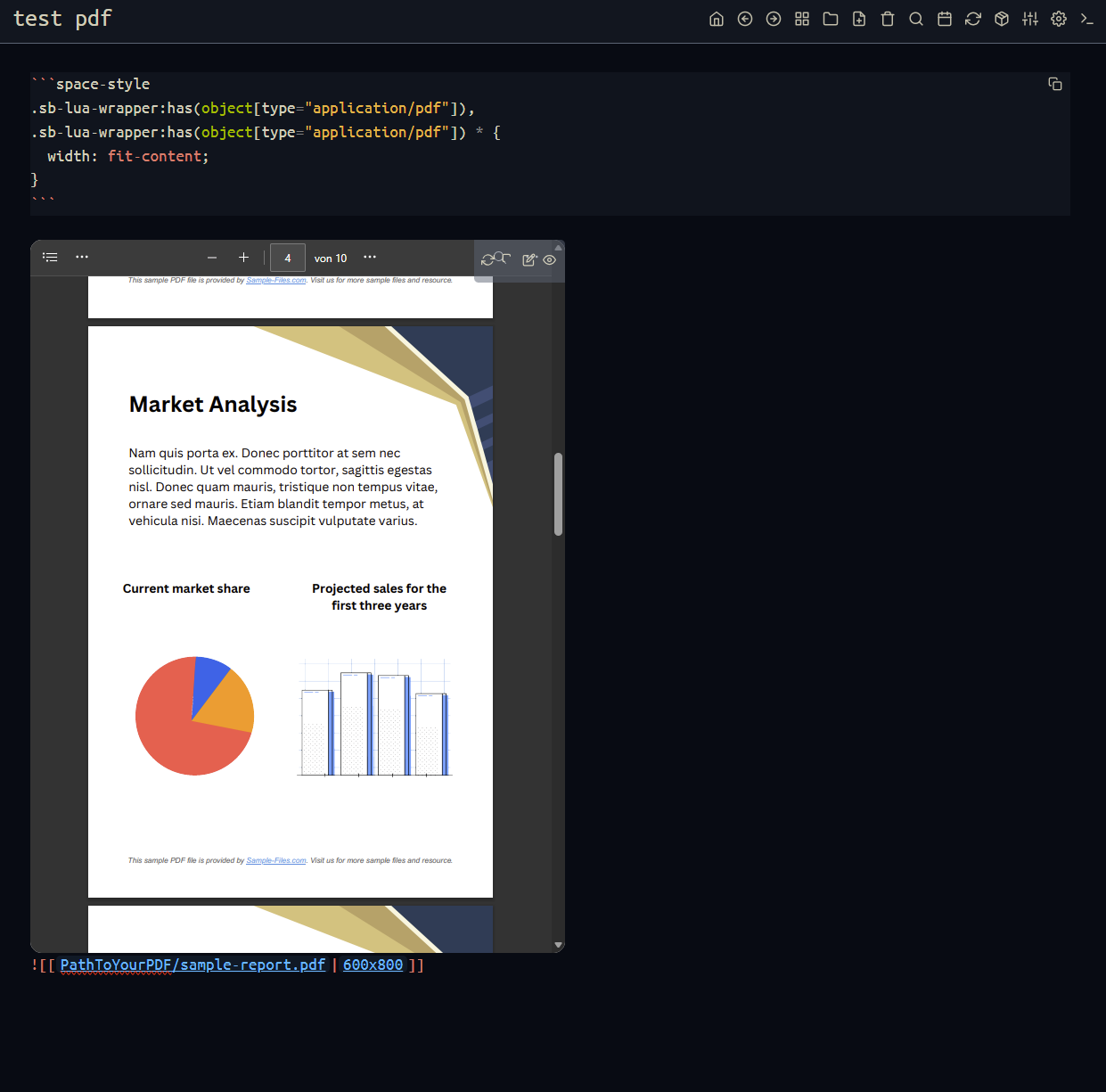
- Specify the width x height of your pdf using
|widthxheight:
![[PathToYourPDF/2026-02-24_15-50-41.pdf|600x800]]
If you want to go the extra mile and resize the wrapper currently the whole width, to fit the content of the PDF
- then use following
space-stylein your config, or basically anywhere, to fit the wrapper around the object for PDF files (you don't need to repeat the space-style on every page, only once in your CONFIG or STYLES page).
.sb-lua-wrapper:has(object[type="application/pdf"]) div { width: fit-content; }
[EDIT] - TIP
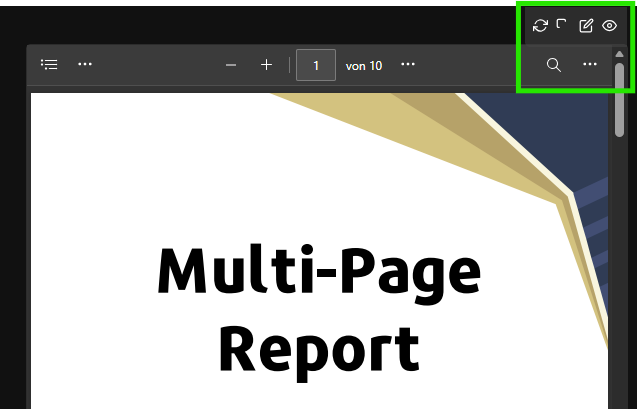
- Another Tip: to move the button-bar out of the way, to not cover the PDF-viewer buttons:

use following space-style , this will move the button bar outside the widget:
#sb-main .cm-editor .sb-lua-wrapper:has(object[type="application/pdf"]) .button-bar { top: -40px; padding:0; opacity:0.2; transition: all 0.5s ease; border-radius:10px;}
#sb-main .cm-editor .sb-lua-wrapper:has(object[type="application/pdf"]) .button-bar:hover { opacity:1;}
#sb-main .cm-editor .sb-inline-content:has(object[type="application/pdf"]) { overflow: visible !important;}

.sb-lua-wrapper:has(object[type="application/pdf"]) div {width: fit-content;}
To get this result: