Silverware Chart: charts from your markdown tables
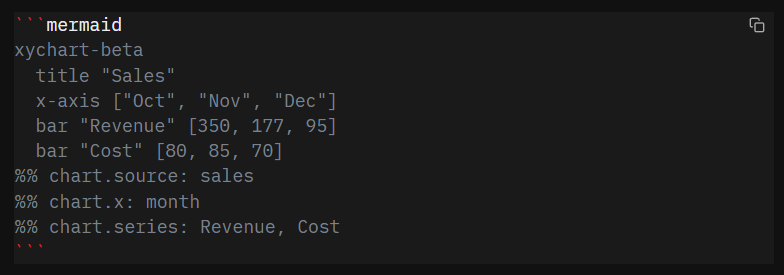
Charts written as plain Mermaid blocks, drawn in SilverBullet with Chart.js. A chart is an ordinary ```mermaid block (xychart-beta or pie), so it stays readable markdown and other tools that draw Mermaid can show it too. Anything Mermaid has no words for goes into %% chart.* comments, which Mermaid ignores.
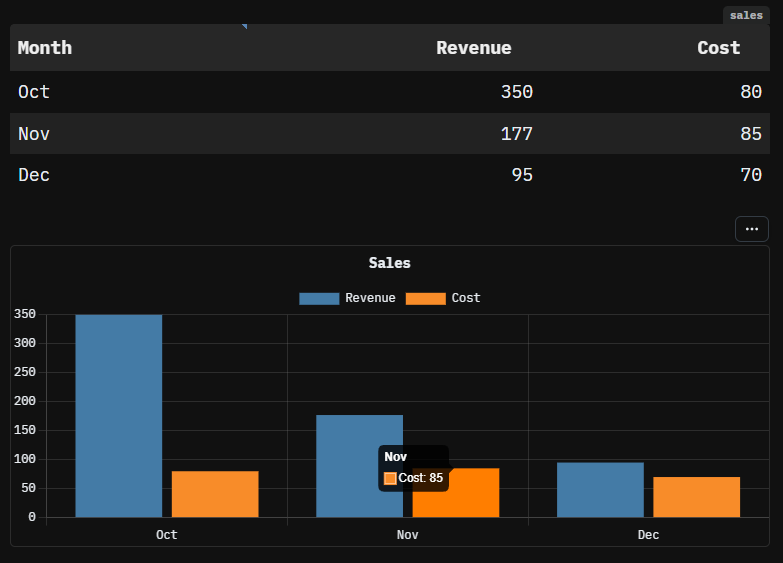
The charts are interactive, as Chart.js draws them: hover a bar or a point to see its value, click a series in the legend to hide or show it.
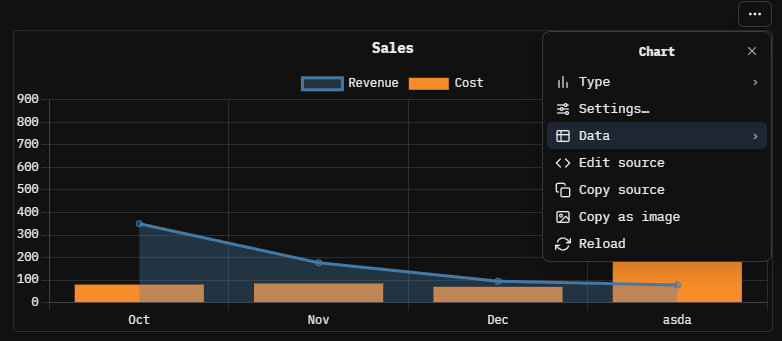
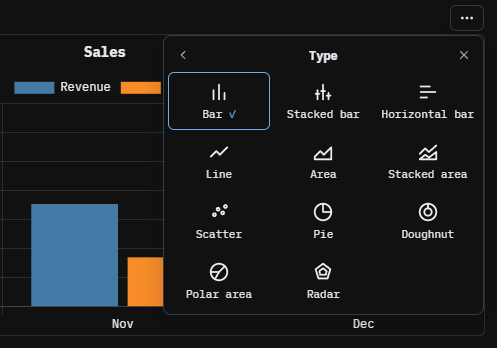
- More types: bars (stacked or horizontal), lines, areas, scatter, pie, doughnut, polar area and radar. Mix them in one chart: bars with a line over them, or steps.
- Data from a table: the table above or below the chart, the first table under a heading, or one on another page (
[[Page]]#Sales). With Silverware Table also a table you named. No Silverware Table needed for the rest. - Live: edit a cell and the chart changes as you type. With Silverware Table, the chart's numbers in the block are written in the same edit, and renaming a column or the table updates the chart too, all in one undo.
- Only some rows: the first or last so many, or only where conditions hold (
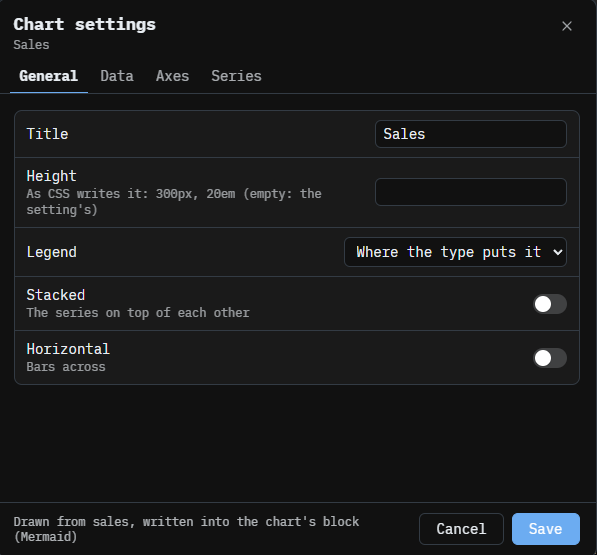
Status = done,> 100), written as spreadsheets write the conditions ofSUMIFS. - A menu and a settings dialog: point at a chart for its menu: pick its type from a gallery, its table, which columns to draw (one for a pie), colors, titles, the legend, axes and smooth lines. Every change is one edit of the block you can undo.
- Insert a chart: the command Silverware Chart: Insert chart lists the page's tables in SilverBullet's own picker, or type
/chartwhere you write. - Stale data: if the block's numbers fall behind their table (you edited it by hand), the chart says so and one click writes them in.
- Your theme: colors and fonts follow SilverBullet's look, light and dark. Other Mermaid diagrams are left to SilverBullet's Mermaid library.
- Your own formats: add a format of your own from Space Lua (written in JS). I'm also playing with the idea of supporting the Obsidian Charts format, so charts written for Obsidian would draw here too.
Install it from the repository: https://github.com/damesene/silverware-libraries (Library: Install, then pick Silverware Chart). If you added the repository before, run Library: Update All Repositories first, so the new library shows up. Feedback is welcome.
Examples: