Silverware Tags: a tag manager for SilverBullet
Rename, merge and clean up the tags of your whole space in one window. Every change is reviewed first and can be undone.
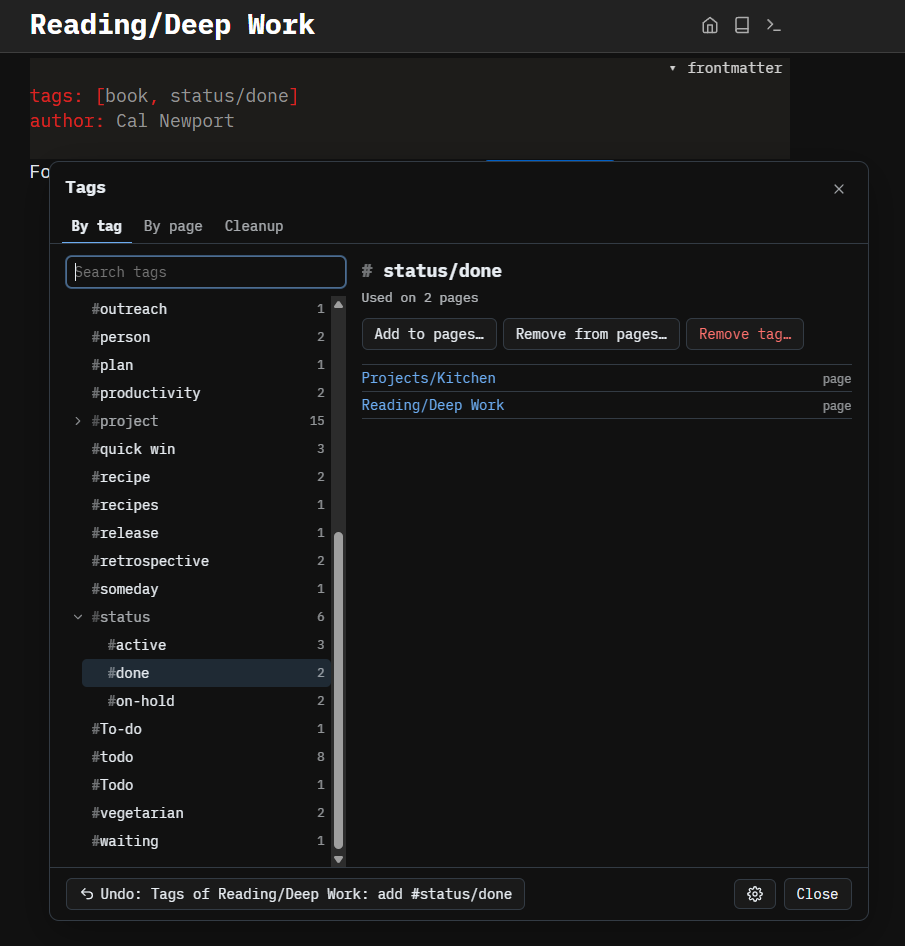
- By tag: your tags as a tree (
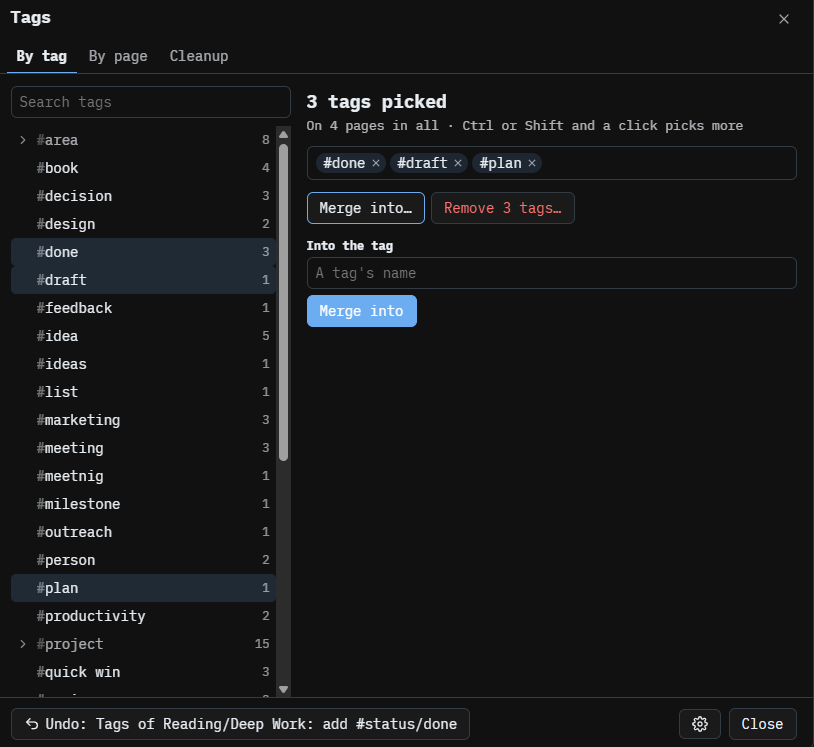
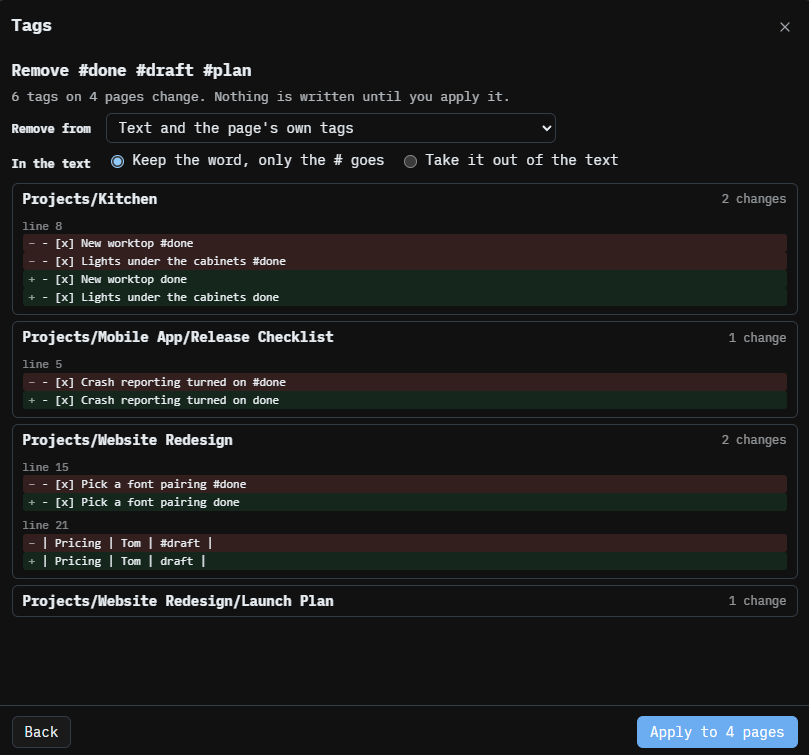
project/alphasits underproject), each with its pages and where it is used. Rename a tag, or rename it onto an existing one to merge them, with its subtags if you want. The rename covers the frontmatter and every hashtag in text, items, tasks, tables and headings. - Remove a tag: from the text, from the page's own tags (frontmatter and tag lines), or both. In the text you can keep the word and drop only the
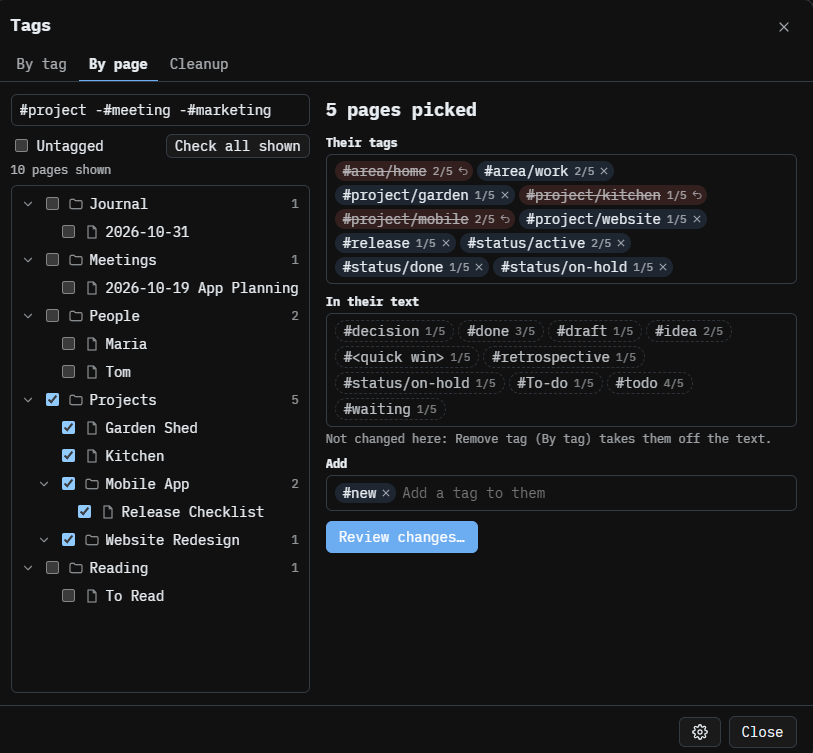
#. - By page: tick pages or whole folders and add or remove tags on all of them at once. Search pages by tags:
#project -#done plan, or only Untagged pages. - Review and undo: every change across pages shows the lines before and after, page by page, before anything is written. Undo is reviewed the same way.
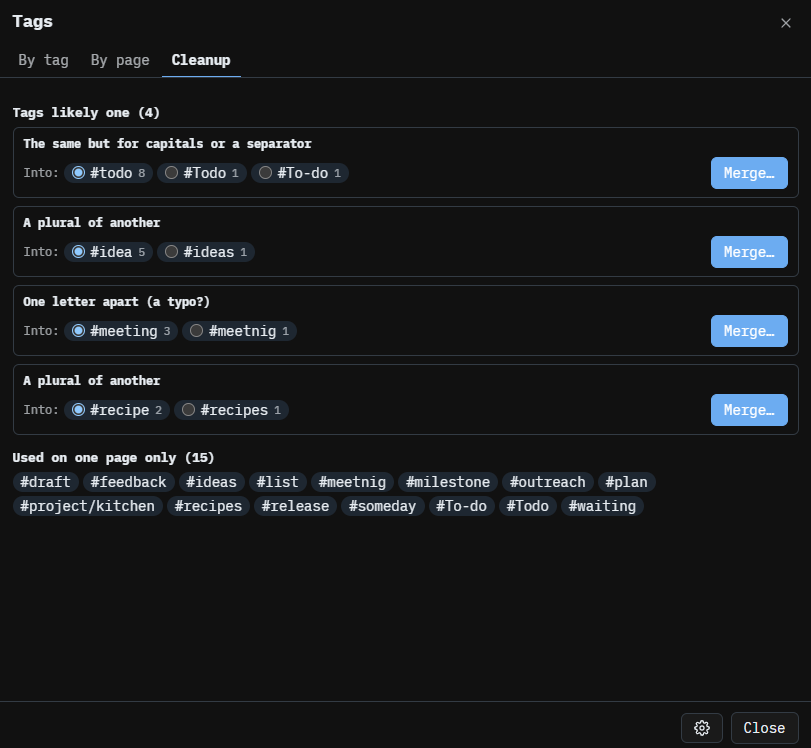
- Cleanup: finds tags that are likely the same (
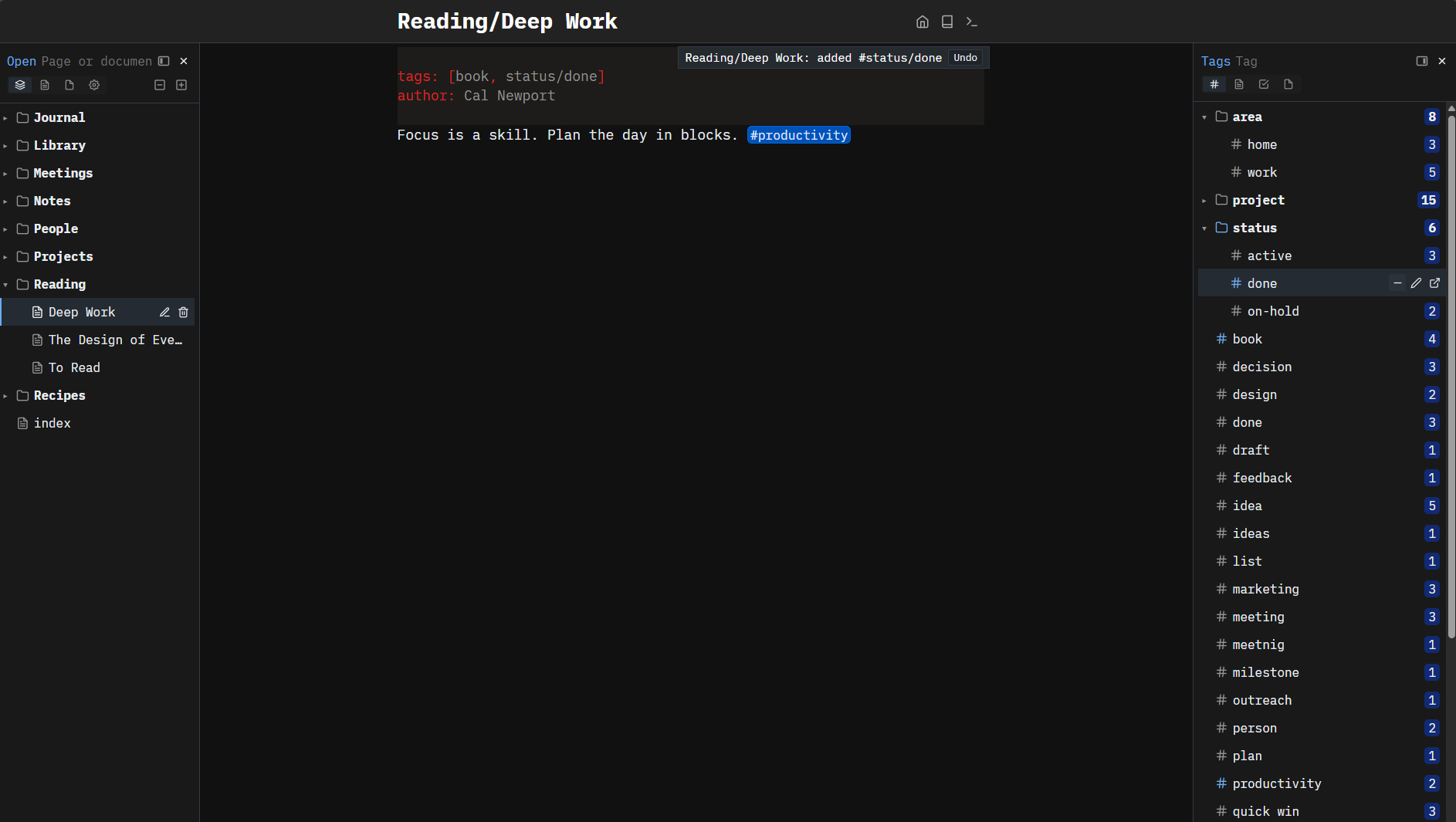
todo/Todo/to-do, plurals, typos) and merges them, and lists tags used only once. - Tags panel: your tags in SilverBullet's navigator, with + and − to tag the page you are on, F2 to rename, and drag and drop to move a tag under another.
- Safe with libraries: pages tagged
metaare left alone by default, so renaming#autodoesn't touch an installed library. - Your own operations: add buttons of your own from Space Lua (written in JS), reviewed and undoable like the built-in ones.
Install it from the repository: https://github.com/damesene/silverware-libraries/blob/main/REPO.md (Library: Install, then pick Silverware Tags). The Tags panel needs SilverBullet 2.12.1 or later.
Feedback is welcome.
Examples: