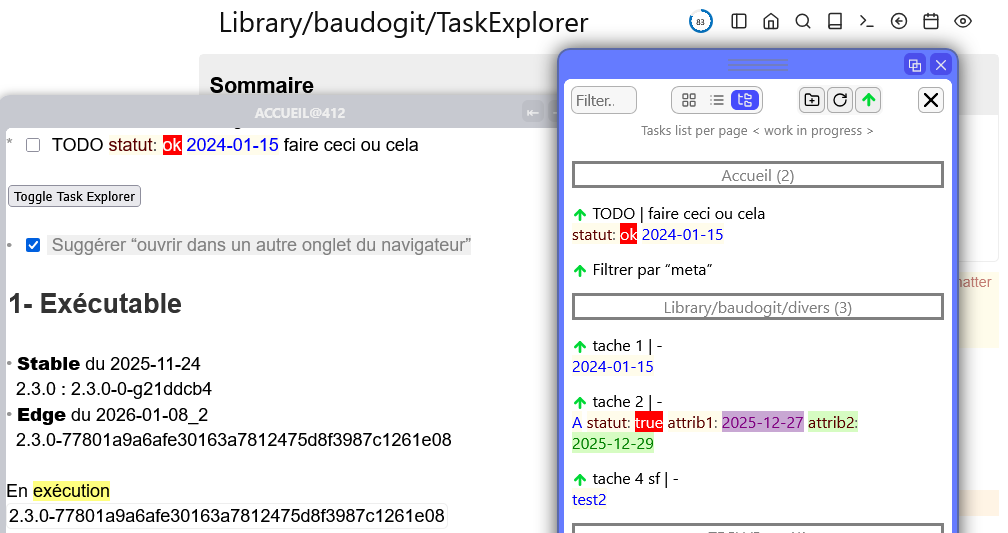
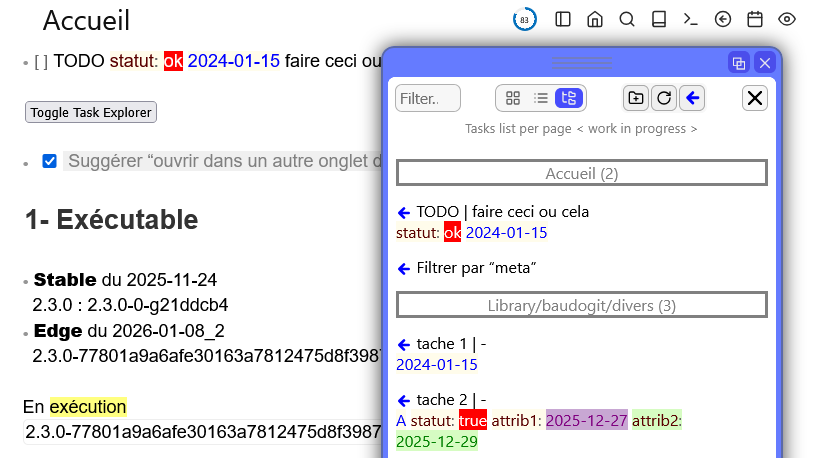
Task Explorer is based on @Mr.Red’s great work to provide silverbullet with a multi-windowing system.
Task Explorer adopts the ergonomics and graphic style of the Document Explorer interface. Instead of navigating between documents, we navigate between tasks !
If automated actions need to run when the task changes status, your script will not have any effect on the original task if you perform the update on a copy of the task (obtained by query). See Event `task:stateChange` isn't fired for "external" tasks · Issue #788 · silverbulletmd/silverbullet · GitHub.
Task Explorer provides a smooth navigation solution to the original task.
Features
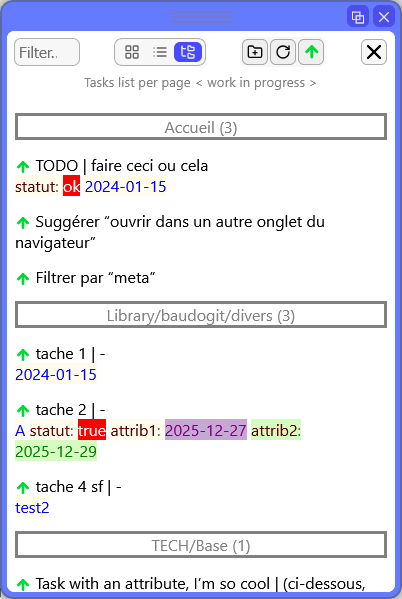
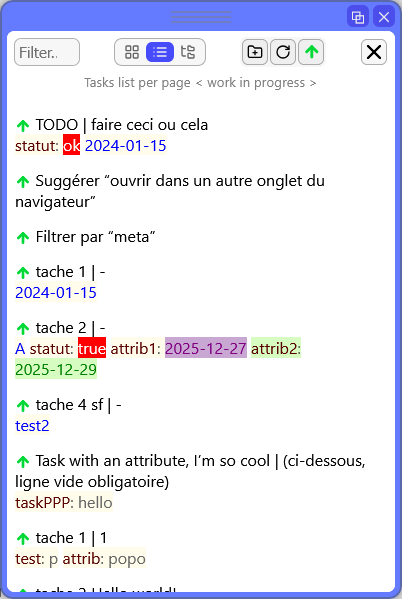
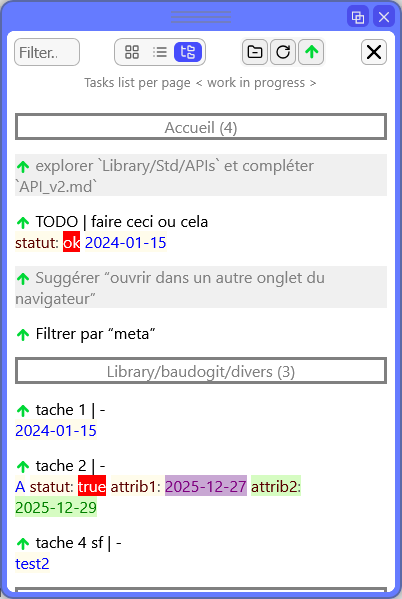
- displays a list of tasks
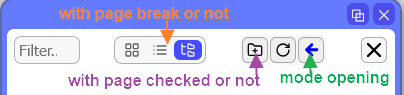
- possibility of displaying the list with a break per page or not
- possibility to filter according to the status of the task (checked or not)
- open the task in its original page in two ways:
- in the main Silverbullet window
- or in a secondary window (new session)
- multi-windowing provided by @Mr.Red’s UnifiedAdvancedPanelControl.js
- fine formatting of the task content and its attributes (you will need Edge version 2.3.0-77801a9a6afe30163a7812475d8f3987c1261e08 from 01/08/2026). Documentation here: Task dynamic styling - #18 by bau
Limitations
- manual update of the list (with a button)
Planned developments
- string search function
- personalized queries (example: according to the value of an attribute)
- grid display
- open a task page in another browser tab
Installation
1- Install Document Explorer
2- Dowload tree files available on Github (New link. Sorry for the previous one !)
- TaskExplorer .md (without space in the name)
- lucide-icons.svg (additional icons)
- ConfigStyles_for_TaskExplorer.md (for TaskExplorer with an example for tasks)
3- Drop the files here: “.\Library\ baudogit \“ (without spaces in the folder name).
Note : style rules can be incorporated into an existing space-style and/or placed anywhere in your SilverBullet space.
Screenshots
Toolbar