I'm wondering if there's any way to modify the behaviour of links and hyperlinks so that, whilst they're highlighted at all, the link doesn't get clicked.
When trying to copy text that's hyperlinked, I've learnt to: MouseDown + Drag, Ctrl + C, Move Cursor Away, MouseUp. Because otherwise, I find that if I highlight the text and let go first, I end up clicking and opening the link.
I'm not very familiar with config editing, lua, or plug development just yet, other than following some of the basic guides, but...
Is there somewhere I can change hyperlinking behaviour?
Is it possible for SilverBullet to know when I have text highlighted?
If so, would it be possible to check if any of the highlighted text is part of a specific link?
I might be able to figure it out from there, I'm just not certain where to start and would super appreciate a nudge in the right direction. Thanks!
I found a solution for this, I feel a bit silly, but here we are! I wanted to share the solution in case anyone else comes across this...
Hold ALT!
Somehow I've worked with computers my whole life and never knew that this was standard behaviour across Linux and Windows systems (probably macOS too), but if you hold Alt while clicking a link, it ignores the link (in most cases) so you can freely highlight text without opening whatever it's linked to.
there's a script (more of an inspiration) you could learn from and experiment on:
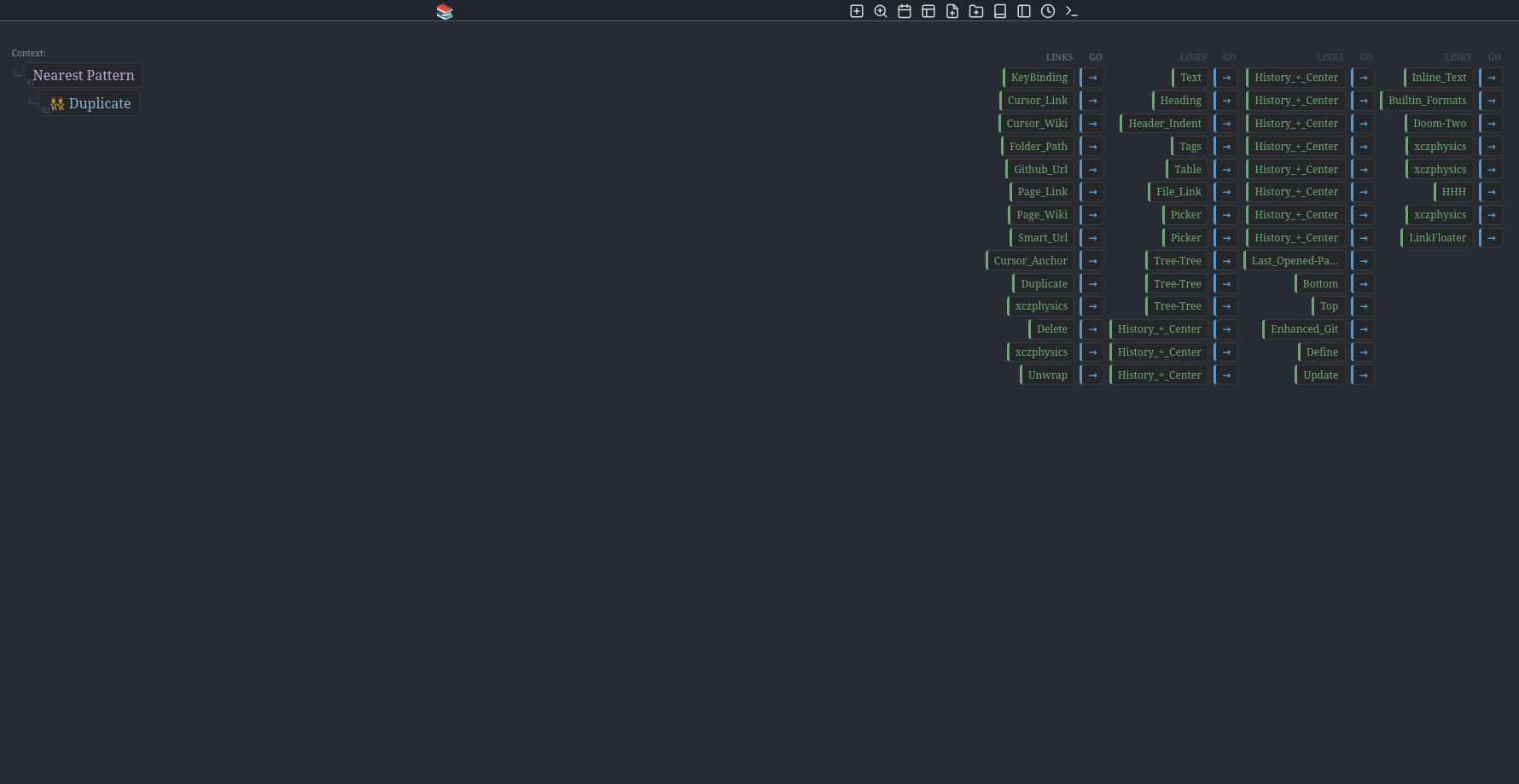
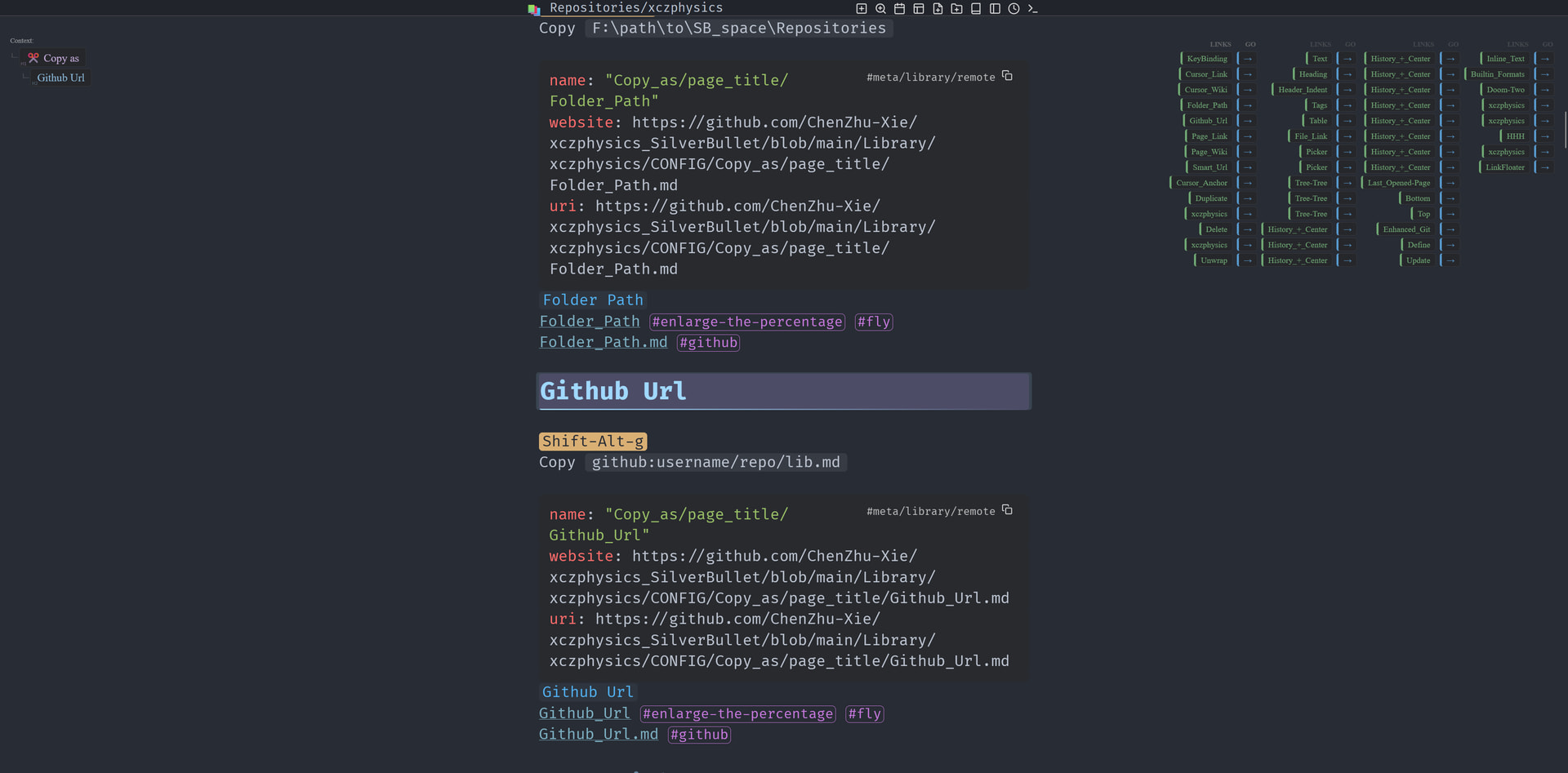
place your cursor around any link on this page, then alt+c (+ ctrl+z) to duplicate (or just copy), or alt+d to delete, or alt+w to unwrap that format (could beyond just links).

 Nearest Pattern