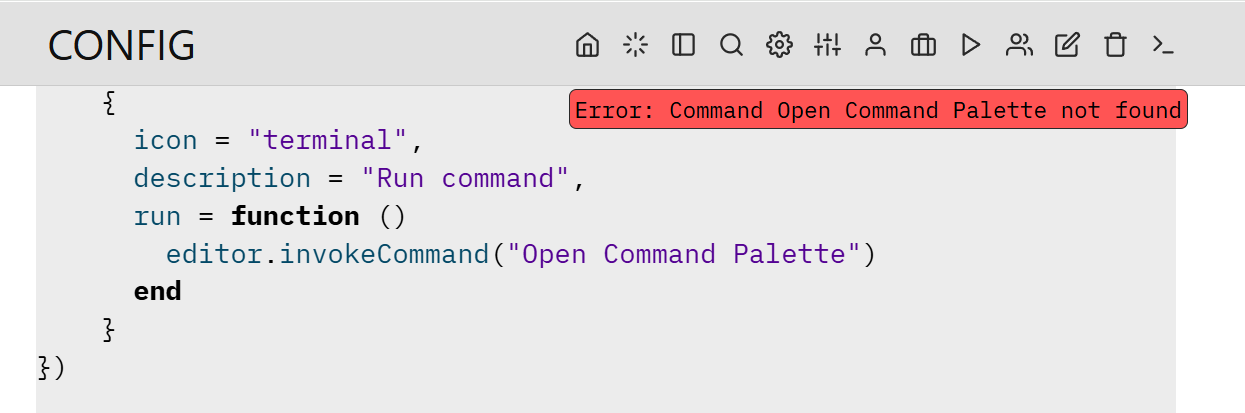
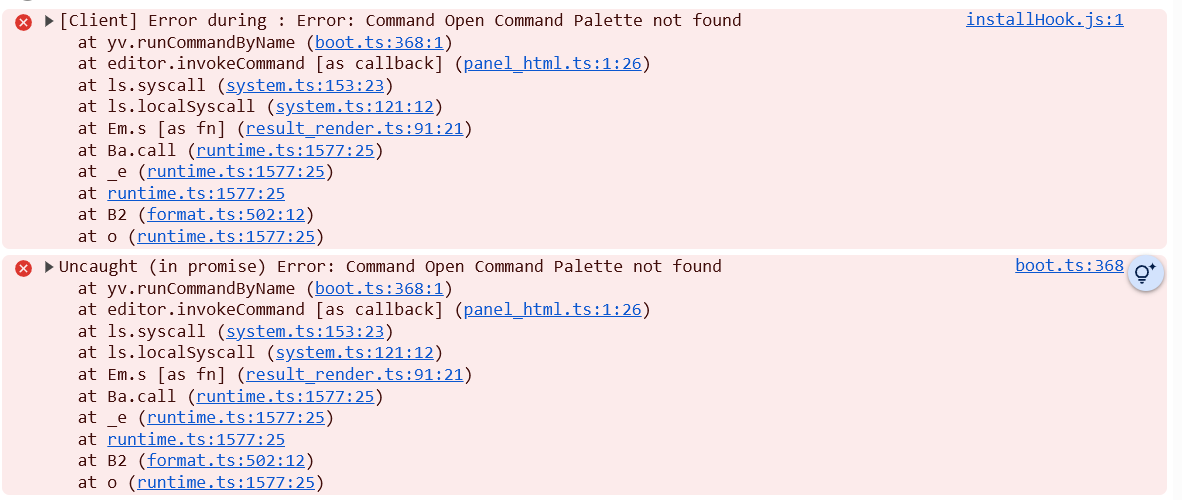
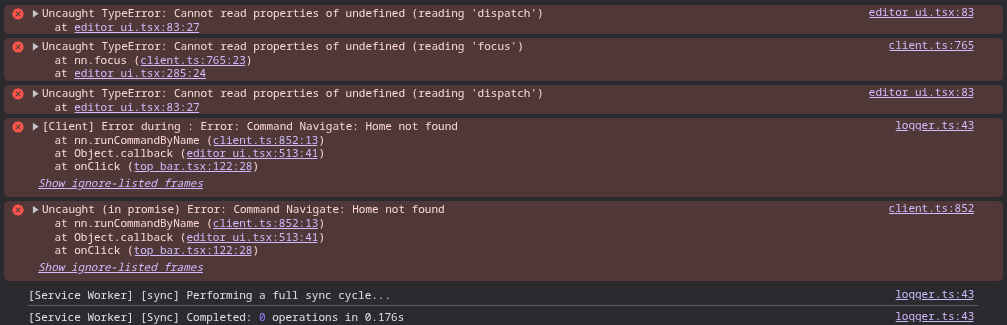
I am not 100% sure when this happened as the core Silverbullet notebook functionality is still working but I have a toolbar Action Button mapped to the command Open Command Palette but when I press the icon from the toolbar, I get... an "Error: Command Open Command Palette Not Found"
... stuff before
-- tool bar
config.set("actionButtons", {
    {
      icon = "home",
      description = "Go to Dashboard",
      run = function()
        editor.navigate("Dashboard")
      end
    },
    ... more buttons and settings
    {
      icon = "terminal",
      description = "Run command",
      run = function ()
        editor.invokeCommand("Open Command Palette")
      end
    }
})
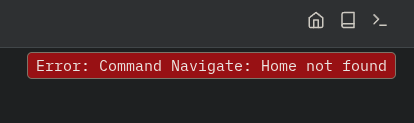
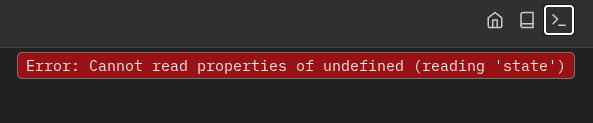
I've noticed that if I replace "Open Command Palette" with certain other commands (i.e. "Stats: Show", "Navigate: Home") it works just fine, however "Navigate: Page Picker" also errors out identically. (Docker container logs don't seem to show anything)
I tried clearing cache to no avail. I also restarted my container, also to no avail. I've tried on two different devices with the same outcome. Both devices are running Vivaldi.
Service Worker sync did appear to pull down all my notes from the server however.
I made sure to nuke everything too, IndexDB, cache, cookies, the works.
Go through your console and see if there are other issues further up. I had a few about Statement errored out during boot which identified some specific Space Lua that was broken which I then removed and then did a hard refresh after wiping my browser local storage / cache / DB
Good luck @portion9476 — hope you find a solution quick
I just pulled the new version and cleared data on one of my machines. It looks like we're back in business after that update, @zef . I'll start another thread if I have more issues. Thanks!