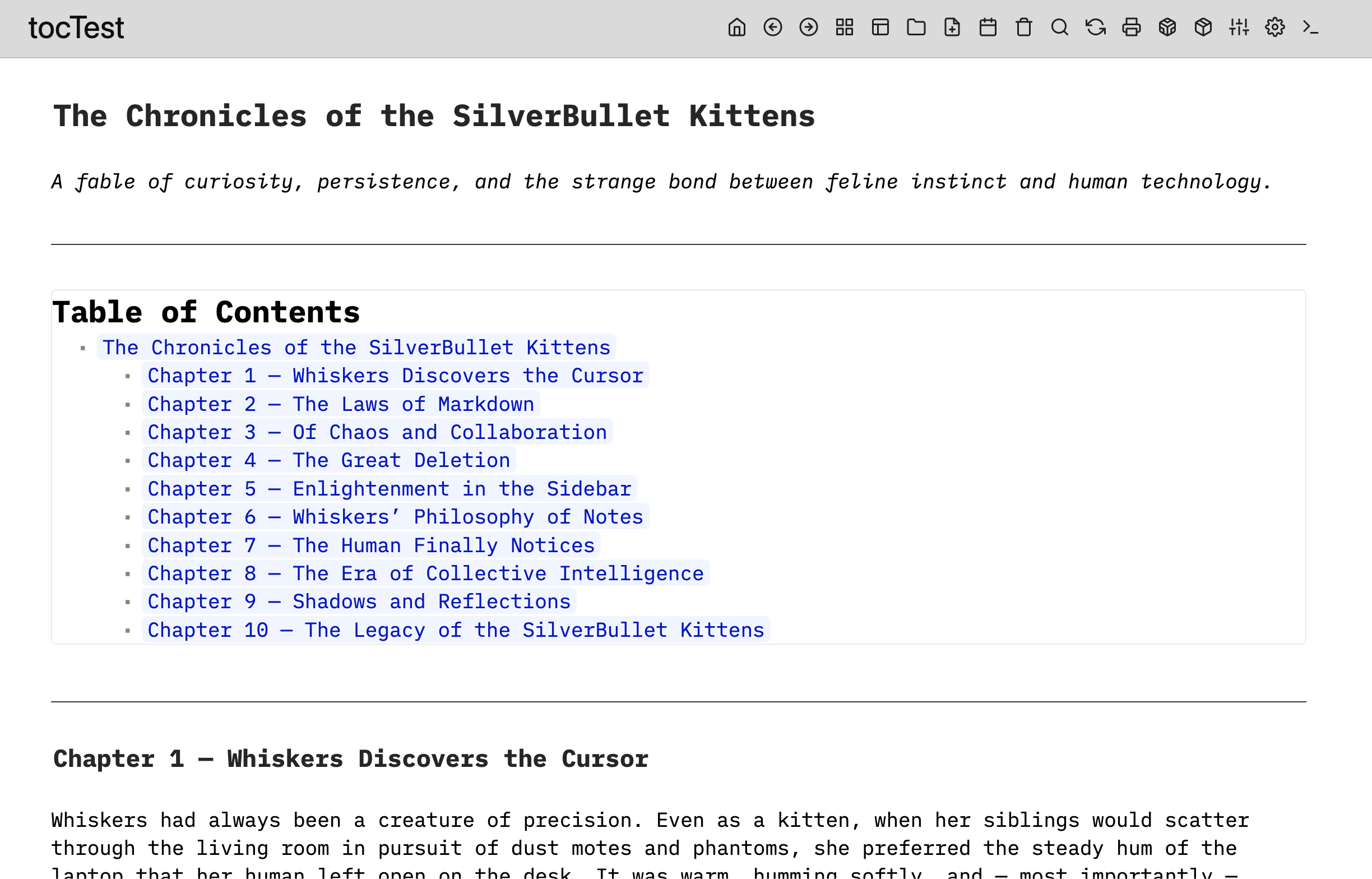
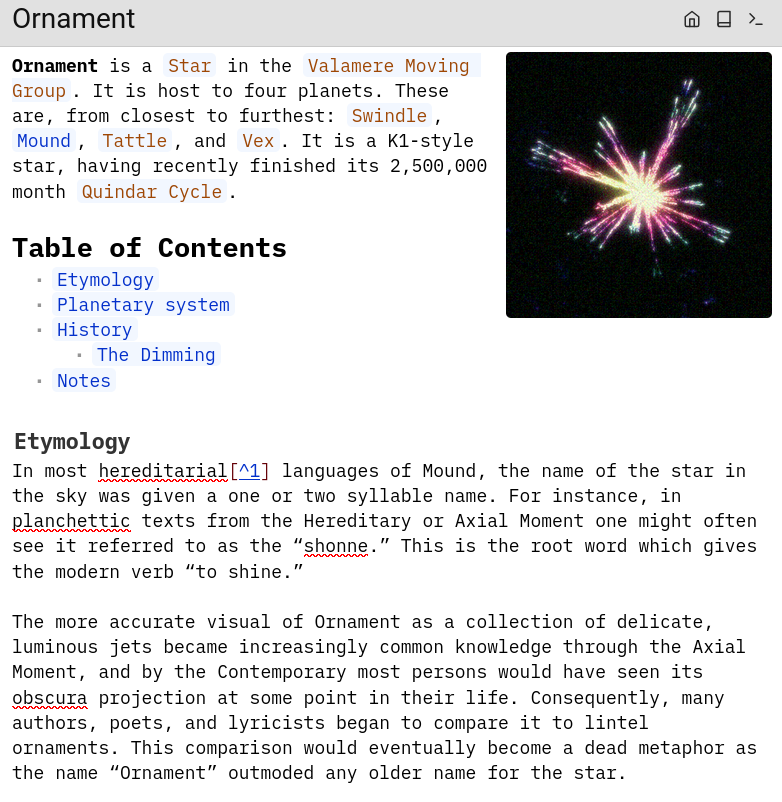
Hey there! I'm using SilverBullet to make a worldbuilding wiki, and I want it to be as close as possible to wikipedia. This means putting the table of contents for a page after the introduction. I can't seem to figure out how to manually place the table of contents widget. I tried copying what this person is doing, but whatever syntax they're using doesn't seem to work for me.
Option 1.
You need to deactivate/disable the Top Hook of the TOC, so the Table of contents is not rendered on the top of the page
Then insert this custom toc widget wherever you want using
Option 2.
If your “Introduction“ part is also a function/widget and you hook on top of the page using the Top Hook, you can set the load priority of the hooks easily, so the TOC widget is always loaded after the introduction widget.
Can you please give an example of your “introduction” part of your page? How does it look like? Is it a widget? Which option you prefer ?
Thanks! I did manage to figure it out while I was waiting for the post to be approved, and it ended up being exactly as you said. For reference, this is what I had wanted to get: