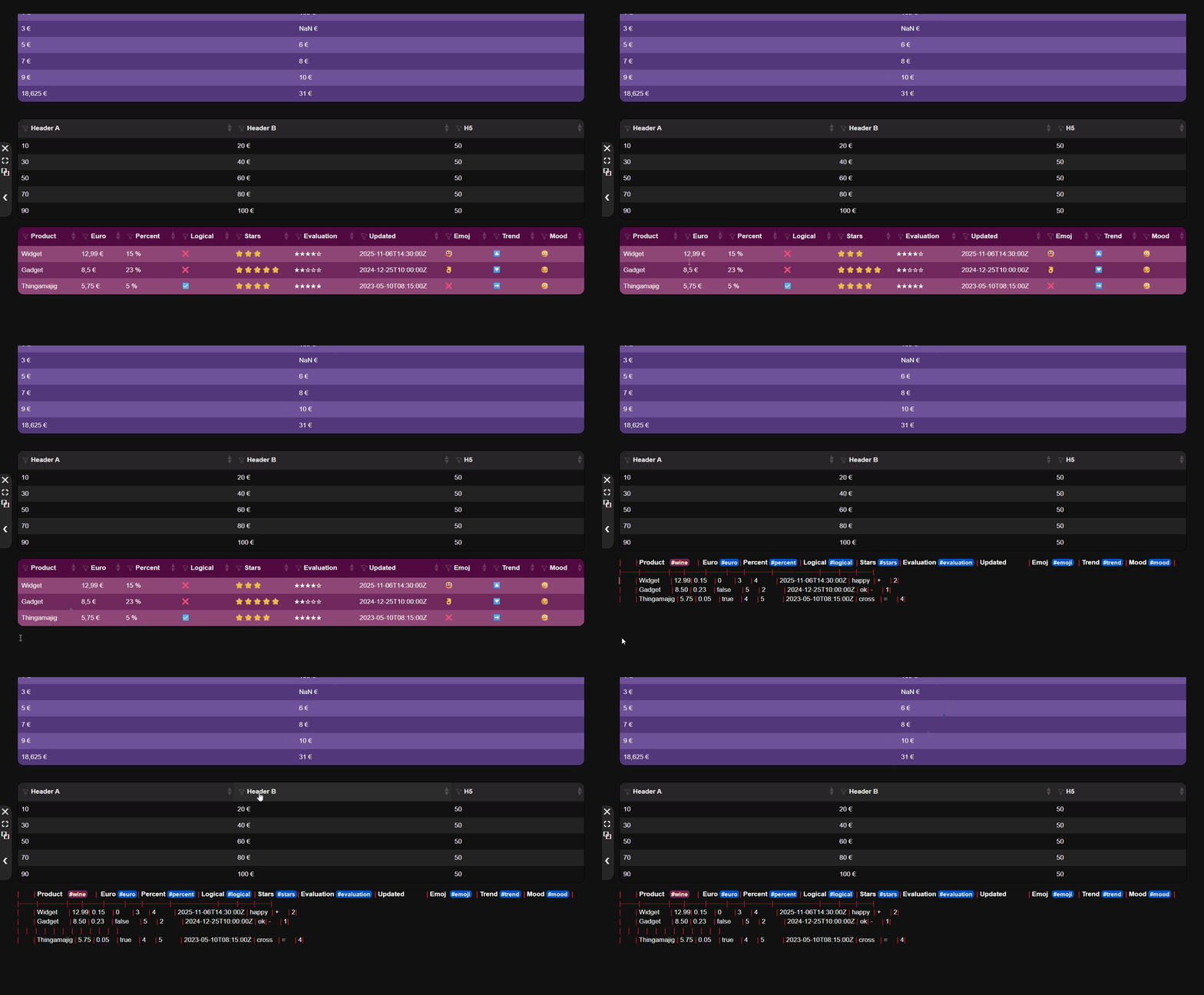
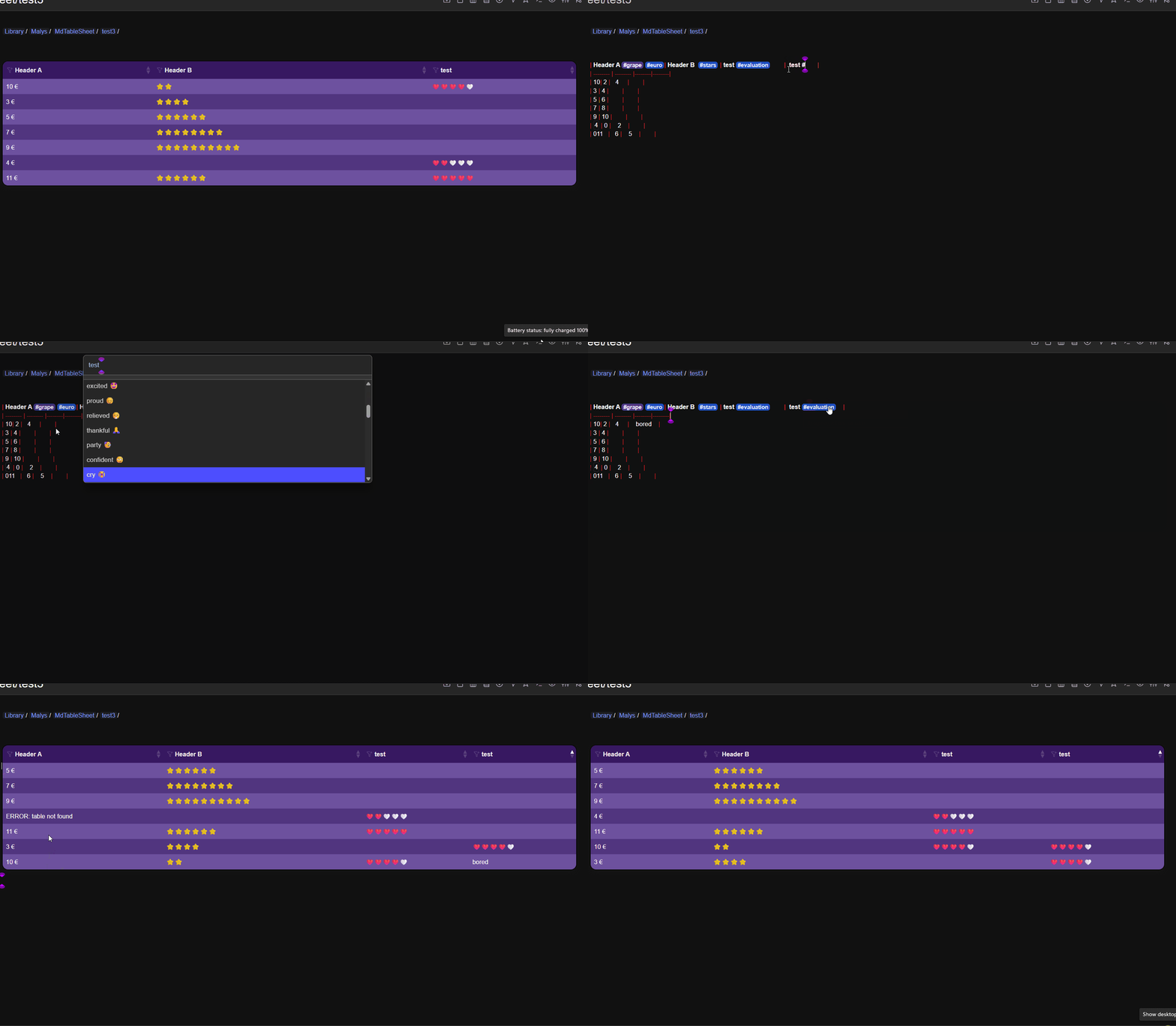
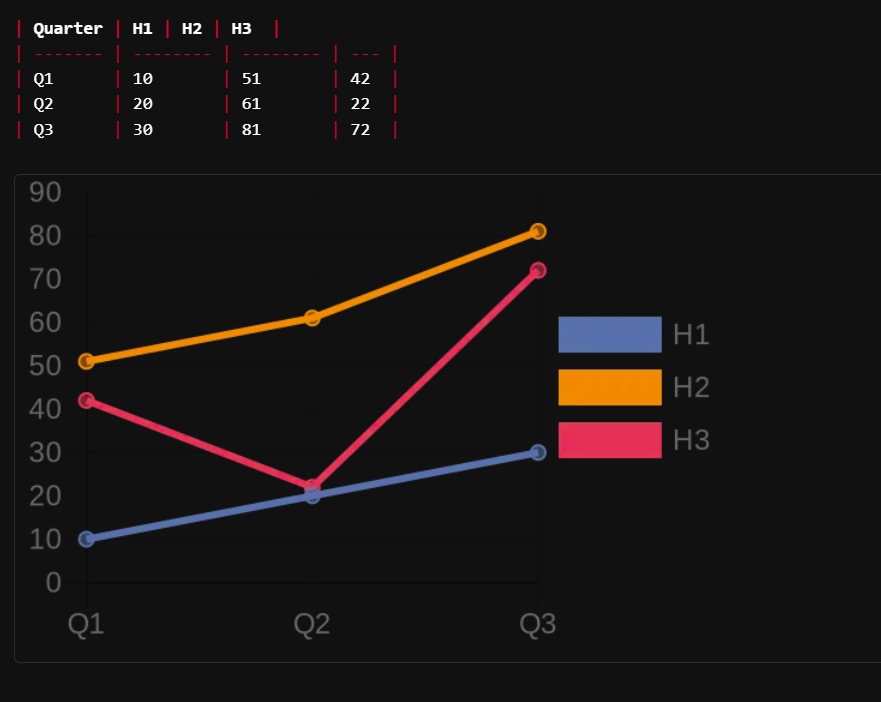
My goal was to easily like Excel or google sheet compute data in md table.
This solution is not perfect, but it's working, and use formulajs for formulas.
code:
-- ---------------------------
-- SilverBullet Markdown Table + Formulajs evaluator
-- Use: F(formulajs,label)
-- label is optional but necessary if differenciate same formula is different table
-- Example: ${F("SUM(A1:A5)","1")}
-- ---------------------------

LOG_ENABLE = false
function debug_log(message)
  if LOG_ENABLE then
    js.log("[DEBUG] " .. message)
  end
end

-- Import Formulajs
local formulajs = js.import("https://esm.sh/@formulajs/formulajs")

-- ---------------------------
-- Helpers: Column <-> Number
-- ---------------------------
function colToNumber(col)
  local n = 0
  for i = 1, string.len(col) do
    n = n * 26 + (string.byte(col,i) - string.byte('A') + 1)
  end
  return n
end

function numberToColLetters(c)
  local s=""
  while c>0 do
    local r = (c-1)%26
    s = string.char(r+65)..s
    c = math.floor((c-1)/26)
  end
  return s
end

-- ---------------------------
-- Expand ranges (A1:C3) into individual cell references
-- ---------------------------
function expandRange(range, cellMap)
  local colStart, rowStart, colEnd, rowEnd = string.match(range,"([A-Z]+)(%d+):([A-Z]+)(%d+)")
  if not colStart then error("Invalid range: "..range) end
  local sCol = colToNumber(colStart)
  local eCol = colToNumber(colEnd)
  local sRow = tonumber(rowStart)
  local eRow = tonumber(rowEnd)
  local vals = {}
  for r = sRow, eRow do
    for c = sCol, eCol do
      local key = numberToColLetters(c)..r
      table.insert(vals, cellMap[key])
    end
  end
  return vals
end

-- ---------------------------
-- Parse Markdown table into 2D array
-- ---------------------------
function extractTable(rows)
  local data = {}
  for _, row in ipairs(rows) do
    local rowData = {}
    local col = 1
    for k,v in pairs(row) do
      if k ~= "ref" and k ~= "tag" and k ~= "tags" and
         k ~= "itags" and k ~= "page" and k ~= "pos" and
         k ~= "tableref" then
        rowData[col] = v
        col = col + 1
      end
    end
    table.insert(data,rowData)
  end
  return data
end

function extractTables(pageName)
  if pageName==nil then pageName = editor.getCurrentPage() end
  local allRows = query[[from index.tag "table" where page == pageName ]]
  local tableGroups = {}
  for _, row in ipairs(allRows) do
    if not tableGroups[row.tableref] then tableGroups[row.tableref] = {} end
    table.insert(tableGroups[row.tableref], row)
  end
  local results = {}
  for tRef, rows in pairs(tableGroups) do
    results[tRef] = extractTable(rows)
  end
  return results
end

-- Convert 2D table to A1-style cell map
function toCellMap(tableData)
  local map={}
  for r,row in ipairs(tableData) do
    for c,val in ipairs(row) do
      local key = numberToColLetters(c)..r
      map[key] = tonumber(val) or val
    end
  end
  return map
end

-- Find table containing a formula (inside ${f("…")})
-- Find table containing the formula based on its position in the page
-- formulaCellValue = e.g. '${F("SUM(A1:A5)")}'
-- pageName = current page
local function findTableOfFormula(pageName, formulaCellValue,label)
  debug_log("findTableOfFormula START: "..formulaCellValue..label)
  local toSearch=formulaCellValue
  if label ~= nil then
    toSearch = '"'..formulaCellValue..'","'..label..'"'
    debug_log(toSearch)
  end
  if pageName == nil then pageName = editor.getCurrentPage() end
  local allRows = query[[from index.tag "table" where page == pageName ]]
  -- Find the first row that contains the formula string in a cell
  for _, row in ipairs(allRows) do
    local formulaColumn = nil
    for k, v in pairs(row) do
      if k ~= "ref" and k ~= "tag" and k ~= "tags" and
         k ~= "itags" and k ~= "page" and k ~= "pos" and
         k ~= "tableref" then
        if type(v) == "string" and string.find(v, toSearch, 1, true) then
          formulaColumn = k
          break
        end
      end
    end

    if formulaColumn then
      -- Once we know the row containing the formula, use its tableref
      debug_log("Formula found in table: "..row.tableref..", column: "..formulaColumn)
      return row.tableref
    end
  end

  debug_log("Formula not found in any table")
  return nil
end

-- ---------------------------
-- Formula evaluator using Formulajs
-- ---------------------------
function F(formulaString,label, pageName)
  if pageName==nil then pageName = editor.getCurrentPage() end
  local tRef = findTableOfFormula(pageName, formulaString,label)
  if not tRef then return "ERROR: formula not in table" end

  local tables = extractTables(pageName)
  local tbl = tables[tRef]
  if not tbl then return "ERROR: table not found" end

  local cellMap = toCellMap(tbl)

  -- Parse function name and arguments
  local funcName = string.match(formulaString,"^(%w+)%(")
  local argsStr  = string.match(formulaString,"%((.*)%)")
  if not funcName then return "ERROR: invalid formula" end

  local args={}
  for a in string.gmatch(argsStr,"([^,]+)") do
    a = string.match(a,"^%s*(.-)%s*$")
    -- support ranges like A1:B2
    if string.match(a,"^[A-Z]+%d+:[A-Z]+%d+$") then
      local vals = expandRange(a, cellMap)
      for _,v in ipairs(vals) do table.insert(args,v) end
    elseif string.match(a,"^[A-Z]+%d+$") then
      table.insert(args, cellMap[a])
    else
      table.insert(args, tonumber(a) or a)
    end
  end

  if not formulajs[funcName] then return "ERROR: unknown function "..funcName end

  return formulajs[funcName](args)
end
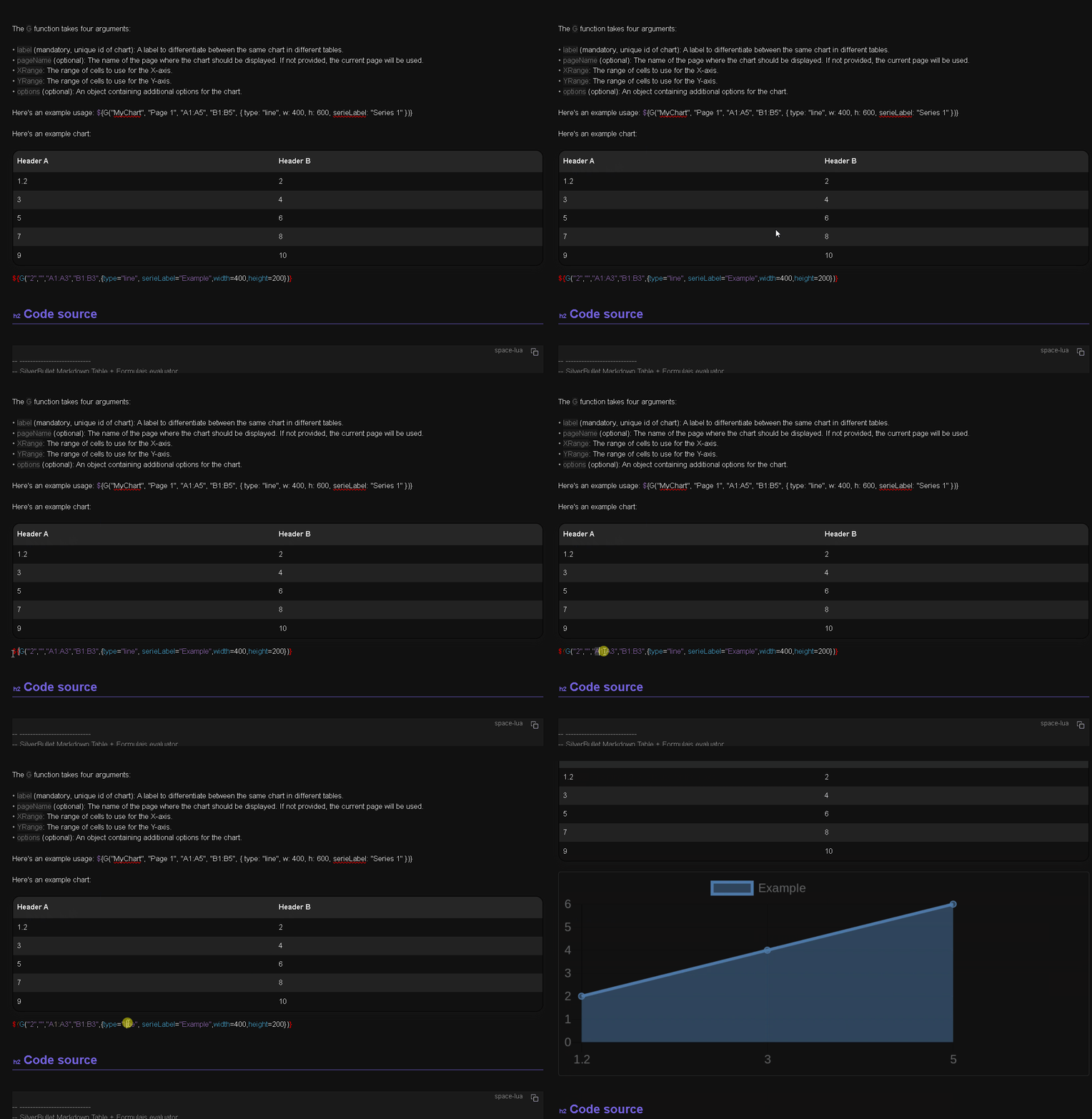
| Header A | Header B |
|---|---|
| 1.2 | 2 |
| 3 | 4 |
| 5 | 6 |
| 7 | 8 |
| 9 | 10 |
| ${F("CONCAT(A1,A2)")} | ${F("SUM(A1:B5)")} |
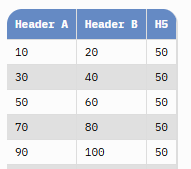
| Header A | Header B | H5 |
|---|---|---|
| 10 | 20 | 50 |
| 30 | 40 | 50 |
| 50 | 60 | 50 |
| 70 | 80 | 50 |
| 90 | 100 | 50 |
| ${F("SUM(A1:B5)","1")} | ${F("SUM(B1:B5)","2")} | ${F("SUM(C1:C5)","2")} |
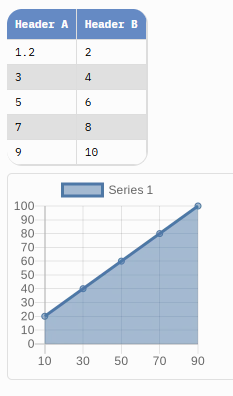
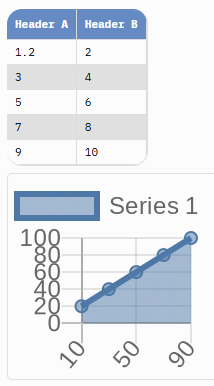
In action
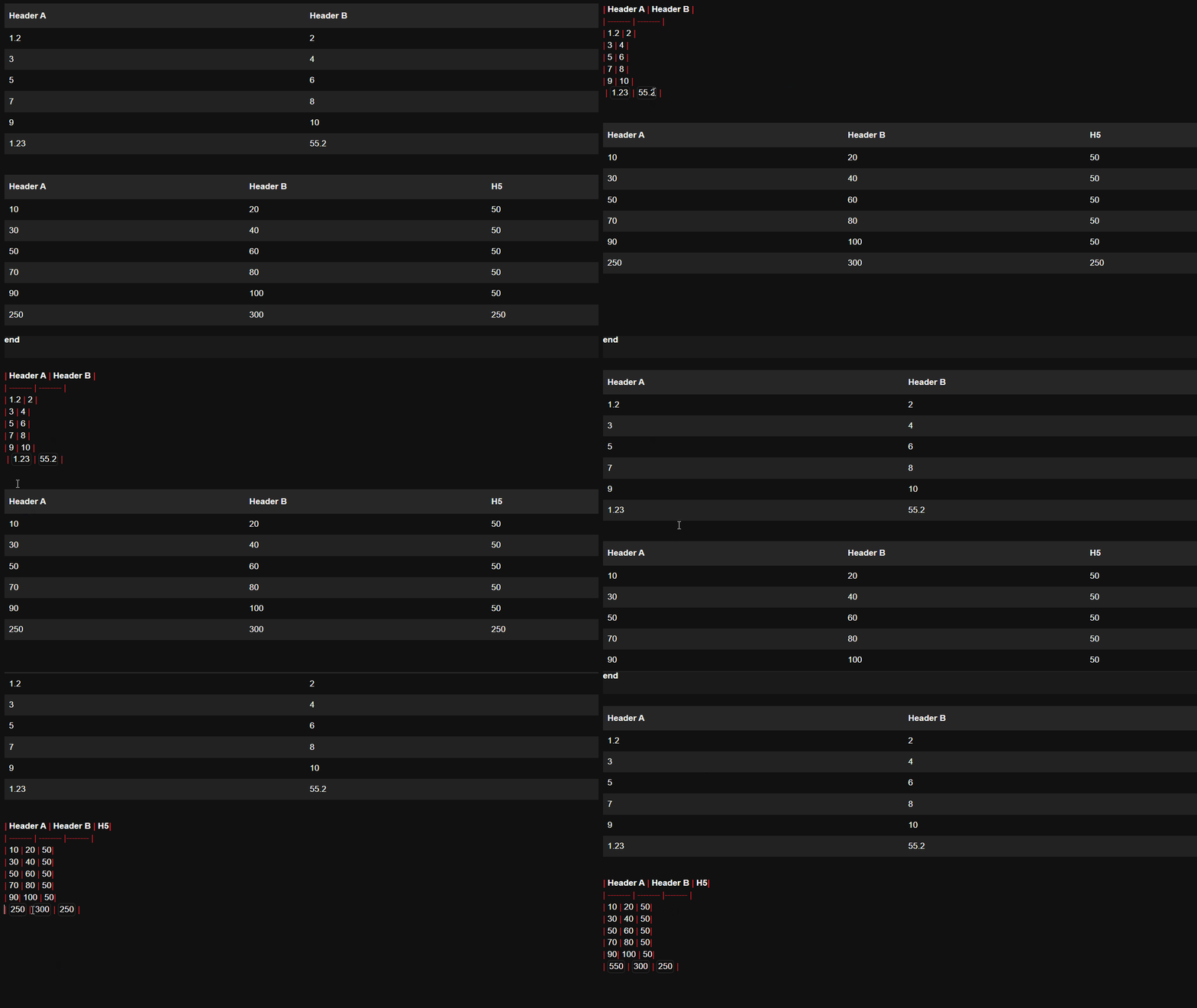
For my use case, (SUM, AVERAGE) formulas are enough and they have been tested.
Feel free to improve it and contribute.