rlw1138
February 28, 2026, 6:10pm
1
I want to target <span title=INDEX in "<div class=tree__label", in order to make 'INDEX' stand out better from the other items in the treeview tree.
But the brain isn't braining, and the styles aren't styling.....can anyone help? I think just making the font a little bigger, and maybe bolder, might do it for me.
Mr.Red
February 28, 2026, 6:23pm
2
If I understand correctly what you are trying is style differen pages in the Treeview to have different sized font/bold/color?
If yes, you were on the right track with targeting the class selector and the title attribute.
.tree__label span[title="INDEX"] {
  font-weight: bold;
  font-size: 1.6rem;
  color: red;
}

.tree__label span[title="CONFIG"] {
  font-weight: bold;
  font-size: 1.6rem;
  color: yellow;
}
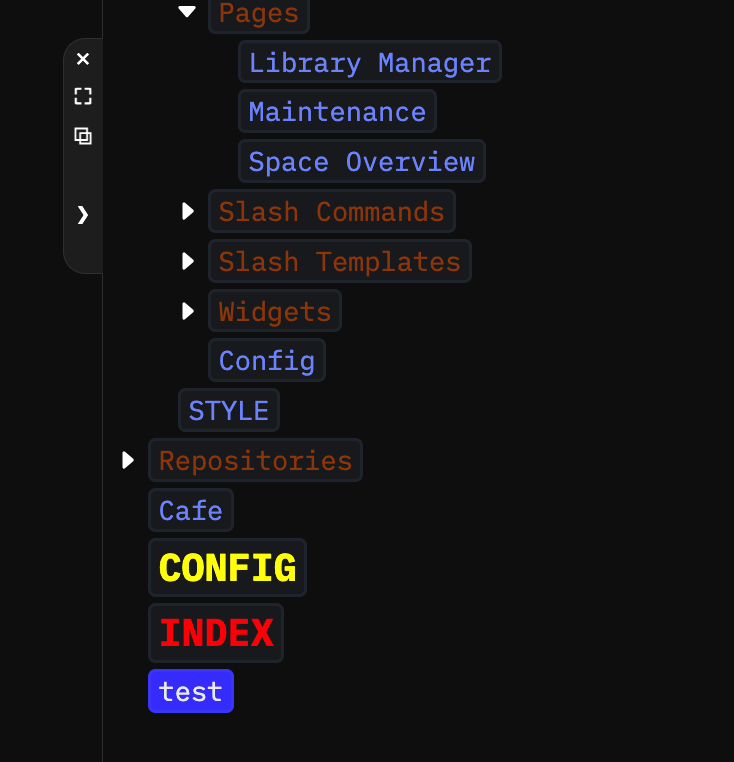
And the result:
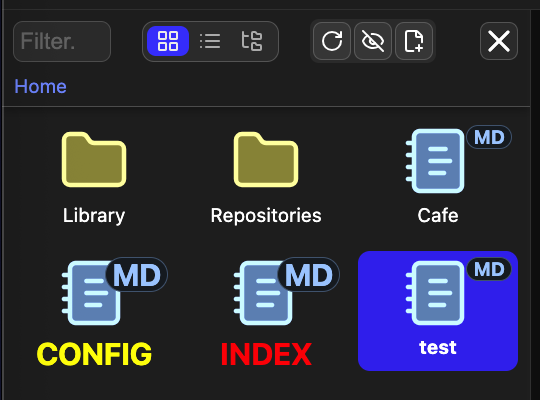
PS: And for those wondering if you can do the same also for the Document Explorer too?
.grid-tile[title="INDEX"] {
  font-weight: bold;
  font-size: 1.6rem;
  color: red;
}

.grid-tile[title="CONFIG"] {
  font-weight: bold;
  font-size: 1.6rem;
  color: yellow;
}
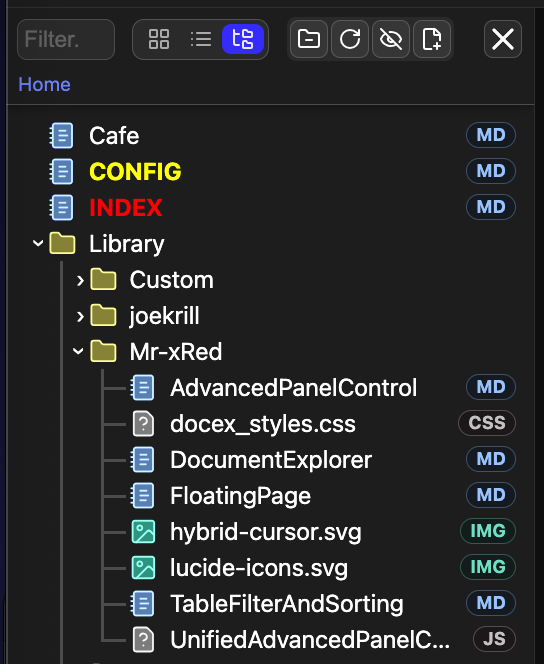
and the result will be visible in all modes: Grid/List/Tree:
rlw1138
February 28, 2026, 6:32pm
3
Egg-zackly what I wanted !!!!
span[title="INDEX"] is the part I wasn't getting.
Thank you for your service!