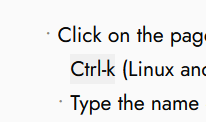
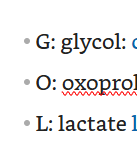
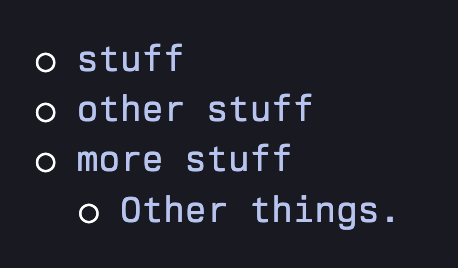
I've tried everything, including asking LLM's which css to use. If I increase the font size of cm-list-bullet, then the bullet becomes off centered, and the entire line gets taller.
If you put that in a space-style block in your space, that should do it. You can then change the text of the bullet in the content value, or change its color by setting color as well. You an also delete the color declaration and it should be the normal color. If you add a vertical-align attribute after the color, you can try messing around with those different values: vertical-align CSS property - CSS | MDN Similarly, you can play with the font-size in there as well.
This was a quick few minutes of work, so I'm not sure what long-term effects this'll have on your space. For me, it looks like indenting still works and everything is space okay.
Without pulling more extensive CSS shenanigans, I think you're not going to be able to change the bullet to something bigger but keep the line the same height as before; HTML works very hard to exactly the opposite of that. But if someone else finds a better way to do that (and still keep indented lists working), I'm interested!
Thanks a lot!
It's definitely finicky but works.
What I ended up going with was just a different font, and that fixed it without needing to go the CSS route. Think there's different default size for bullets with different font.