I just moved to v2 after a lot of thoughts and I try to migrate my old pages, configs and everything and tbh it’s been a pain in the a$$. Nothing works anymore: templates, space-scripts etc.
I will try to move those after I got the main things running.
But my real question ist where did the “Navigate: To Page” command disappeared?
I have a lot of these Shortcuts/Links/Buttons throughout my “old” v1 space:
{[Navigate: To Page|📬]("Library/Core/Quick Notes")} {[Navigate: To Page|✅]("Tasks")} {[Navigate: To Page|🕓]("ChangeLog")} {[Navigate: To Page|🔗]("Bookmark Collection")}
and can’t seem to find something similar in v2 which will display a button and the button sends you to a certain page.
function multiButtonWidget()
  -- Create individual widgets for the items
  local item1 = widgets.button("All1", function()
      editor.navigate("Journals")
    end)
  local item2 = widgets.button("All2", function()
      editor.navigate("Journals2")
    end)

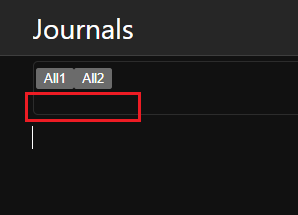
  -- how do I combine 2 buttons into 1 widget???
  -- google AI gave `widget.hstack`, but it doesn't work
  -- below is just my intuitive attemp, but doesn't work as well
  return widget.new {
     html = item1
  }
end

event.listen {
  name = "hooks:renderTopWidgets",
  run = function(e)
    -- doesn't work
    return multiButtonWidget()
  end
}
spent over an hour tearing my hair out… none of the examples help.. only simple basics and nothing more Widget
but feel free to test any of them. I can recommend you import them all in your space, disable them by deleting the space-style tag from each of the codeblocks, and enable them one by one, to see the change, and if you want to keep it or not.
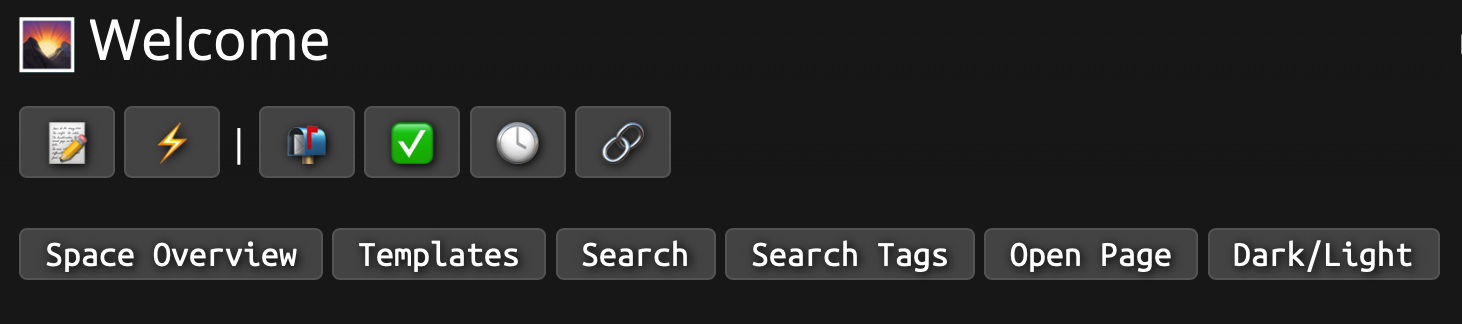


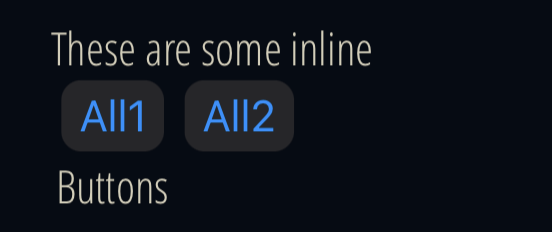
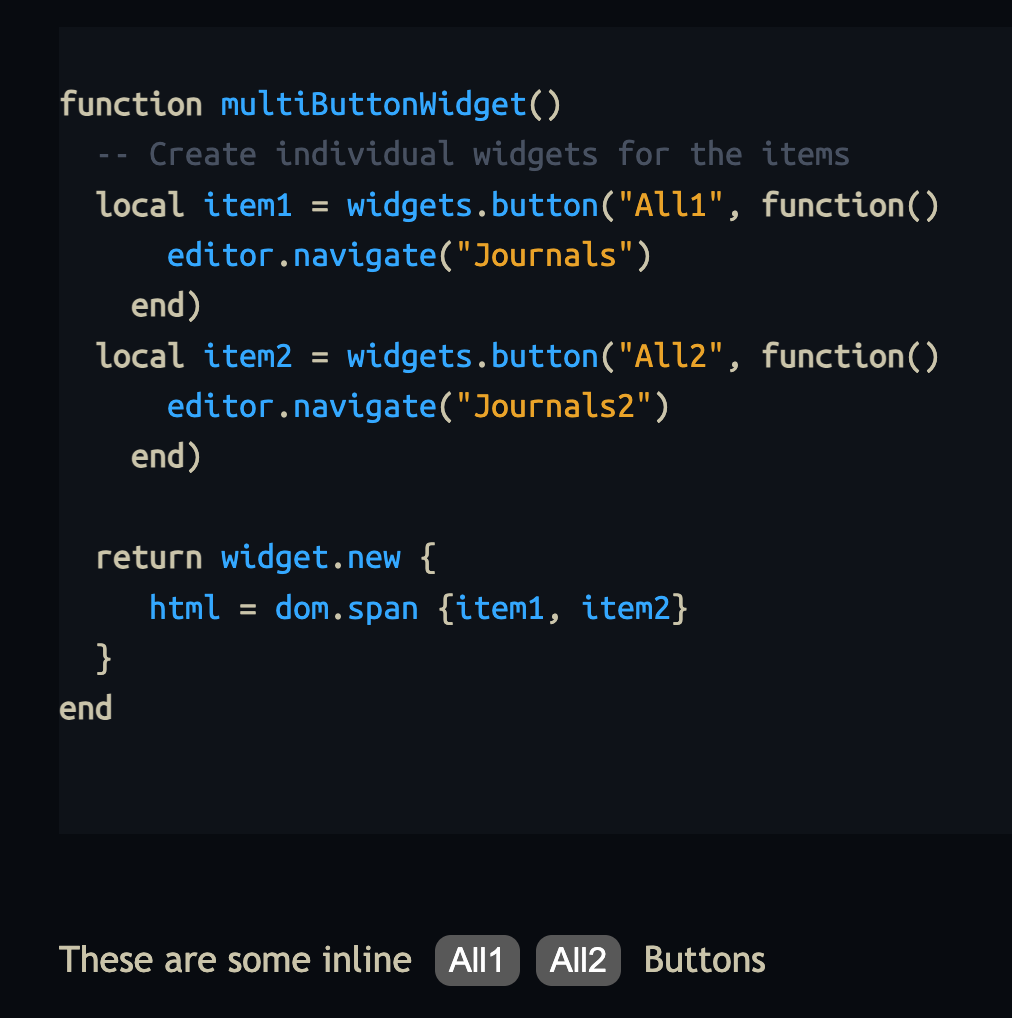
 this did the trick :