Local HTTPS with caddy and self signed certificates
Let’s assume silverbullet is running on 192.168.1.69:3000 on your local network
Step 1.: Let’s install caddy
sudo apt update
sudo apt install caddy
Step 2. Create or edit your Caddyfile (usually in /etc/caddy/Caddyfile)
sudo nano /etc/caddy/Caddyfile
Delete or comment out everything inside the file and add:
(replace with your own IP address in both places), notice in the first line the - and . in second line.
{
    local_certs
}

silverbullet.192-168-1-69.nip.io {
    reverse_proxy 192.168.1.69:3000
}
Press:
Ctrl-oto Write fileEnterto confirm filenameCtrl-xto quit nano
Step 3. Restart Caddy Service
sudo systemctl restart caddy
Step 4. Now navigate to
https://silverbullet.192-168-1-69.nip.io
Of course replace 192-168-1-69 with your IP address
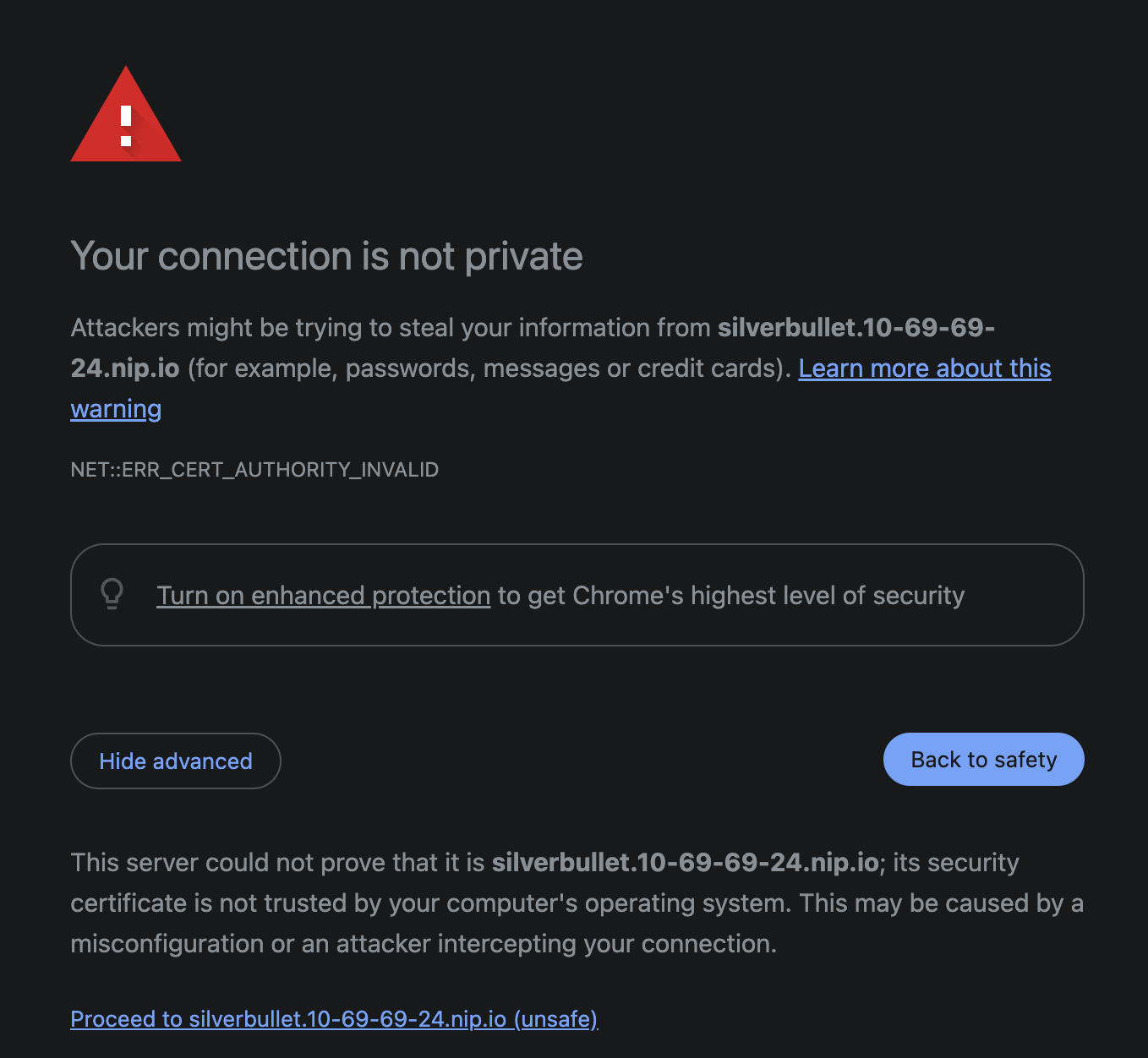
When accessing the first time, your browser might warn you that the connection is not secure or something similar (this is because it’s a self signed certificate).
Just click “Advanced” and choose Proceed to silverbullet...
 Done, from now when you access silverbullet through the link you will have https connection to your silverbullet.