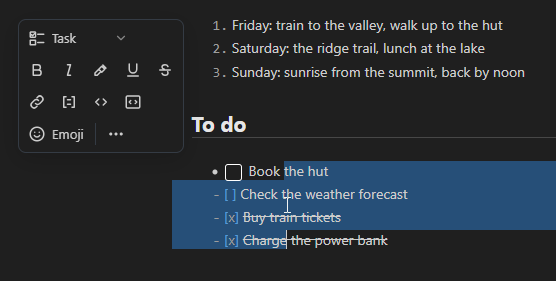
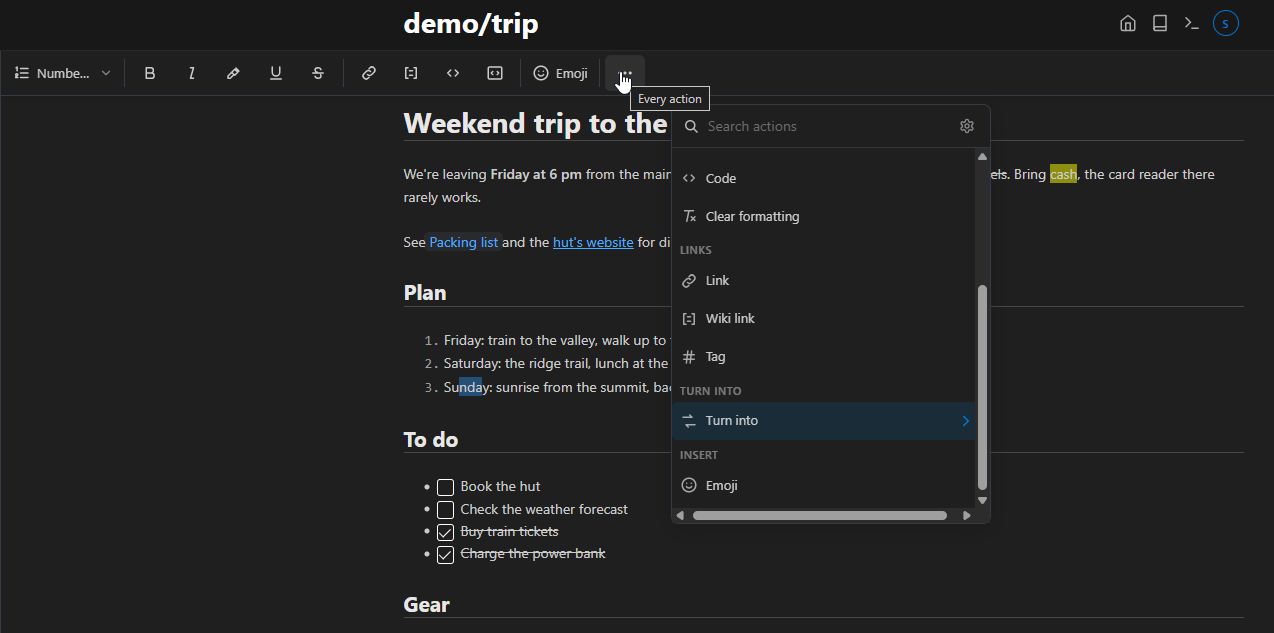
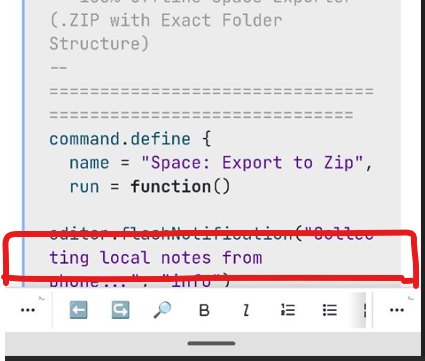
A toolbar for formatting text, on desktop and on a phone, inspired by the one in Notion.
Select some text and a small toolbar shows next to it. You can make the text bold, italic, code or a link, or turn the selected lines into a list, a heading, a quote or a code block, and back. Every change is an ordinary edit of the markdown, so undo works and the page doesn't depend on the library.
What it does so far:
- bold, italic, underline, strikethrough, highlight, code, links, wiki links and tags, all as toggles (Bold on bold text takes it off)
- Turn into: paragraph, headings, bullet, numbered and task lists, quote, code block
- a searchable list of every action, including all SilverBullet commands (Ctrl-Shift-q, also without a selection)
- with nothing selected, the word at the cursor counts as selected (Bold makes that word bold)
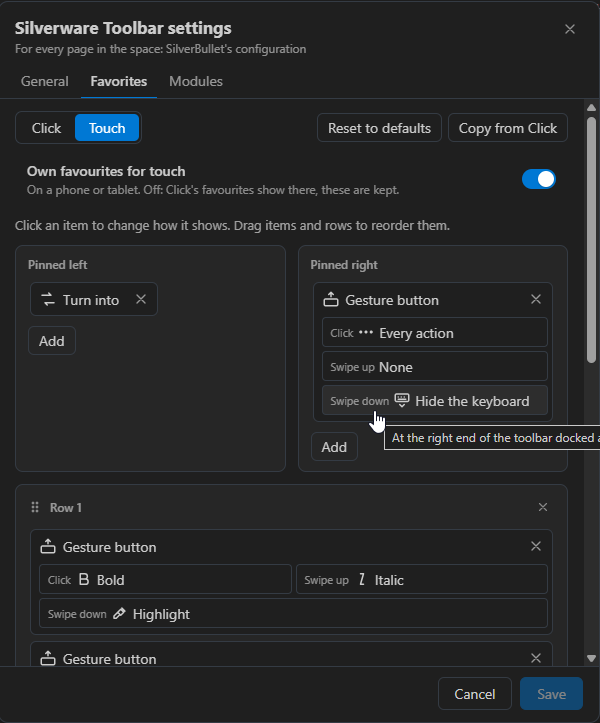
 a fully customizable toolbar: you choose which actions it shows, in what order and in how many rows, each as an icon or with a label, with your own icon and label if you like, buttons pinned to either end, and a separate setup for desktop and for touch, all from the settings dialog
 gesture buttons on touch: tap for one action, swipe up or down for two more (Bold / Italic / Highlight in one button)
- text snippets: your own button that inserts a text, with placeholders for the selection and the cursor
- an emoji picker
- placement: next to the selection, or docked at the top or bottom of the editor, set separately for desktop and touch
- your own formats and actions, defined from Space Lua
Most of it can be turned off in the settings, module by module.
To install, add the repository with Library: Add Repository:
https://github.com/damesene/silverware-libraries/blob/main/REPO.md
Then install Silverware Toolbar from the list.
Examples: