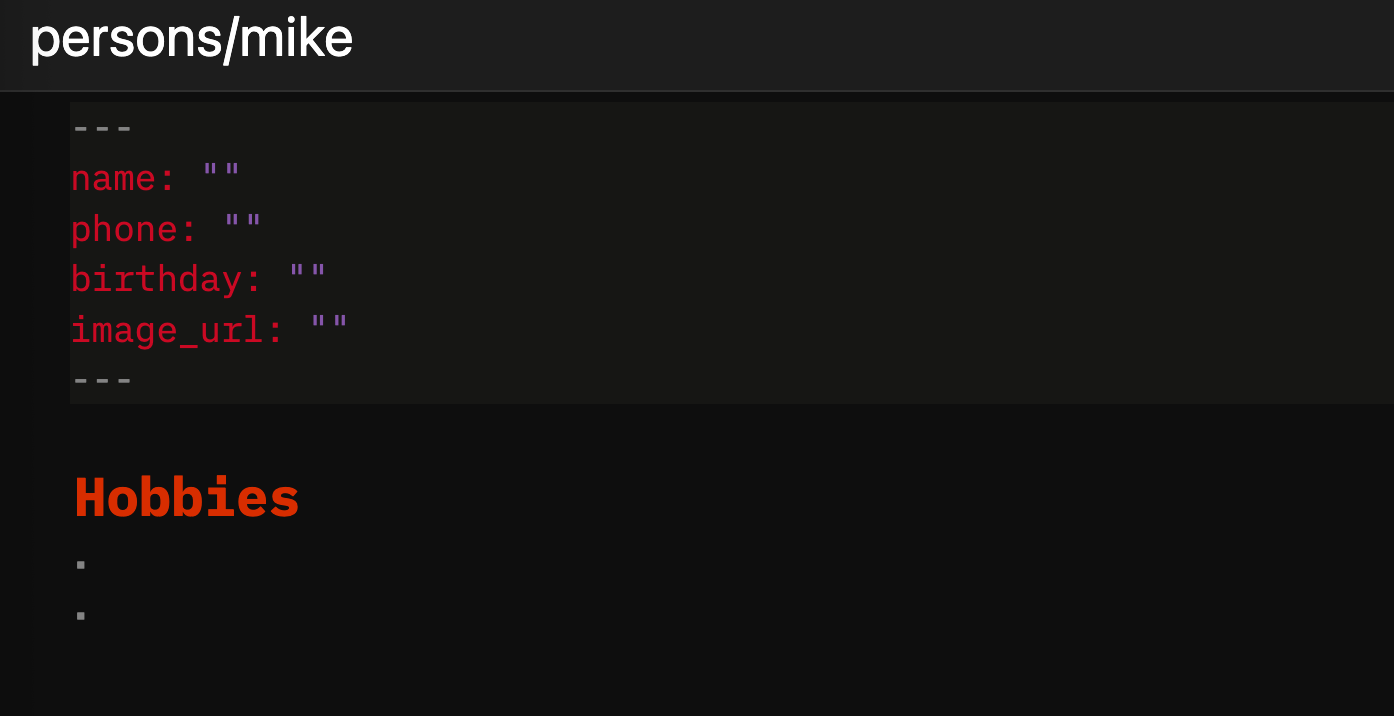
I've got a page template for persons, which I use with a command button. Each person has its own subpage. I ref persons in notes by typing [[persons/mike]]
But sometimes i need to create a new person super quick while in a note. If I ref a person that doesn't exist, that creates a new empty page in /person. However that new page is blank instead of populated by a person template.
Q: is it possible to run a person template when a new page is created? For example triggering because it's in a sub folder of /person? Alternative solutions are also welcome :).
You could check out and customize this script for you use case:
NOTE
This script doesn't use the Silverbullet Page Templates, but a simple page with functions in it, so you don't need to add the "special" frontmattr to the template, just the things you want the page to be prepopulatd with.
event.listen {
  name = "editor:pageCreating",
  run = function(e)
    if not e.data.name:startsWith("persons/") then return end
    local rawTemplate = space.readPage("Library/Custom/New_Person_Template")
    local tree = markdown.parseMarkdown(rawTemplate)
    local expandedTree = markdown.expandMarkdown(tree)
    local template = markdown.renderParseTree(expandedTree)
    return { text = template, perm = "rw" }
  end
}
and create a template page like this for example Library/Custom/New_Person_Template:
 NOTE
NOTE