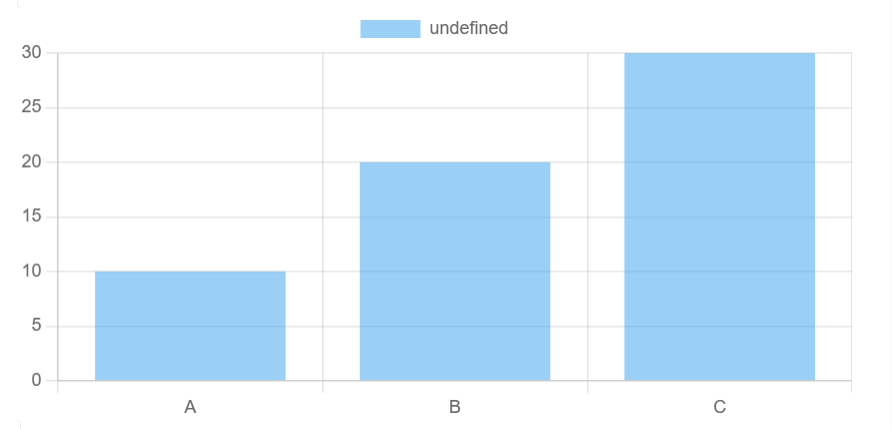
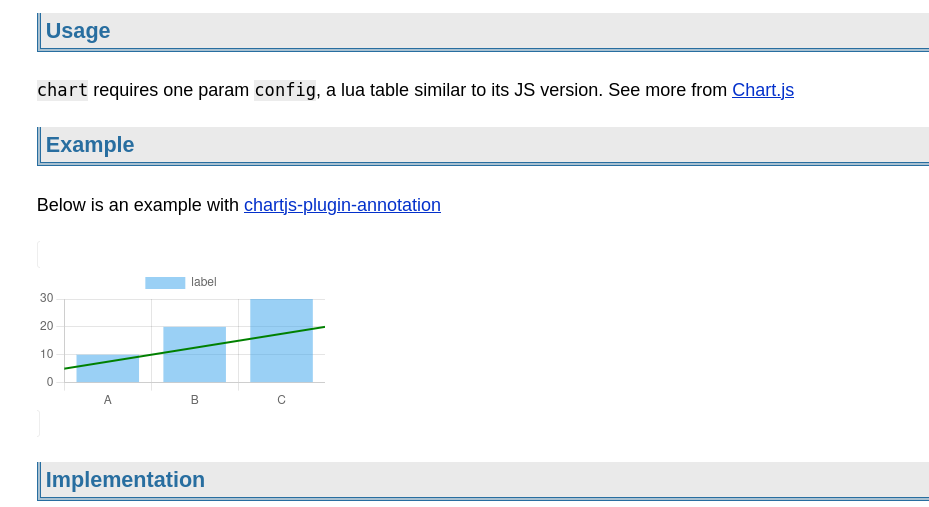
local chartjs = js.import("https://cdn.jsdelivr.net/npm/[email protected]/auto/+esm")

function chart(config)
  local canvas = dom.canvas {
    id = "chart-" .. os.time() .. "-" .. math.random()
  }
  local rendered = false

  local function timeout()
    local target = js.window.document.getElementById(canvas.id)
    if not target then
      js.window.setTimeout(timeout, 100)
      return
    end

    if rendered then
      return
    end

    rendered = true
    js.new(chartjs.Chart, target, config)
  end

  js.window.setTimeout(timeout, 100)
  return widget.html(canvas)
end
And it should be used as inline expression, with similar config of its JS version:
current js interop doesn’t import static member of an exported class. one of the static member is Chart.register, which is used to enable plugins. so plugins can’t be used
Chart.js uses canvas to render chart, and it loses all drawn content once it’s passed to main frame. so I have to use a timeout to monitor when it’s mounted. it’s better to have a native “mount” event for widget
${plt.plot()} for first local #plot data block or ${plt.plot('objname', i)} for i-th local #objname data block
space-lua:
plt = plt or {}
plt.queryLocalObjs = function (object, idx)
  local pg = editor.getCurrentPage()
  local ret = query[[from index.tag(object) where page == pg order by pos]]
  if idx then
    ret = ret[idx]
  end
  return ret
end

local chartjs = js.import("https://cdn.jsdelivr.net/npm/[email protected]/auto/+esm")

plt.plot = function (obj, idx)
  local obj = obj or 'plot'
  local idx = idx or 1
  local plotcfg = plt.queryLocalObjs(obj, idx)
  local config = {
    type = plotcfg.type or 'bar',
    data = {
      labels = plotcfg.labels or plotcfg.data,
      datasets = {
        {
          label = plotcfg.name or {'trace1'},
          showLine = 'true',
          data = plotcfg.data
        }
      }
    }
  }

  local canvas = dom.canvas {
    id = "chart-" .. os.time() .. "-" .. math.random()
  }
  local rendered = false

  local function timeout()
    local target = js.window.document.getElementById(canvas.id)
    if not target then
      js.window.setTimeout(timeout, 100)
      return
    end

    if rendered then
      return
    end

    rendered = true
    js.new(chartjs.Chart, target, config)
  end

  js.window.setTimeout(timeout, 100)
  return widget.html(canvas)
end
Is there any way to alter the displayed size?
Especially, if I have lots of datapoints it's getting hard to read... So it would be nice to have something like "width=70%" or similar.
I can not say, if there is some setting / styling within my Space, which affects that, but I could not find anything...
Additional information:
Looks like the size is browser specific. When I open the page in Chrome instead of Firefox, the graphs are using much more width, in fact, it is way too big there...