lip1103
February 24, 2026, 7:01pm
1
i'm tickering an idea of using silverbullet as the only backoffice for a simple web page.
proof of concept :https://menu-front.konbi.cc/ https://menu-back.konbi.cc/
Mr.Red
February 24, 2026, 7:44pm
2
That's a great Idea!!
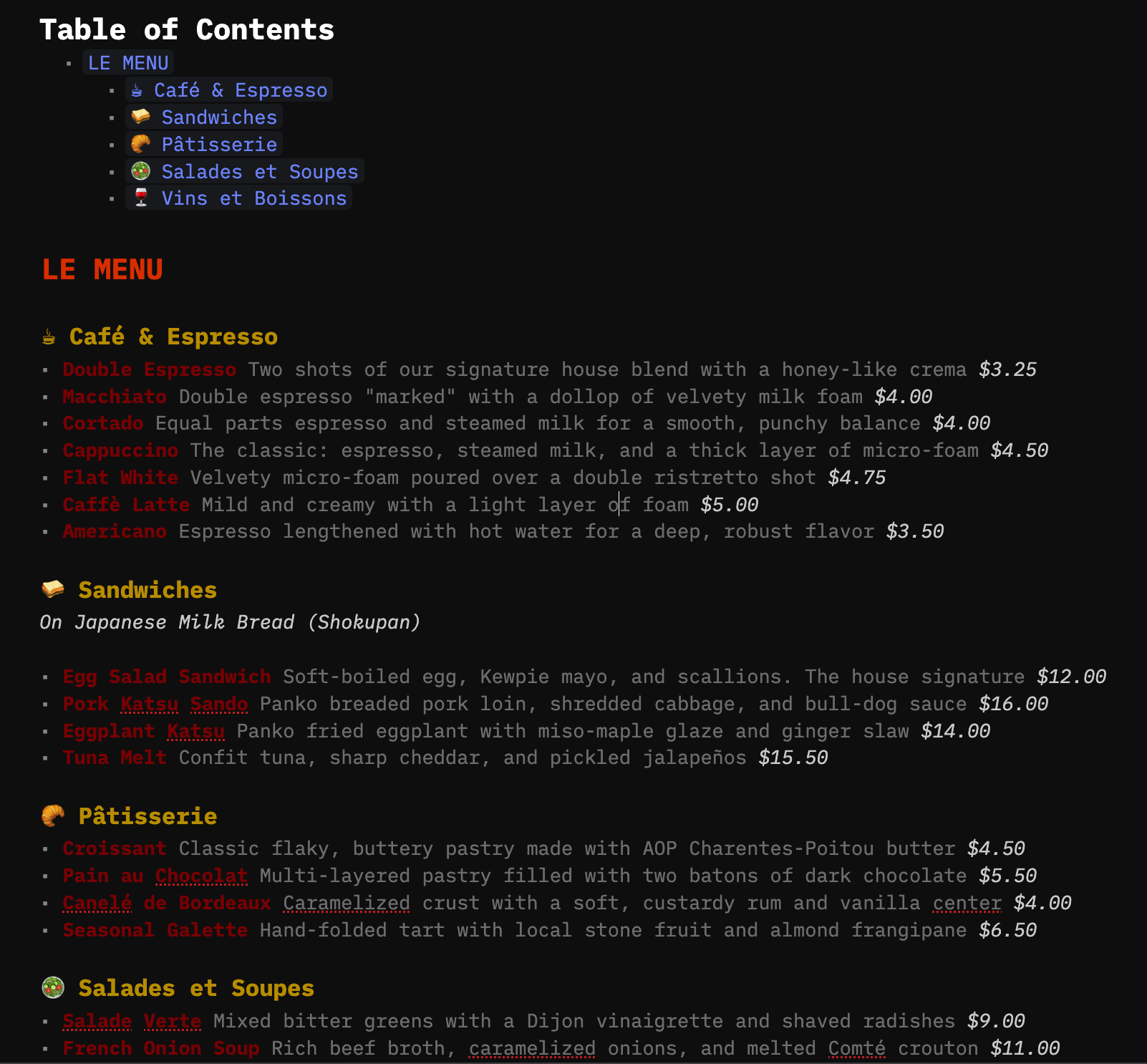
Here is a quick example of how it could look with minimal effort & with some colors added to the mix:
and here is the space-lua which can get you started
html {--editor-width: 1200px !important; }
#sb-main .cm-editor .sb-lua-directive-block{border: none;}
.sb-line-ul.sb-line-li-1 { color: gray;}
.sb-strong {color: darkred;}
.sb-emphasis {color: lightgray;}

#sb-main .cm-editor .sb-line-h1 { color: oklch(60% 0.25 60);}
#sb-main .cm-editor .sb-line-h2 { color: oklch(70% 0.25 100);}
#sb-main .cm-editor .sb-line-h3 { color: oklch(70% 0.25 120);}
#sb-main .cm-editor .sb-line-h4 { color: oklch(70% 0.25 180);}
#sb-main .cm-editor .sb-line-h5 { color: oklch(70% 0.20 240);}
#sb-main .cm-editor .sb-line-h6 { color: oklch(70% 0.15 300);}
Love the idea
PS: If you publish your silverbullet instance publicly, make sure you make it READ-ONLY server !!!
I took the liberty and integrated the space-lua into YOUR instance!

 WARNING!!