just played around with renaming a page with attached image with the Tree View. I'm using Silverbullet+ on Windows 11. Yes, I reindexed the database bevor
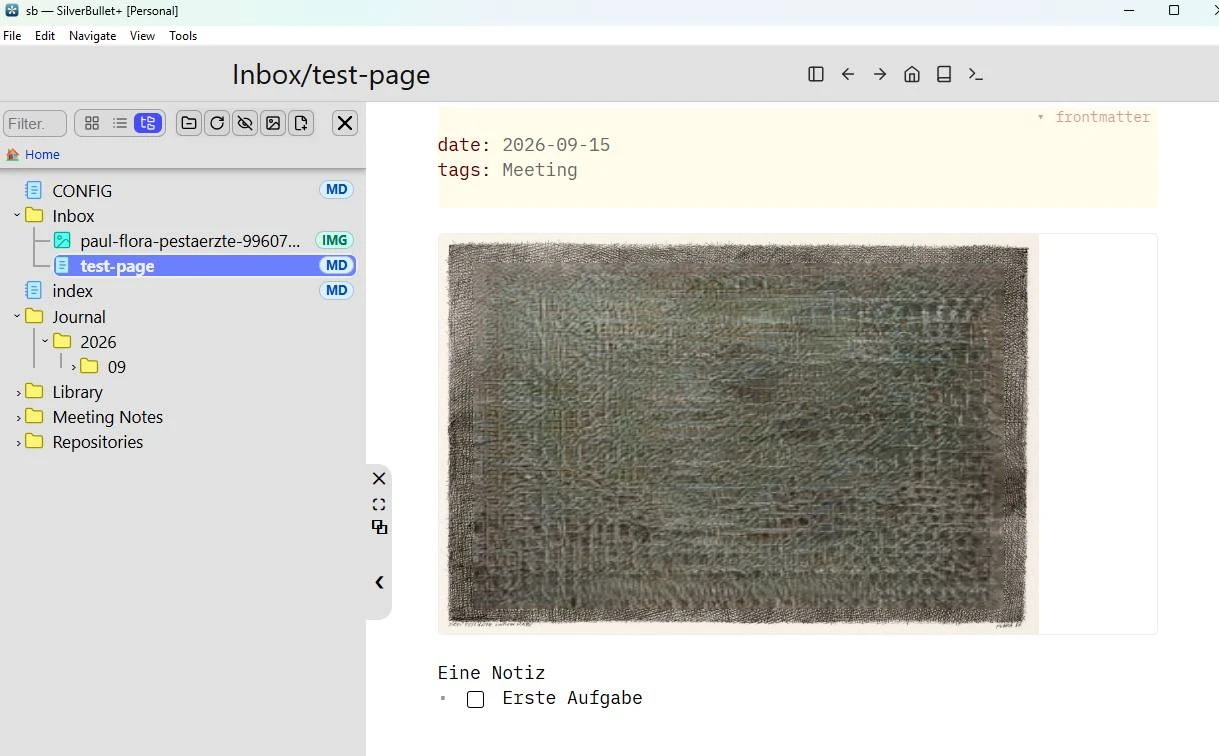
I created a page test-page.md with an image in the folder Inbox
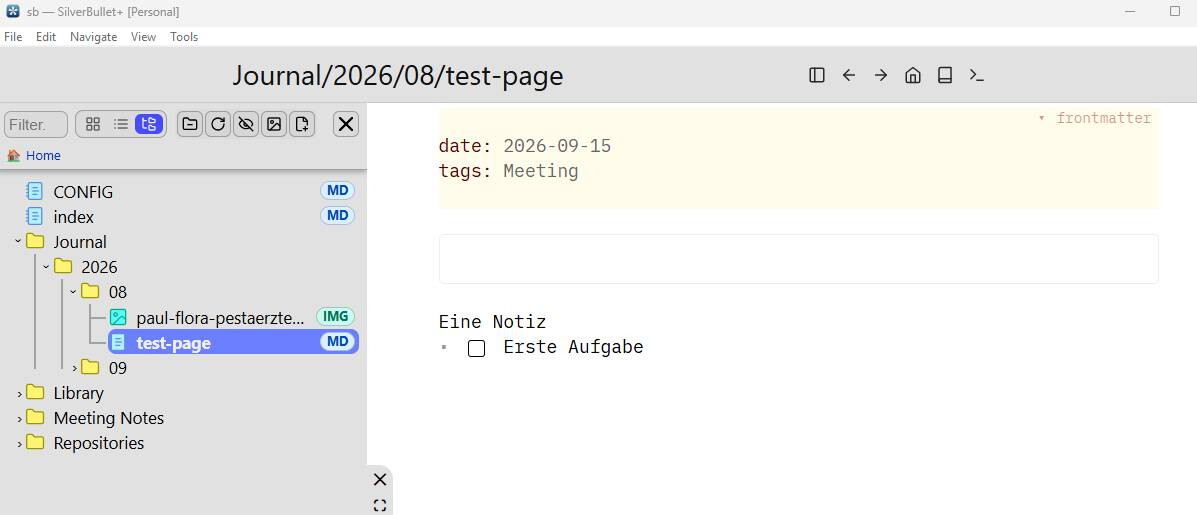
rename page to "Journal/2026/09/test-page.md" which moves the page and the attachment correctly,
but doesn't update the link in the test-page.md (links still to Inbox)
the messages are say "1 affacted file" which is wrong, two files are moved
rename page back to "Inbox/test-page.md" moves the page but not the image! The image link is still not corrected, links still to Inbox
rename image back to "inbox" moves the image and the page is showing the image correctly, because the old link works again
Question: can you reproduce this behavior? Looks like several bugs and not documented beahvior in the documentation
To be clear, I think it's a good idea moving attached objects, as long there are not several pages linking to the same document.
The intended behavior was: when you move a page to another folder an image in the page’s original folder moves with it if that page is its linking page. The image link in the page should be updated, and moving the page back should move the image back too. If other pages link to the image, the image stays put. I'll also add this to the Page%20Namer
Renaming an attachment breaks all links. Even if it's just one page linking to it in the same folder.
That is kind of breaking the actual logic when moving the attachment with the page. Why moving the attachment with the page, when renaming the attachments breaks the link to the page. Always under the assumption only one page links to the attachment in the same folder
P.S: sorry for the many questions, but I'm evaluating Silverbullet for my use and like to understand it better
P.S.S: and yes I like it so far, good work