I need more info. What version of macOS. What type of Mac?
Sorry, I meant to post this, too, but got distracted:
MacBook Pro 2021, Apple M1 Pro
macOS 26.5 (25F71)
The installation itself went fine, it was the moment a sync between a server and a local folder was initiated that things went south.
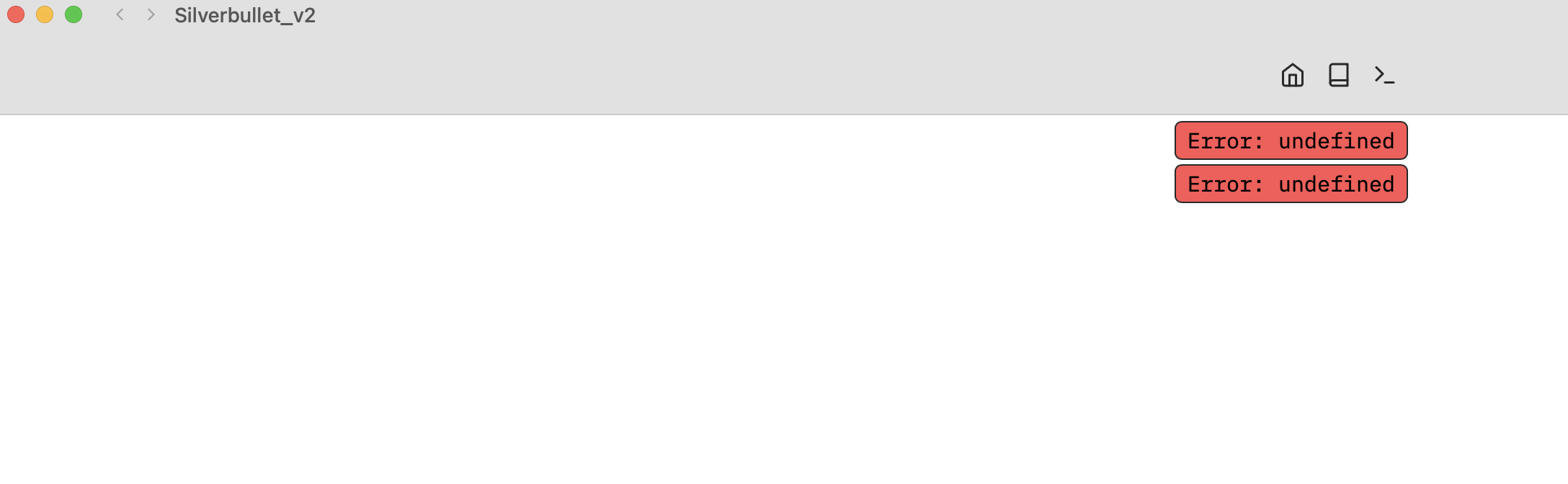
Intermittently in the blinking one or two red textboxes "error: undefined" pop up and disappear rapidly.
Ok so if you create a space that doesn’t sync all is ok? What do you see in the developer console (Cmd-Shift-I) any obvious errors?
I cannot verify at the moment because weirdly, this behaviour survives an uninstall, empty the bin, reinstall cycle.
I deleted the app, searched for every file containing silverbullet in its name, deleted generously, emptied the bin, and only then reinstalled the app.
That stopped the flickering and presented the Space Picker, so I could have another go.
This time I chose an empty folder to avoid carry over of problematic settings, no problems.
Enabling the sync offered a conflict resolution, which was new to me.
I chose merge and seconds later everything ran as it should.
Problem solved.
PS: BTW, I also renamed the containing folder to make sure it contained neither spaces nor diacritics. Either way, everything is running very smoothly now.
Right, neither of those are SilverBullet+ specific issues (SilverBullet.md has these the same), the navigating with cursor keys through a table I think I have now fixed. Will be in the edge build and be part of the next release.
Hi, has the image pasting issue been addressed yet?
I’m still unable to paste images.
My current workaround is to paste the image in /tmp then using insert file from menu.
Pasting images always worked for me, just drag and drop didn’t. For me this all works, what are you trying exactly?
Hello,
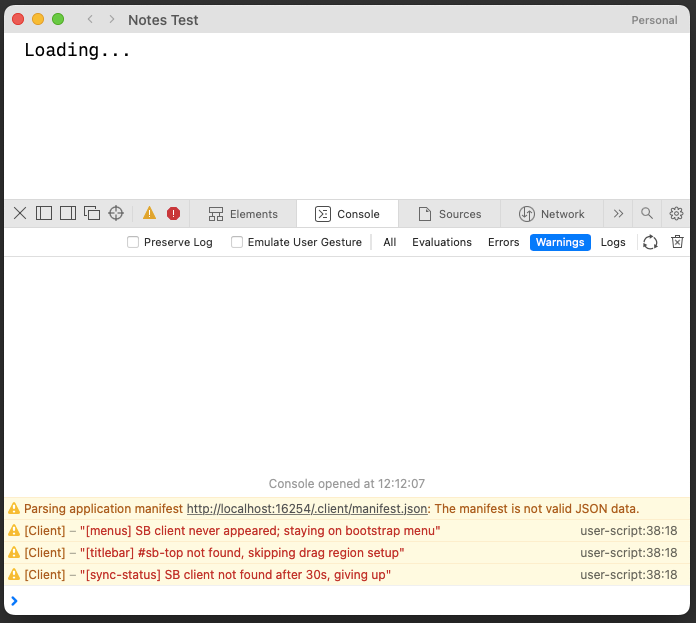
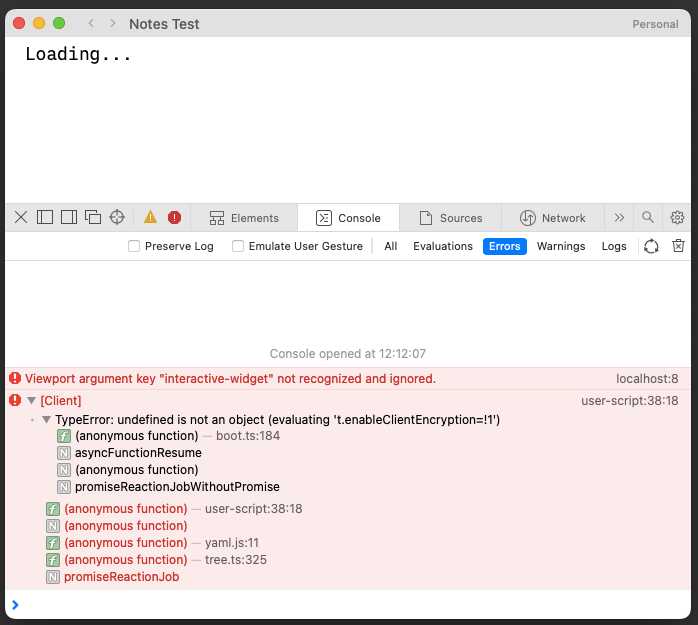
I can't launch Silverbullet+ on my Macbook Air, it's stuck on the Loading... page.
I've tried to delete the app and all files and reinstall, no difference.
I've tried to create a new space or use a existing one, no difference.
The app is working on my other desktop Mac.
Macbook air intel i7
macOS Monterey 12.7.6
Hi,
in SilverBullet.md i like to link my emails in my notes / tasks with the Apple Mail URL-Scheme (message://[email protected]) which works flawlessly. In SB+ however, i can't open these kind of custom url scheme links (same applies to URLs like zotero://select/... or things:///show?id=...).
I think adding support for this would be a great addition to SB+, maybe even with drag-and-drop functionality (e.g. dragging an email into SB pastes the link), highlighting the "real, local app" / deeper integration side of SB+ even more.
Claude suggests fixing it this way:
In the browser, markdown links with custom URL schemes already work out of the box. For example:
[Open in Mail](message://<[email protected]>)
Clicking this in a regular browser correctly hands the URL off to the OS, which opens Mail.app (on macOS) with the referenced message. This works becauseeditor.openUrlcallswindow.open(url, "_blank"), and browsers route unknown schemes to the OS-level handler.
In SilverBullet+ (Tauri), the same link does nothing. The Tauri webview silently swallows non-http(s) navigations unless explicitly configured otherwise.Suggested fix
On the Tauri side, add thetauri-plugin-opener(or equivalent) and route non-http(s) URLs through it. Roughly:Intercept navigations / window.open calls in the webview
If the scheme is http(s) → existing behavior
Otherwise → hand to opener::open_url() which delegates to the OSThe scope config can be kept permissive ("url": "*") or restricted to a known allowlist of common schemes — that's a design choice.
Otherwise love using SB+ so far! Even though i have md self-hosted, SB+ works a bit smoother for me and the global shortcut feature is great! 
For this one, could you open the "Network" tab and find the request to /manifest.json request and see what it returns (what are the response headers and response content)?
Just fixed this (I think), will be part of the next stable release (or tonight's "edge" release channel release if you have a Pro subscription and use this release channel)
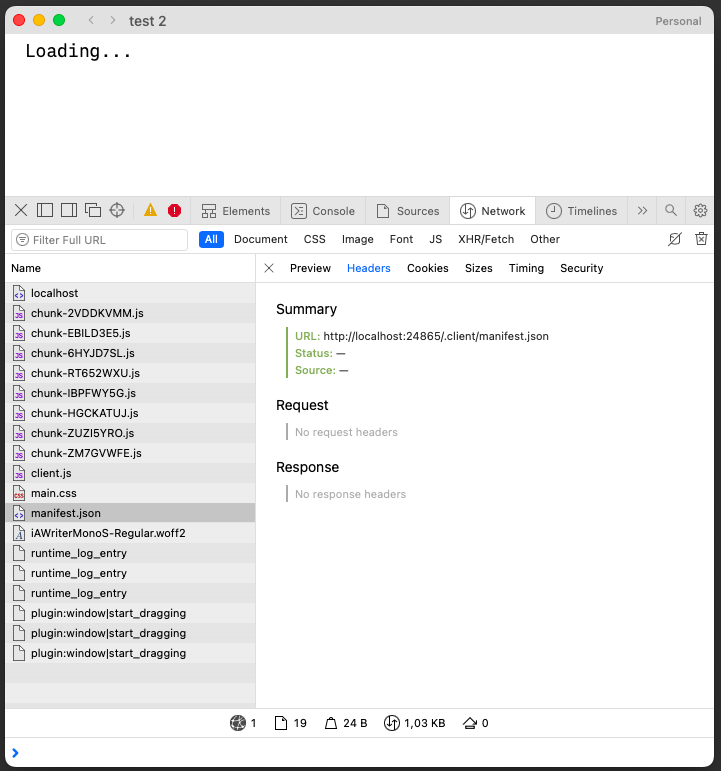
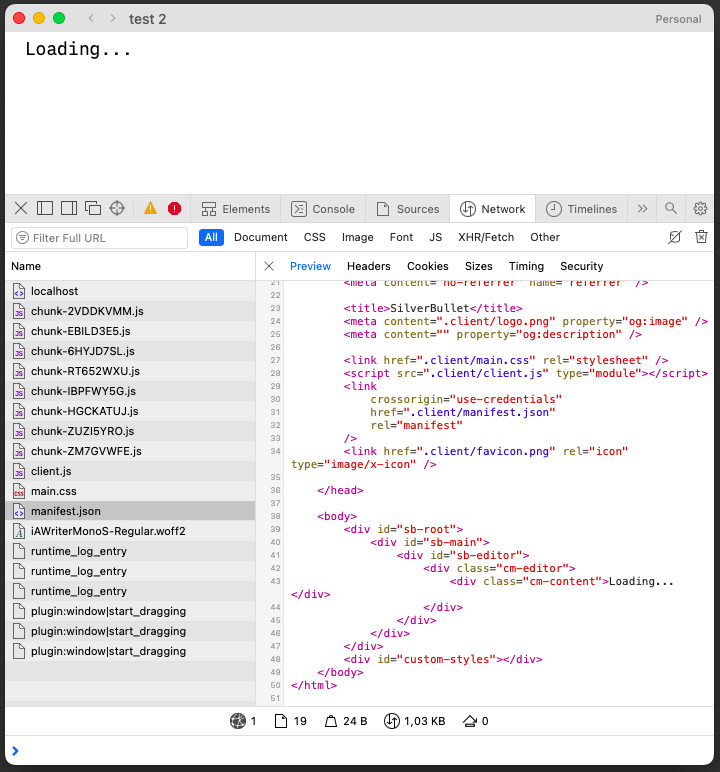
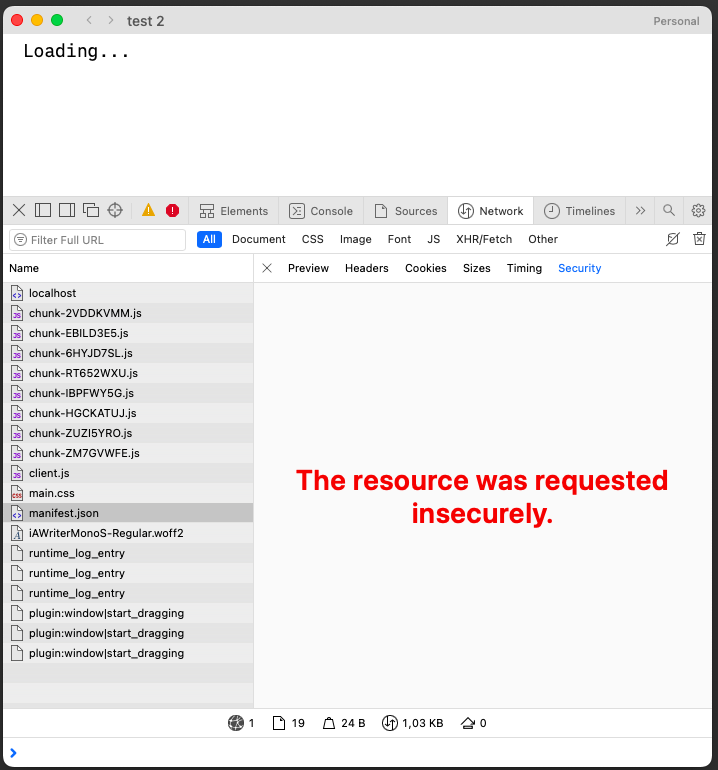
@zef this is probably not what you've asked because I got the same thing on my working version of Silverbullet on my desktop mac.
Still stuck on the Loading... page, and the Space picker does not work when I'm on this page, like if the app would not load at all.
I tried some minor things to see if this would resolve it as part of 2.8.1, did you upgrade to that already?
Yep did that, same thing.
The table text selection issue seems fixed on 2.8.1