Hello all, if you're testing SilverBullet+ for Mac and running into issues, please report issues here.
Thanks!
Hello all, if you're testing SilverBullet+ for Mac and running into issues, please report issues here.
Thanks!
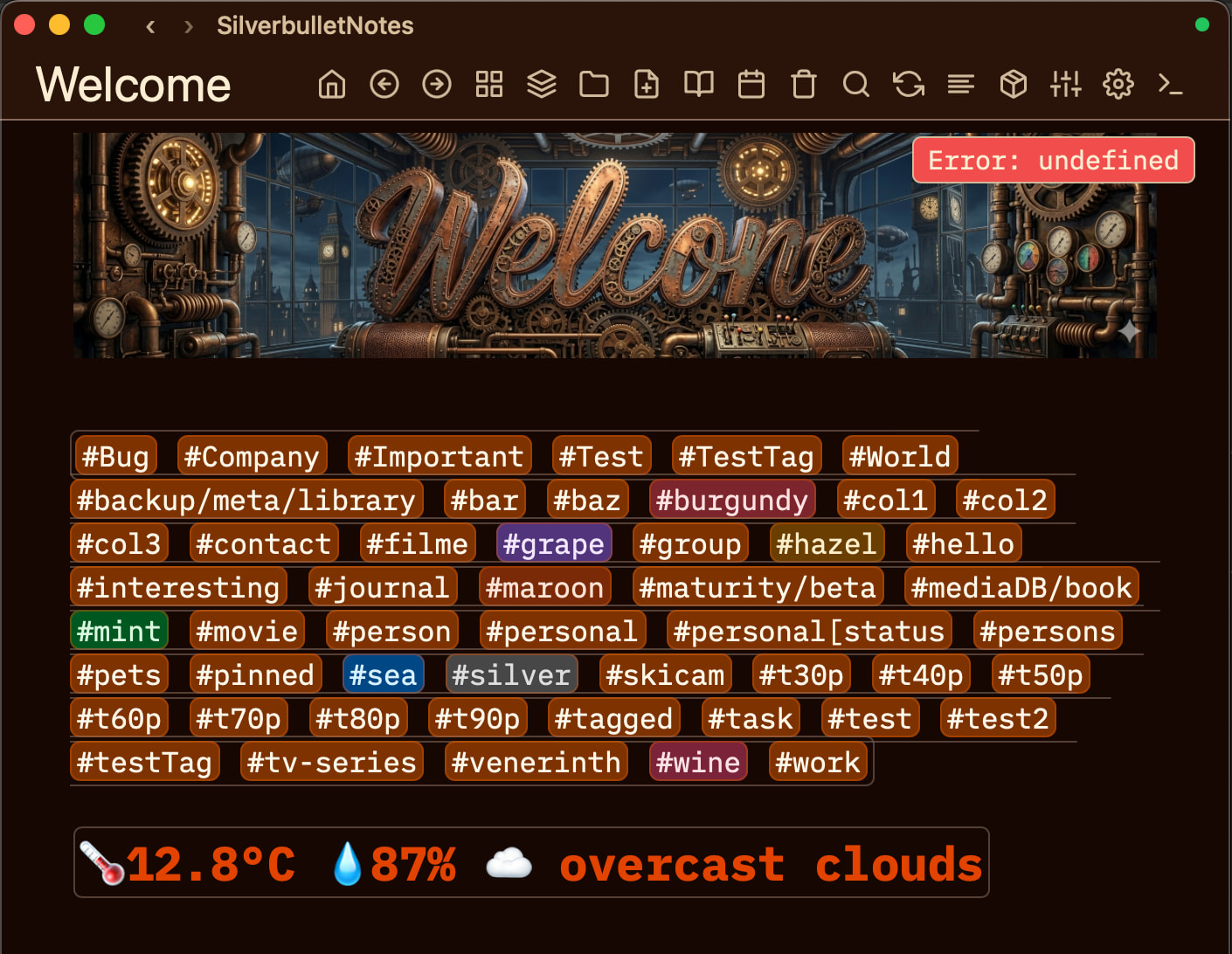
I sense this is really a humble brag about your "look how awesome my index page looks", no? 

brag & report an issue at the same time in one post.
I also use Mac and have the same issue; by the way, what is that green dot on the top right corner of your page?
Hi, a (hacky) function that I use is
function noteLink(noteName)
  local base = js.window.location.origin
  local notePath

  if base:find("localhost") then
    notePath = base .. "/.fs/typeset-notes/"..noteName.."/"..noteName..".pdf"
  else
    notePath = "https://static.wentaoli.xyz/typeset-notes/"..noteName.."/"..noteName..".pdf"
  end

  return "["..noteName..".pdf]("..notePath..")"
end
which re-routes pdf files to somewhere outside silverbullet if someone is viewing from the web. This API js.window.location.origin does not work on the desktop version, when i click on my noteLink(...) lua widget it simply does nothing and does not return errors.
By the way, this API is not documented but it works on the server version, not sure whether I should switch to another similar API. It does have autocomplete when I typed it into a space-lua code block, so I guess it is indeed implemented, but somehow in the desktop app it does not work for now.
That’s the sync badge. If you are syncing the local files with your Silverbullet server.
It's not necessarily a Mac or a Silverbullet+ issue, but its more like a general one.
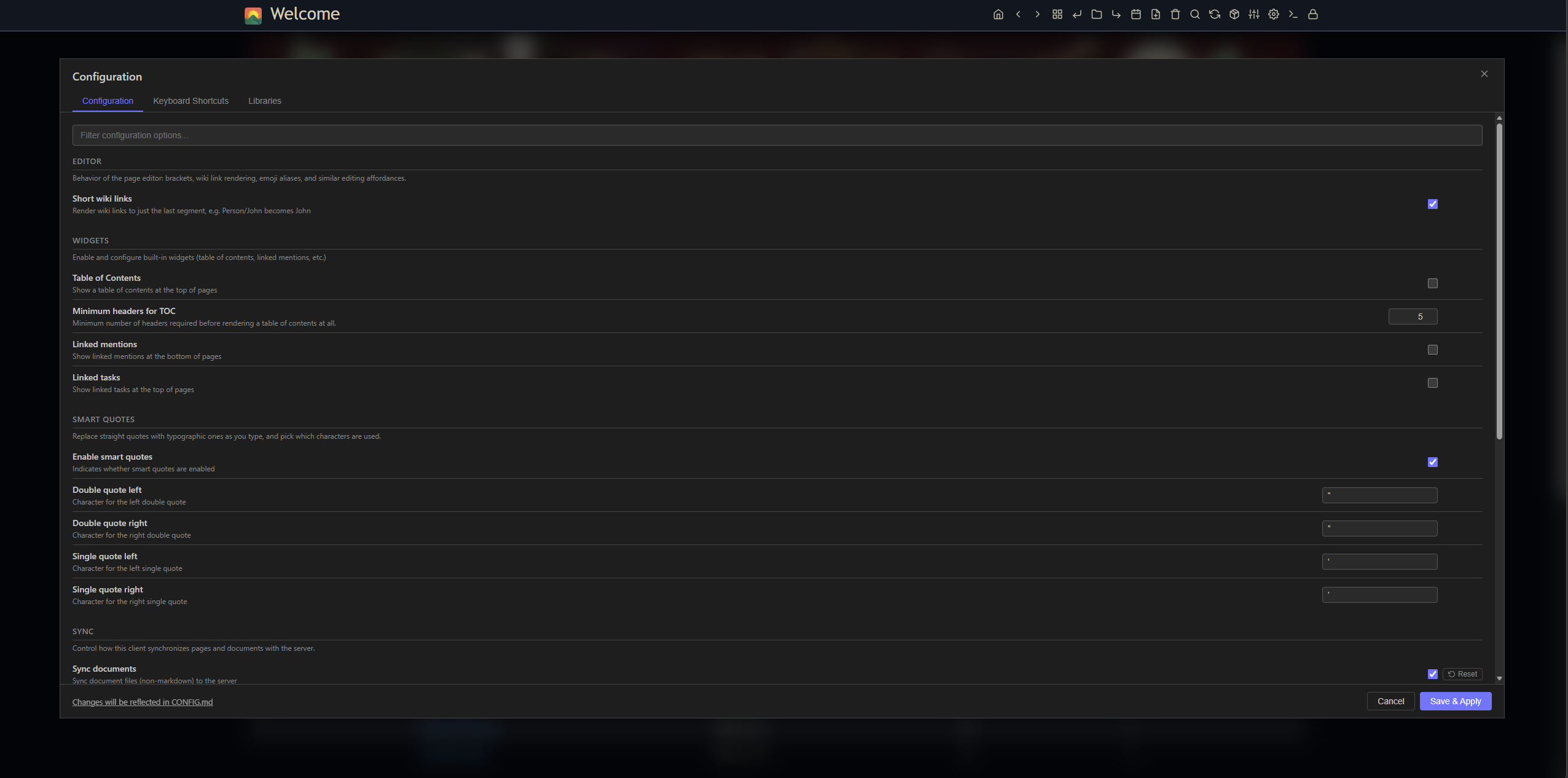
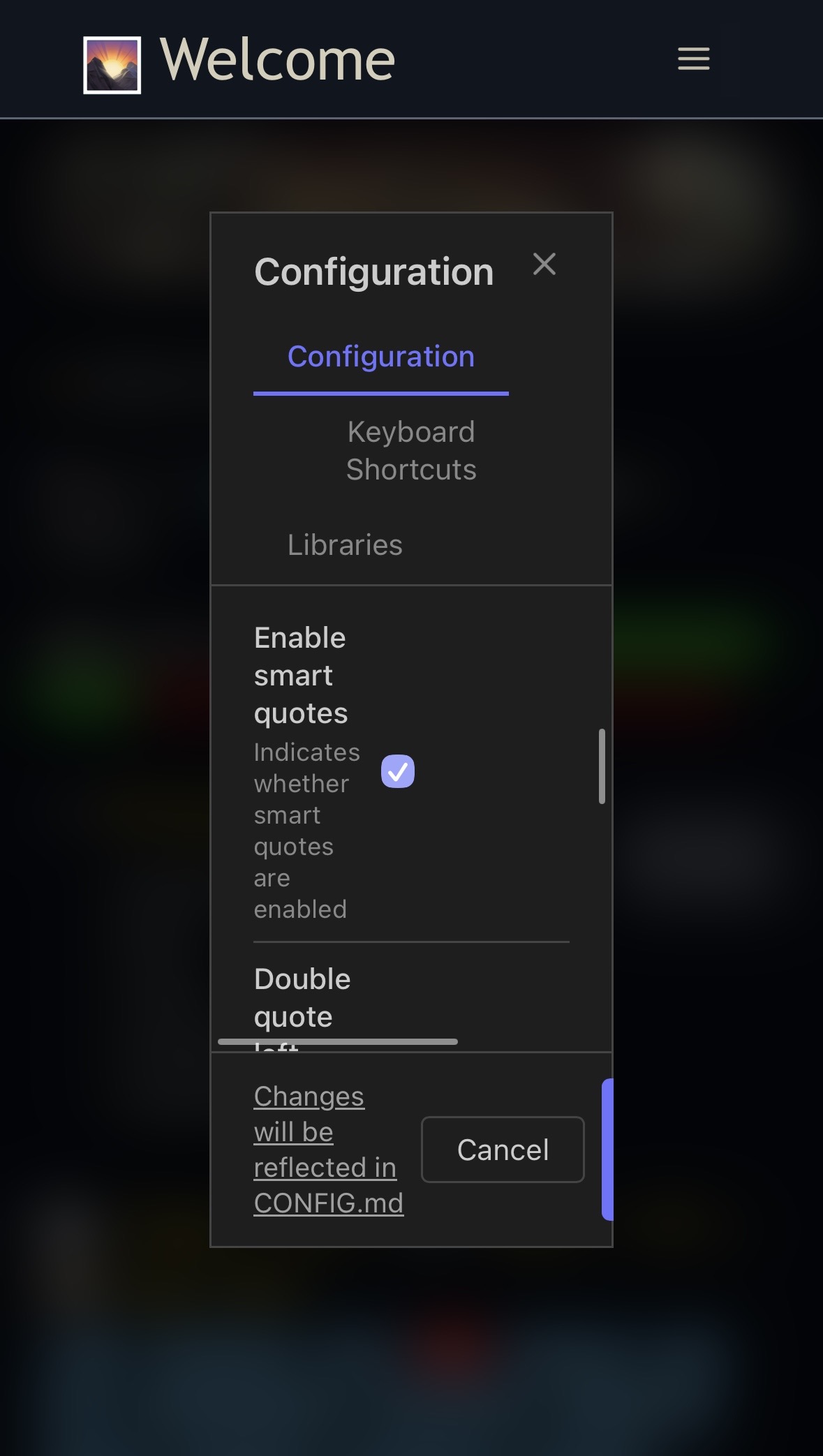
I noticed that the Configuration Modal is on a Computer too wide, and on the mobile too narrow (unusable at normal 100% zoom).
Maybe we could use "min-width" and "max-width" or the clamp function to make the modal more responsive.
And another general issue i've found, is the way the Configuration Modal Window is inside an iframe and using space-style I cannot style it, and also the main theme/space-style overrides are not applied inside this iframe.
Yes. Not really a SB+ issue, but the configuration manager needs some tweaking. On mobile it is completely unusable in this state. And I’ll also think about the iframe issue. I have to revisit if iframe panels still make sense today, they were intended as a security measure at some point. Have to think if that’s still valid or worth pursuing with all the disadvantages that it brings.
I am already using it in a silverbullet space-lua script. Native support would be great.
The security aspect is fried, but there still is some use in creating a separate scope for styles, scripts etc. (especially for document editors), but maybe we would be better served by the approach e.g. Obsidian takes, where the ui creation is abstracted away, and you basically have a very high level component library. Downside obviously is that you now maintain a ui library, upside is that you get a good-looking ui for free and can style it consistenly.
I just started using the MacOS desktop app a couple of days ago; this is neat! Thanks!
When I tried uploading a PNG to a note, I first tried dragging an dropping it but when I dropped the PNG, nothing happened. I then ran the "Upload: File" command and, again, nothing happened.
When I ran the server from the terminal (i.e. silverbullet -p9999 .) I was able to open http://localhost:9999, navigate to the page, drag and drop the file, and it uploaded just fine.
Once I did it on the web the desktop app synced the change and is showing the image in the note.
Is there a place to look for logs in case it's throwing errors and I can't see them?
I had a similar issue today.
My current workaround is to paste the image in the browser and then sync, so it shows up in the desktop app. It shows empty thumbnail at first, but it works after couple of reload.
At first, I thought the bug was in my clipboard app. 
Yes, copy and paste seems to work fine but drag and drop doesn’t. Will look into it.
I have a note that I think should be editable but isn't. That's not the bug -- the bug is that when I get the, "This file cannot be edited, select your desired action," prompt and select "View", my web browser opens pointing to http://localhost:17113/.fs/system/templates/repo.template which 401s.
Incidentally, that file is named repo.template.md, not sure if that's causing a problem or not. But that's not really the bug I care about. 
I'm happy to write this in a GitHub issue if there's a separate repo for it and that's easier than a discussion thread.
There's no public repo to report issues for SB right now so doing it this way is ok. I know where this issue is coming from, will look into fixing it.
So the issue you report has to parts: one is the 401 error (fixed this for the next release) the other is that SB doesn't support page names with dots in it, which is a bigger and non-SB+ specific issue: Page names with "." (again)
Also having this problem on Linux 2.8.0 (flatpak)
I have just now installed the Mac version and cannot get it to run. The program window flickers constantly (displaying "loading...") and even after letting it run for 15 minutes or so, things have not changed.
I suspect something is chasing its own tail.
The browser-based version still runs fine.