"Memory is not a recording. It's a muscle. Every flip strengthens the path."
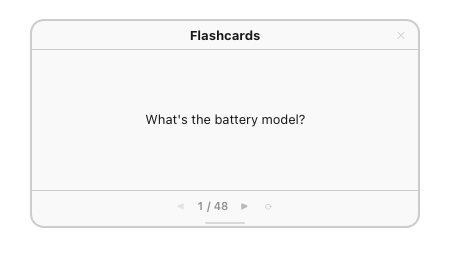
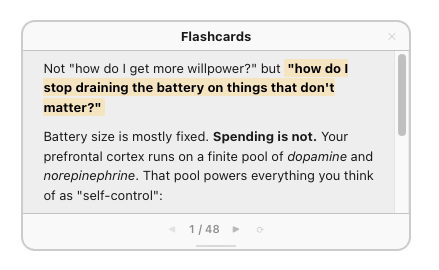
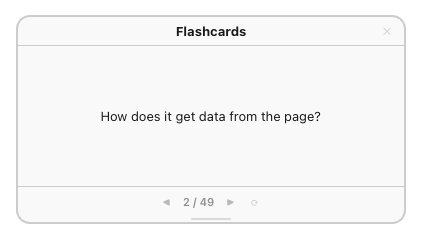
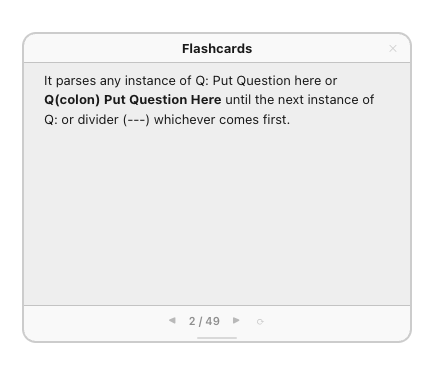
Implemented a simple flashcards library for SilverBullet. Parses Q&A from any page. Click to flip, and arrow keys to navigate. Has a shuffle button (no spaced repetition algorithms).
Have just installed this and it works perfectly and looks awesome! And when you see something useful you instantly want more of it)
Would be super to have an option to group the flashcards by deck. Maybe adding Deck: line under the Q:. And an option to study just the deck needed.
An simpler alternative to this and maybe another option would be to implement Flashcards: Start from this and linked pages to only have cards, well, from this and maybe linked pages. Or by some tag...
I guess it is my poor eyesight, but I would prefer some bigger fonts as default.
P.S. I played a little more with it and recognized that it takes cards from the CURRENT page only. So points 1 and 2 are off target. Just maybe the description should say "Parses Q&A from anycurrent page".
Yes, it only uses data from a page, so each page is essentially a "deck". Realize it's not obvious from the description.
To increase font size just go to Library > jagwarrx > Flashcards and update font-size in the space-style code block under #sb-flashcard-root and .fc-body from 13px to desired value.