Yes you can install both or only one of them depending on your preference.
Here are the beginner firendly steps to install them:
Step 1. Open "Library: Manager" from the Command Picker or navigate to "Library/Std/Pages/Library Manager"
Step 2. on the bottom of the Page "Repositories: Add from URI" then enter following URL: https://github.com/Mr-xRed/silverbullet-libraries/blob/main/Repository/Mr-xRed.md accept to install it to Repositories/Mr-xRed
Step 3. navigate back to the "Library Manager" and scroll down where you see the libraries you want to install. Click Install, you'll see the Library opened. Then return to the Library Manager, and install the other library. repeat until you installed every library you need.
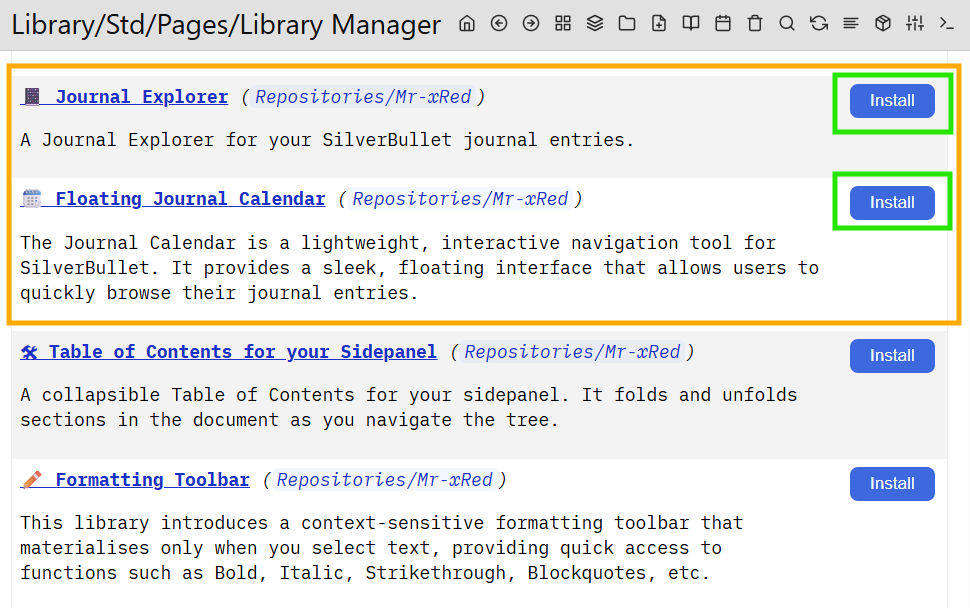
Step 4. For some of the libraries is necessary to also Reload & Refresh the page. I usually do it anyways.
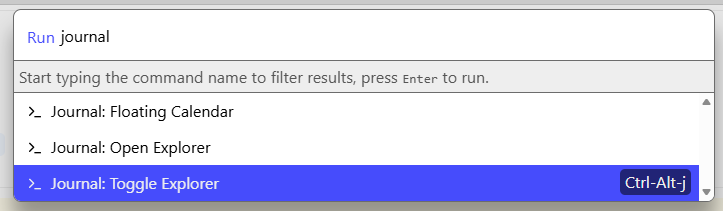
Step 5. The Libraries are installed and you can start the Floating Journal Calendar form or the Journal explorer from the command picker:
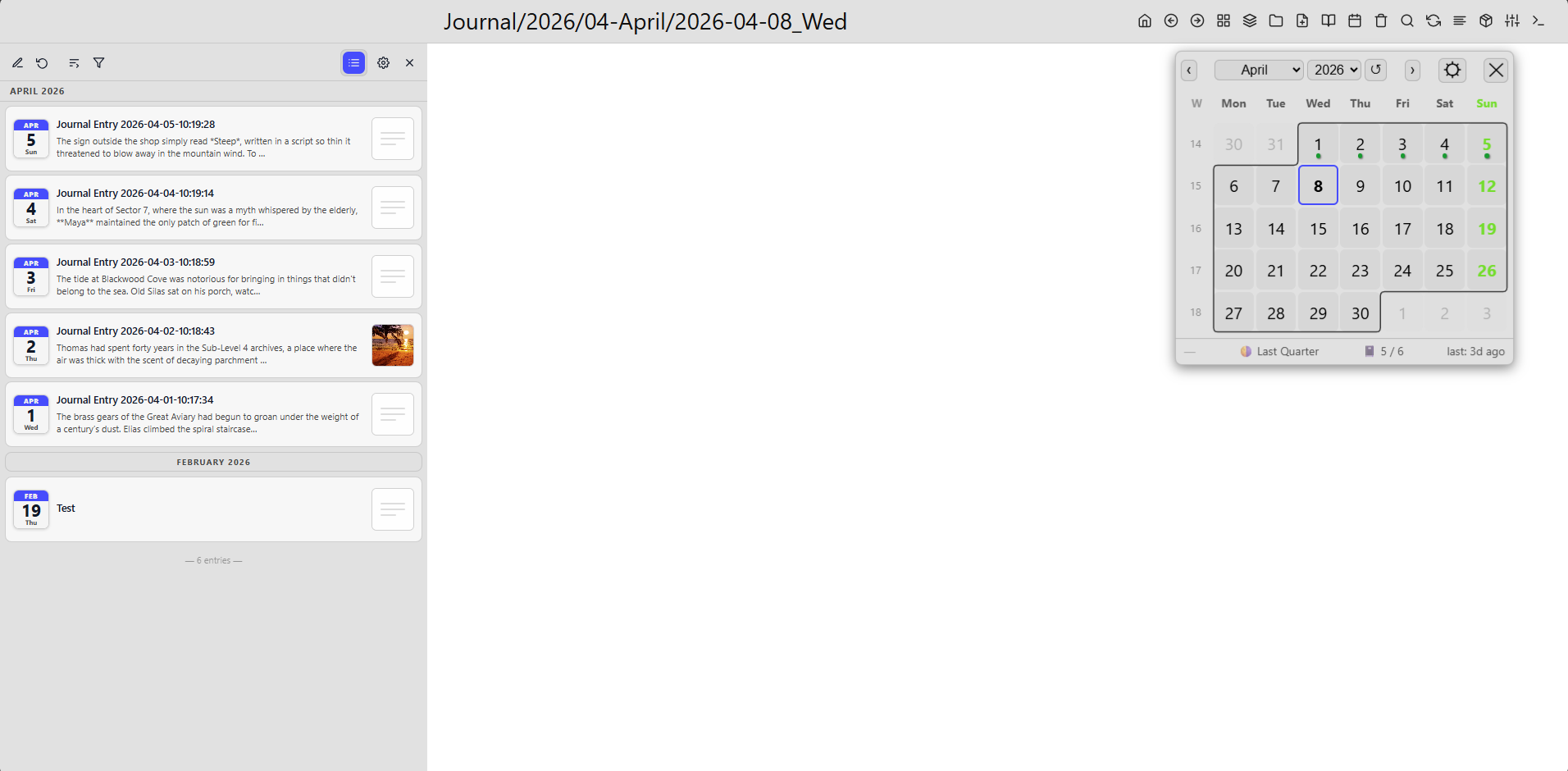
Yours might be empty in both cases, if you just started the Journaling, and have no entries yet.
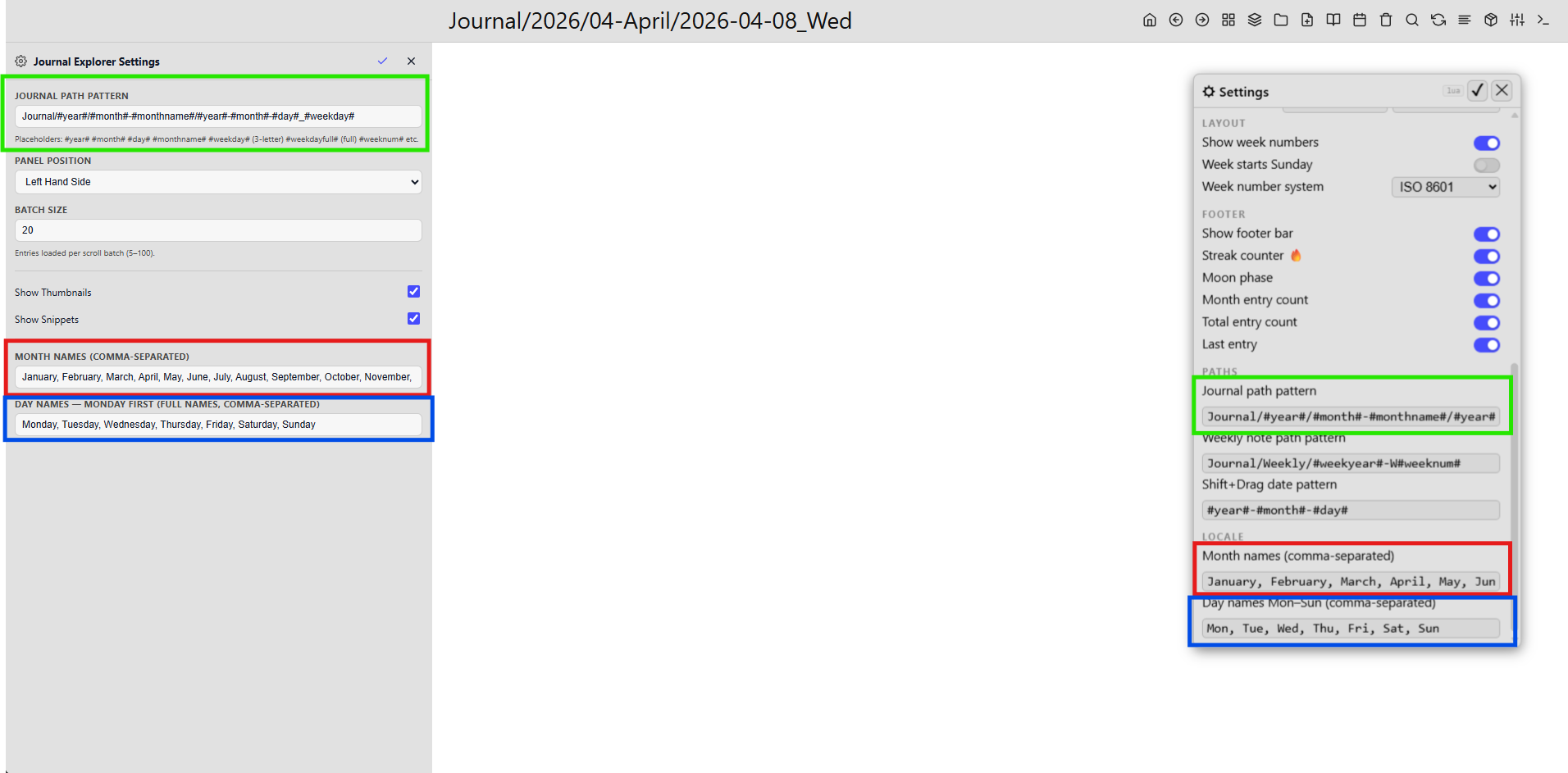
Important Note if you want to use both libraries, make sure in the Settings ( ) the Path Patterns are the same for both:
If you have any issue with Installing it, please share on which stept are you stuck.