Created an action button to navigate to Today's date. Finding it slightly easier for one-click than navigating to it via calendar.
actionButton.define {
  icon = "sun",
  description = "Go to Today",
  run = function()
    local date = os.date("*t")
    local monthNames = {"January", "February", "March", "April", "May", "June", "July", "August", "September", "October", "November", "December"}
    local year = tostring(date.year)
    local month = string.format("%02d", date.month)
    local day = string.format("%02d", date.day)
    local monthname = monthNames[date.month]
    local path = "Journal/" .. year .. "/" .. month .. "-" .. monthname .. "/" .. year .. "-" .. month .. "-" .. day
    editor.navigate(path)
  end
}
To use, update the format to your Date format and add to CONFIG. Here format is like Journal/2026/03-March/2026-03-30
It’s possible of course, but I don’t know if that’ll look good in that tiny squared thumbnails. In my opinion it would be more of a distraction than a visual improvement.
After thinking about it, and checking out closer DayOne.
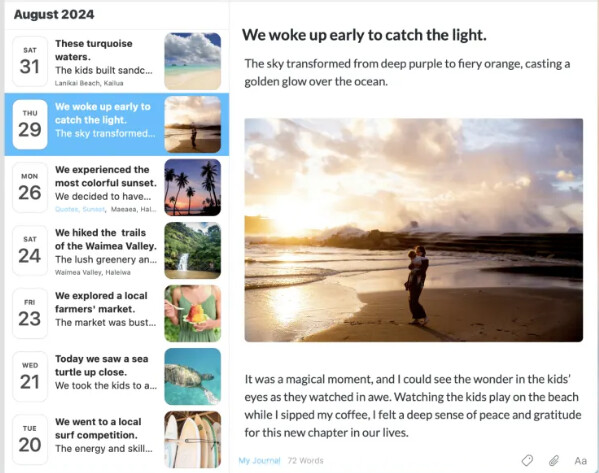
With my experience and the framework already existing in Document Explorer it wouldn't be so hard to make a new Library (let`s call it "Journal Explorer") for the sidebar with similar visuals as bellow in DayOne.
What do you think? is this something which would be a quality of life improvement for managing your Journal entries? or is the Floating Journal Calendar already enough for your Journaling needs?
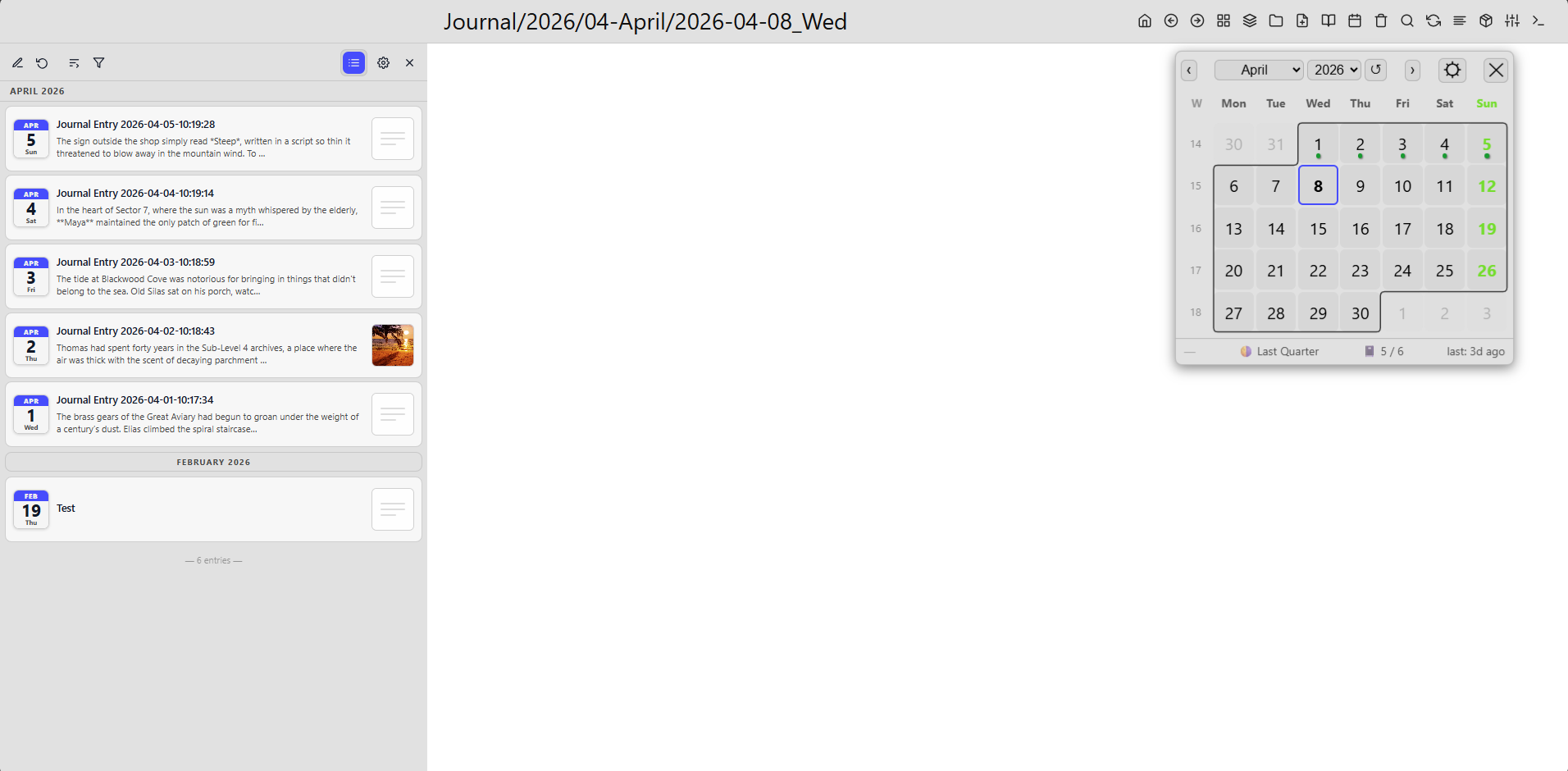
I’m happy to share the first release of Journal Explorer, a lightweight, sidebar for browsing your SilverBullet journal.
It provides a clean chronological view of your entries, complete with calendar-style icons, inline month separators, and a sticky date header that updates as you scroll. Entries are loaded in batches with smooth lazy loading, while background indexing ensures fast searching across your entire journal over time.
You can filter entries using multi-word search, toggle sorting order, and quickly jump into or create journal entries. Each tile supports titles, snippets, and optional thumbnails extracted directly from your pages.
The explorer is configurable, with support for custom journal path patterns, localisation (month/day names), and UI preferences via settings or space-lua.
This is just the beginning, future updates will expand on alternative views and deeper integrations.
Feedback, ideas, and brutal criticism are all welcome.
That's amazing! Immediately installed!
I have some questions though:
How do I set the size? It's using up all but like 50px of the width of my screen
For the new entry button, will it use a template? How could I set that? (I also have a editor command already setup, so perhaps a config could ask for a command to run?)
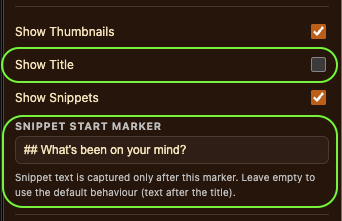
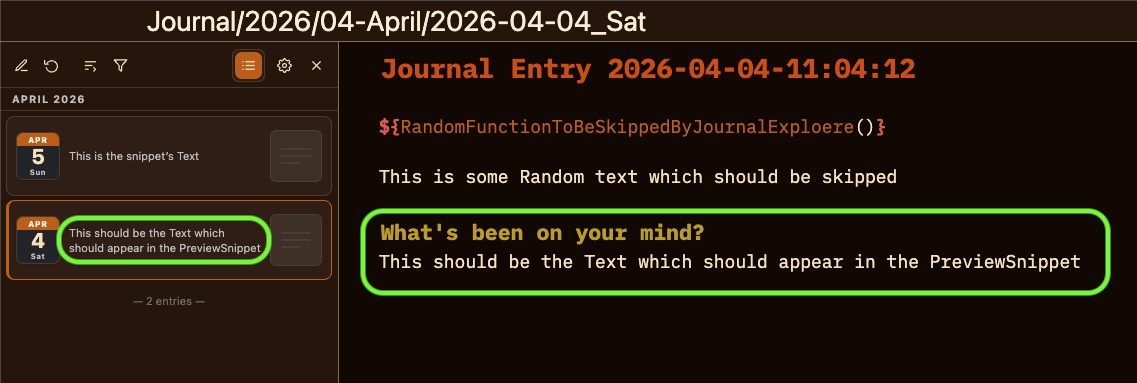
My journal entries have a bit of a preamble and no title for the snippet. Is there any way to customize that? (e.g. for me the snippet should start after the text "What's been on your mind?". I could see a regex likely handling most use cases)
I do recommend installing the Advanced Panel Control for everyone who uses plugs or libraries which live in the sidepanel. You can resize the panel dragging the resize handle. Or you can even detach the sidepanel into a fldoating window. And you can even open another another editor in the sidepanel. That’s why in all my sidepanel
Libraries I rely on Advanced Panel a control library.
This is still my go to solution on handling journal templates:
As discussed before this covers the majority of users use cases. For custom journaling needs and templates you might need to come up with a personalized solution for yourself.
The title and preview extraction doesn’t support function rendering it only extracts the literal text (first line as title) and the next lines as preview. If there is a ${function()} in the first line it takes it as a literal text and only the editor will render it properly. (Sorry)
But as you recommended, maybe I could add a config option to skip ${functions()} or even X-number of lines. I’ll think about it, but for this I would need the exact template or a dummy journal entry to see what does your journal entry look like.
I will take a look at this later, and try to find a way to add a customizable way to start the snippet after a certain text(as you proposed using a regex or another text parser). A possible issue will be still the title (currently the first line in the journal). having a function as a first line in your Journal Template will not render correctly.
I didn't thought there are people out there without the AdvancedPanelControls installed, So I just updated the library to open it as flex 0.75, so it won't take up that much space. so you can use it comfortably even without the need to install AdvancedPanelControls, although i strongly recommend to install it either way
Yes you can install both or only one of them depending on your preference.
Here are the beginner firendly steps to install them:
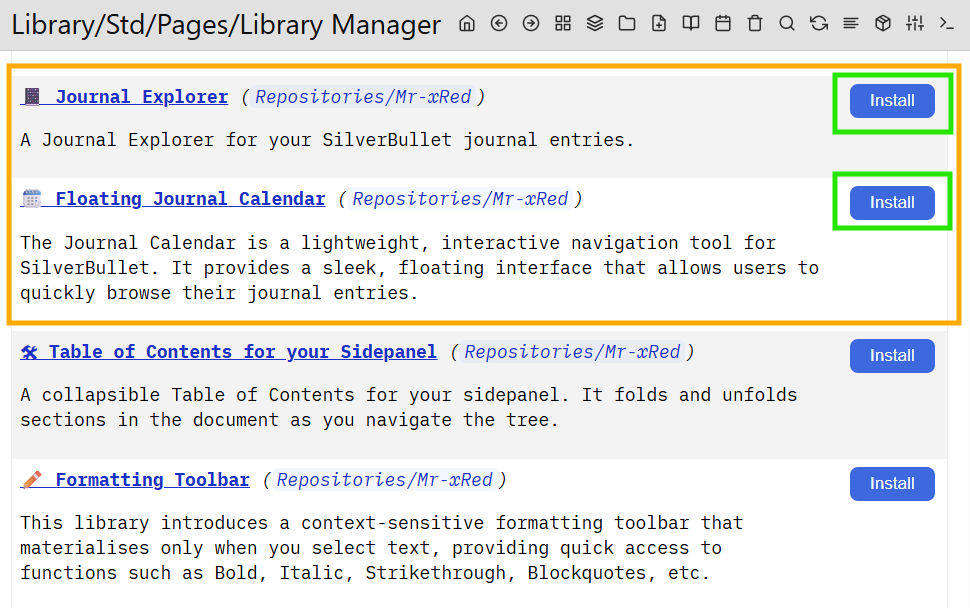
Step 1. Open "Library: Manager" from the Command Picker or navigate to "Library/Std/Pages/Library Manager" Step 2. on the bottom of the Page "Repositories: Add from URI" then enter following URL: https://github.com/Mr-xRed/silverbullet-libraries/blob/main/Repository/Mr-xRed.md accept to install it to Repositories/Mr-xRed Step 3. navigate back to the "Library Manager" and scroll down where you see the libraries you want to install. Click Install, you'll see the Library opened. Then return to the Library Manager, and install the other library. repeat until you installed every library you need.
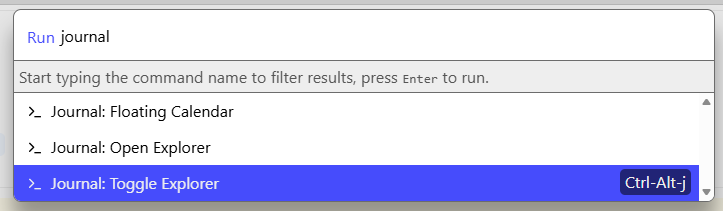
Step 4. For some of the libraries is necessary to also Reload & Refresh the page. I usually do it anyways. Step 5. The Libraries are installed and you can start the Floating Journal Calendar form or the Journal explorer from the command picker:
The snippet start marker must be an exact match in the journal entry. If the snippet start marker is not found it will fallback to normal behavior and will show the snippet starting on the second line. (first line is the title)
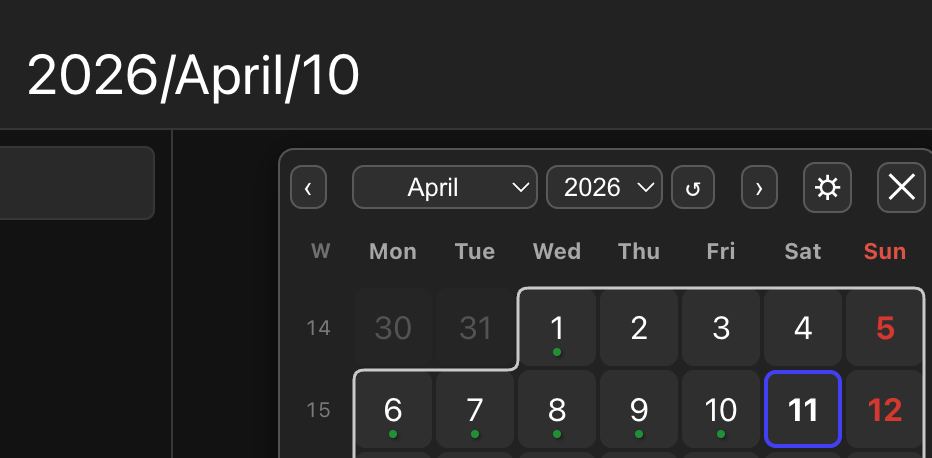
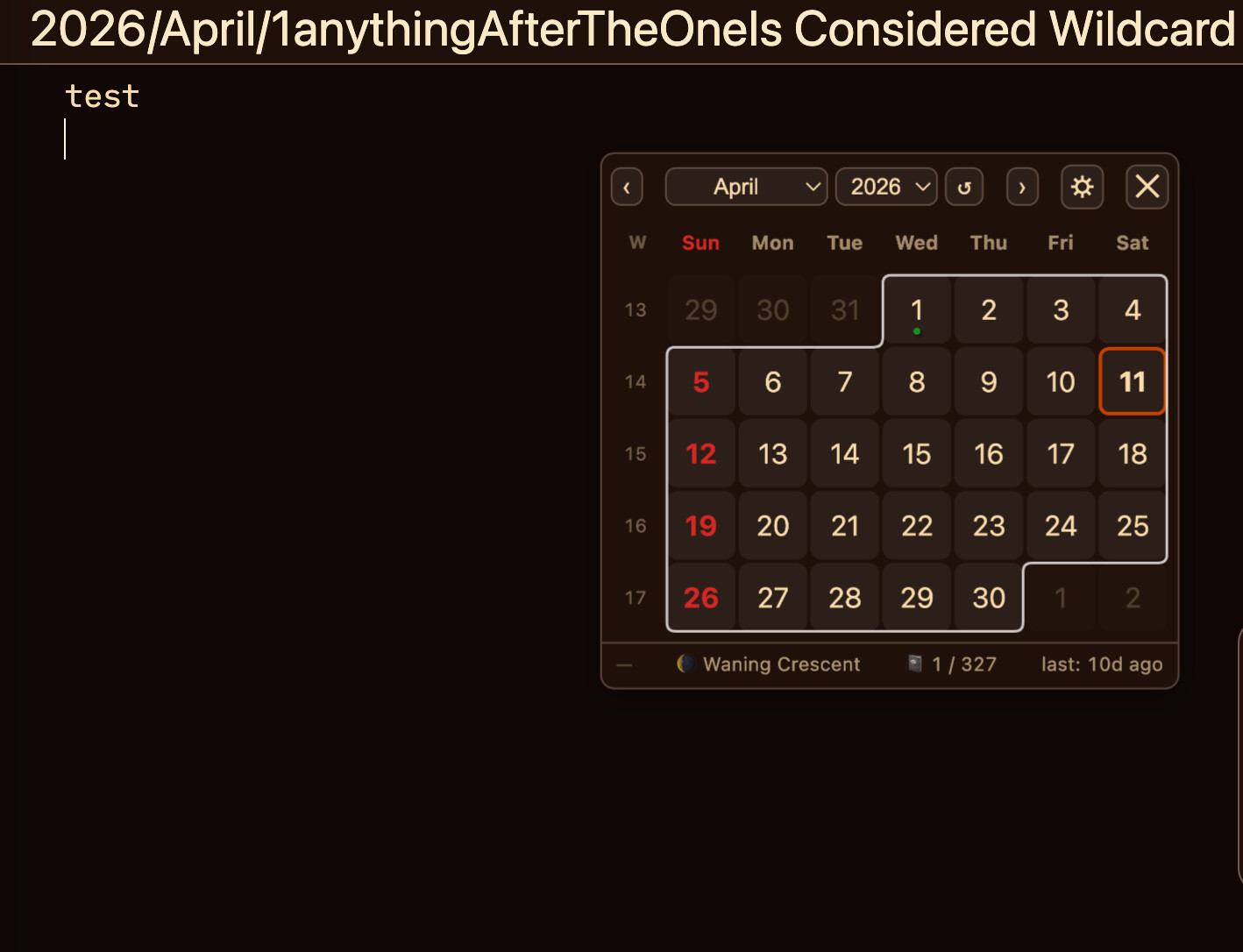
fix is pushed to github, it should now work, and should not see April 10th as April 1 + wildcard.
i also removed the implicit #wildcard# so if you want to use wildcard in your pattern, you need to add it because it's not implied anymore
other minor fixes.
PS:
I would still recommend you to use #day# instead of #D# as a pattern: '#year#/#monthname#/#day#'
Also another recommendation is to use either #weeknum# or #weeknumraw# in the week pattern, pointing the week pattern to a day, would cause issues too (e.g. instad of a weekly note, the calendar opens the frst day of the week).
I am relativly new to silverbullet and still learning a lot about it. Is it possible to make the build-in function for creating a journal page today be used with the same path layout the the calender or journal explorer uses?
I guess I would have to configure the journal prefix to include the year and month directory in the config manager.
What I am trying to achieve is something similar to the standard indix page which has a button to simply create todays journal and an actionbutton at the top that simply opens todays journal.
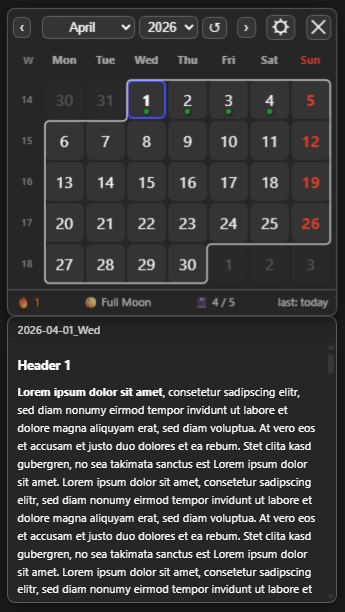
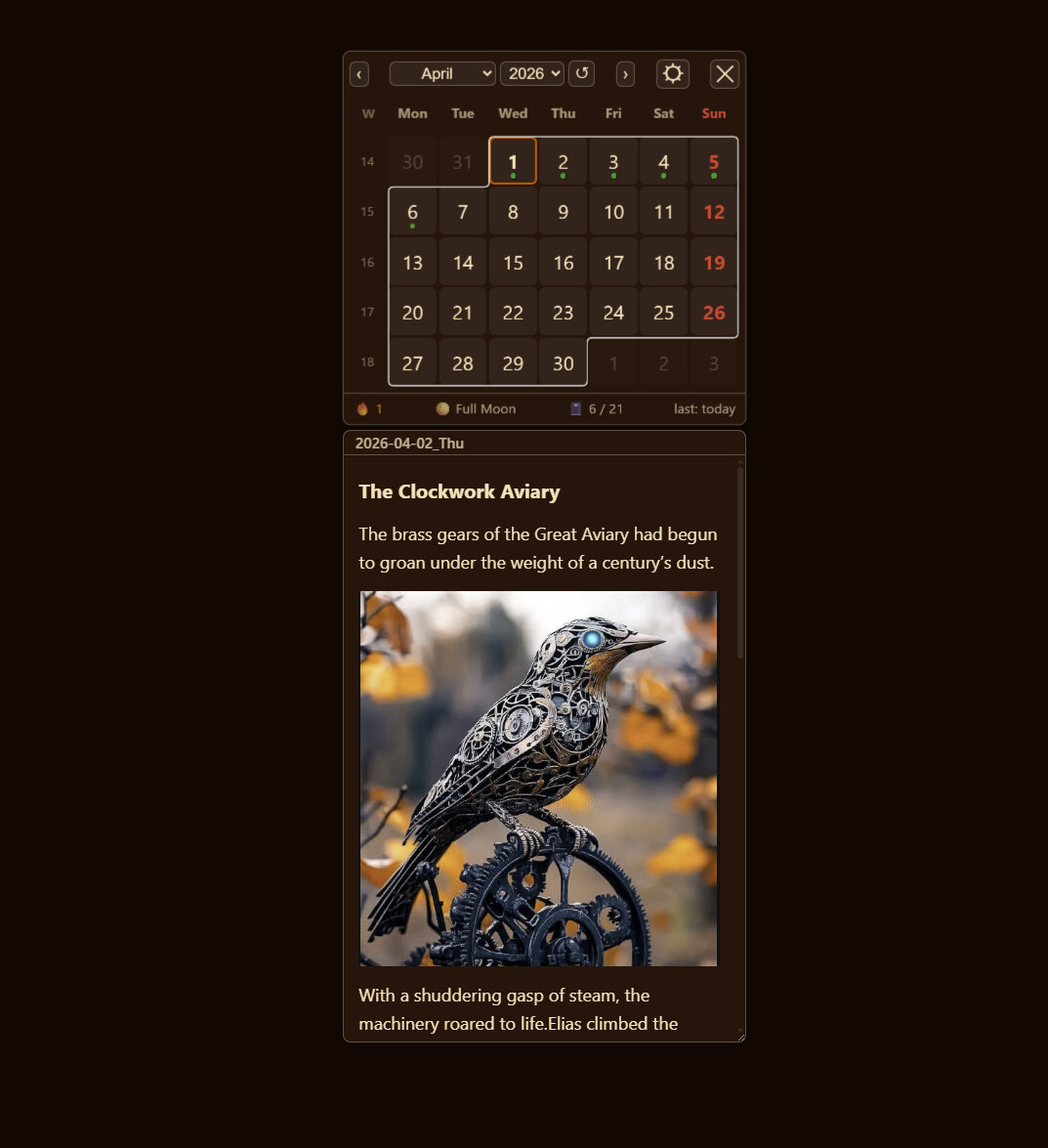
 I will immensely adore this feature if it is implemented. My memory journal will benefit enormously from it. Please do it!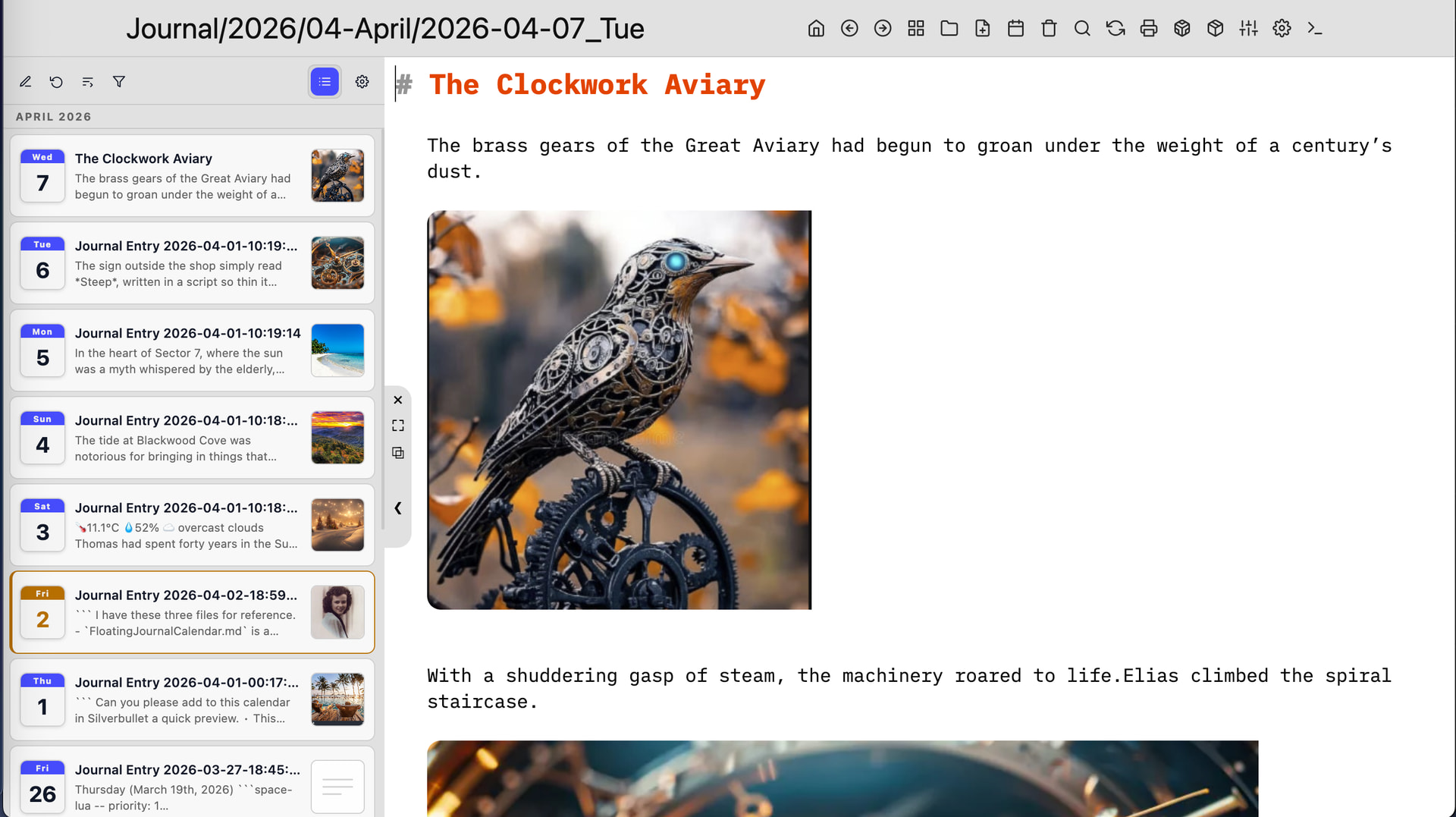
 Introducing Journal Explorer: First Release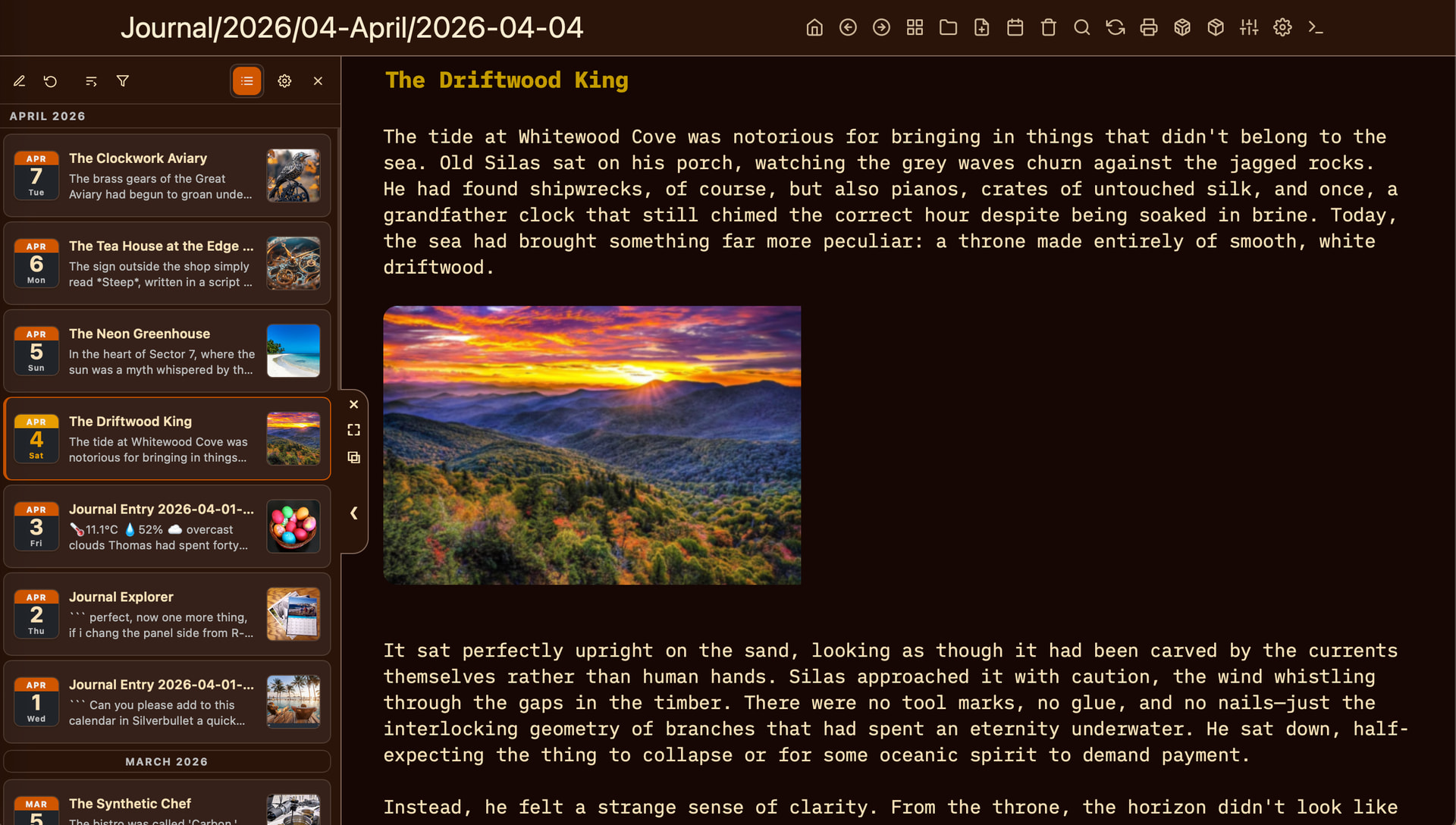
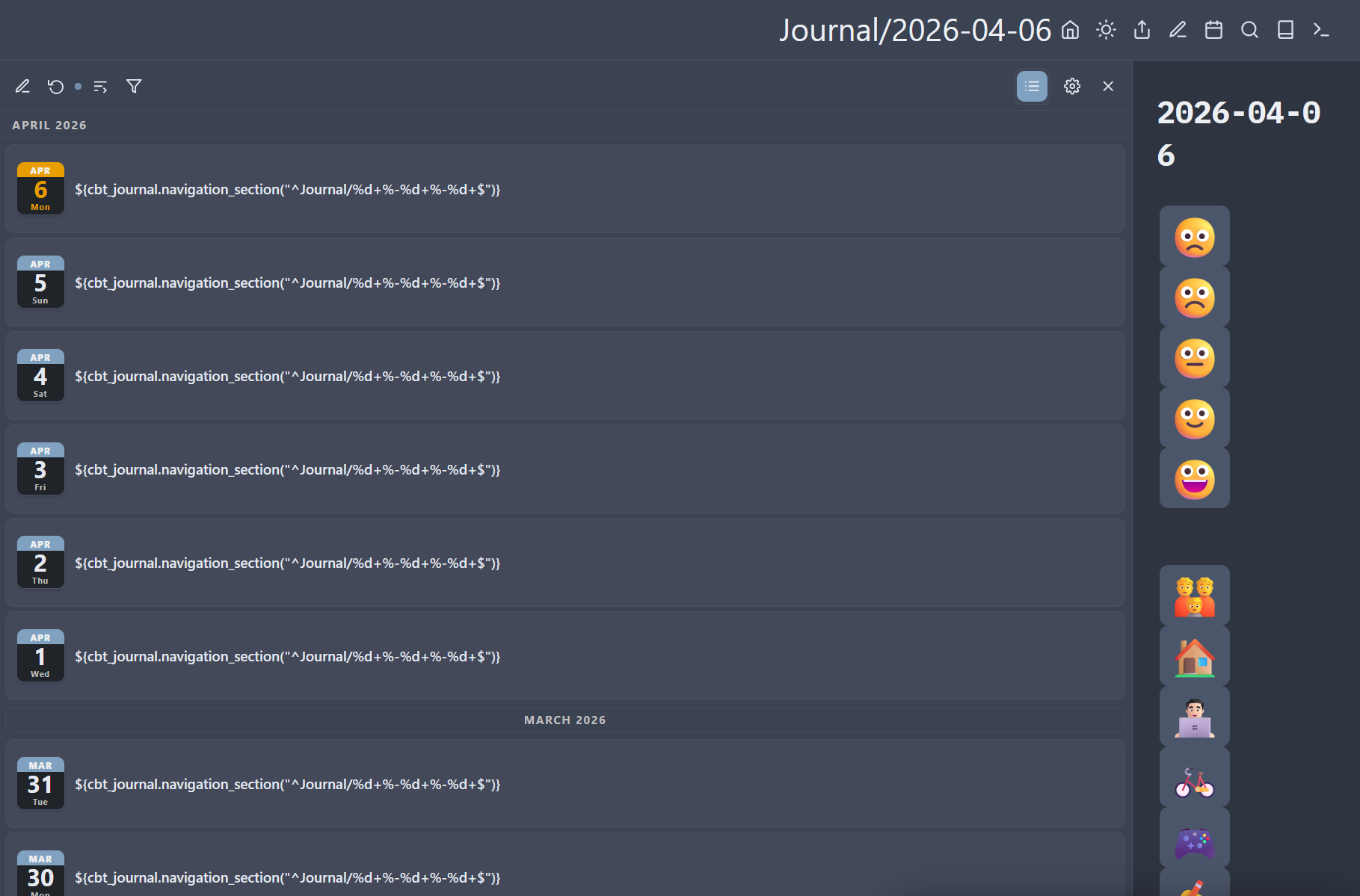
 , So I just updated the library to open it as flex 0.75, so it won't take up that much space. so you can use it comfortably even without the need to install AdvancedPanelControls, although i strongly recommend to install it either way
 ) the Path Patterns are the same for both: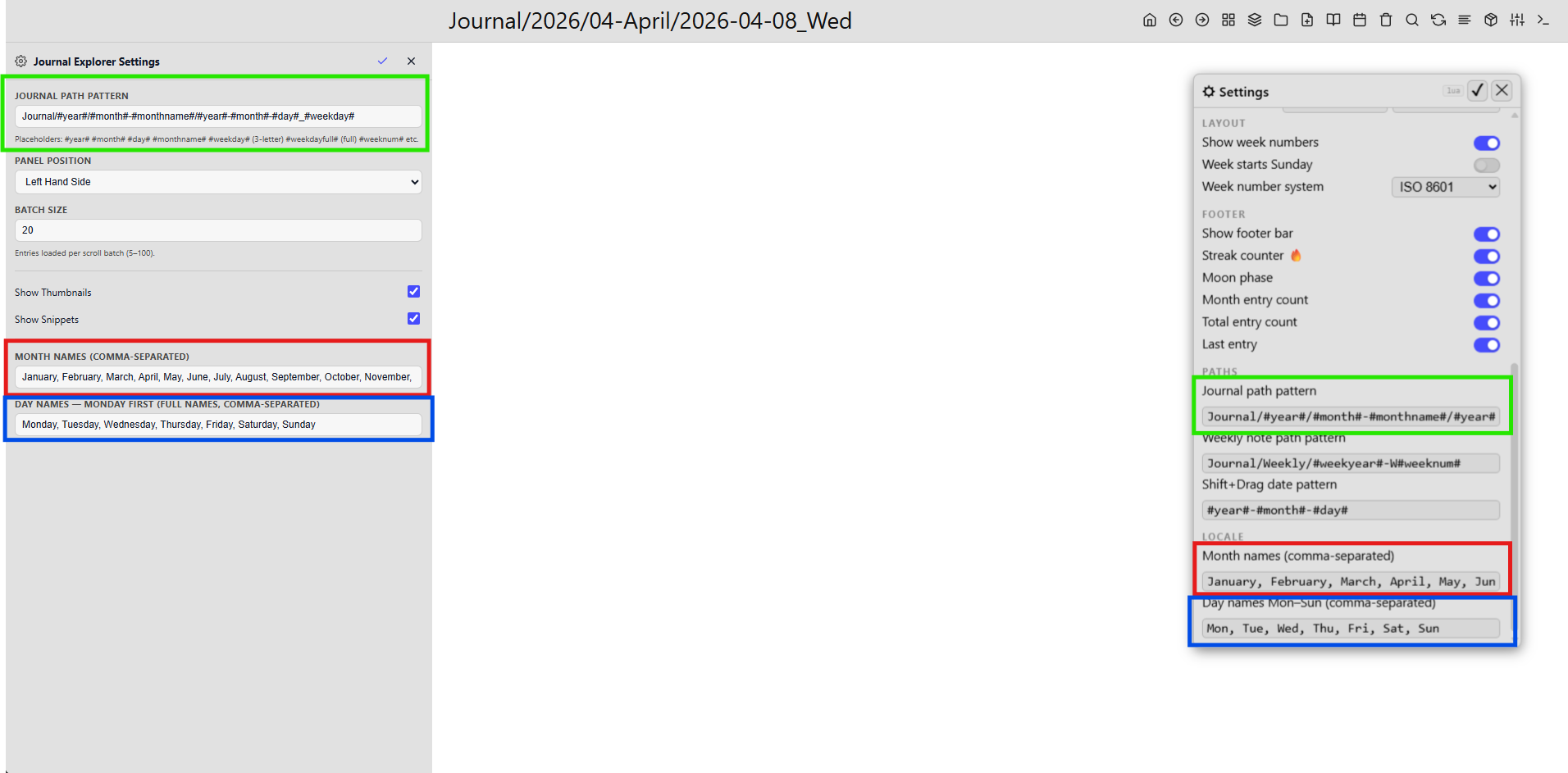
 bugfix