Can you see the images when you manually add upload them into the web-UI using the “Upload: File” command?
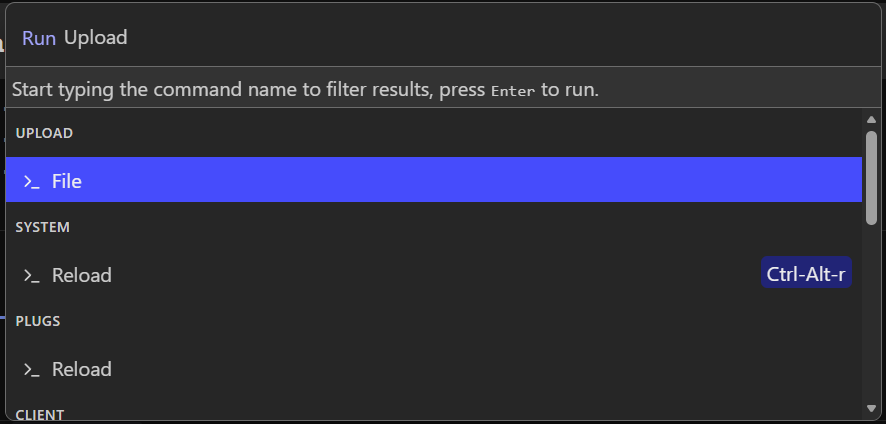
If that works, then the problem is likely Cloudflare cacheing static content.
Try these steps:
1. In the Cloudflare dashboard (one time setup)
- Go to your domain
- On the left bar => Cacheing => Cache rules => Create a cache rule
- Call it whatever, for example: “Bypass cache for SB”
- Create expression like below (NOTE: You need to separate them with OR). You can also add additional queries for /*.pdf, or other doc formats as needed
- Cache eligibility should be
Bypass cache - Save
- On the left bar => Cacheing => Configuration => Custom purge
- Purge by URL
- Add your domain like this
https://silverbullet.domain.com/*
Alternatively you could Purge everything

2. In your Silverbullet webpage
- Delete all site data, normally
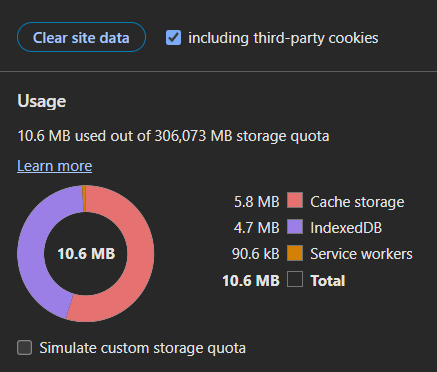
Ctrl+Shift+Deletedoes the trick - You may also need to enter Developer-Settings in your browser and go to Applications => Clear site data.
This is how it looks in Edge - Force reload the webpage and see if the images are showing up.