Hi!
I’ve installed a Silverbullet docker container on my unraid-server. Accessing it via cloudflare tunnel. Everthing works except the images. They are uploaded to the server but if I login to my silverbullet-site everything is shown except the images. They are not synched to the client.
Has anybody an idea where the problem could be?
Thanks in advance.
bmblb3
November 16, 2025, 10:26pm
2
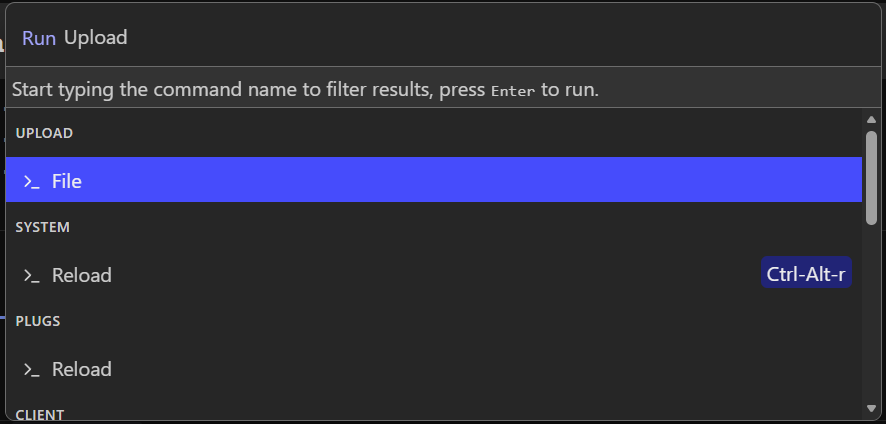
Can you see the images when you manually add upload them into the web-UI using the “Upload: File” command?
If that works, then the problem is likely Cloudflare cacheing static content.
Go to your domain
On the left bar => Cacheing => Cache rules => Create a cache rule
Call it whatever, for example: “Bypass cache for SB”
Create expression like below (NOTE: You need to separate them with OR ). You can also add additional queries for /*.pdf, or other doc formats as needed
Cache eligibility should be Bypass cacheSave On the left bar => Cacheing => Configuration => Custom purge
Purge by URL
Add your domain like this https://silverbullet.domain.com/*Purge everything
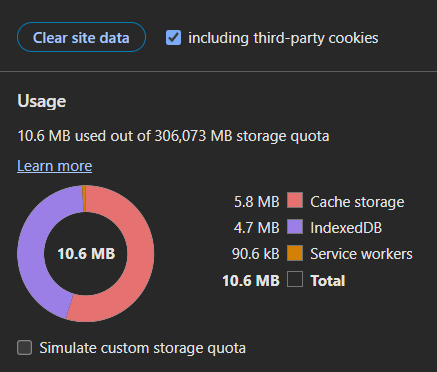
Delete all site data, normally Ctrl+Shift+Delete does the trick
You may also need to enter Developer-Settings in your browser and go to Applications => Clear site data .
Force reload the webpage and see if the images are showing up.
Worked!
Thank you. Just saved my day.
bmblb3
November 17, 2025, 8:00am
4
No worries@zef would it make sense to add this to your Cloudflare guide?
laurybueno
November 18, 2025, 7:27pm
5
I have been scratching my head with this problem for weeks now.
Amazing work figuring this out!
zef
November 18, 2025, 7:37pm
6
I was like: what cloudflare guide, but I suppose you mean this one? I didn’t write it, but we can link them.
Guide by Hylosium :
In this guide we will show you how to deploy silverbullet and cloudflare in containers, making them “talk/communicate” in the same private network just for them.
This guide assumes that you have already deployed Portainer. If not, see this official guide from Portainer to deploy it on Linux.