Trying to use your task manager in production.
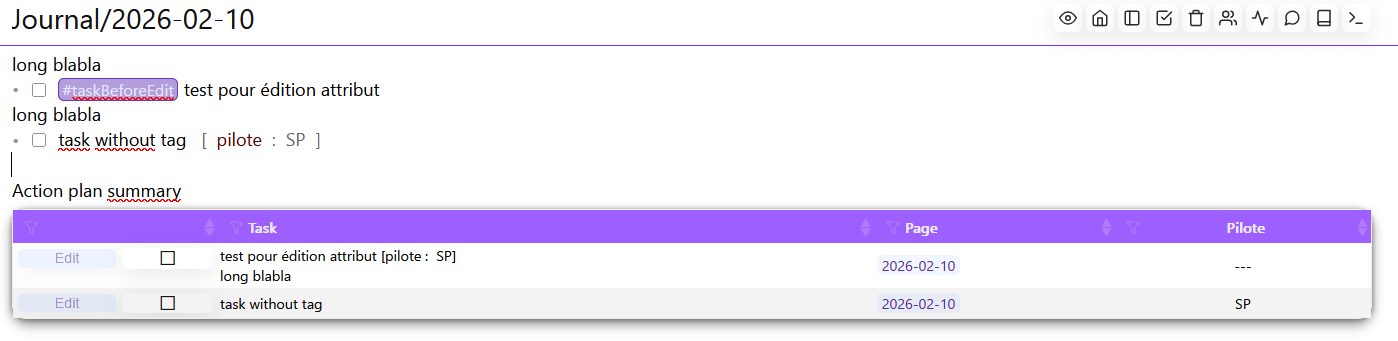
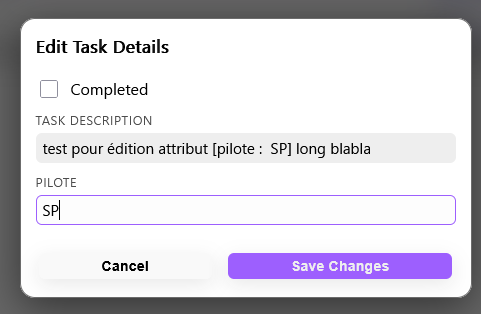
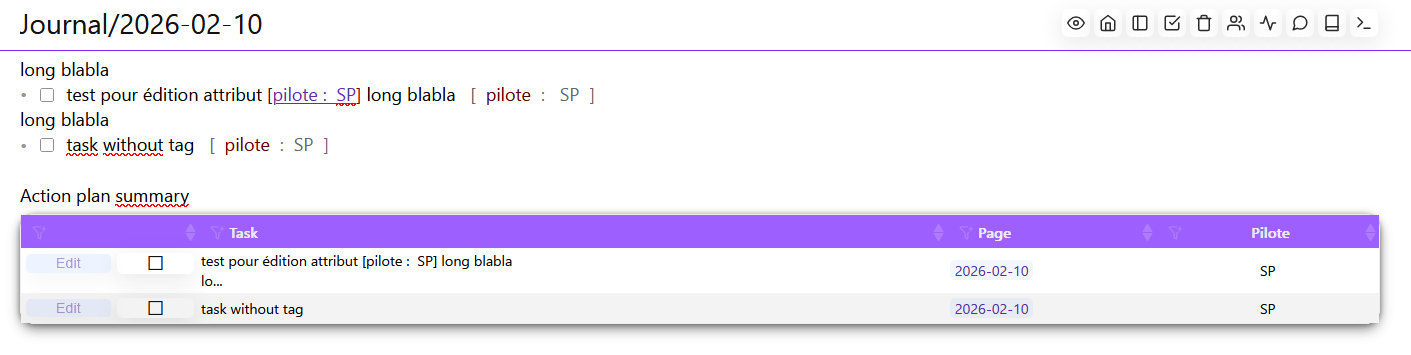
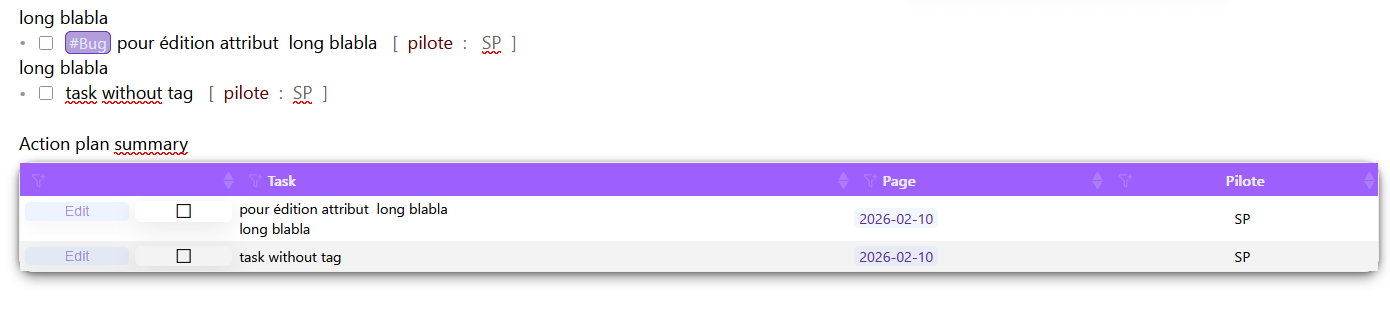
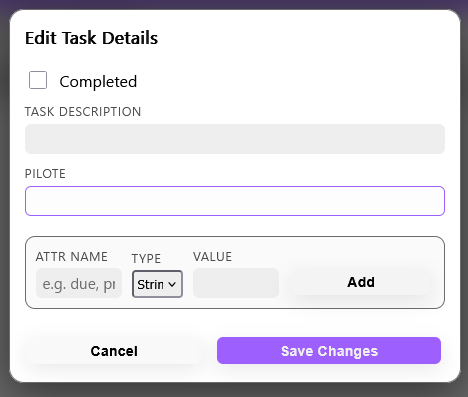
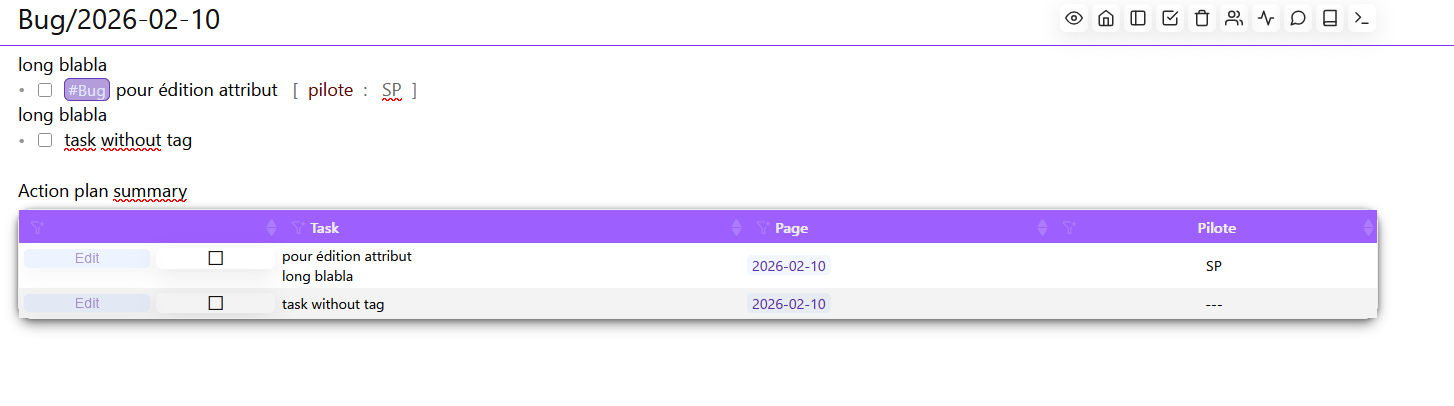
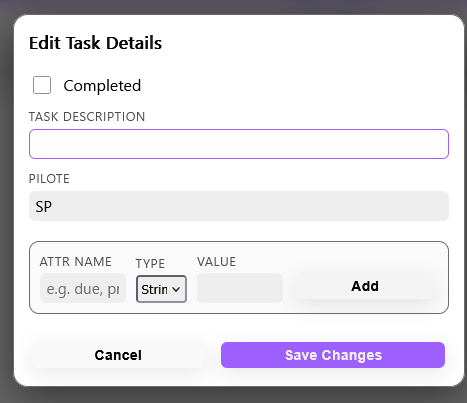
I'm facing an issue regarding the tagged task: when using the edit window and saving tag of task is removed.
Note : this do not happen you using alt-shif-e shortcut
Also suggestion, though selection + copy/paste works well in .xls, what about a short csv export ?
Usually working with tabular data in webbased system often ends with a kind dedicated software handling (presentation, data calculation etc ...), this is very helpfull command for external user that feels safe to export their data in a "classical office world".
Need to look into that deeper, it’s worse than I expected. Tried # after task text, tried # after attributes, didn’t’t tried it in front of the text. It’s definitely an issue with the text parsing& & regex.
But retested few times witth a new task in a new .md seems ok
--> Not so many time right now but I'll test it deeper and come back if new occurence happen again
Also when testing please note the steps you’ve encountered the bug, so I can reproduce the same. If I can’t reproduce the bug then I also can’t know what’s causing the issue.
Weird how did it happen the task field was empty? Do you have any special characters in the task name? Or edited two different tasks very quick and the last modification didn’t get indexed, so it was conflicted by the sync/index engine?
Also when you manually edit the task by editing the markdown. You must refresh the widget or the page with the widget, so it’s the latest, because the widget doesn’t auto refreshes on every manual change, only if you edit the tas through the edit button.
Got one occurence, but I think there are other failure mode, to be confirmed.
This seems related to multiline task -> Will avoid to do this on these task.
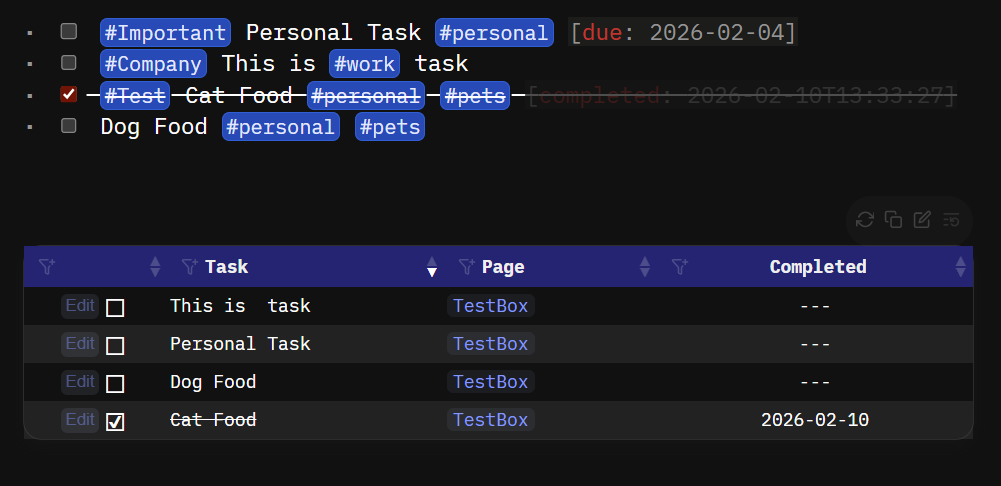
I was experimenting with the Kanban Board Integration for tasks and Multiline Tasks and I managed to integrate a simple AST into the Kanban Library (@mjf thanks for pointing me into the right direction).
It is still work in progress and experimental. But after i'll thoroughly tested it, I will migrate the same logic to the Task Manager to support Multiline Task in the future.
Until then please feel free and test the Kanban Board out, maybe it's something you'd like.
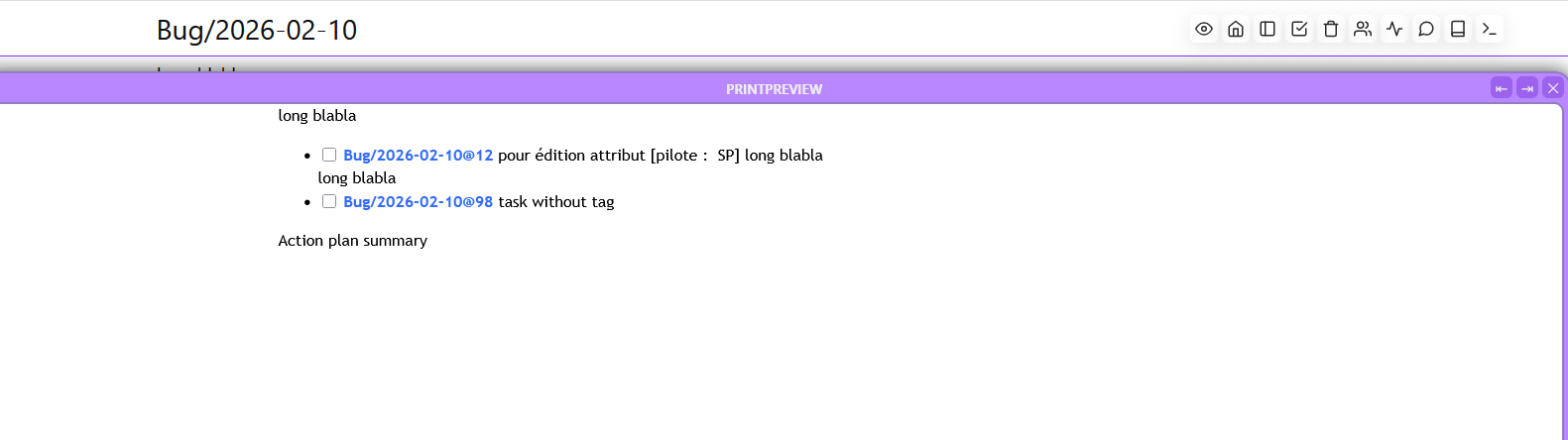



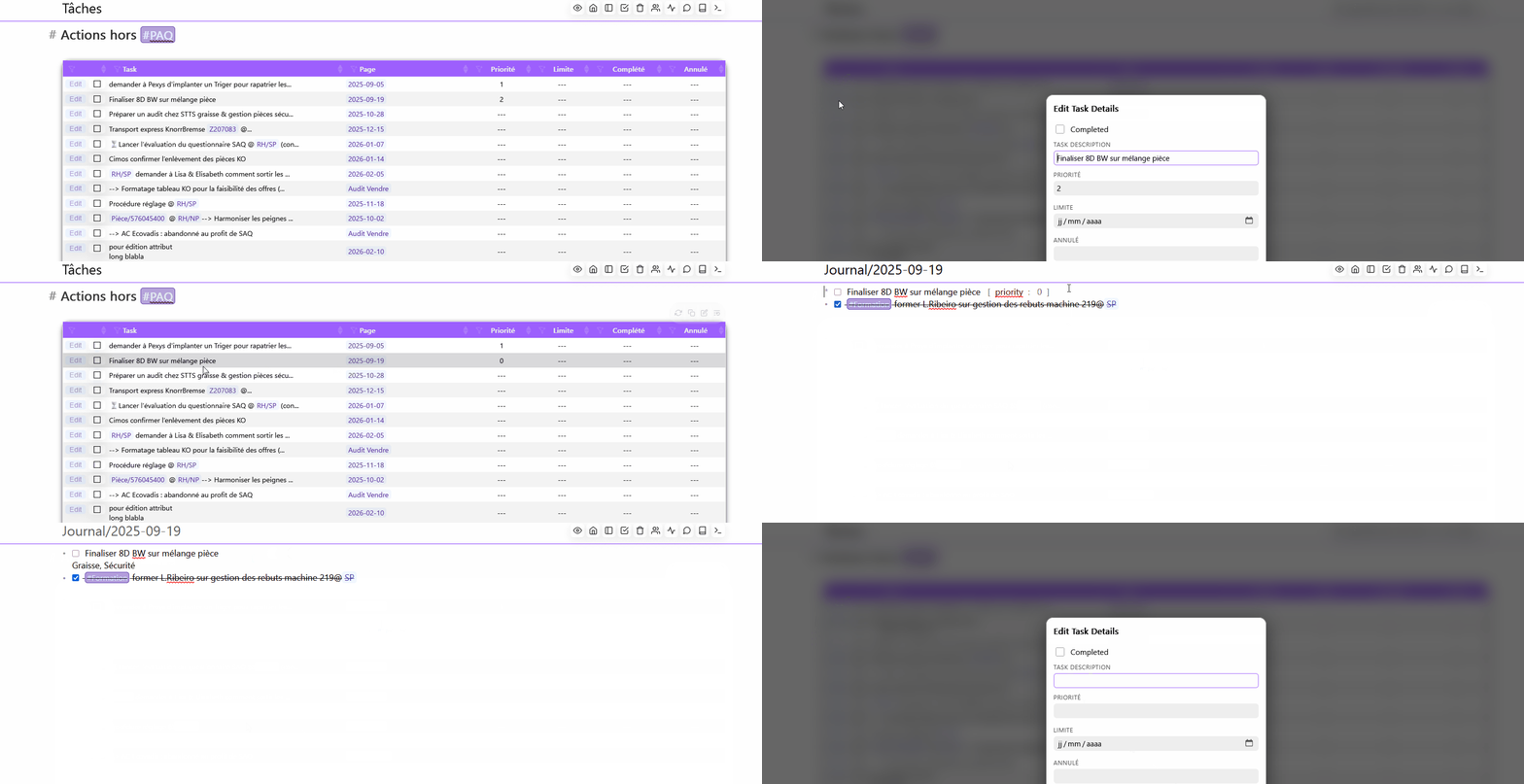
 because I parse the text using regex in current line.
 no pb, just want to keep tagging system in task, I'll take care of multiline tasks