UPDATE 13/01/2026:
Final version. Release available on github.
Presentation and links here: Task Explorer for Silverbullet - #3 by bau
UPDATE 13/01/2026:
Final version. Release available on github.
Presentation and links here: Task Explorer for Silverbullet - #3 by bau
The new Unified Advanced Panel Control (UAPC) is almost ready for beta testing. As the name suggests, I unified the Panel/Window Controls into one single .js (+a little bit of lua for the bridge to Silverbullet + SpaceStyle for styling) I still have couple of formatting issues and some quirks I want to solve before releasing it, but it’s close. If you want to test it for your tools you can do it soon.
Task Explorer is based on @Mr.Red’s great work to provide silverbullet with a multi-windowing system.
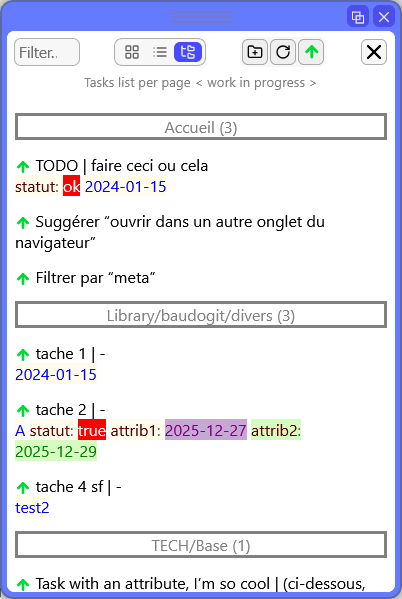
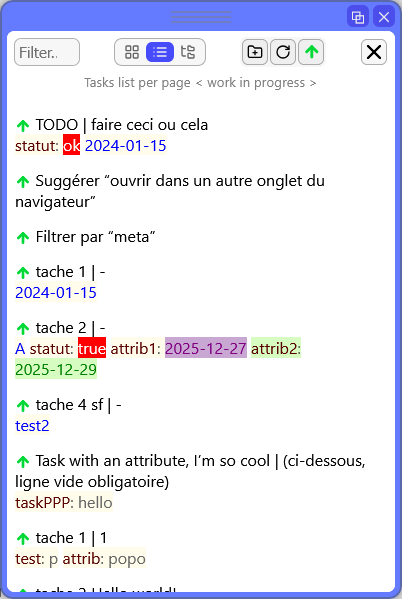
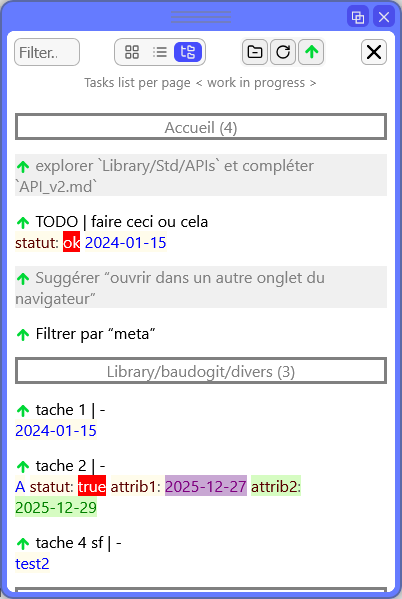
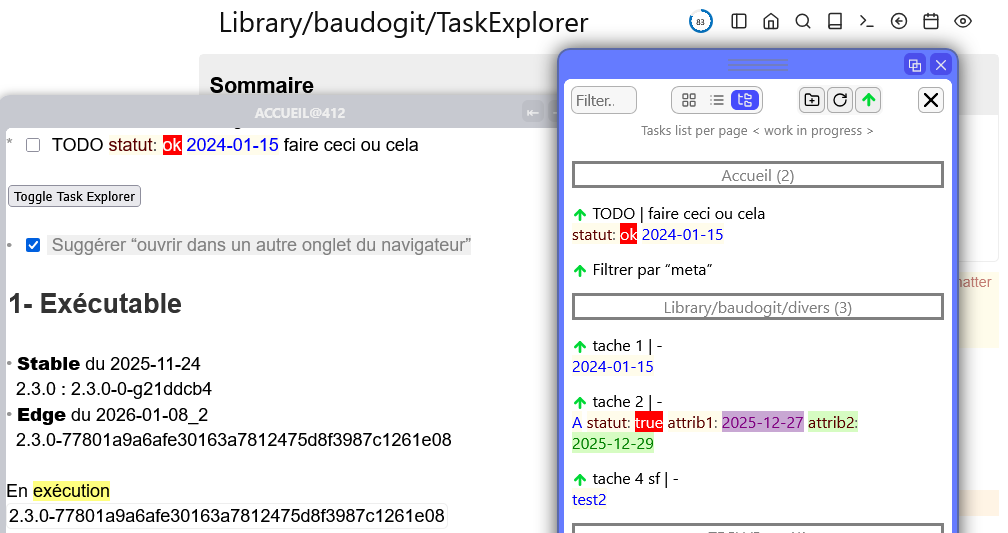
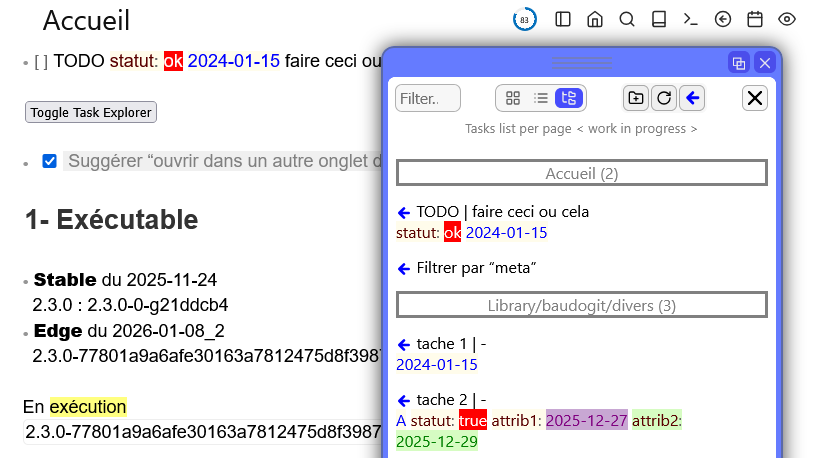
Task Explorer adopts the ergonomics and graphic style of the Document Explorer interface. Instead of navigating between documents, we navigate between tasks !
If automated actions need to run when the task changes status, your script will not have any effect on the original task if you perform the update on a copy of the task (obtained by query). See Event `task:stateChange` isn't fired for "external" tasks · Issue #788 · silverbulletmd/silverbullet · GitHub.
Task Explorer provides a smooth navigation solution to the original task.
1- Install Document Explorer
2- Dowload tree files available on Github (New link. Sorry for the previous one !)
3- Drop the files here: “.\Library\ baudogit \“ (without spaces in the folder name).
Note : style rules can be incorporated into an existing space-style and/or placed anywhere in your SilverBullet space.