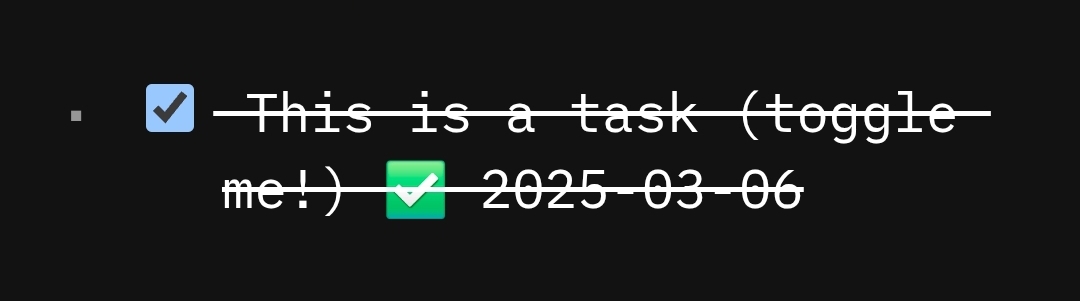
I don’t know if this is something I need to configure, but on the Silverbullet demo page when a task is completed it shows a checkmark emoji and the date it was completed at the end of the line like:
Hello this subject really interested me, but the link seems broken from my PC: after a reindex animation in the toolbar, I just get a blank page (and the toolba)
Do you still have access to it ?
I am specially interested in an entry documentation point documentation concerning the available hooks. Maybe you have an alternative link ?
The possibilities of sliberbullet seem very large but I am struggling to find the entry points concerning the API in general. I suppose I miss something…
This might be of help to you if you are running v2. This is a similar script in space-lua which adds the completed date/timestamp to the task when you check the task, and removes it when you uncheck it.
Currently the task:StateChange has a known issue in which the event isn’t fired for task which are not on the current page