For some reason, the only command I see related to plugs in the command picker is Plugs: Reload on my 2.10.0 install. I tried running Plugs: Reload, thinking it my be a renamed version of Plugs: Update but nothing seems to happen, and I can't still see any TreeView-related commands in the command picker.
The TreeView plug is not actively maintained, so I’d suggest using something like @Mr.Red’s document explorer instead (you can find it in the library manager).
As to where is this Plug: Update command, it’s been superseded by the library manager nearly a year ago. Last I checked (I made the PR to the TreeView back in the day), you could still install TreeView by pointing the library manager at silverbullet-treeview/PLUG.md at main · joekrill/silverbullet-treeview · GitHub
The TreeView plug is not actively maintained, so I’d suggest using something like @Mr.Red’s document explorer instead (you can find it in the library manager).
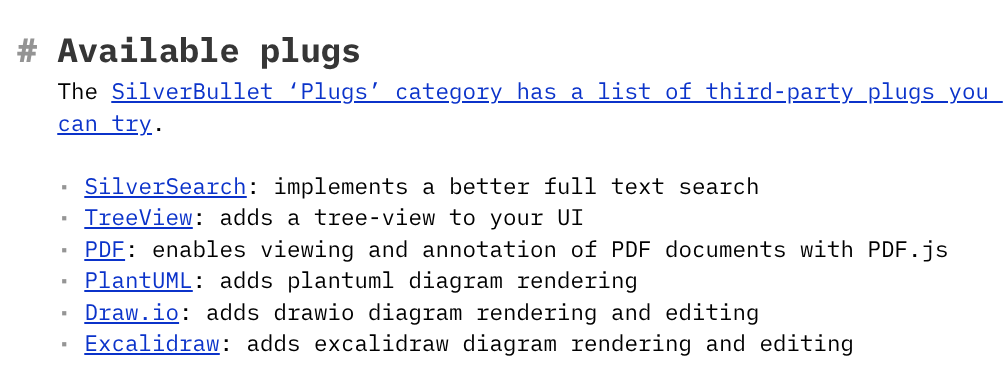
Thanks, @zef. I didn't realize the TreeView plug should probably be avoided, especially since it is still listed in the Plugs page:
But you're right, it still does install properly using the Library Manager (I missed that "Install from URI..." button. And I'll give the Document Explorer a try as well.