Document Explorer for Silverbullet

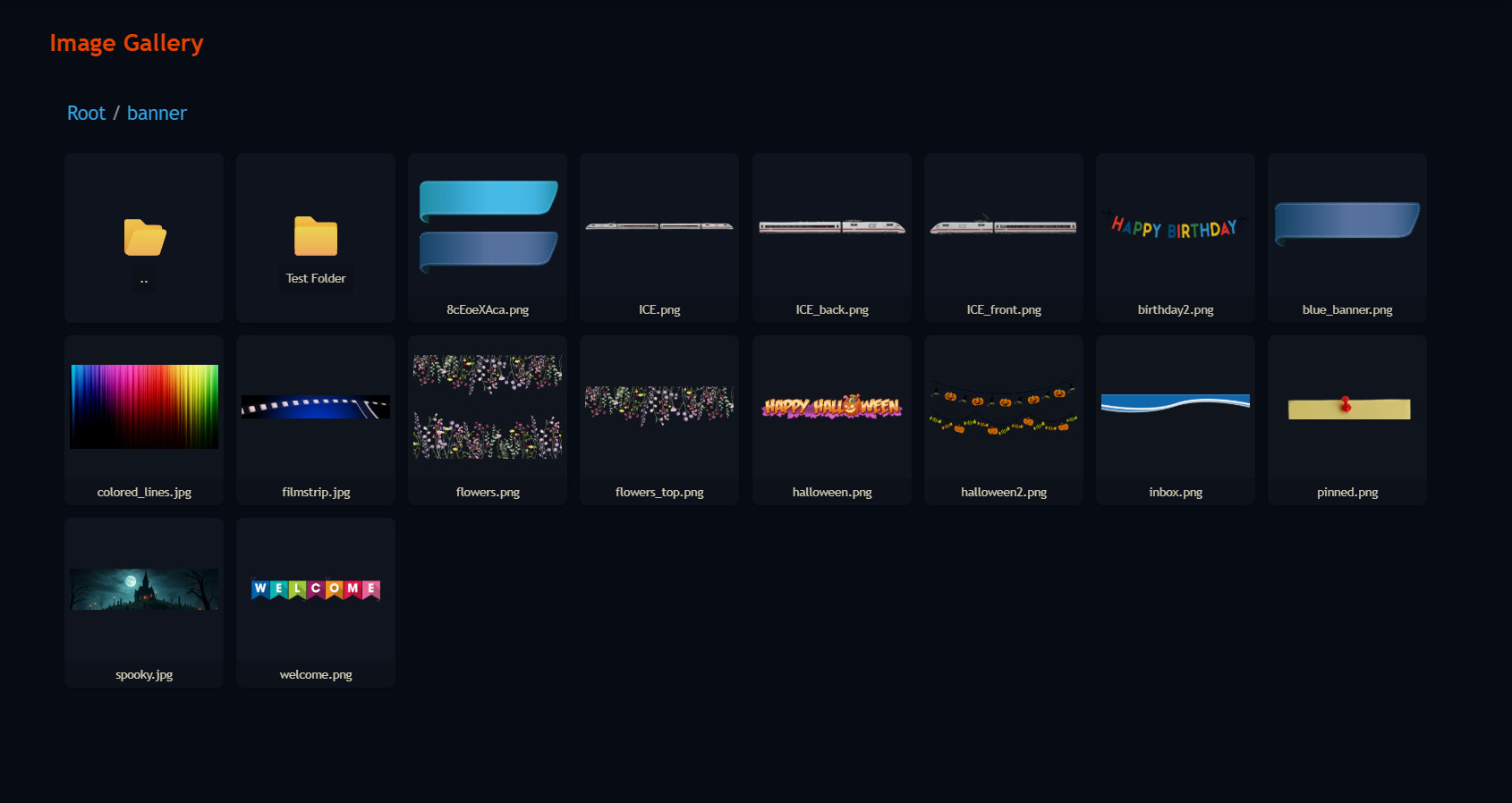
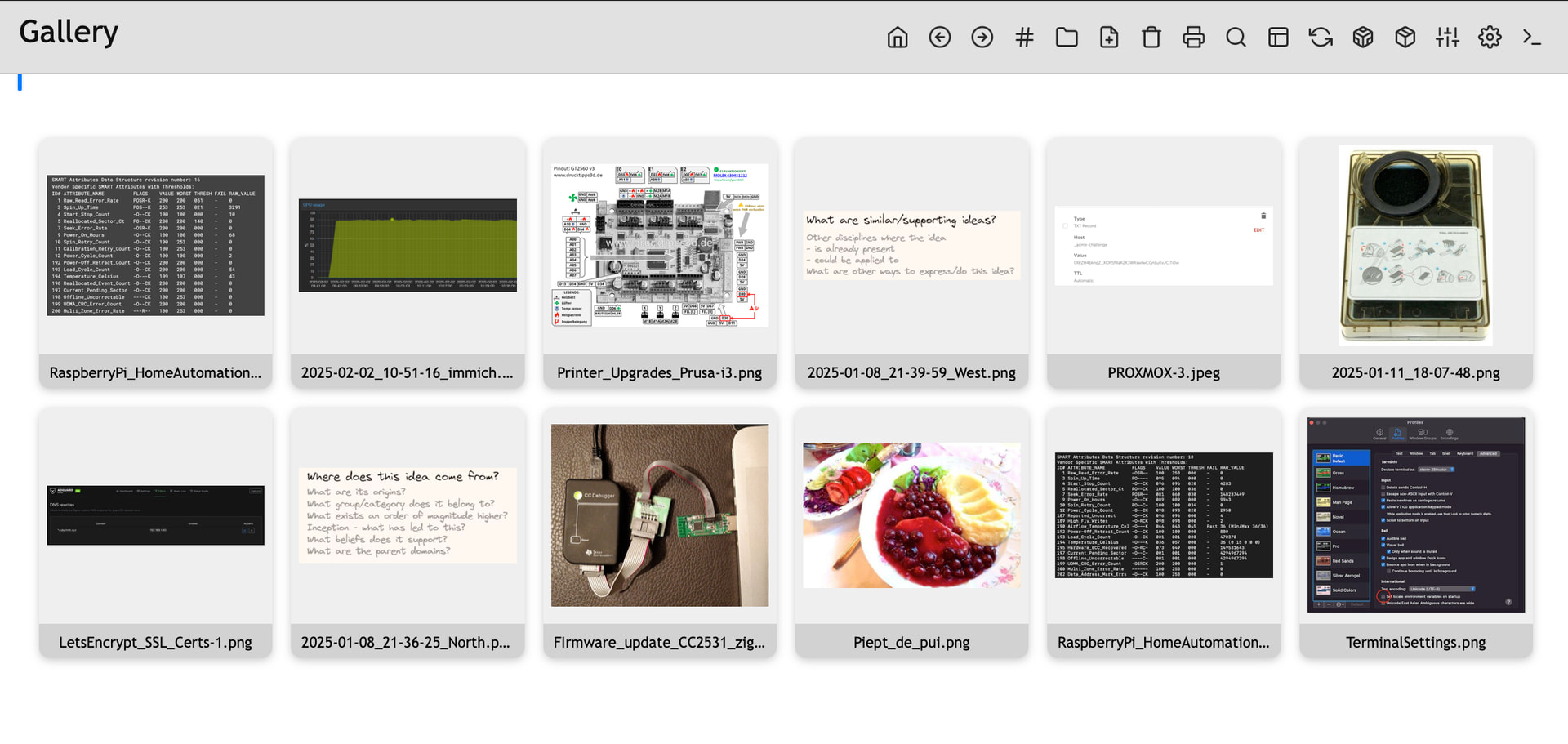
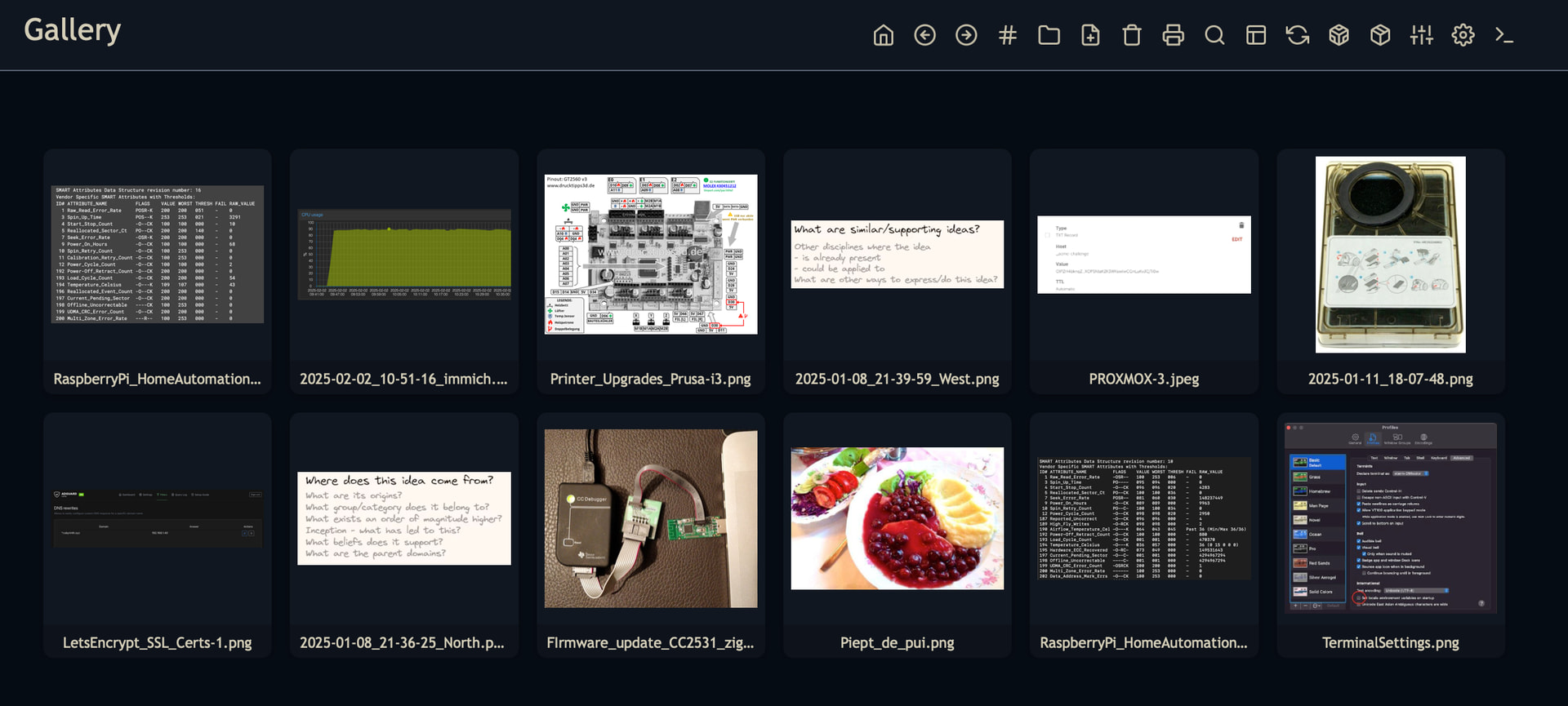
I made this simple responsive Image Gallery/Browser to preview all the images inside a specified folder:


I don’t know yet for what I’ll be using it , but sometimes I was wondering what images do I have inside my space or inside a folder, and this makes it possible to get a quick overview.

You can install it using the :sparkles: Library Manager & My Library Repo:

https://github.com/Mr-xRed/silverbullet-libraries/blob/main/Repository/Mr-xRed.md

7 Likes

Thanks for sharing! I encounter a problem after installing the plugin via the manager with SB 2.3. Here is the gallery view:


I can’t identify the problem.

repo installed! thank you for sharing.

Probably it’s from another space-style inside your space which adds a blur filter to the lua widgets or something else. can you check the DevTools to see where the blur effect comes from?

or

What browser are you using?
Alternatively it could be possible that the animation effect CSS is not compatible with your browser. try to disable the animation in the space style:

/*
.image-tile {
  animation: fly-in linear both;
  animation-timeline: view();
  animation-range: entry 0% cover 100%;
}
*/

This could be useful as a virtual page

I think I got it. I pushed the fix.
Update the library & try it, if it does the same

1 Like

It’s better but not enough. I deactivated my space-style: still the same.
My browser is Firefox under W11.

like I suspected… it’s Firefox fault. it doesn`t support some of the CSS animations.

I pushed a fix to ignore the animation if not supported, so the images will still load without the fancy fly-in animation & blur effect.

Update & Try now.

1 Like

me ← firefox derivative user

yessss ! it’s perfect.
Have a nice day !

I’m already working on it!

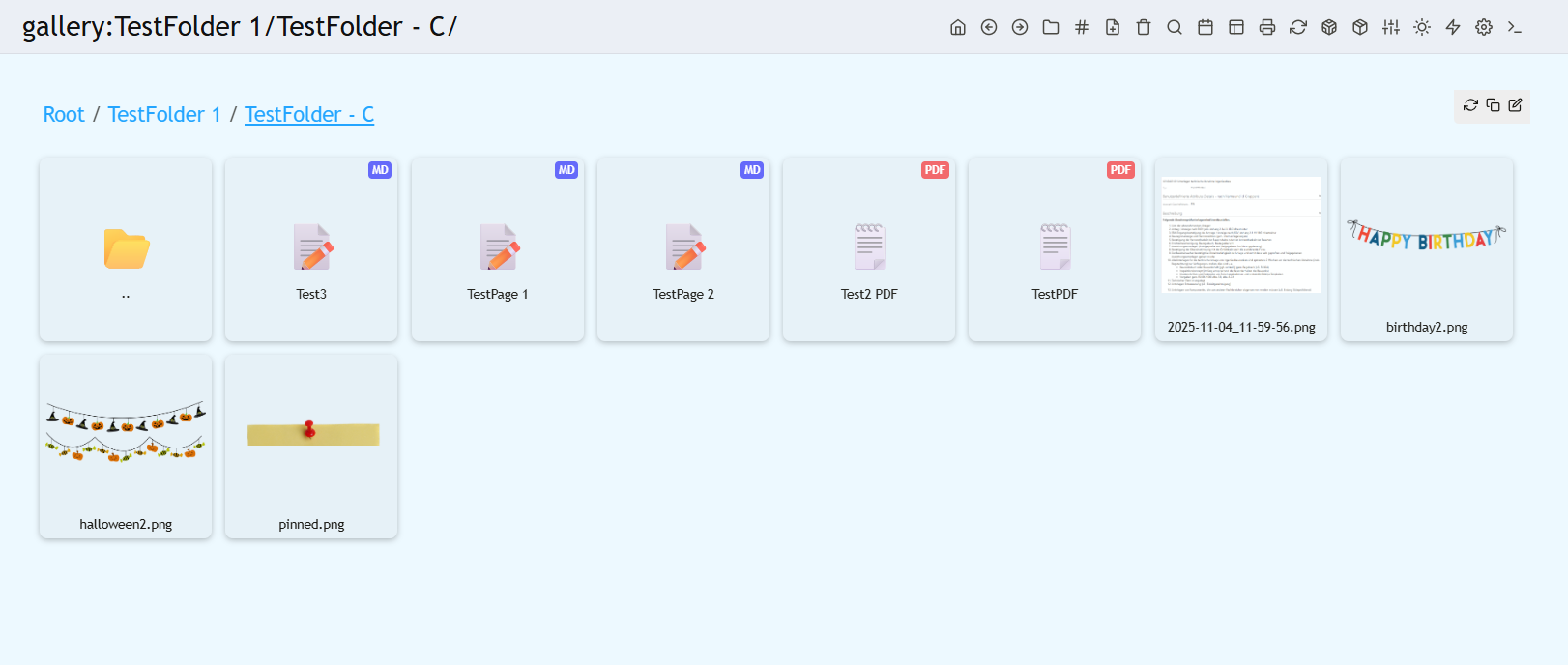
this next version will work with Virtual Pages and also have folder support & breadcrumbs, like a real browser :wink: :

4 Likes

Hi !

Seems quite nice !
Do you think it could be turned into a document/attachement viewer ? I’m always anxious about how uploaded file are hold and where they are stored.
This could be helpfull…

Why stop there? This could even be turned into a space browser that displays your pages, PDFs, images, and more. :thinking:

The only challenge is that I need to handle and display/style each file type separately.

So, I need to know which extensions should be included in the display.

Currently supported:

  • Images: .png, .jpg, .jpeg, .webp, .gif
  • Pages: .md
  • Documents: .pdf

2 Likes

Nice !
Is it up to date in your repo ?
Just tried → Works well with image but not with others (.pdf for example)…

Short shuggestion :slight_smile:

  • Compact mode with full path → Explorer

not yet… :soon_arrow:

imaginative -_-!
Early GPT web versions generated rare historical footage of the GPT web itself.
By the way, we seem to have a Microsoft engineer @janssen-io who might say this is reinventing File Explorer (or rather eagle ?).

1 Like

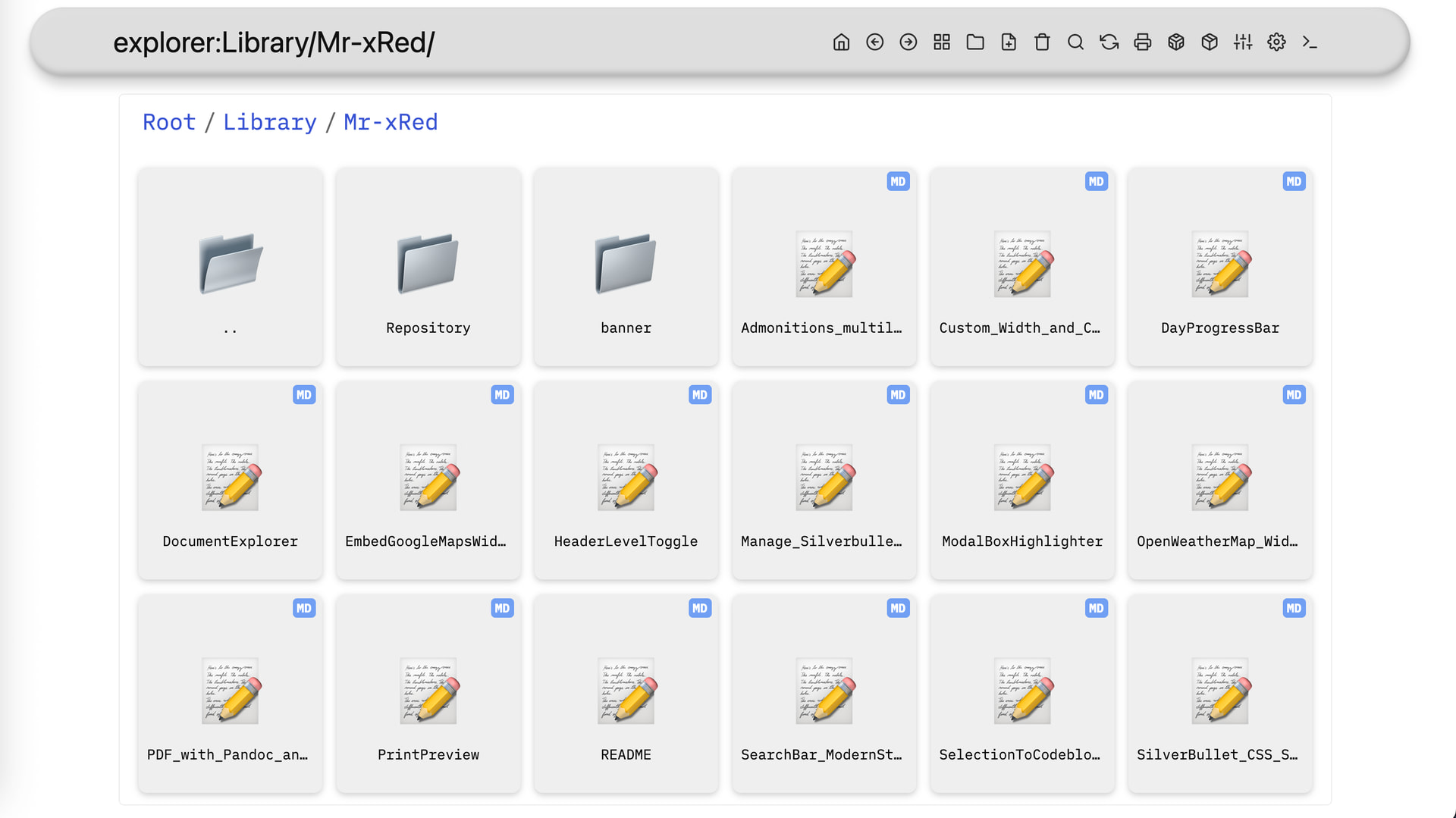
@thepaperpilot here you go, pushed latest to my repo.

ChangeLog!

  • renamed from Image Gallery to Document Explorer
  • added the Explorer to work within a VirtualPage
  • added folder navigation
  • added support for .md & .pdf
  • added command so you can add an ActionButton in the MenuBar
  • other minor fixes
  • to start exploring just click the button In the library or go to /explorer - VirtualPage
2 Likes

New Release.

ChangeLog:

  • added svg support
  • added unknown file support rendered as :white_question_mark: These will open as raw in new tab (if browser supports it)
  • minor visual fixes

Hello !
Just tested → Works as expected :+1:
Also happy to find my SVG from excalidraw safe in place.

A nice combo would be that silversearch also indexed in some way documents… :slight_smile:
And we would be ready to leave file system to check if data are safely organised (at least the way we expect it).
Anyway thanks for this work !

When I click on the folders, I get an error:

Failed to navigate: Cannot read properties of undefined (reading ‘lastModified’)

win11, Brave, sb edge