does your folder name contains special characters like for example / or some other characters ?
reportedly virtual pages might not parse them properly. could you please send me a screenshot of your folder names which doesnt work so i can try to track down the issue?
I think I found the problem. In the folder you place the link “explorer:folder/”.
When I manually put “explorer:folder” it works perfectly.
Please check…
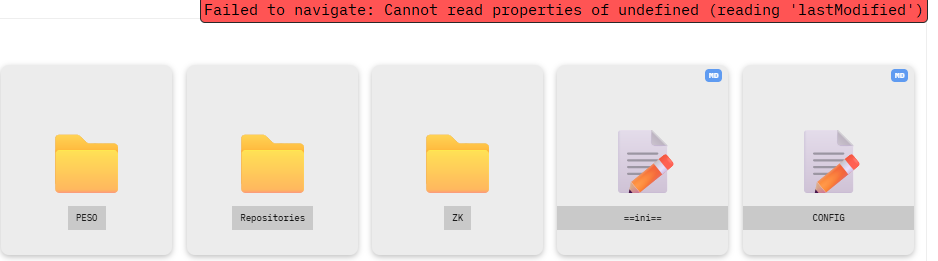
THis helps. I think it’s the way Brave interpreta the : in the URL, it interprets it as a custom scheme and refusese to navigare when clicked. I’ll try to remove the : From the URL scheme. But I’m now out. Will try to fix when I’m back home.
Until then, a question: do virtual pages for #tags work for you? because they also have the : in the URL scheme.
That’s definitely on the feature list for later releases, together with, list view.
but i need to figure it out how to do it the easiest way, preferably with the least JS as possible (JS is not my strength ).
Well that’s exactly the oposite of what I’m trying to do here.
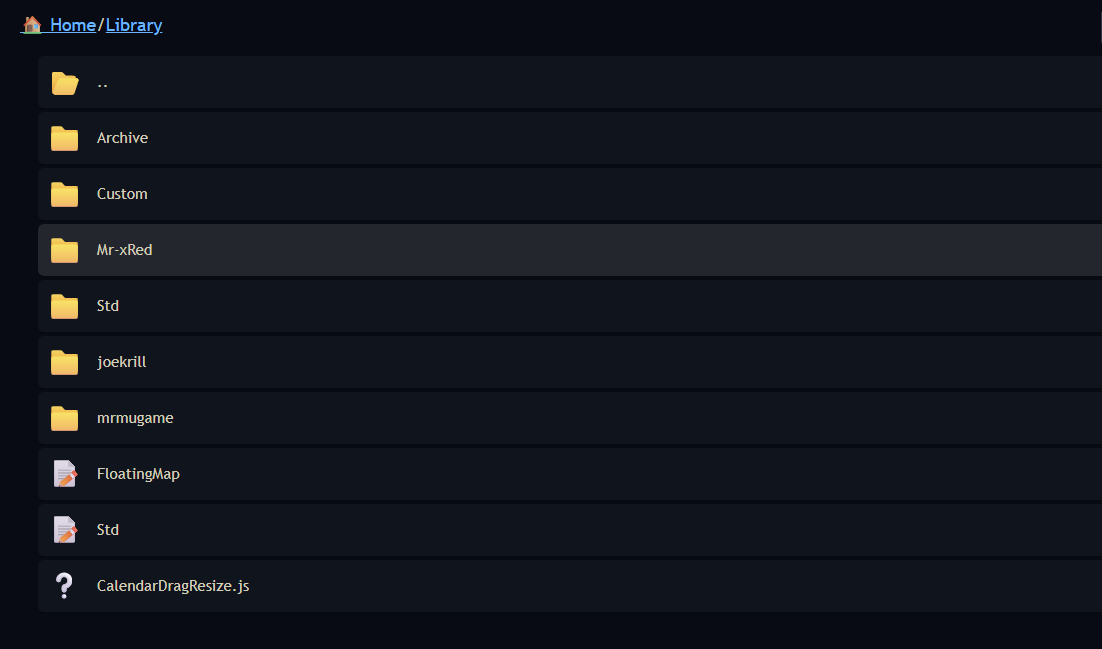
The idea behind all this is to create an interface for displaying all your files in a familiar (Win/Mac/Linux/ OperatingSystem style).
I well aware that this is not 100% aligned whith the all-text no graphical approach.
What I will consider is in addition to the grid/list view, is to create a modal-filter-box style approach as an “all text” navigator. But a “pure text” - table view navigation I’m currently not considering.
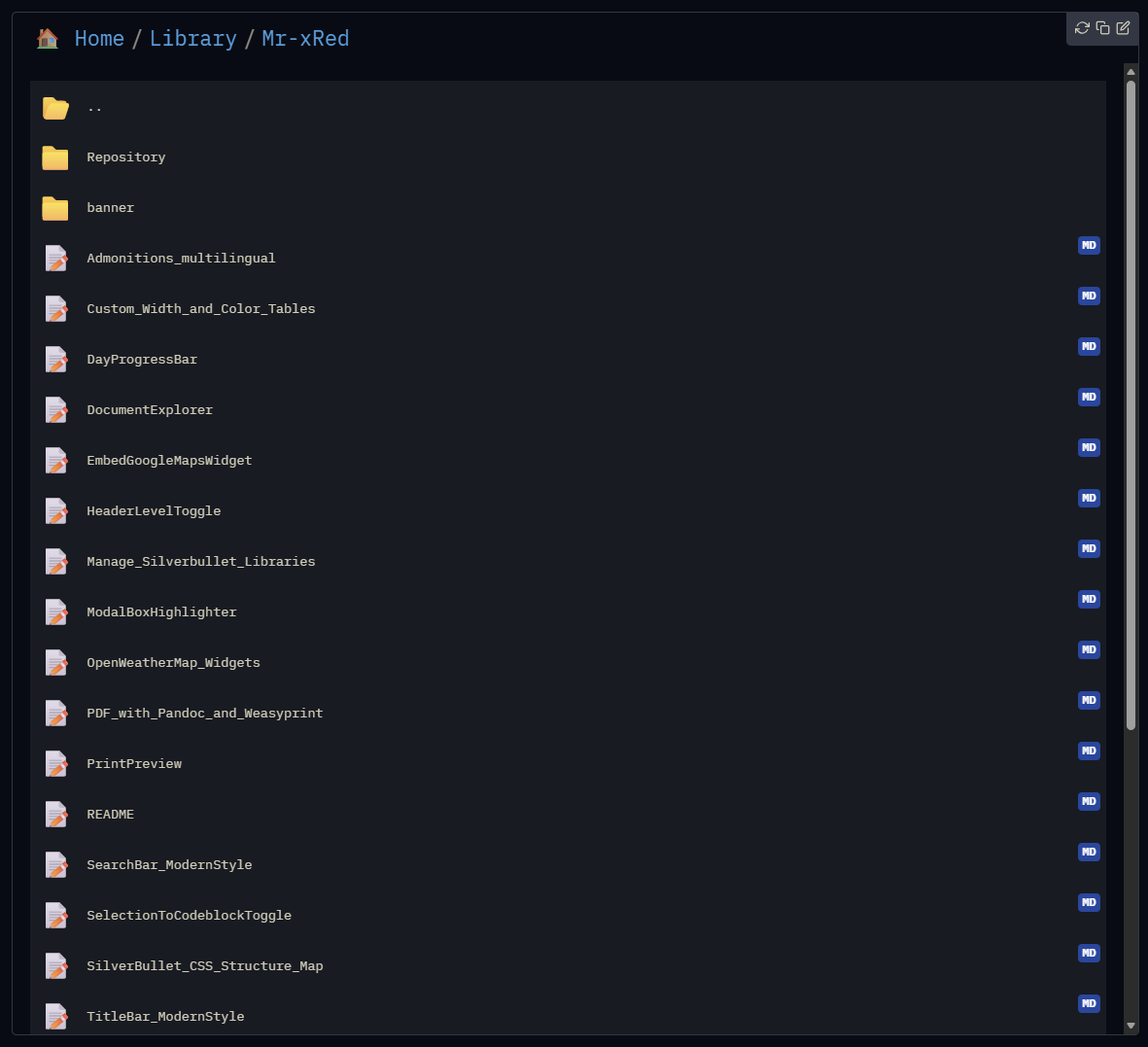
yeah i thought about adding details in the list view like size, tags and last modified date maybe, but no previews of pages (let’s not unnecessarily overcomplicate things, alright? ), andimages already have their “thumbnails” as their icons.
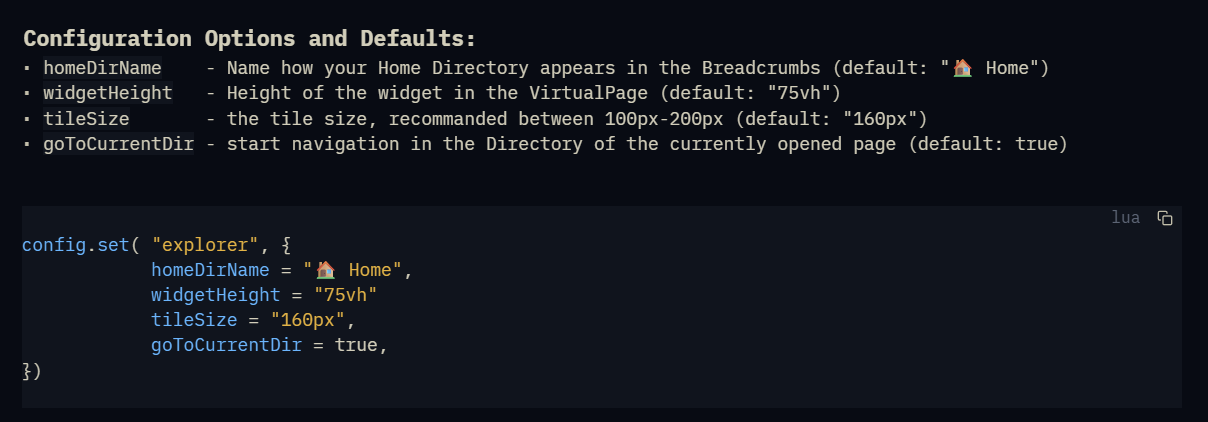
just pushed the version with listView to github. update the library and check config options.
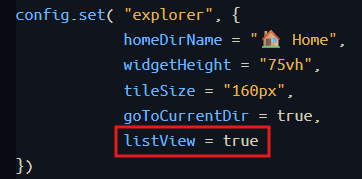
to use listview, set listView to true in your config page like this:
 Chrome: tested(Mac&Win) & working
 Safari: tested & partially working (opening documents doesn’t work)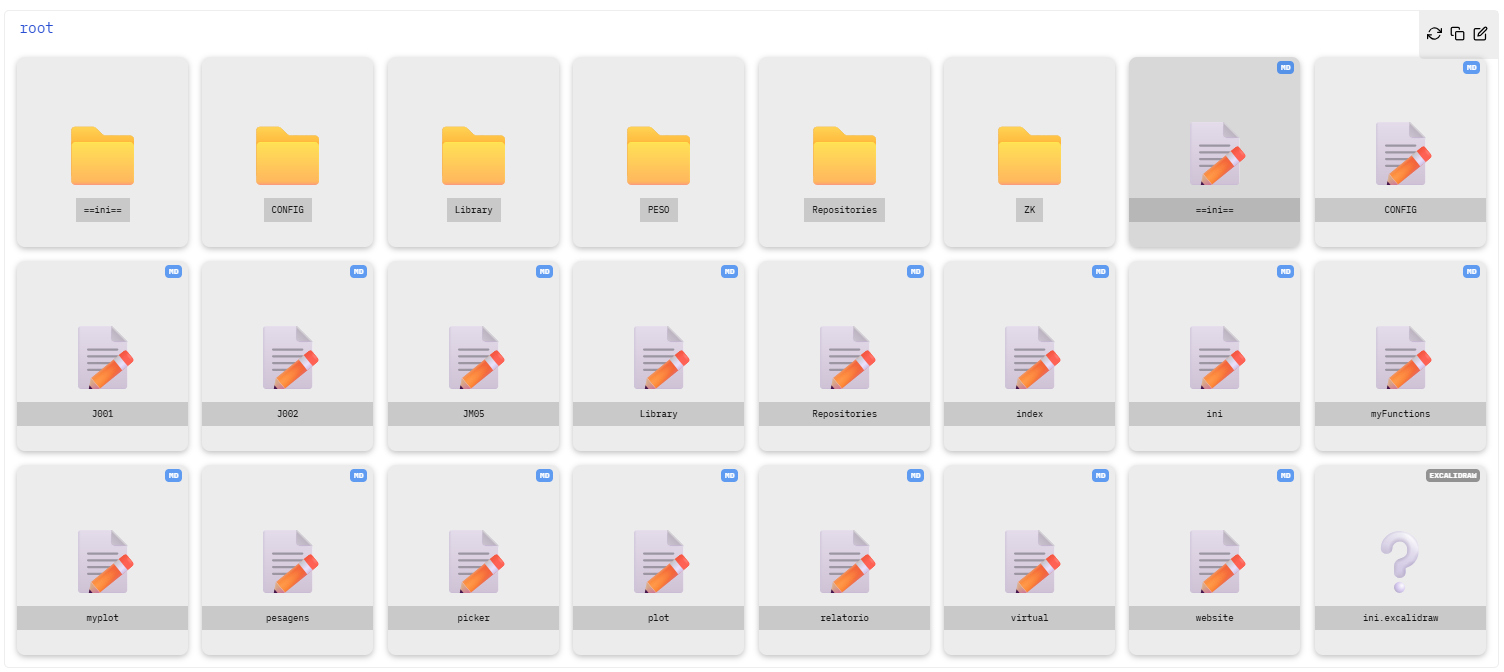
 ).
).


 ), andimages already have their “thumbnails” as their icons.