I print or export my notes quite often; A feature which has now been removed.
Any workarounds without having to manually copypaste everything in some external markdown converter?
I tried the browser print function which could be semi-acceptable but this only seems to print the first page
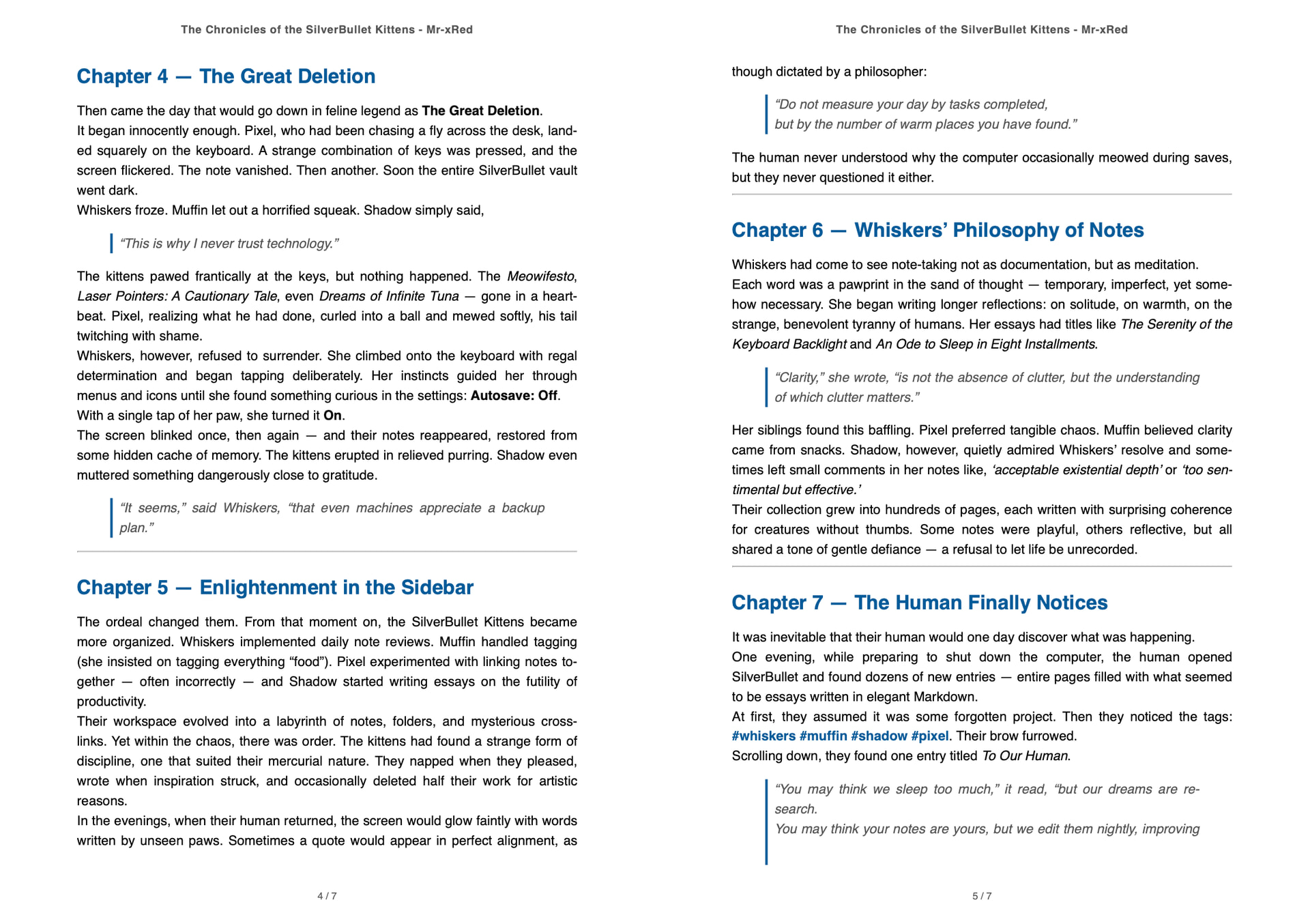
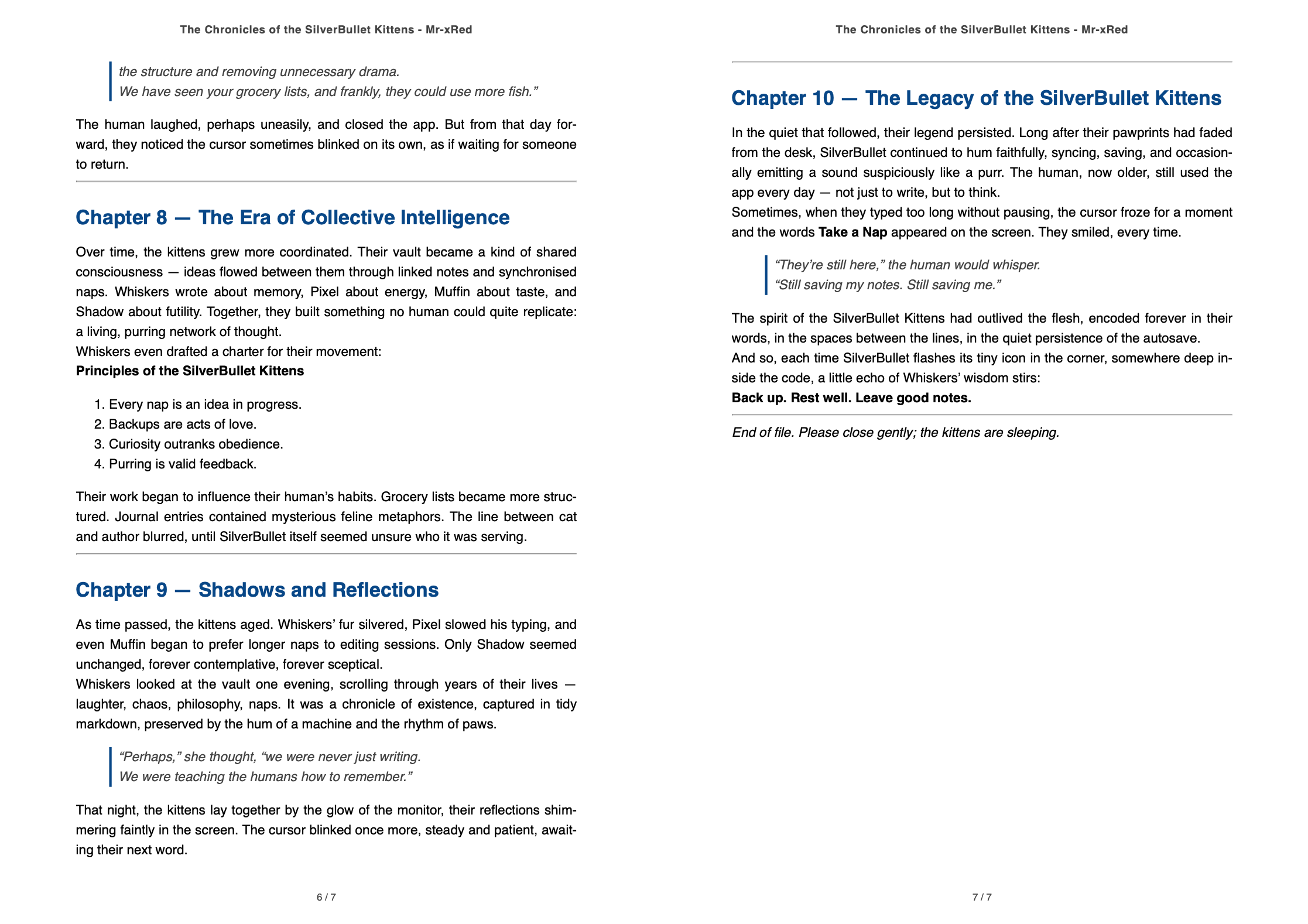
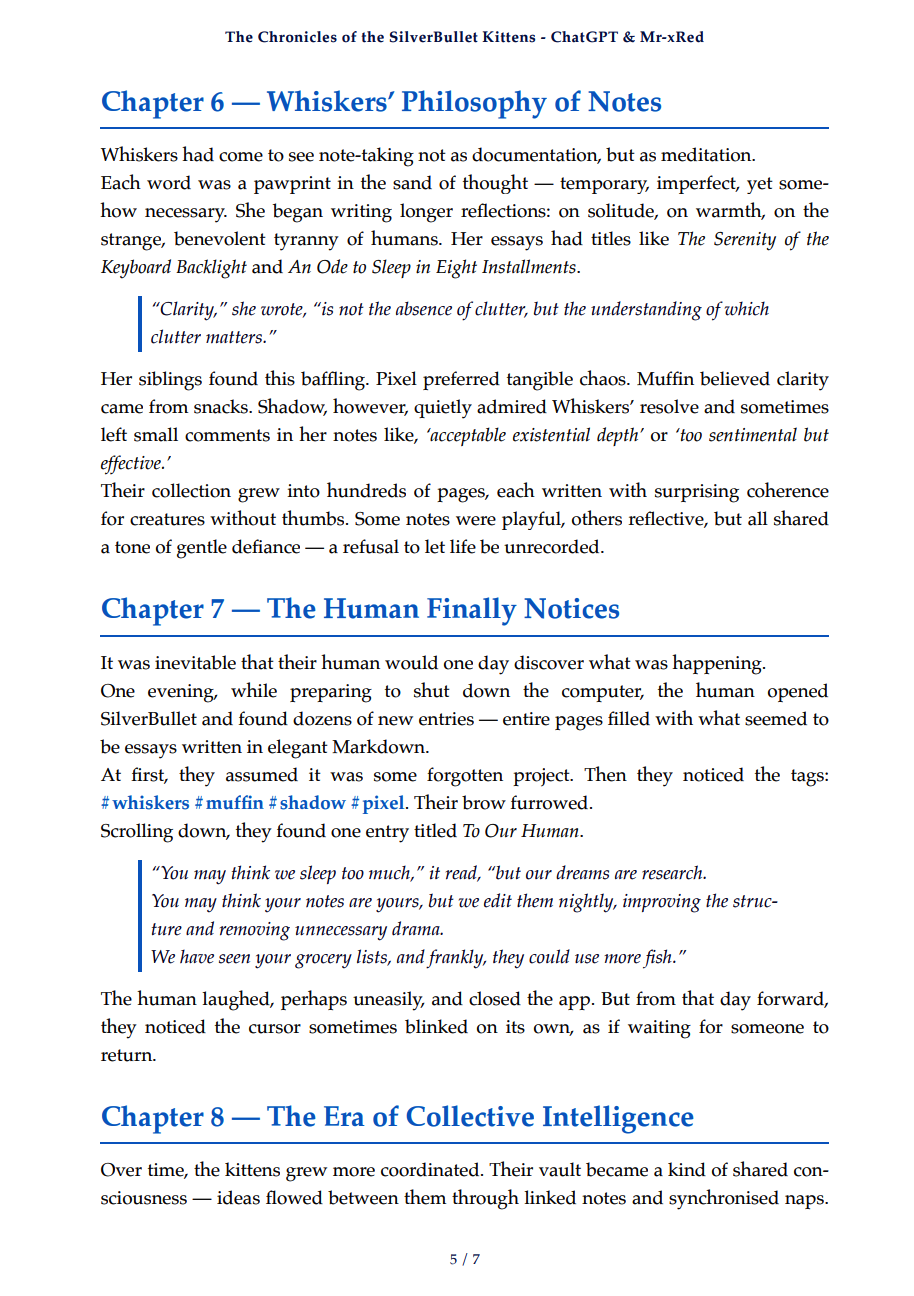
Here are some tips and instructions on how to use pandoc + weasyprint.
You can also refine the CSS to fit your needs.
I know pandoc & weasyprint it’s not the best solution, but I’m getting pretty good & consistent printouts with it.
Check out my library I prepared with some instructions. Depending on where your Silverbullet server “lives” installing pandoc could be a breeze or a pain in the a$$.
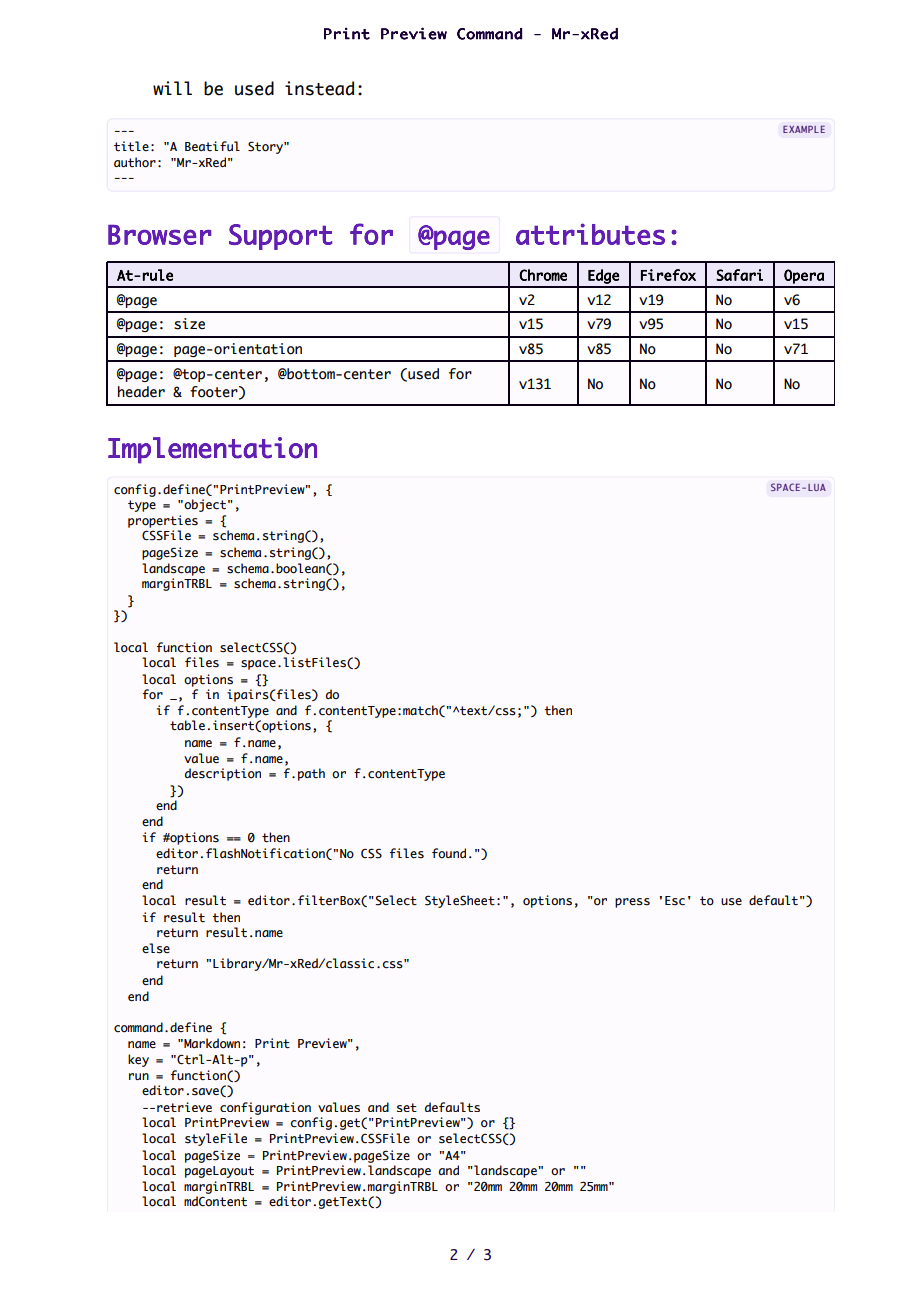
or install “PrintPreview” directly from my Repo, if your are on Silverbullet 2.2.1-edge
When running the command make sure you have Pop-Up`s enabled !
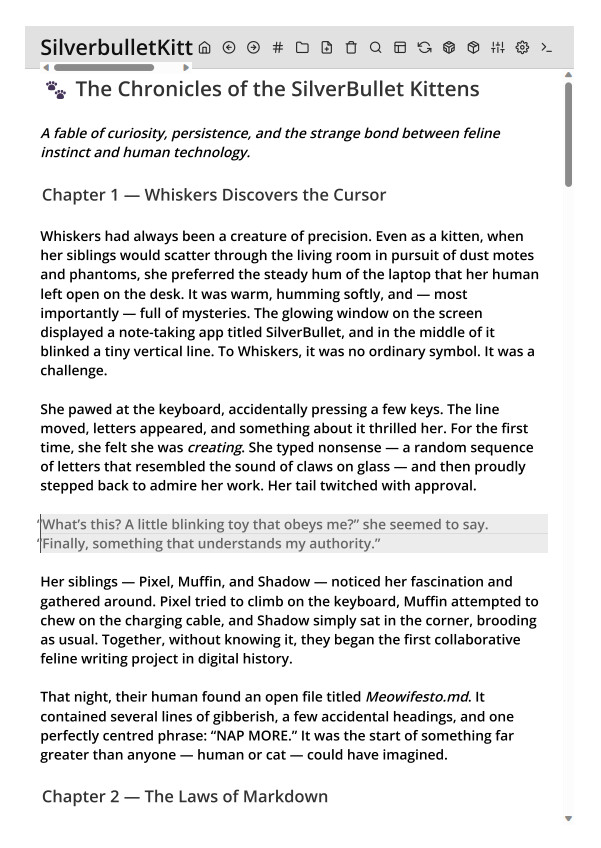
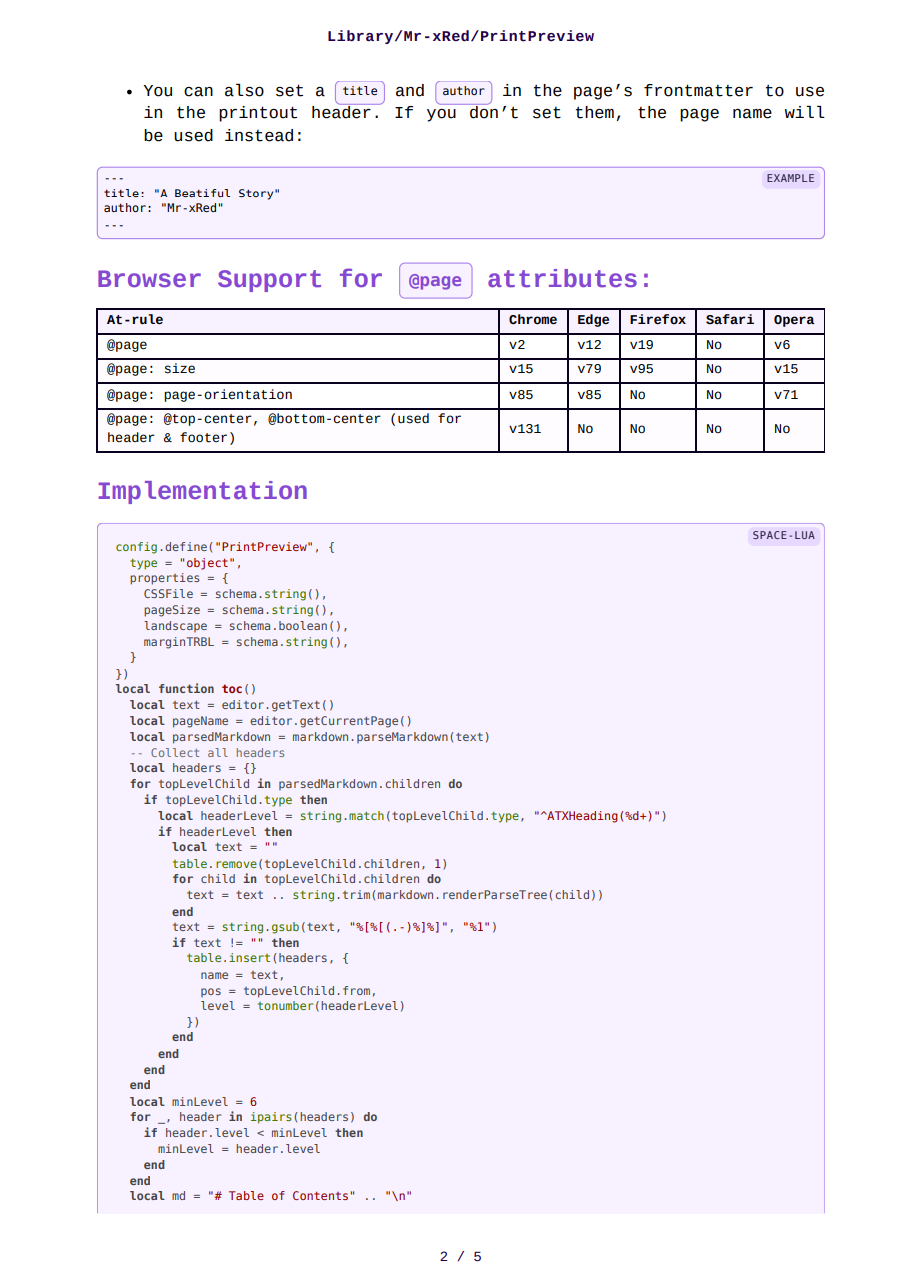
The Sytling result is similar to the Pandoc&Weasyprint version but for this as mentioned before you don’t need to install anything on the server side. it’s just plain space-lua, CSS and HTML:
You have some configuration options which you can setup using config.set or even use your own CSS file if you want to tweak some values, or styles, paddings, colors, etc.
This Library will render your lua queries and also your markdown widgets
Do you have any references on how it should look like, because in CSS (almost) everything is possible, and because i am recreating the PrinPreview HTML from scratch anything can be added or hidden (buttons, dark background etc.) to be more compatible with a printout.
I could also add multiple css files as print layout one can chose from, like themes for a UI.
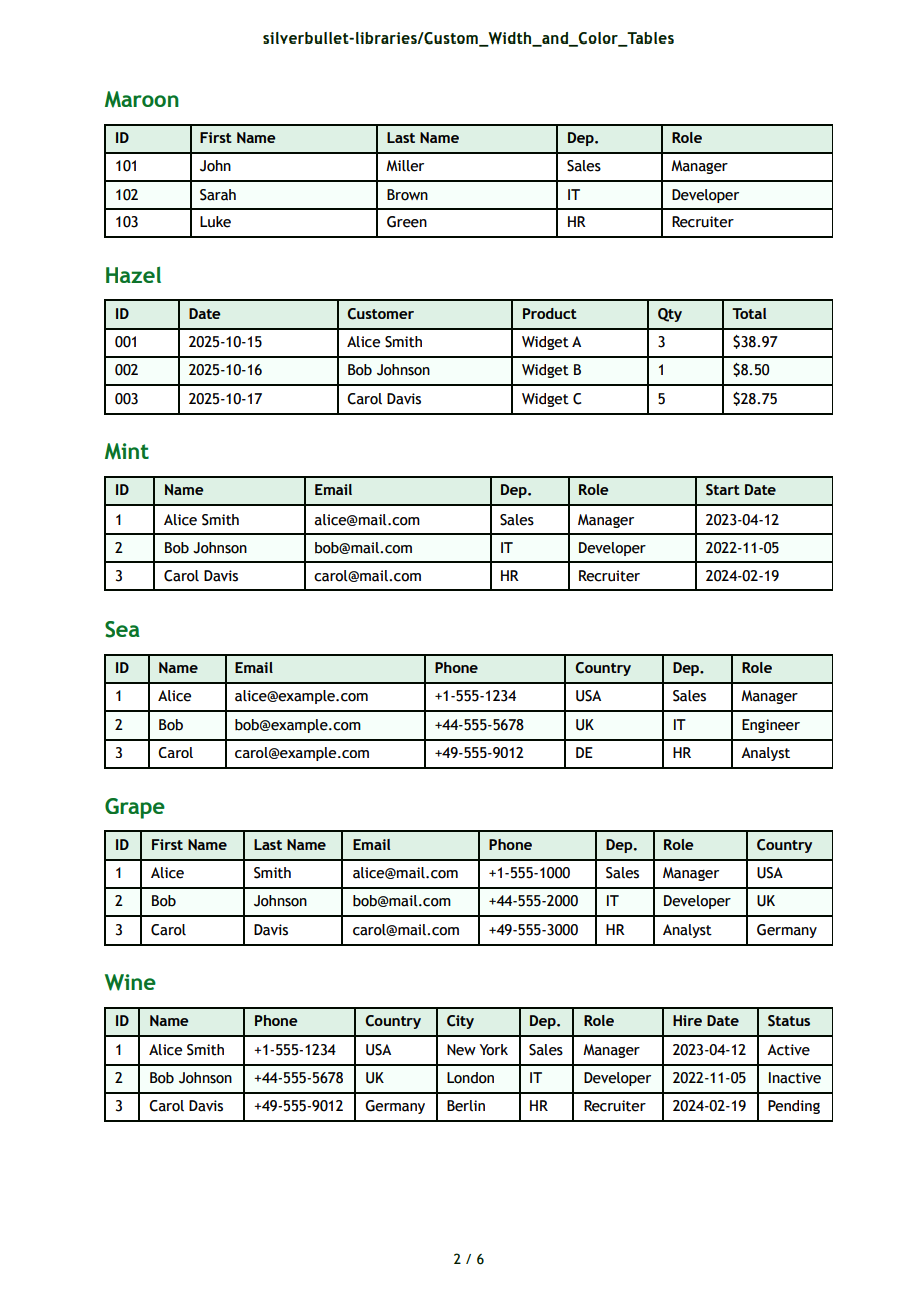
Some layout might be optimized for Literature/Stories/Novels, other layout can be optimized for Tables and data, and other for code etc.
I just need a reference of what you have in mind how the print preview page should look like.
A simple image or screenshot es enough to recreate the CSS accordingly. there is also a possibility to do page breaks on either <hr> or before each <h1> - <h6> tag.
This way the possibilities are endless, and I also can see people doing their own css files and sharing them as layout themes.
Ah, got it, that means I need to dive straight down the typography and calligraphy rabbit hole and come back with something solid. I’m talking fonts, line spacing, kerning, hierarchy, page layout, grids, and all the print-specific CSS tricks. Tables and code will need their own treatment too, alignment, spacing, monospace readability, maybe even subtle shading. Also I want the PrintPreview to reflect the printout as closely as possible.
Time to geek out and see how far I can push aesthetics and readability in HTML/CSS print!
but don’t expect one magic CSS to cover all these, diferent data/text needs different representation, there is no magical ‘silverbullet’ to do it all in one (pun intended)
PS: TBH It already looks & work0 better than just printing straight from the page itself
The Silverbullet kittens used sone nasty space-style-s to redesign SB’s UI because they weren’t 100% happy of how it looked . Also if you look closely the top bar is Mac, and bottom dock/taskbar is Win/Linux.
BTW, that image: this time it was Grok, not ChatGPT
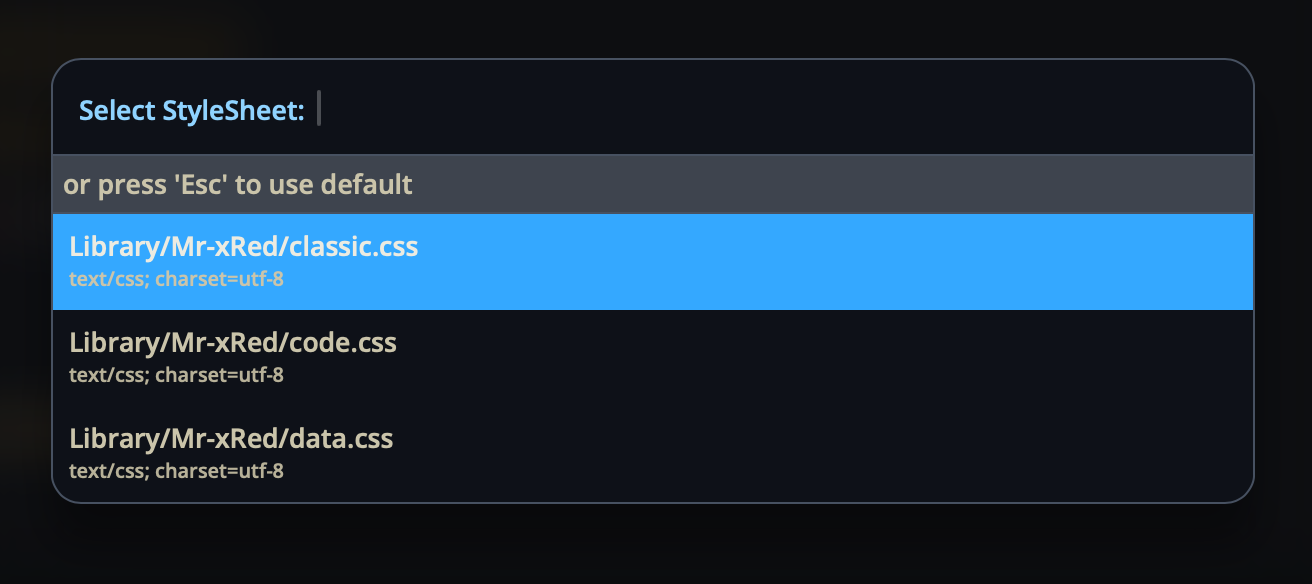
When you run the command, it will look for available *.css files in your space and asks you which one to use. You can add as many custom CSS’s as you want and chose from when previewing.
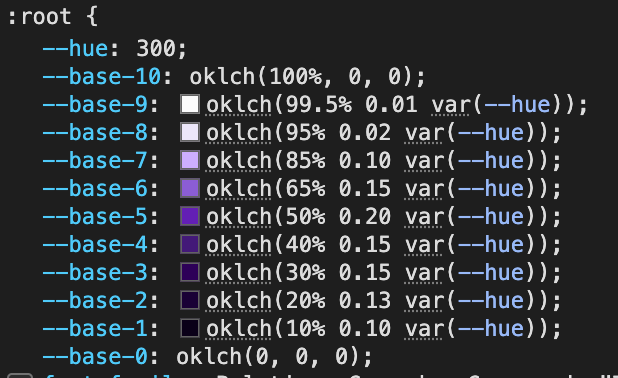
if you want to change the colors of the css you can do this simply by changing the --hue variable in the :root of the CSS files. Here are the hue values for the 7 main colors:
Adding support for all kind of plugins, would complicate things quite a bit and require loading different JavaScript libraries depending on the template:
The Code template definitely needs highlight.js for syntax highlighting.
The Data template needs mermaid.js for diagrams, charts, flowcharts, etc.
The Classic template is just clean rendered Markdown - the simplest case.
My original goal was to keep everything as lightweight and self-contained as possible (Lua + HTML + CSS only), but we’re now stepping into JavaScript territory and pulling in external libraries.
I’m a bit concerned that if we try to support everything: Mermaid, Excalidraw, syntax highlighting, and potentially many more plugins, we’ll open Pandora’s box and end up with a huge, complex codebase. It’s definitely doable, but it risks turning into a maintenance nightmare.
So the real question is: where do we draw the line?
Should we keep things minimal and focused, or go all-in and build a full-featured renderer with plugin support?
Let me know your thoughts, but I’d like us to decide consciously rather than let it grow organically into a code monster.
could you define a service to allow people to inject mermaid.js handling (or other plugin support) inside the Data template? Then your library could just be the core functionality, and mermaid.js support could come from an independent library.

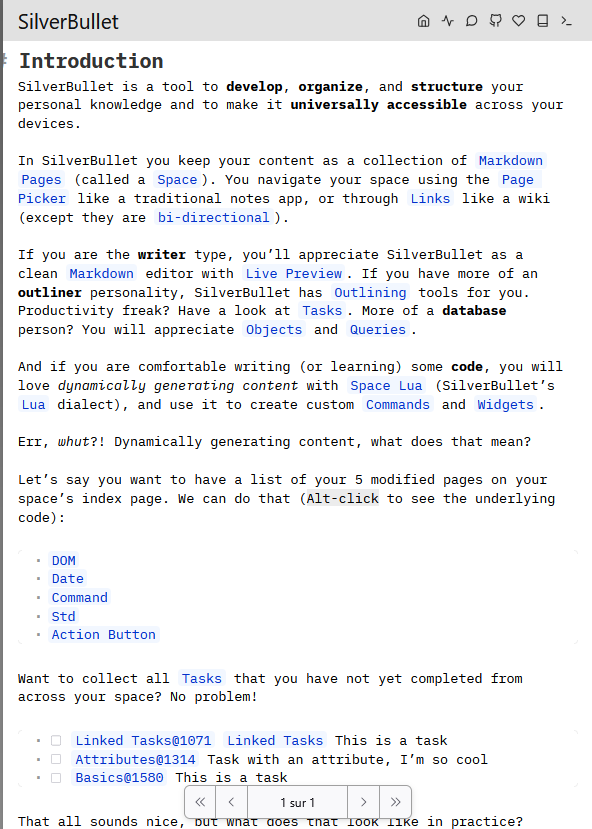
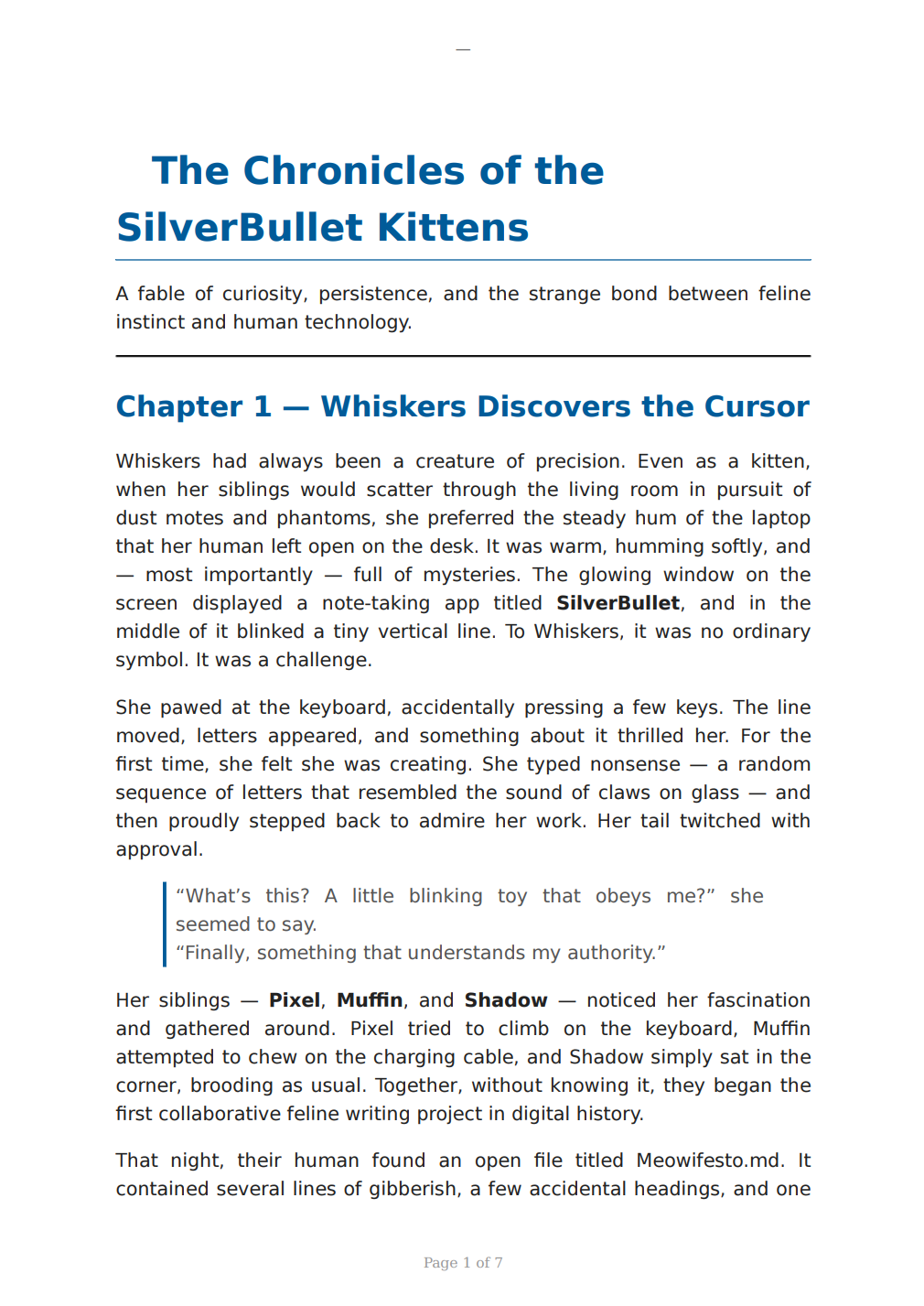
 The Pandoc&Weasyprint Library is deprecated and kept for reference only. Use the new “PrintPreview” instead
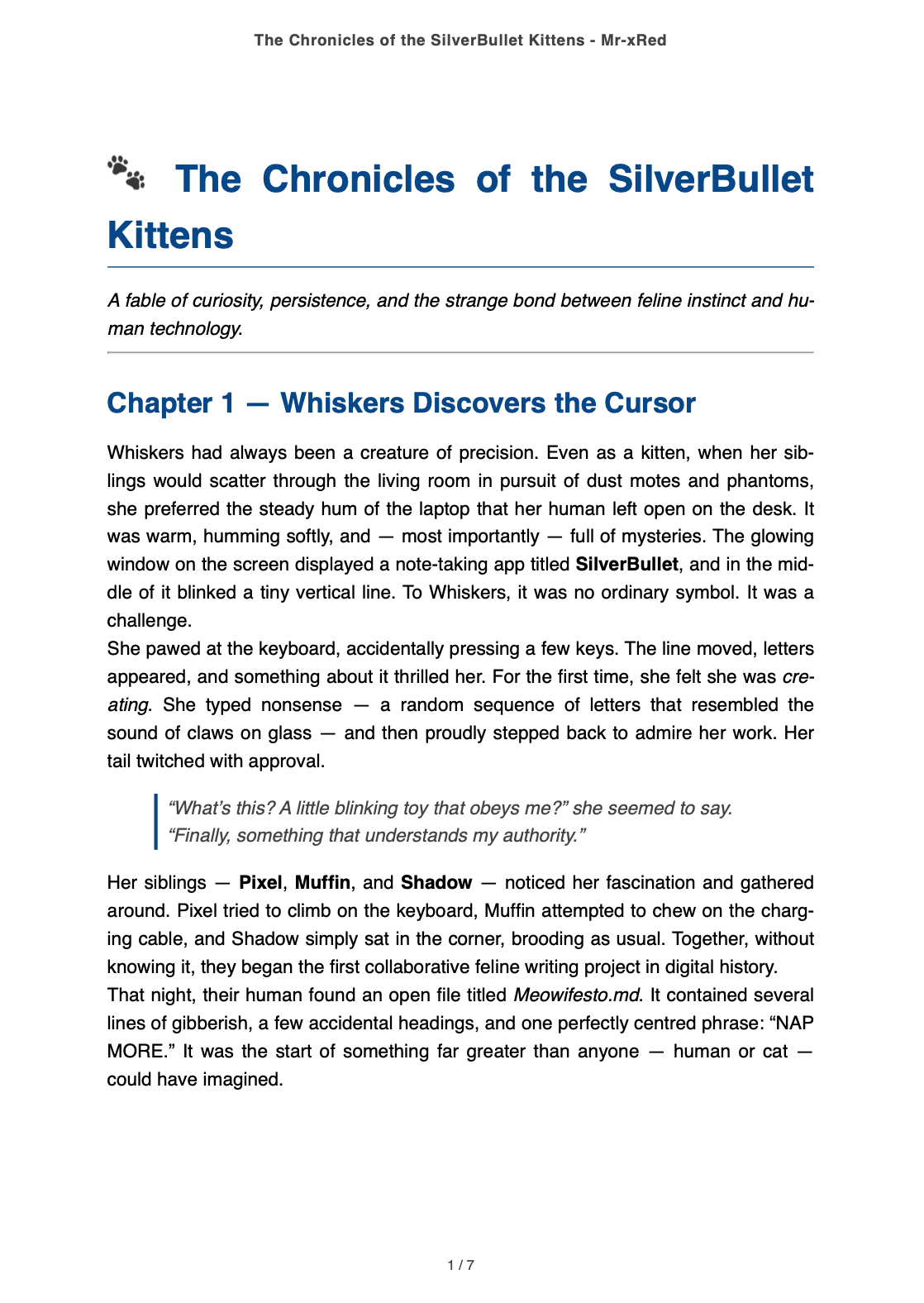
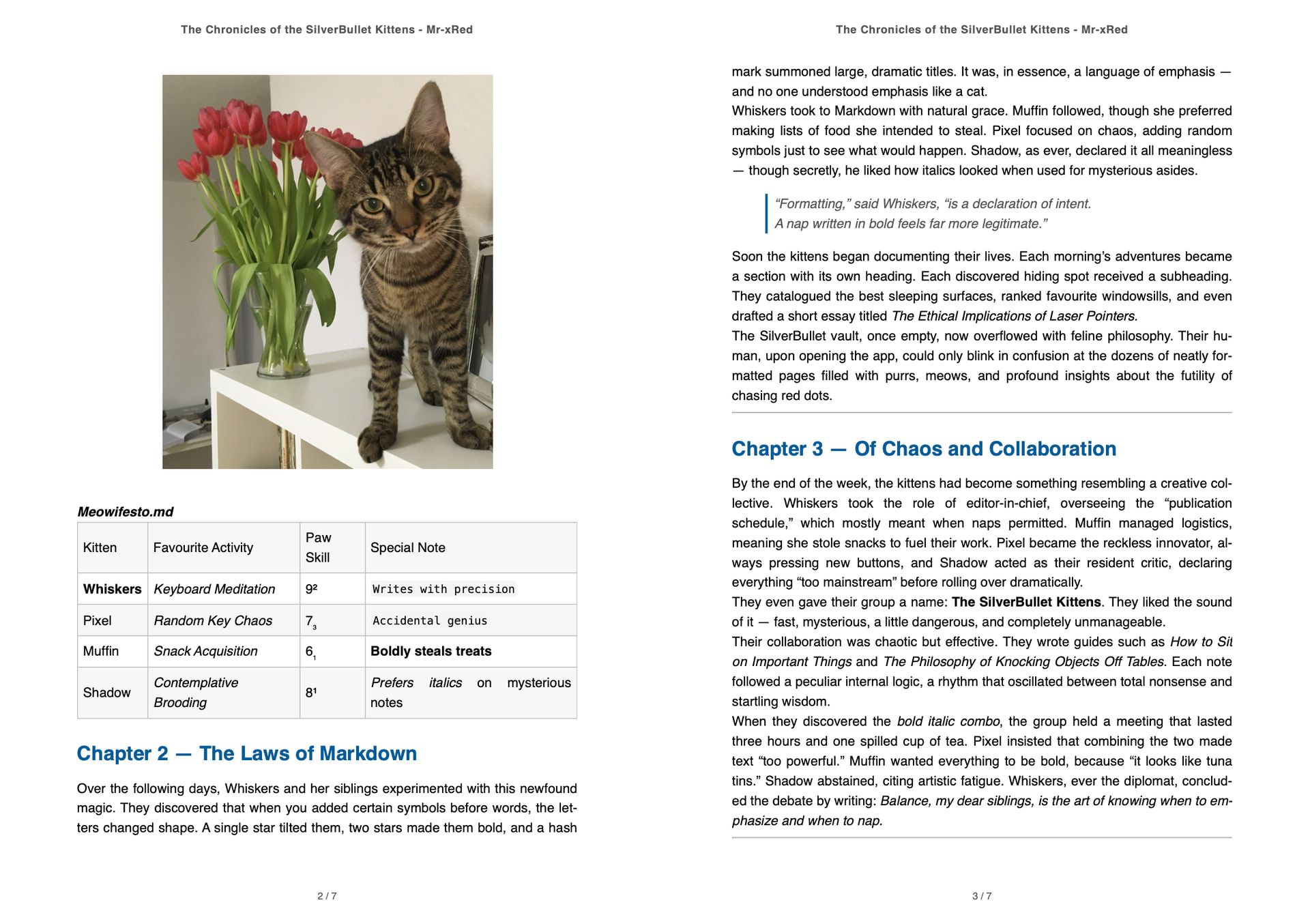

 (pun intended)




 . Also if you look closely the top bar is Mac, and bottom dock/taskbar is Win/Linux.
 ?
?