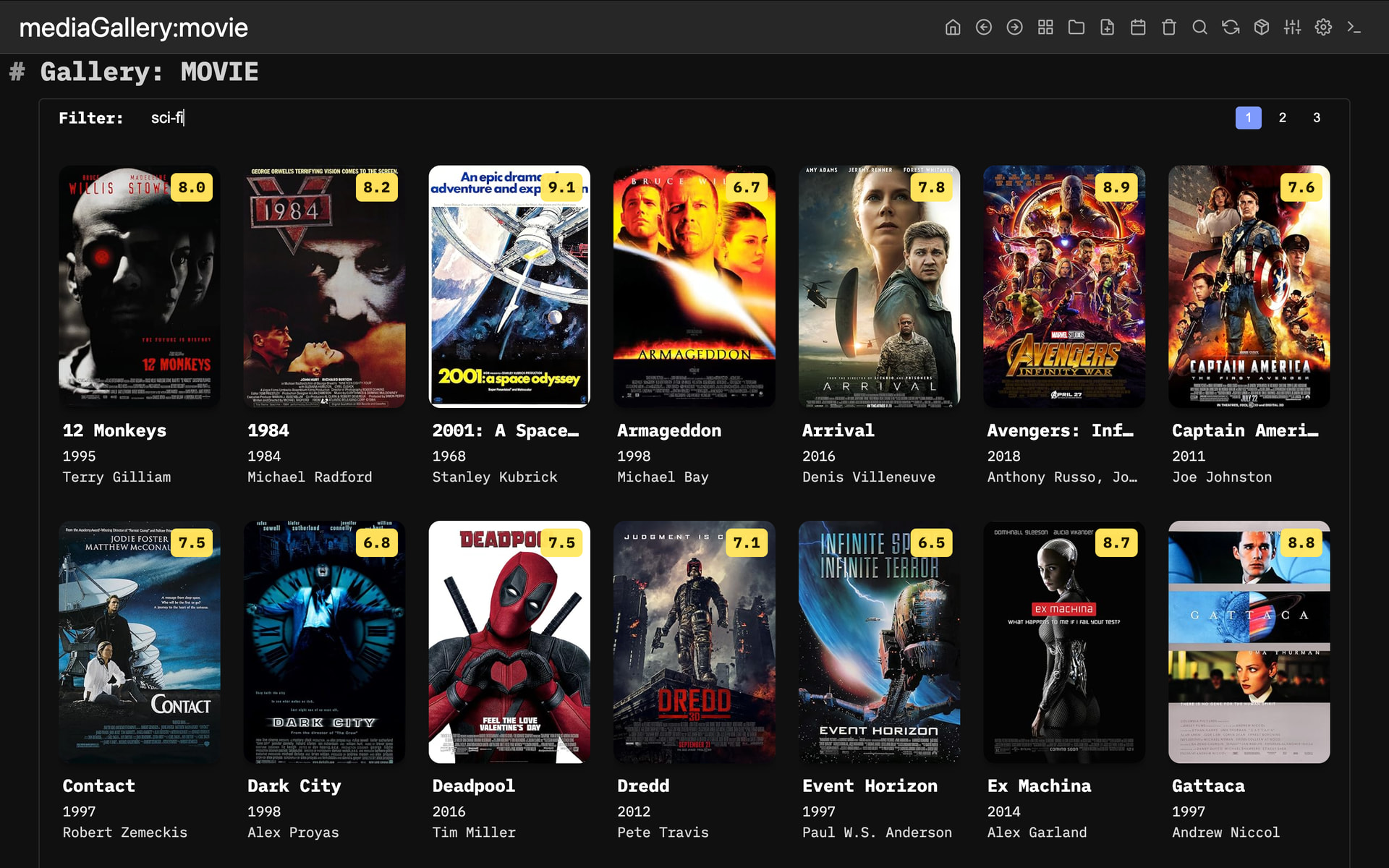
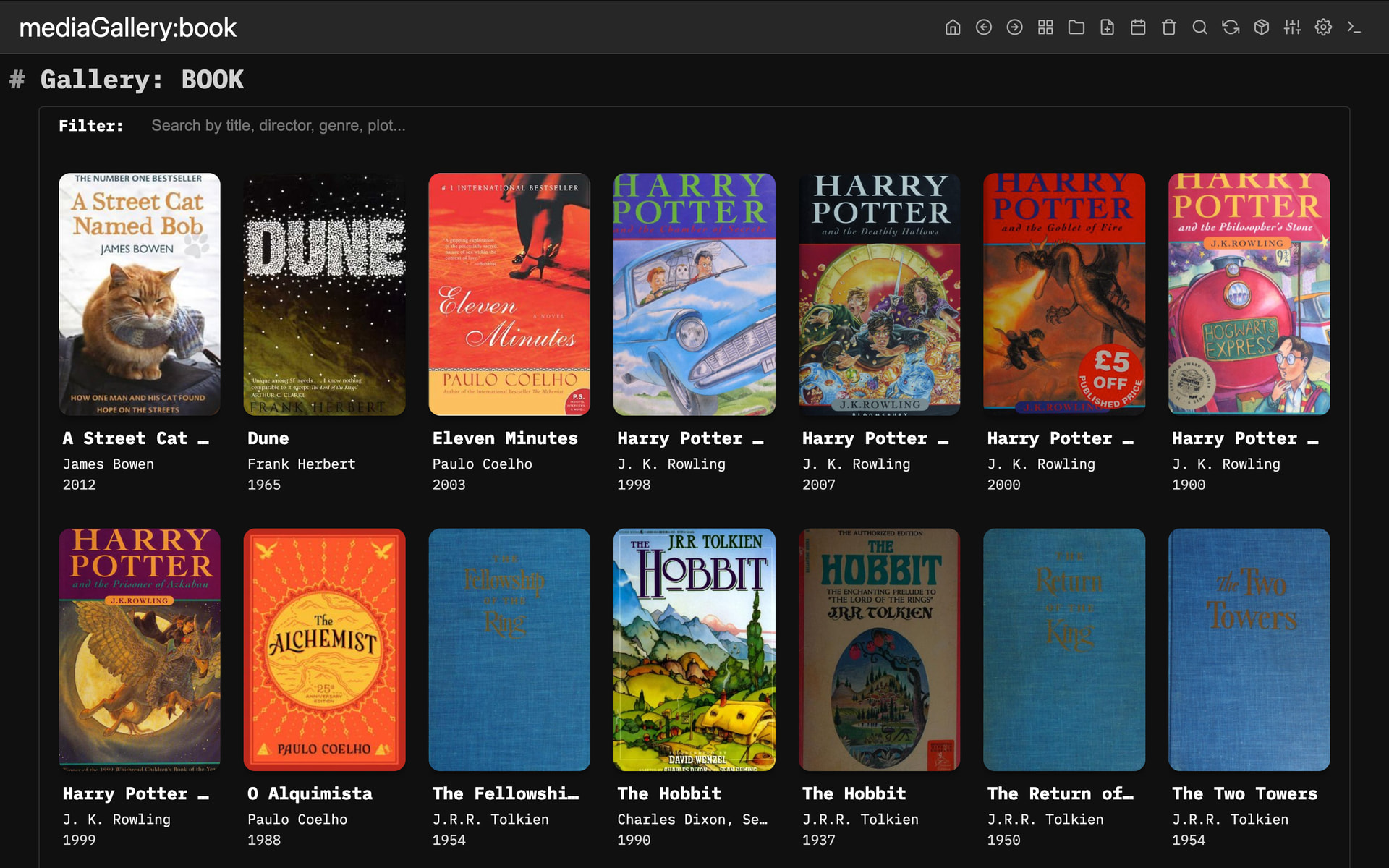
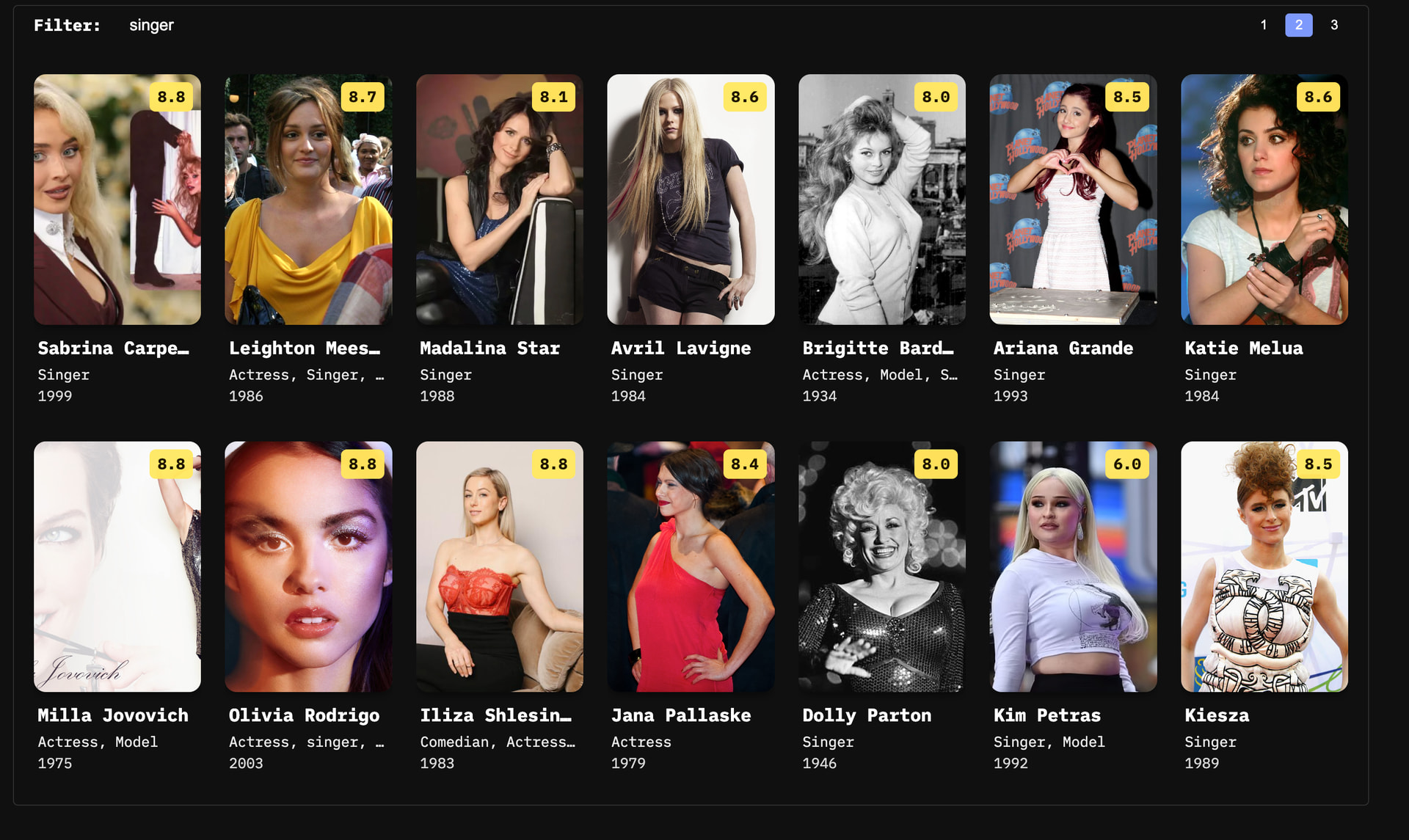
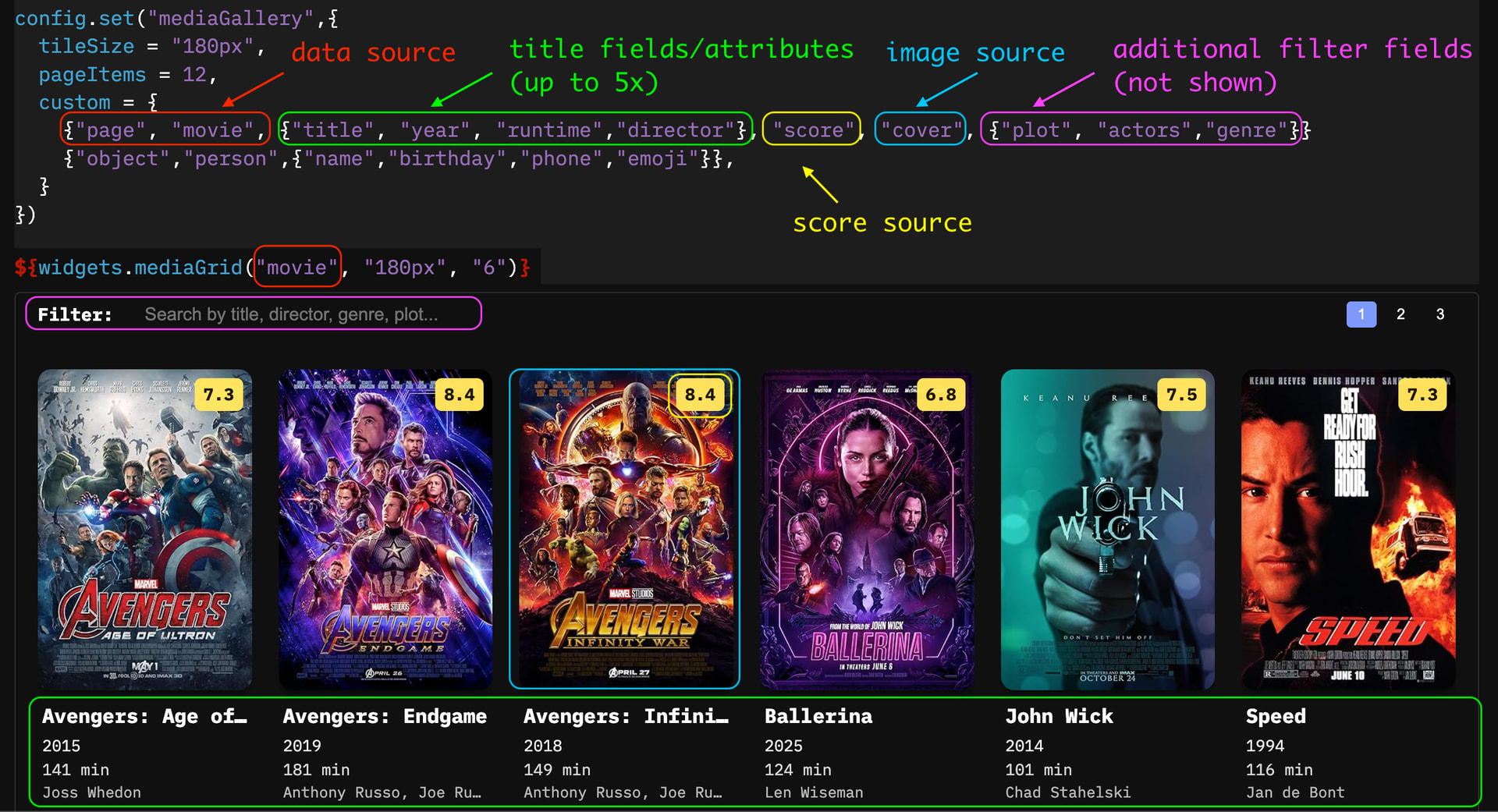
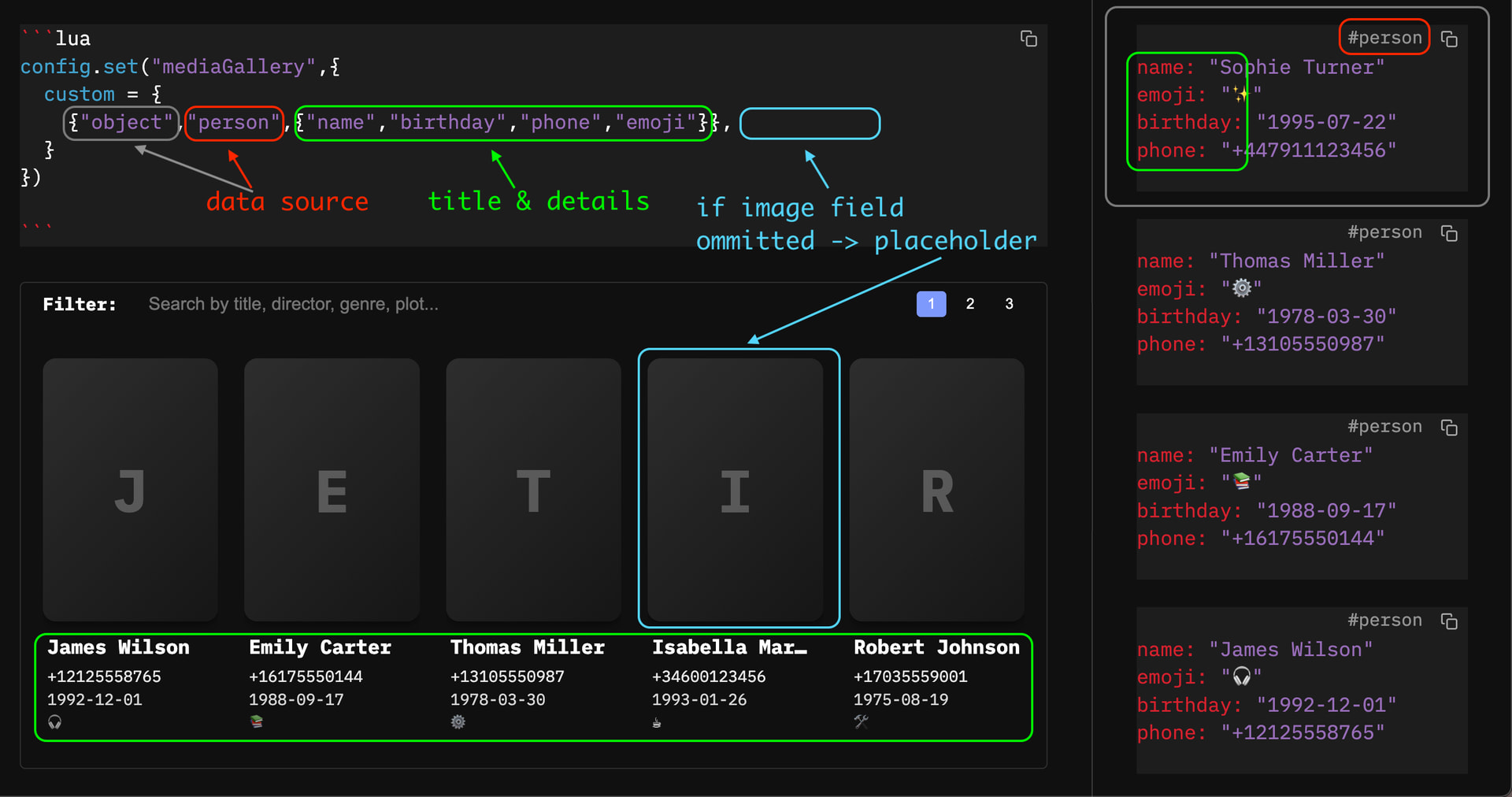
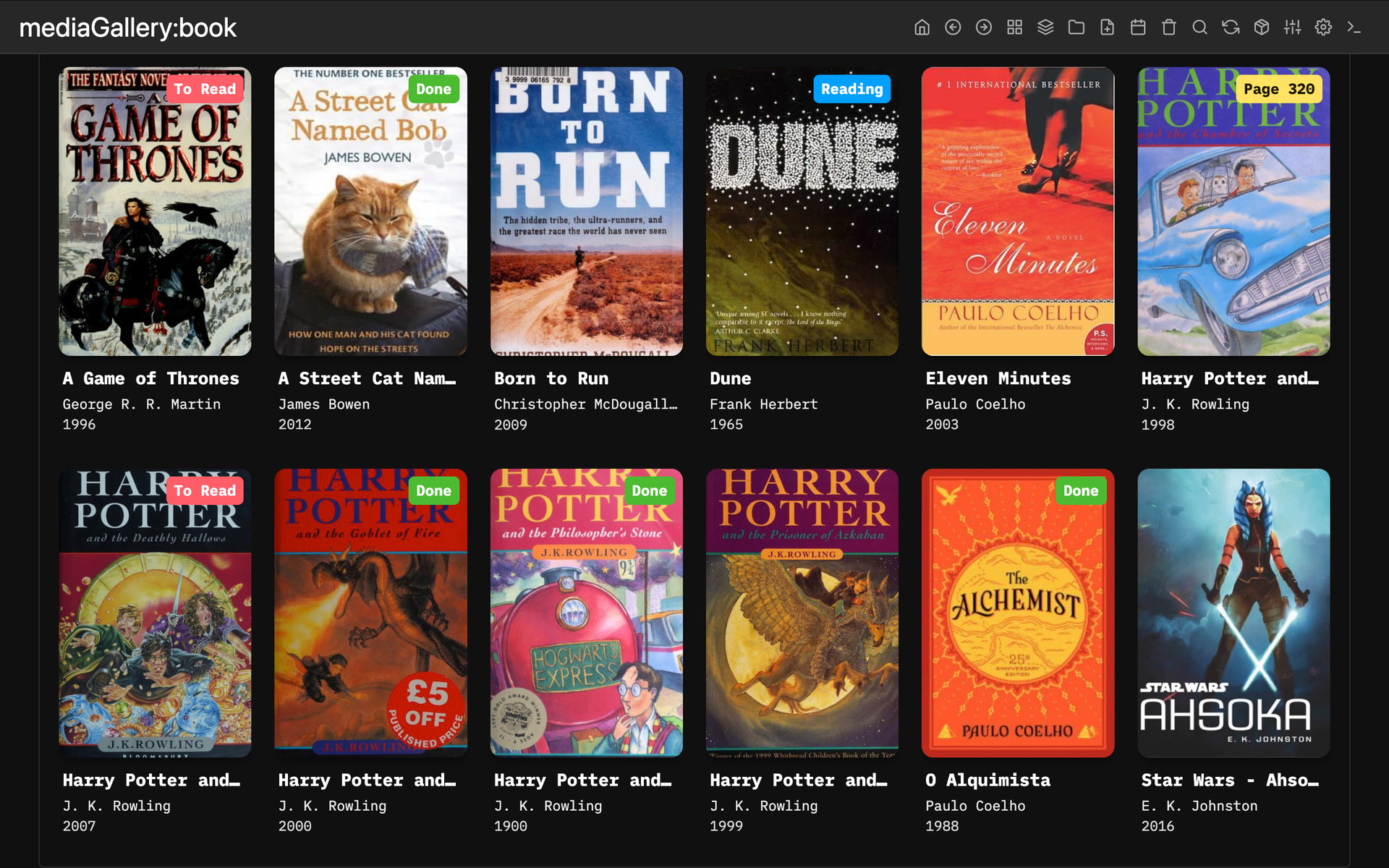
Why let your notes and metadata gather digital dust hidden inside frontmatter? I thought it was time to bring them into the light. Whether it’s books, movies, TV series, games, or even a Contact directory, if it has a title/name and an image URL, the Media Gallery can visualize it beautifully.
Current Highlights:
Instant Live Filtering: Search by title, author, genre, or any metadata field with real-time results.
Pagination: Keeps things snappy and organized, even if your library scales to 1,000+ items.
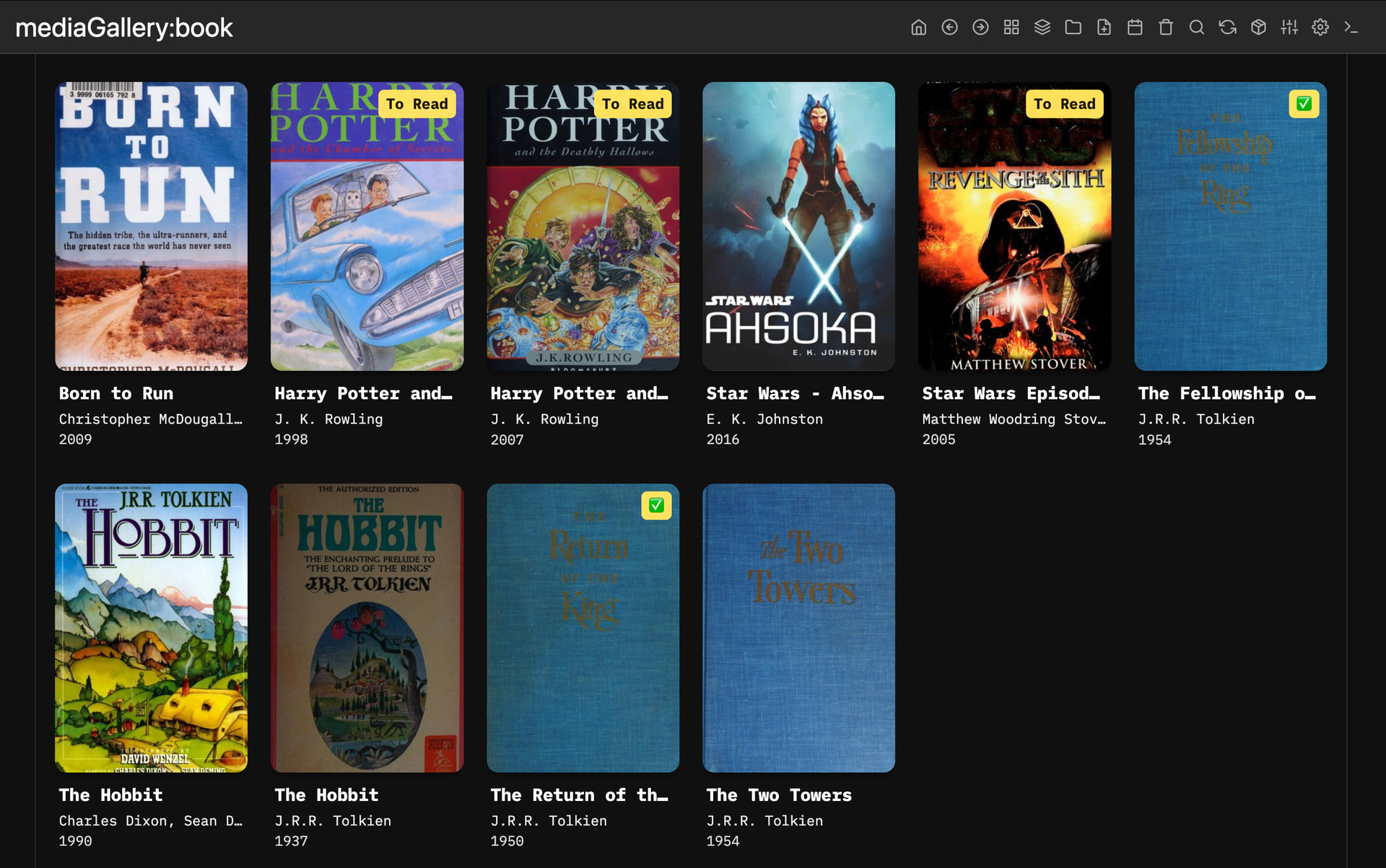
Flexible Deployment: Use it as a Widget on any page or via a dedicated Virtual Page (e.g., mediaGallery:movie or mediaGallery:book).
Customizable: Adjust TileSize and ItemsPerPage to suit your aesthetic.
Aesthetic Tiles: Includes score badges for ratings and elegant fallback placeholders for missing covers.
@jamesravey hope you don’t mind, I’ve integrated your bookmanager inside the MediaManager, and gave a shoutout to your version inside my library. I hope it’s ok
This is great. I’ve installed it without issues and it is working well for me. I’ll be looking to fine-tune it a bit to add some ‘personal metadata’ like whether this is something I have read or watched or want to read, and when I have read / watched it.
Also, when I find some time, I’ll see if I can integrate Google Books because Open Library is a bit limited when it comes to Dutch books.
Maybe one small comment: It would be nice if there was an explicit error messages when a book cannot be found (the API call returns nothing I guess)
maybe in a future release i can add some custom stylings to different elements by content, but I need to think about it how to implement it the best, until then, this is a good workaround IMHO.
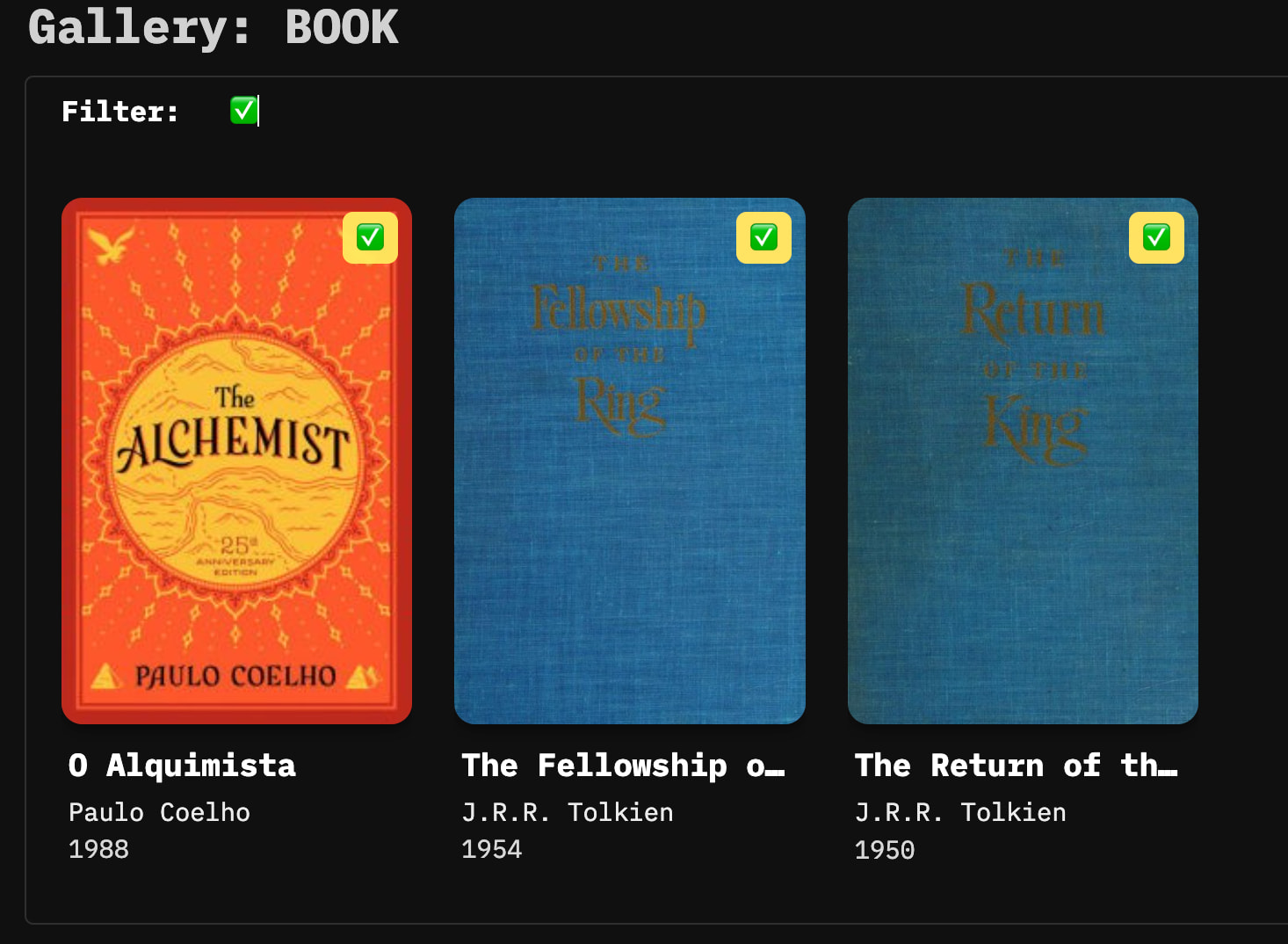
If you do it this way even the filter works, so you can filter for “To Read” or “” books:
I have an initial version of the script to pull data from the Google Books API running locally. It still requires a bit a fine-tuning to make it more robust for different API responses and I need to figure out how to pull a higher quality image (the default thumbnail is too small). Trying to have PR ready by tomorrow
I create a PR on Github with the Google Books API. I’ve tested it with several books. I’ve primarily create an additional MediaManager.provider (gbook), but I have had to make a few change to the OpenLibrary provider to make it a bit more generic.
Let me know what you think and if it needs any fine-tuning. I’m not a super experienced coder, so
Additionally, I was thinking how it would be possible to have the “Order By” as an argument for the mediaGallery? Year would be a logical way to sort, or author (although it would result in sorting on first name). This would make it very flexible to for people to implement their own sorting criteria.
I looked at the code and I can hard-code it to year or author, but my Lua knowledge is insufficient to figure out how to make it work as an argument.
Let me handle the ordering.
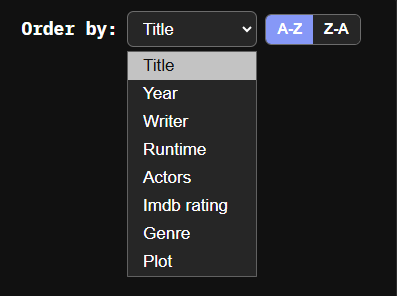
I just create a DropDown list + JS, with Order By ( Title, Author, Year, etc) A->Z / Z->A and hat should cover all the ordering the Gallery itself. possibilities, IMHO.
I raised another PR on the MediaManager as I was running into quota limits on the Google Books API. I couldn’t find what the daily limit is exactly, but by requesting an API key (free), you get a much better daily quota. So I implemented logic for that.
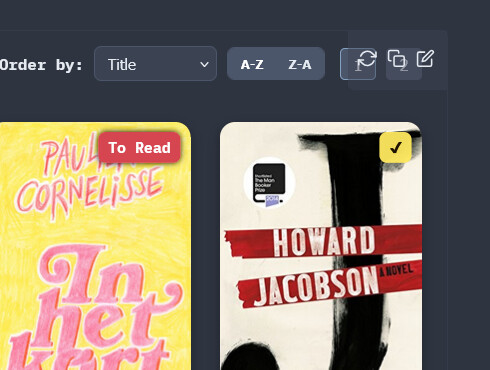
When you have a multipage Media Gallery, it is hard to go to the second page, because the little pop-up to reload, copy or edit the code for the widget blocks access to the [2] button (see screenshot upper right corner). Possible to add a bit more padding on the top or move the buttons left?
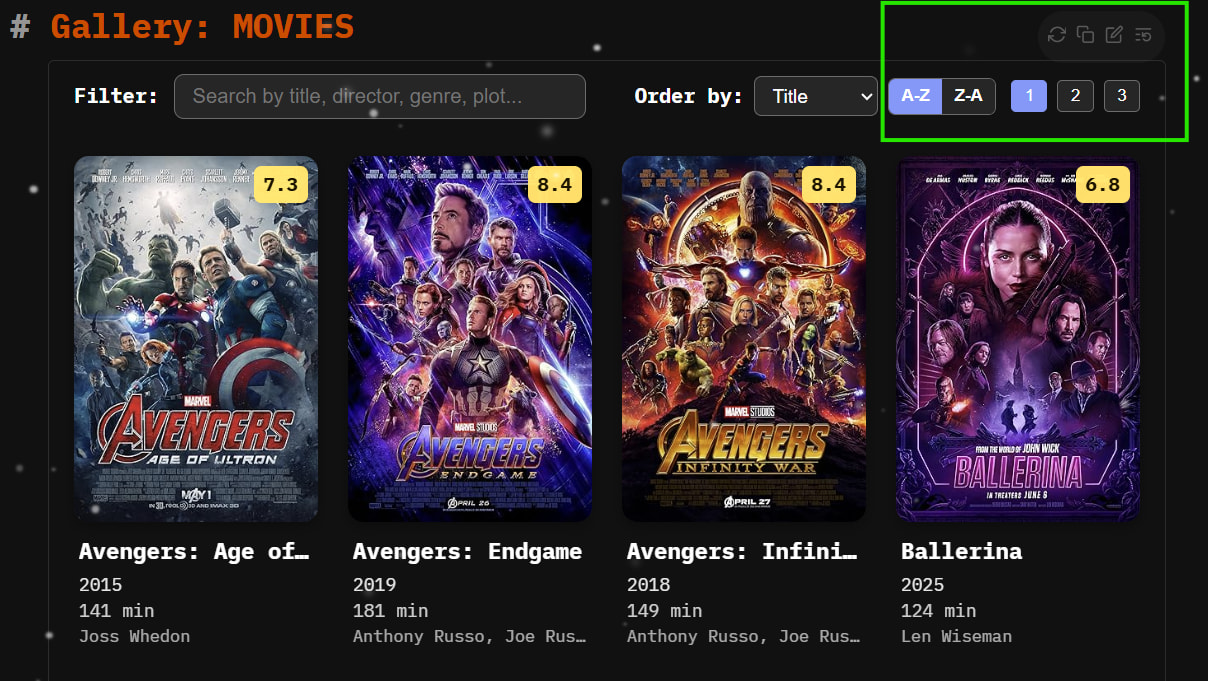
This was overlooked from my part, because my TopRight Buttons are by default moved outside the Widgets window, so I forgot that the original buttons are overlapping the widget
Of course it's possible to add a padding, but that might just look weird in my opinion, especially on mobile would be just lost screen real estate and empty space.
How about this for a solution: the TopRight Buttons are moved outside the Widget window and are slightly dimmed, until you hover over them:

 ” books: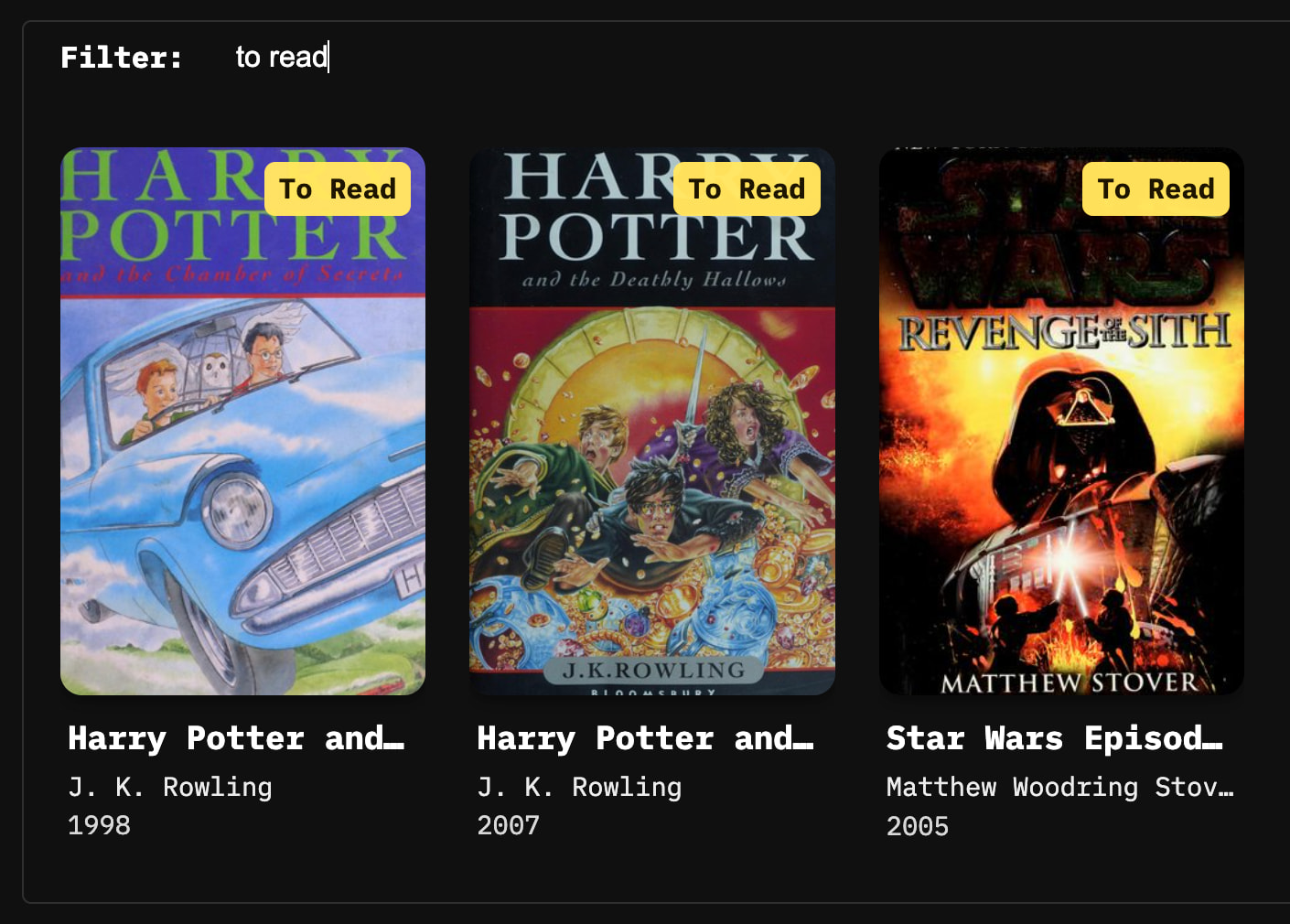

 nice work!