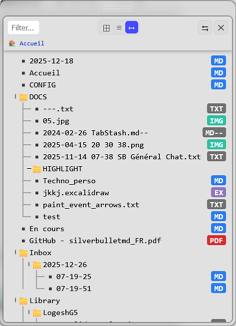
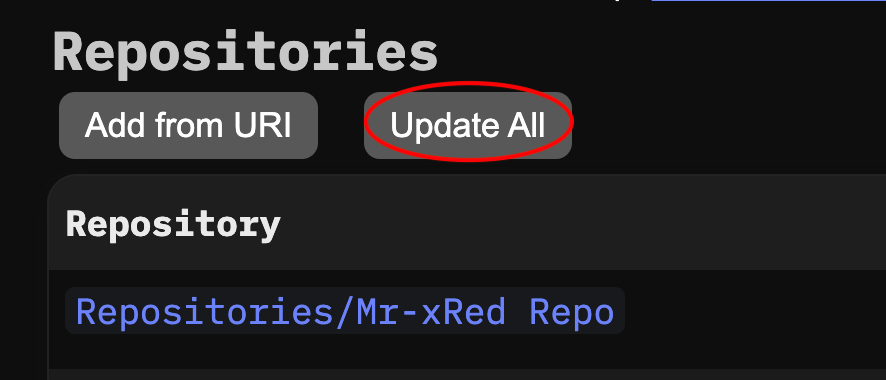
I know this, and currently I can’t get around it, because the DOM of the panel first must be created then the JS will apply the custom CSS to wrap it in a container and apply Drag&Resize logic to it. I know the brief flicker could be a little bothering, but that is currently we need to live with, unless someone could come up with a simple solution to this.
Can you please make a screenshot or can you detail what exactly is happening.
I’m not familiar with the Markmap plugin and how is this related to the document explorer.
configuration parameters are not taken into account if placed in CONFIG. After two hours of testing, I can’t identify the origin of the problem. Temporary solution: place the config space-lua in Library/Mr-xRed/DocumentExplorer after defining the schema!
Systematic crash here (function renderTree):
    if not rel:find(part .. "/") then
       current[part]._path = f.name
    end
Erreur : Uncaught (in promise) Error: nothing to repeat
After commenting out the 3 lines, the tree appears but all the files are assimilated to a folder (icon, right click, etc.).
Finally installed this and wow. Very nice! Practically a treeview replacement! I also struggle with setting up config in CONFIG but I suspect this may have to do with load priorities? Haven’t looked into it yet.
yes that definitely could be due to priority issues.
Try your config with : -- priority: 11
and in the next release i will reduce the priority of my space-lua to 0 so the default priority of the config doesn’t make issues.
this happens when there is a priority mismatch between the lua and the config.
I reduced the Priority of the space-lua to 0, hopefully this will fix it.
This usually happens when a string contains a special character (like +, *, ?, or ( )) that the regex engine tries to interpret as a quantifier with nothing preceding it.
In your case, if a folder or file name has a + or . in it, rel:find(part .. "/") fails because find in this context is likely treating the string as a Pattern (Regex) rather than a plain string.
To fix this, we need to tell the find function to treat the string literally. In Lua, you do this by adding true as argument to find, which enables “plain text” searching.
for part in rel:gmatch("[^/]+") do
    current[part] = current[part] or {}

    -- Added '1, true' to treat 'part' as plain text and avoid Regex errors
    if not rel:find(part .. "/", 1, true) then
        current[part]._path = f.name
    end
    current = current[part]
end
I already pushed the fix (hopefully this will fix it) tested it with: +, ?, * in names.
[UpdateLog]
minor fixes
added -- priority: 0 to the space-lua to solve config priority issues
tree logic fix for names with special characters like +, ?, * in files/folder names
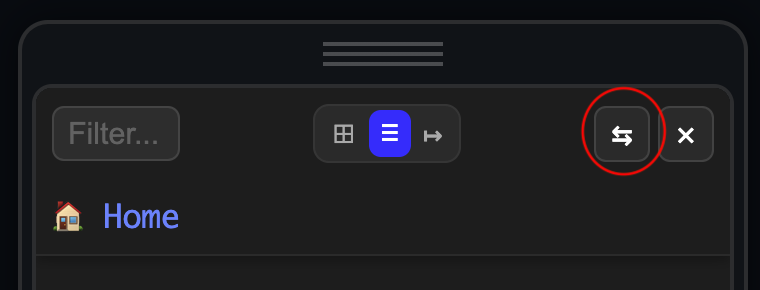
removed the two shortcut keys (for Sidepanel/Window) and replaced them with a toggle button in the UI
now the only remaining Shortcut key is to Toggle using Ctrl-Alt-e and you can switch to the other mode in the UI.
It started out a a simple image/gallery viewer widget for pages. and now 11 days and 1000 lines of code later it somehow resulted in what you see now. I’m also happy to see where this is going, but the code is getting unmanageable in a single file. And i definitely don’t want to add more files & complexity to it.
The coming days I will try to clean up the code, to make it more human readable.
Before adding new features I wanted to clean up the CSS and in this process I also added a new config option for List&TreeView.
Now you can change the RowHeight using the explorer.listHeight.
Also changed the header and the altogether feel of the explorer to a more compact design so it fits more of your awesome pages and files in the view. Here is the full changelog.
[UpdateLog]
Cleaned up CSS
added explorer.listHeight config option to set your custom height of the List&Tree element
more compact header
minor fixes
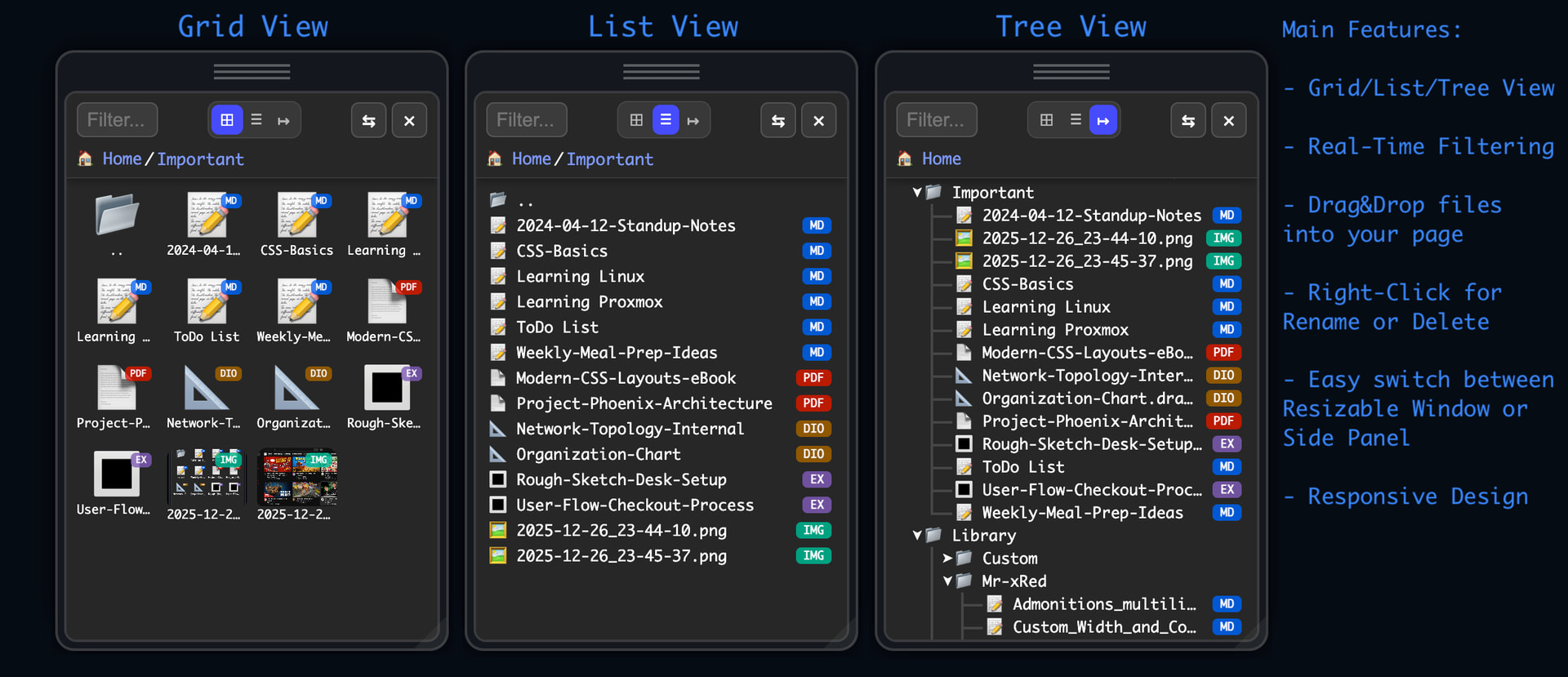
And a screenshot with an overview of the main features :
I’d be happy to hear your feedbacks about the current state? is this something you would use daily? did you found any bugs, anything you’d want an option added.
Currently i’m working on ading a Collapse all: +/- button for Treeview.
Just as I wanted to ask for a “collapse all” for treeview, I read, you already working on it
The filter input is also great! Thanks for that.
But another thing:
I have a lot of pages, which are “parent” folders at the same time (or let’s say, they share the same name).
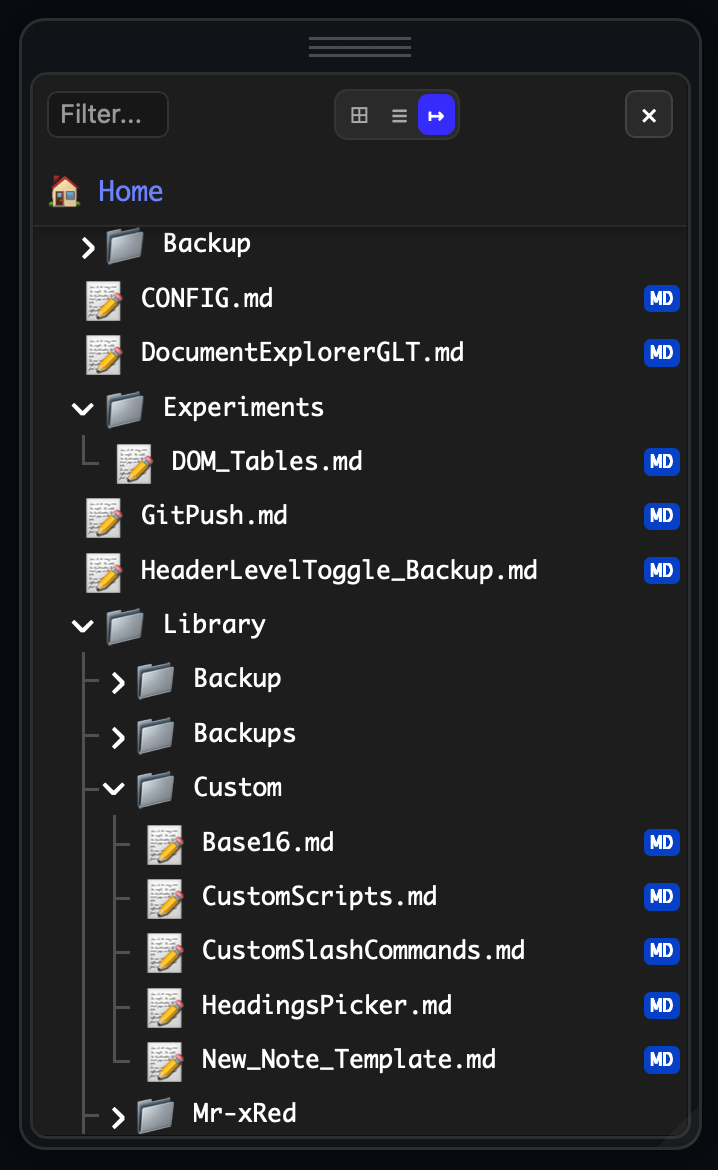
What bothers me a little (!) bit, it is not clearly visible, if a page has also a folder (or vice versa), as folders are in the upper sections and the pages on the lower.
Could it be possible to somehow combine folders with pages with the same name? Don’t know how exactly this should look like, but maybe the folder with another symbol, if there’s a page with the same name? And then klicking on the symbol to open the folder, click on the text to open the page?
Or add a symbol or change the style (like “bold”) of entries with page/folder combination?
Oh, just another idea:
It might be nice to have kind of “reverse” filter option as settings.
That would make it possible to hide some pages or folders from the tree by default (I don’t want to see a some folders during daily use, like “SETTINGS” or “_EXPORT” or “Library”
(Plus-feature: A button to ignore this setting for the moment, if one DOES need to jump to a hidden page through the explorer - on the other hand it’s still accessible by the pickers…
Thanks for the fixes ! The treeview works great now.
For the config parameters, the only thing that works is to set the priority of code to -1 (not 0)!! The problem seems to be specific to my installation. I deal with it.
Thanks a lot !
I’ve been thinking about sorting as well. At the moment, sorting (both List and Grid views) is based on folders first, followed by file types (MD, PDF, images, etc.).
In the future, I plan to rethink the entire sorting concept. Most likely, I’ll move toward a more straightforward alphabetical sorting, rather than grouping by file types.
For the Tree View, I’m also planning to keep a folders-first, then files alphabetically approach. As mentioned before, the next feature I’ll be adding is a collapse / expand all (+ / −) button. This should help a lot with managing how folders are folded and unfolded, and make navigation much smoother.
This is actually one of the reasons why I personally prefer libraries over plugins
Libraries are just a single Markdown page, which makes them much easier for users to customize and adapt to their own needs, styles and workflows.
Plugins, even though they’re also open source and can be modified or built from scratch, tend to be more rigid in this regard. Libraries offer a bit more flexibility and freedom for personalization.
Thanks a lot for the feedback — it’s really appreciated!



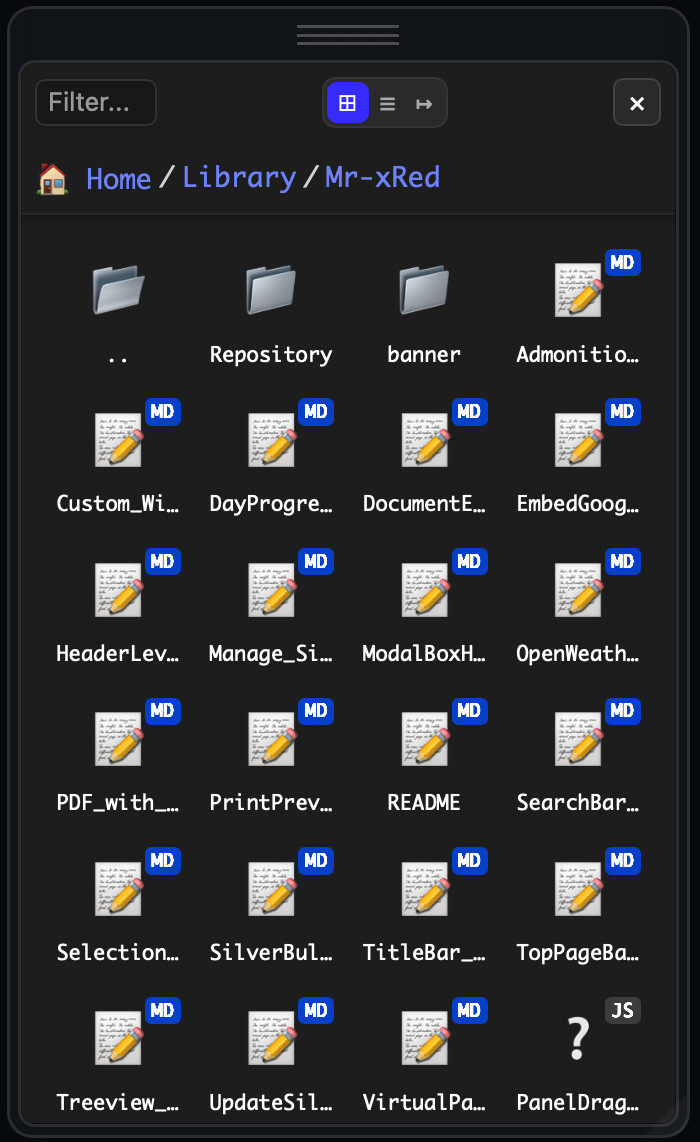
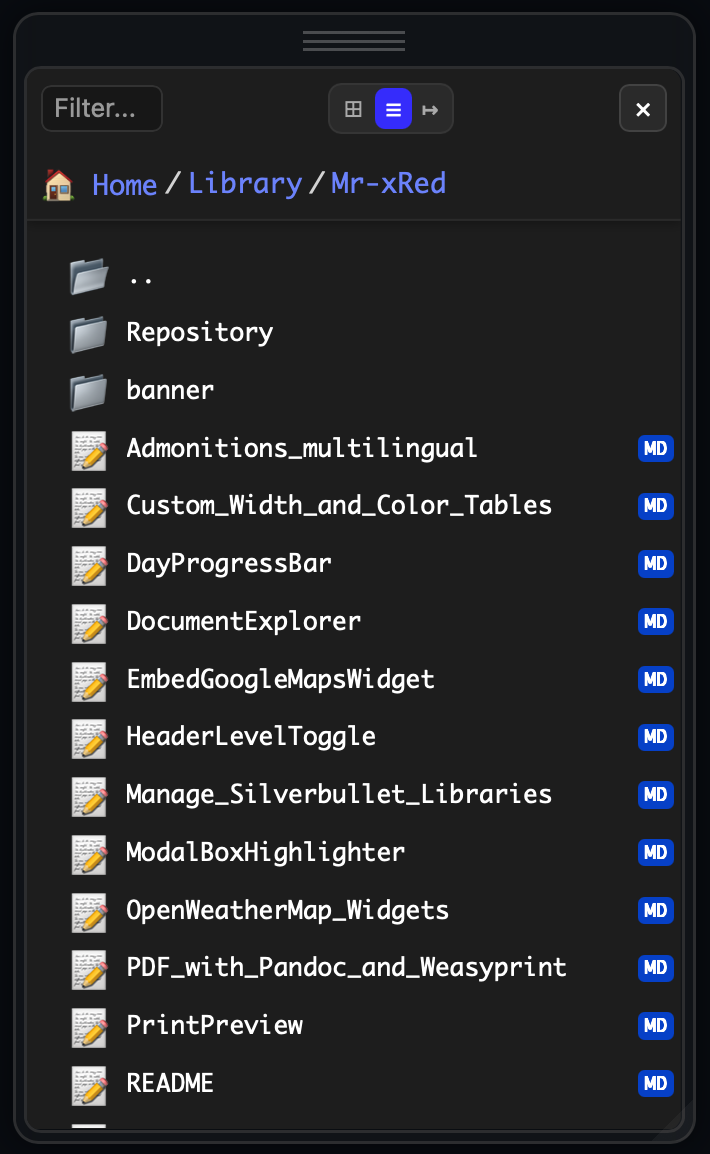



 ” instead of specific icons by type