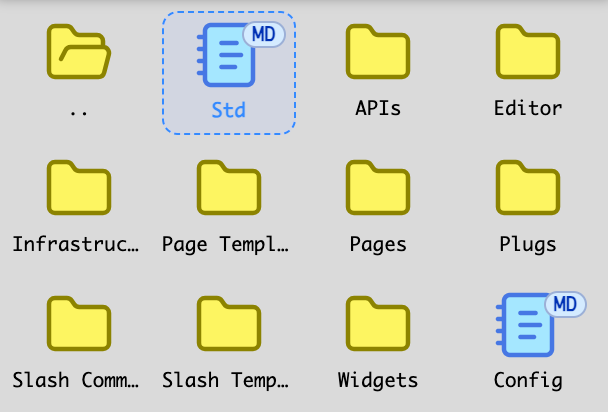
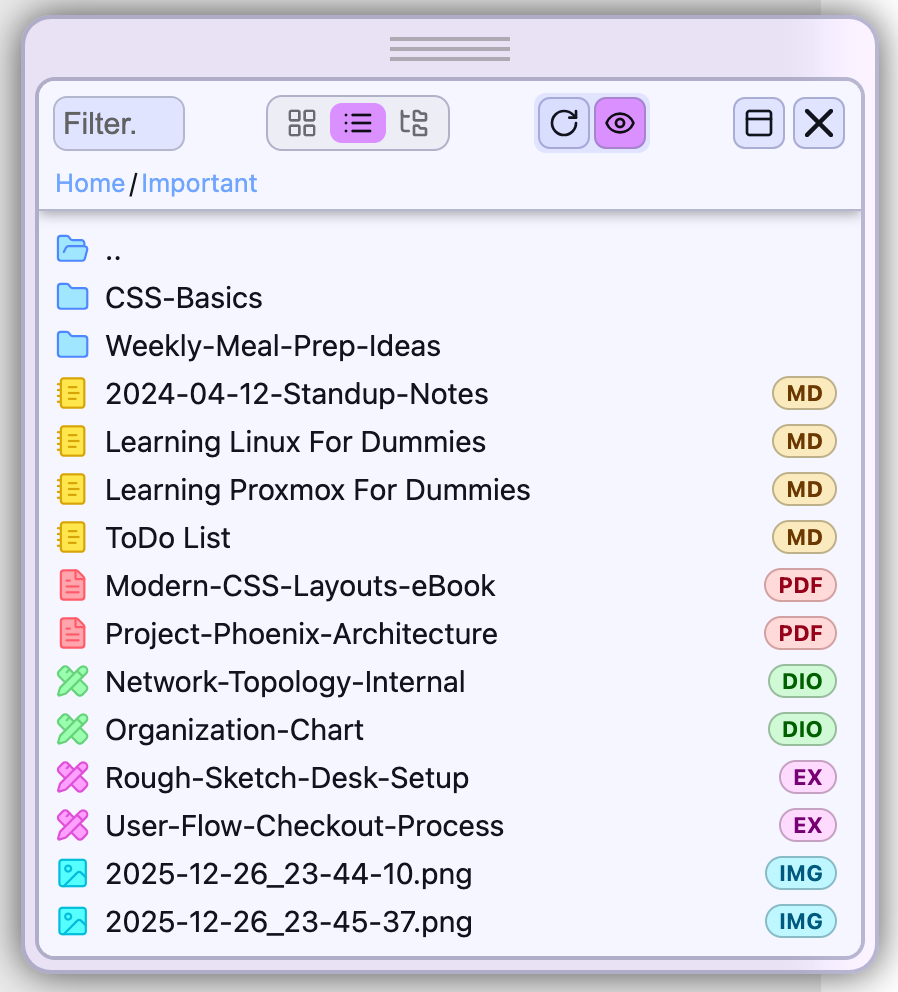
continuously save the last path (without the file name) opened (click) in the treeview, in a local variable and/or localStorage. Then, pass this path to the listview when called.
This path could also be used when reopening the treeview. The position corresponding to the open document would then be accessible via the menu [and/or a button … but it is true that there are already quite a few things in the toolbar (!)].
(there, I’m a little delirious, I admit…) Let’s imagine the following scenario (real and frequent, for me): I am working on an open document; at the same time, I consult something else (e.g.: a message from the Silverbullet community); suddenly, I need to check something on one of my SB files and/or to test a new idea… => I browse the Document Explorer and I position myself at this doc finally found.
==> I open it, but instead of doing it in the current tab (which would cause me to lose my position in the current doc), I can open it by right clicking in a movable and resizable frame. The pinnacle…!
In the end, we would almost have an explorer with double panel (or even better than that)!
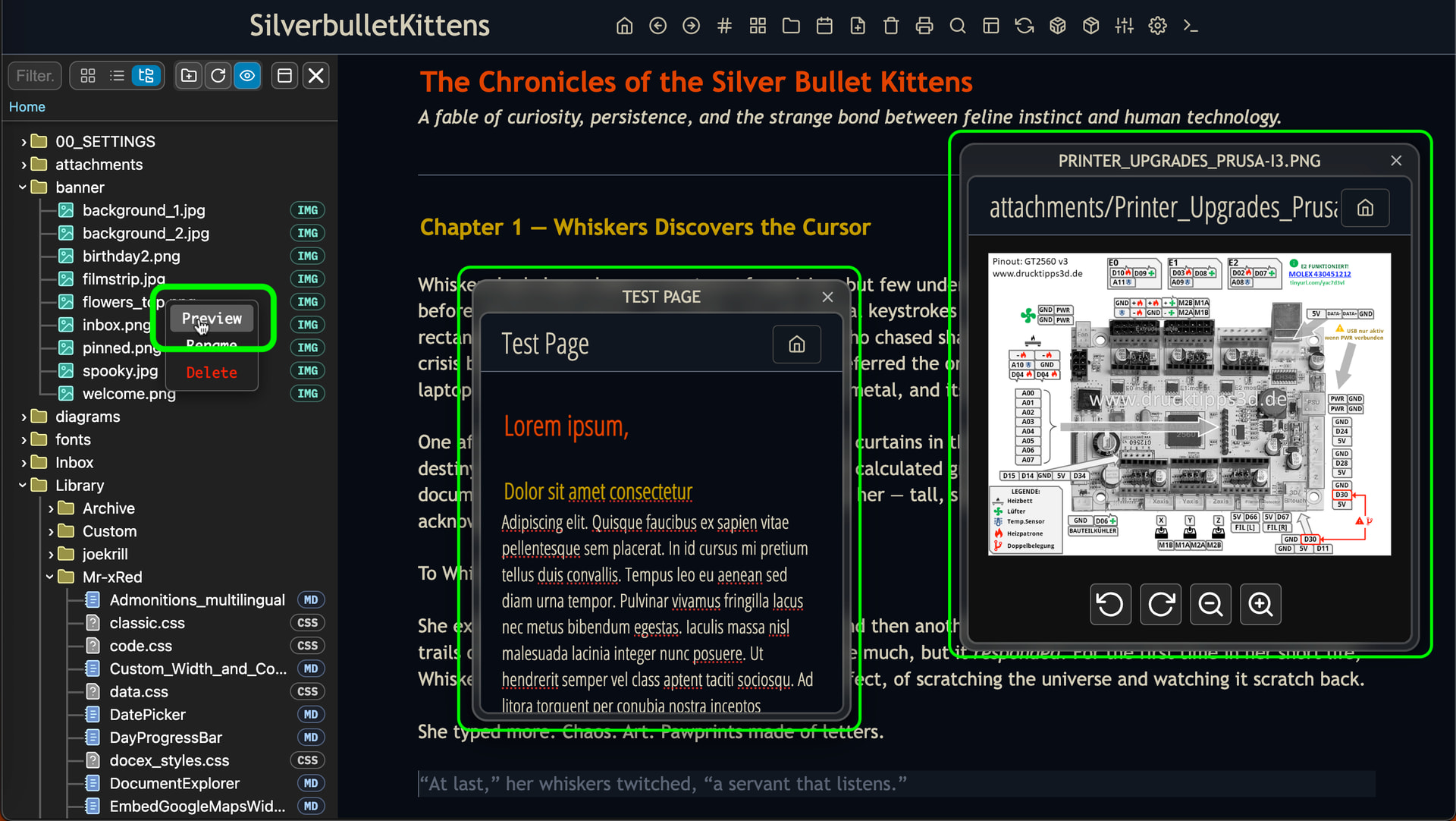
I could integrate that into Document Explorer as a Preview context menu option, so with rightlick you could open another Page temporarily in a Window. I wanted to do this sooner or later, but if it just makes sense, like i said before, i just don’t want to add features to make the code unnecesserily complicated. Give FloatingPage (Proof of Concept) a try and tell me if it’s that what you have though of?
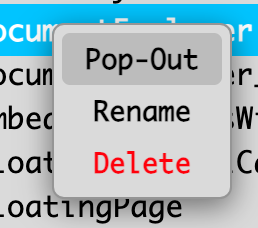
The term Preview seems inappropriate because it is not only a visualization but, in reality, a new silverbullet session (editing, etc.). The term is misleading.
I don’t know what term to suggest because “new window” would be too long and incorrect. Maybe “new session”… but that’s two words. To think about.
You can even launch a new Document Explorer from the movable frame. But here, Firefox starts to get stuck in trouble. It will probably be necessary to put a limit on these encapsulations.
Is your OS/Browser, limiting how many programs/pages you can Open? I don’t think so. There is a limited Space to launch so many Floaring windows:
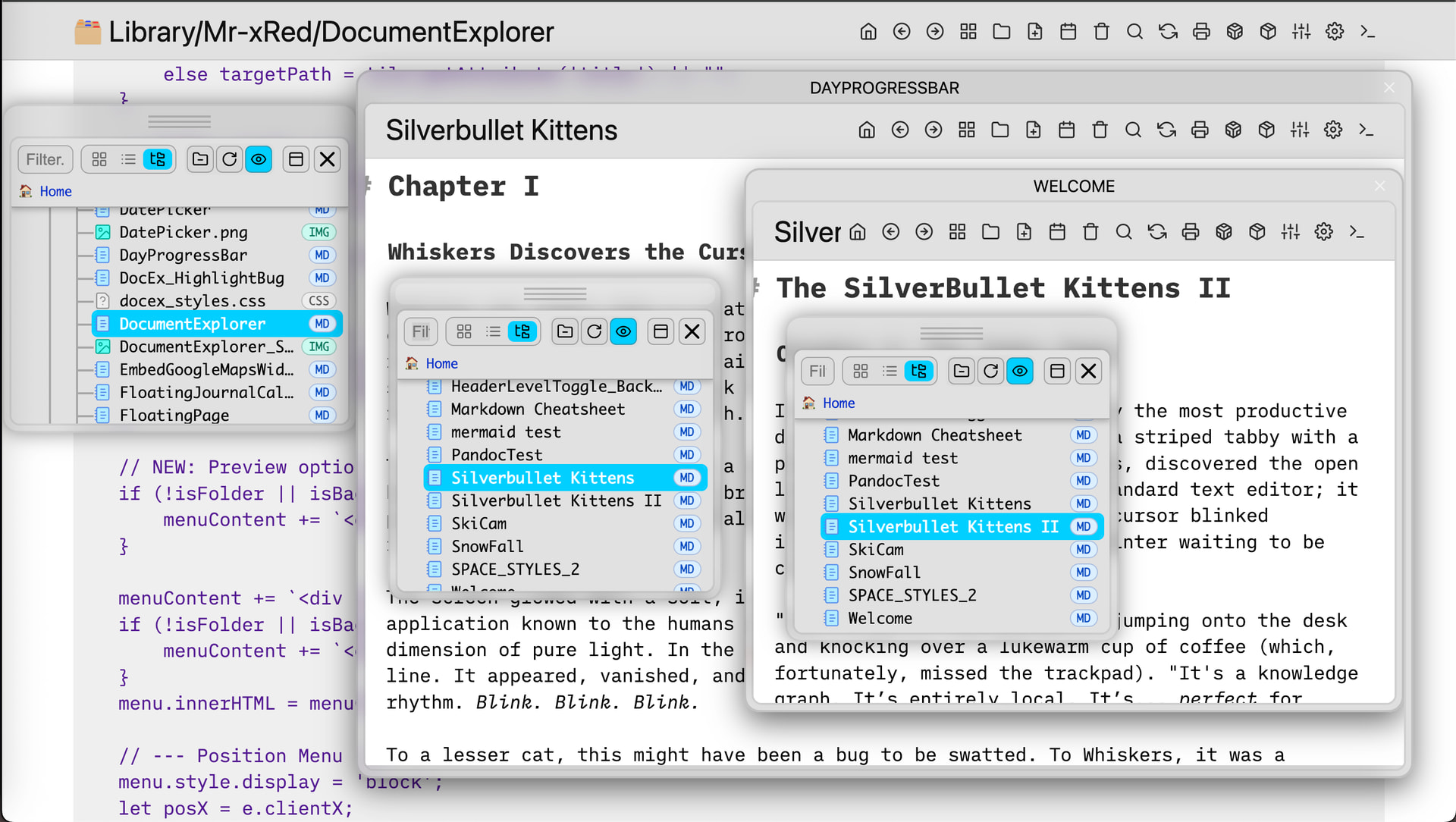
Here is an example of Windowception: 3x DocEx & 3x Silverbullet running one in the other, in one single browser tab without issues:
So i don’t want to limit what users can do with it, it’s their responsability and they know their resources.
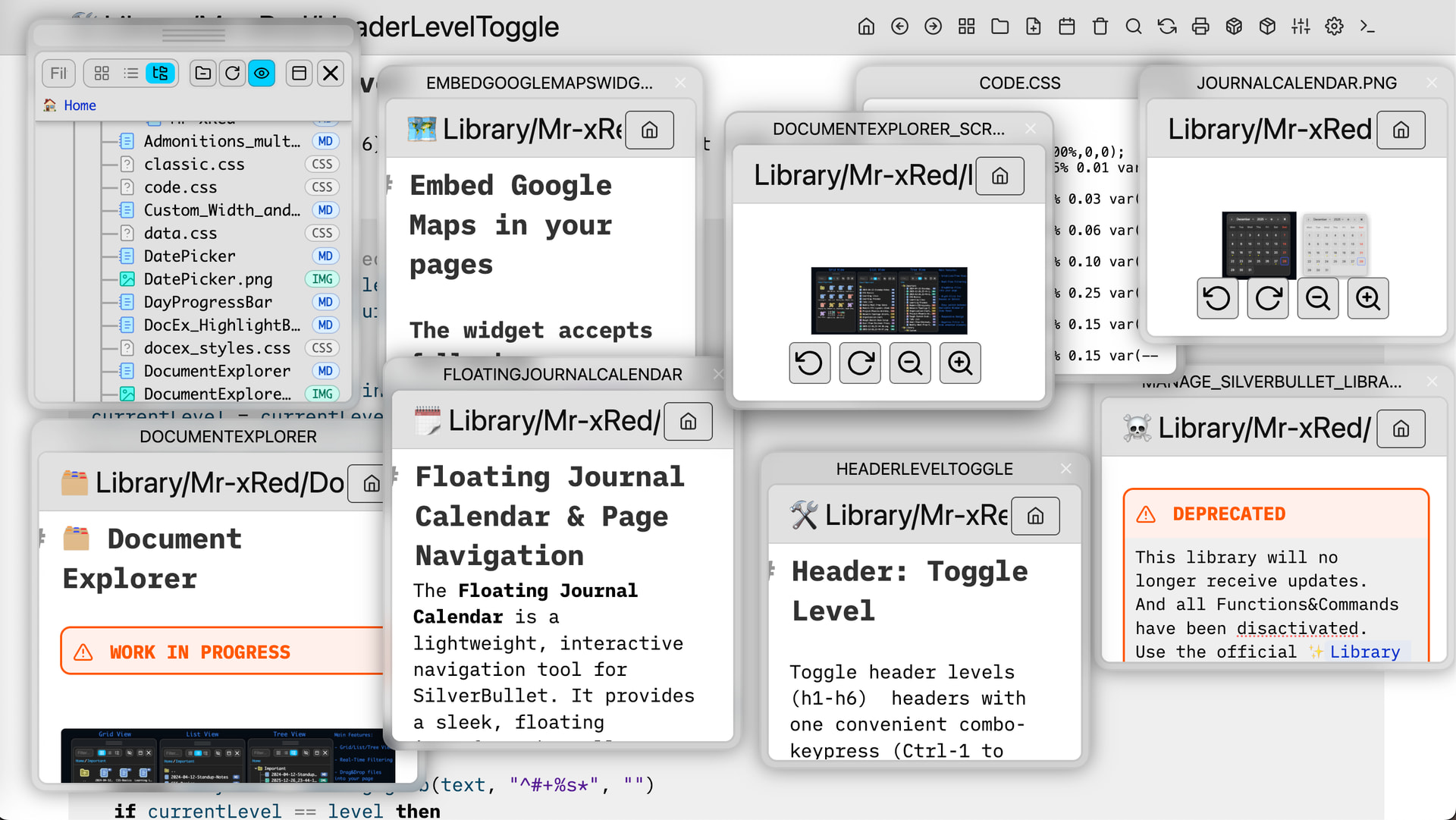
Here is another example with Document Explorer open + 8x Floating Pages and there is no more space left, so the space is already limiting the windows you can open:
I’ve been listening to the feedback regarding SilverBullet’s unique page/folder structure. This update is dedicated to the purists who treat pages as the “environment” for their “sub-folders”.
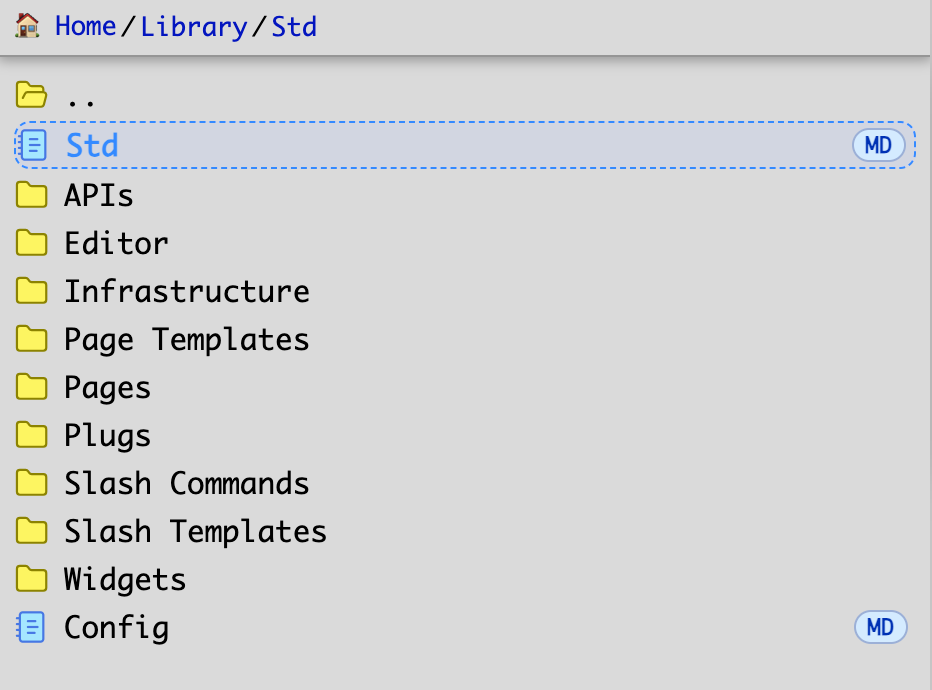
Virtual “Hybrid Page” Injection. The Scenario: When you enter a folder (e.g., Projects/), if Projects.md exists, it is now “ghost-injected” at the very top of the file list. Visual Guide: These entries are marked with a distinct Blue/Dashed styling to indicate they are virtual links to the parent “Index” page. You no longer have to navigate backward to click the corsponding page.
Okay. Indeed, Firefox became operational again on my computer, after closing an AI section in which I had opened a very long conversation (this computer is also more than 10 years old and only 4 GB of RAM!). Sorry for the false alarm!
I have 2 bits of feedback that’d help me personally:
default the style to whatever the current style of the editor is. for example, I’m using this base-16 tinted-theme customization to apply themes, and it seems to be just be using space-style to set a bunch of custom css properties that silverbullet has defined; this means that document explorer can just use those styles that have already been defined by the user’s custom style (like silverbullet-treeview does). I see that there is a way to define a custom theme, but it’d be nice if I only had to tweak it rather than replicate the theme again whenever I wanted to change it.
the other addition would be a way to filter everything thats not a directory or a markdown file. When I tried to add a filter for .md everything got filtered out, and when I tried to filter for md my top level directories vanished (although their contents were still shown). Having a simple mode to use this as a document picker would be nice - that is mostly how I want to use it, with the option to show all files without the need to switch to a totally different tool.
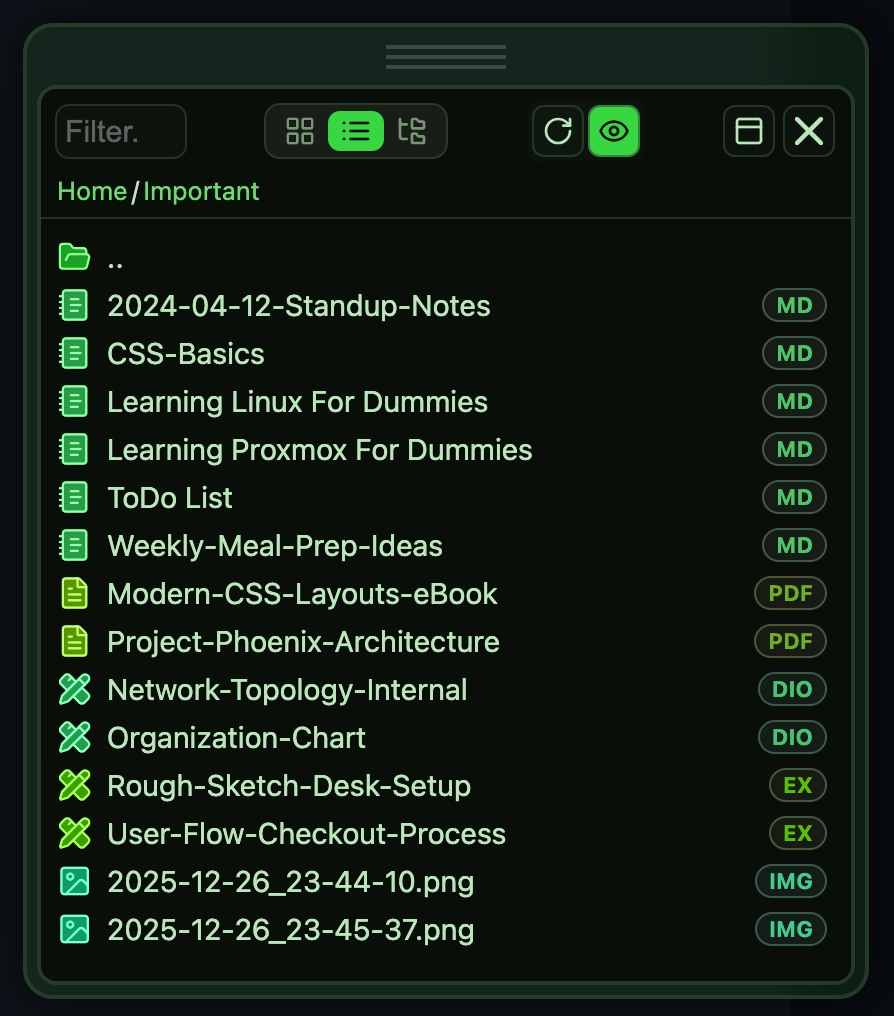
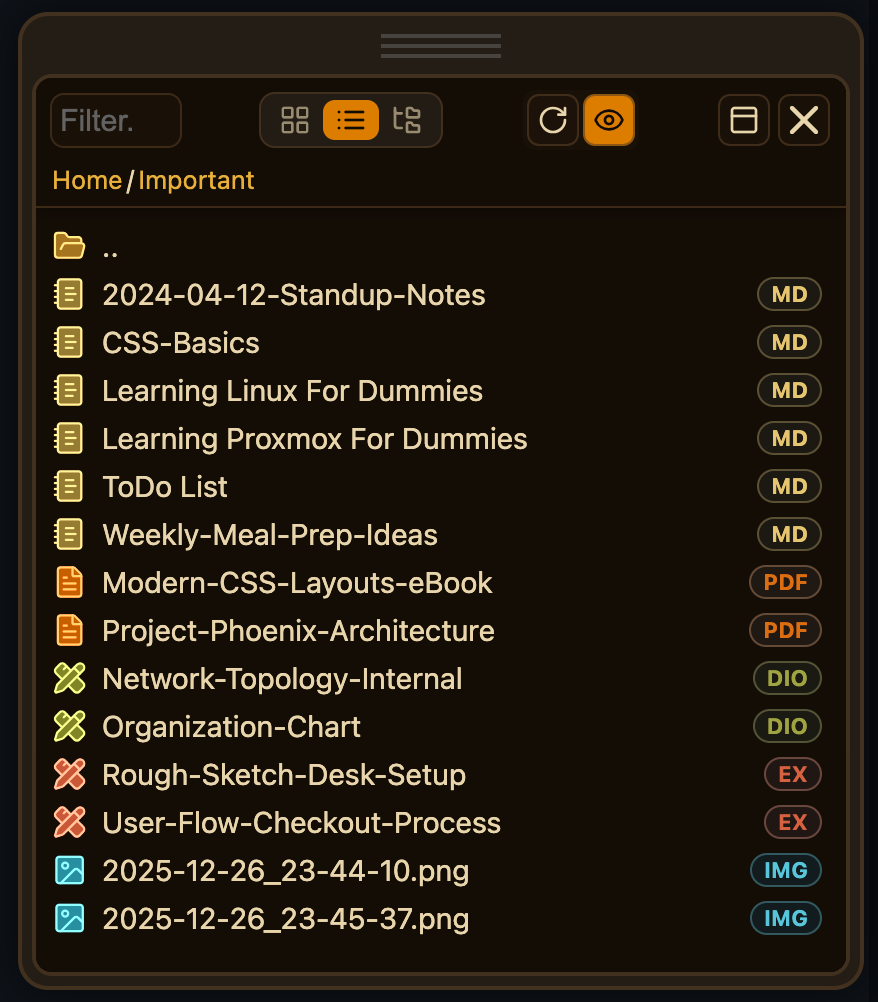
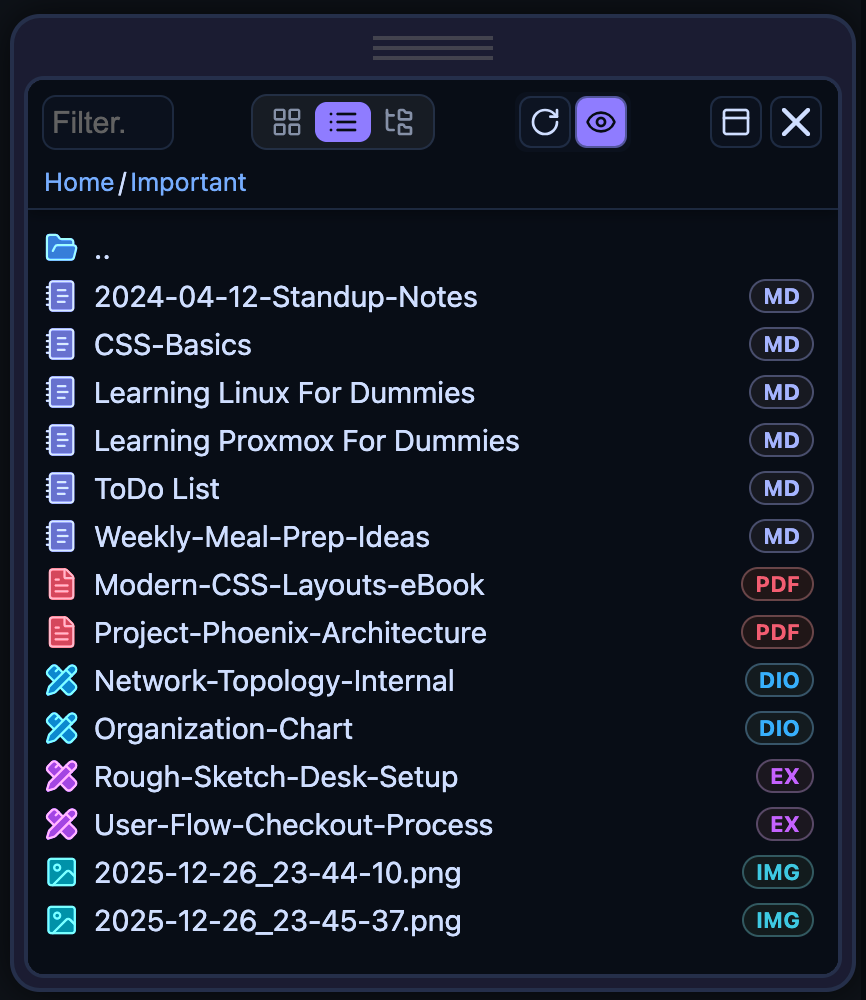
Sorry but, that’s Not entirely the case. I added a customization/theme example in the library. You can use that to create themes for your Document Explorer easily, It takes less than 2 minutes to create a theme(basically just setting up some colors for dark and for light theme). In the main.css Silverbullet defines A LOT of color variables. But none of them fit the use case in Document Explorer except background color and text color, everything else and is kind of unusable(for Document explorer in terms of colors). Also if you’ve noticed i use OKLCH colors in Document explorer. This makes the tweaking so much easier, just change the Hue to Your desired color and you’re good to go. It literally takes less than two minutes to create a new theme for Document Explorer. Plugs like Treeview for example use only two-three colors, a background color and a text color, for “theme”-ing this is not the case in DocEx.
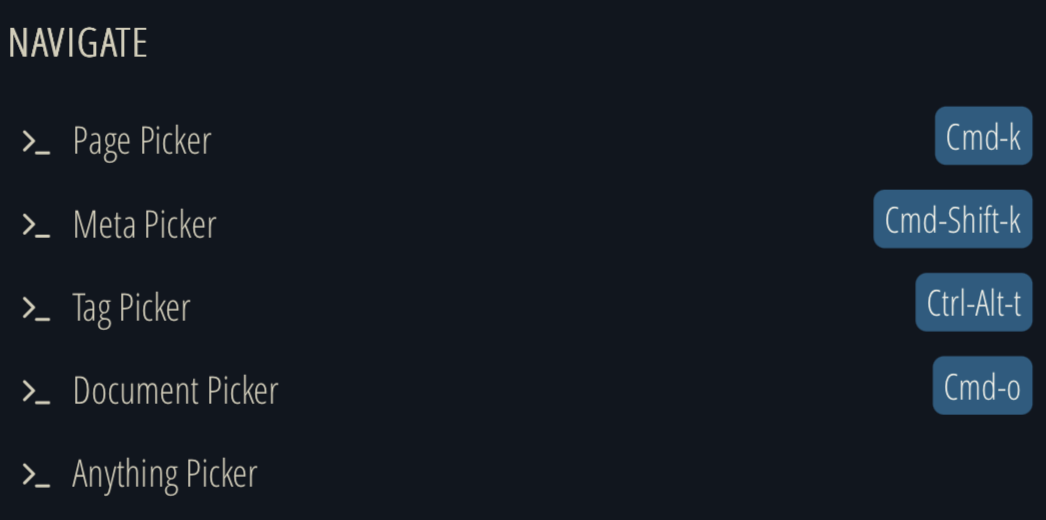
This tool is not intended to replace the built-in document picker, and i’m not considering to do it. This tool is meant to be a visual File/Document Explorer. If you want to just pick a document use the Ctrl-o built in shortcut. I don’t want to duplicate features which Silverbullet already has built in just for the sake of complicating the code. If you want to easily open a document you know the name of, i recomand you use any of the built-in pickers: Anything picker, Document Picker or Page Picker
I’ve taken the feedback further into consideration and in the end I pushed things further than I originally intended.
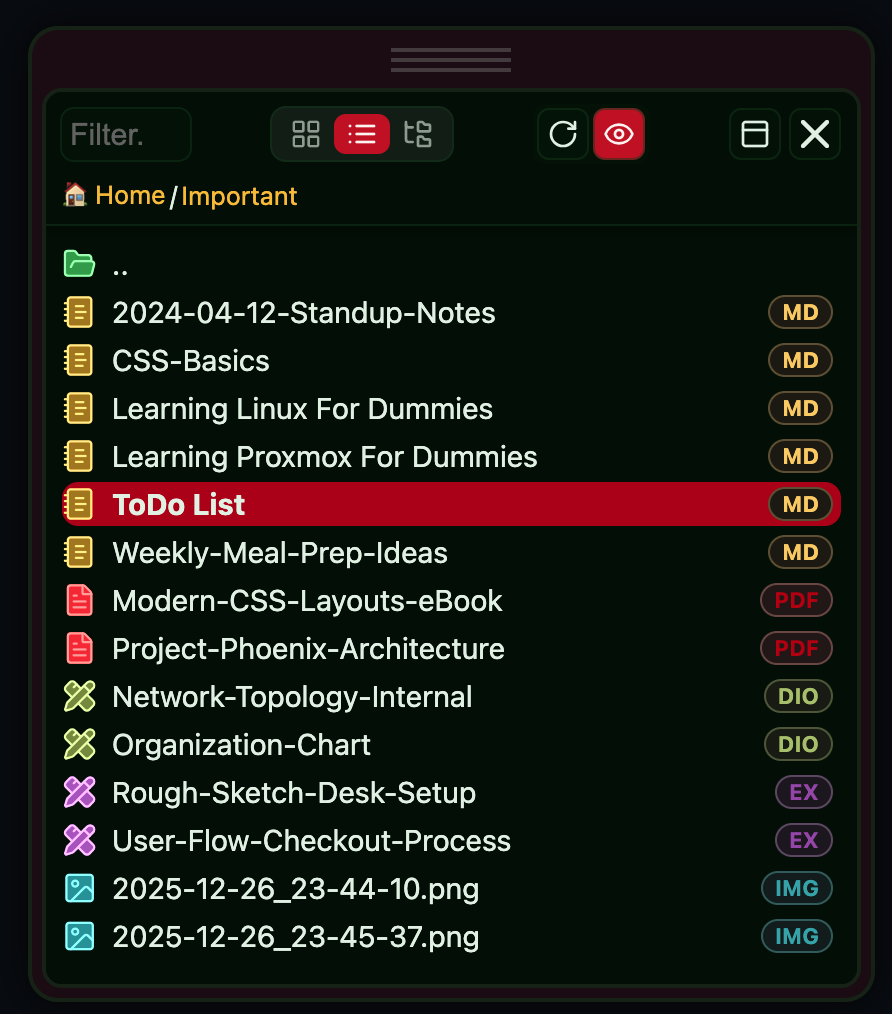
Document Explorer now defaults to the three root colours pulled directly from SilverBullet’s existing variables:
background (--top-background-color),
text((--root-color)
UI accent((--ui-accent-color).
That gives it automatic alignment with the editor theme without forcing users to duplicate a theme just to stay visually consistent.
Except these, there simply isn’t anything reliable to hook into. SilverBullet’s main.css does not expose usable colours for things like file-type differentiation.
Reusing unrelated variables would be guessy at best and actively misleading at worst.
I’m deliberately not assigning arbitrary colours or overloading variables that were never meant for this purpose. That would make behaviour unpredictable across themes, which is worse than requiring light customization.
For everything more granular, Document Explorer still uses its own variables (in OKLCH, for a reason). They’re easy to tweak, stable, and explicit. You can change the hue once and be done in under two minutes.
Automatic integration where SB provides meaningful root variables. Explicit customization everywhere else. Anything beyond that would be fragile, theme-dependent magic, and I’m not interested in shipping that.
If this feels like a reasonable middle ground between automatic theming and predictable behaviour, I’m happy to stick with it.
I suppose “picker” wasn’t the right word for what I’m looking for. I do want a tree-style explorer, but I mostly only want to explore my markdown files. I have a hard time remembering doc names, so the normal filepicker isn’t super useful; instead I use a tree-viewer and a descriptive directory structure to help me navigate to the document I’m looking for. I mostly intend to use it like silverbullet-treeview plug, but with the more advanced features you added like drag/drop support and dynamic resizing. I apologize if this is a usecase that isn’t consistent with your intention for this library.
Document Explorer now defaults to the three root colours pulled directly from SilverBullet’s existing variables
thank you, this is great! Sorry if I wasn’t clear, all I was looking for was a bit of OOTB consistency by default, and this should do the trick. I agree that you shouldn’t just randomly use variables for things they aren’t intended for. Are you able to also use --ui-font for default font?
amazing work making the changes and pushing them so fast!
 continuously save the last path (without the file name) opened (click) in the treeview, in a local variable and/or localStorage. Then, pass this path to the listview when called.
 - “Preview” Context menu option added