ok, it will be a hard fix, so don't expect it anytime soon.
PS: But until then, reloading the webpage (Ctrl-R of F5) will do the trick 
ok, it will be a hard fix, so don't expect it anytime soon.
PS: But until then, reloading the webpage (Ctrl-R of F5) will do the trick
I do 
Try it now. It should be fixed.


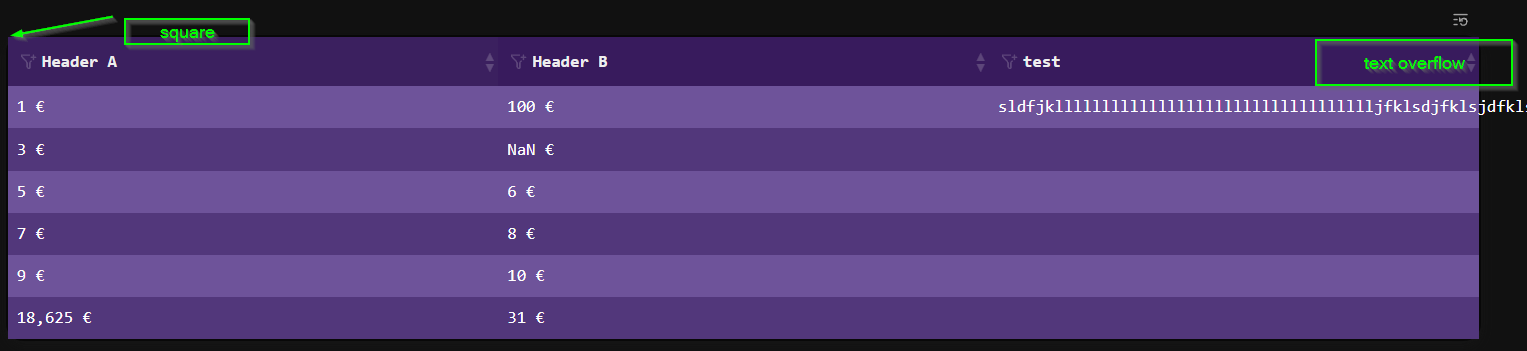
PS: Only downside is, I needed to block the edit-mode on the header, so that you can click on the header to sort the table, instead of editing the table. So to edit the table you either navigate with the cursor on the table, or you click any normal row in the table except the header.
Nice work @Mr.Red !
Still getting used to the UI "clutter", but the added functionality is well worth it.
On my side - sorting, filtering and reset button is now working well both in markdown tables and TaskManager. 
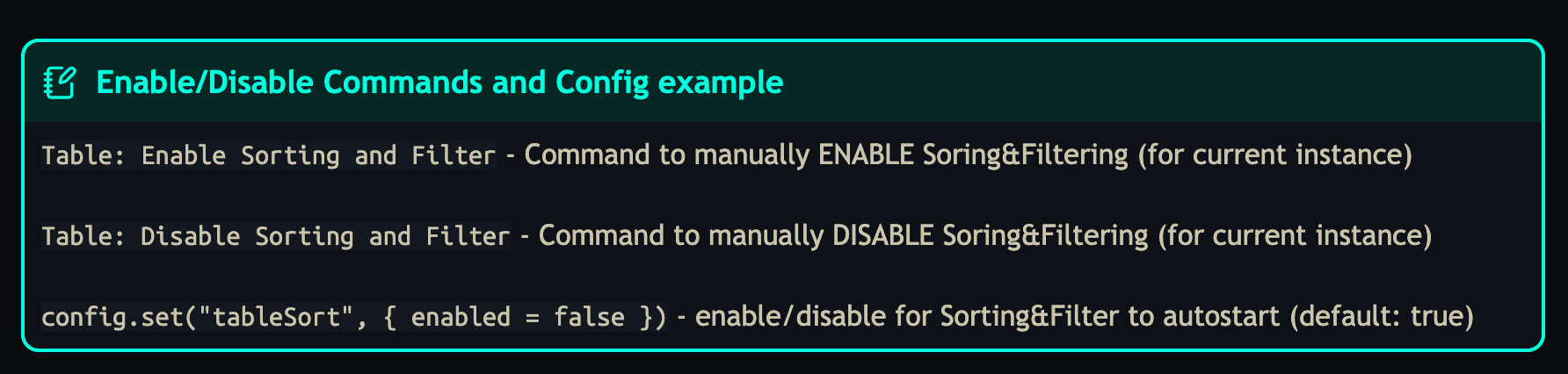
I though of people like you, and whom might annoy the UI clutter (sometimes annoys me too ), that's why I added the following two commands and config.set option:
If the UI clutter is annoying, you can always temporarily Disable/Enable it with the override commans, or you can use config.set option (for more permanent disable/enable).
I completely missed this!  Thanks for pointing it out.
What do you think about setting this config separately for query generated table and raw md table? My reasoning would be that I usually take care about any sorting beforehand in the underlying query directly, so in query/TaskManager context I would always prefer clean UI.
On the other hand, sort & filter on raw md table is incredibly helpful, so there I would keep it always on.
Switching via command is perfectly fine though! Will keep it off from now on and turn it on via command when working with raw md tables 
Thanks again!
I will think about it. But it's not a priority right now. but thanks for the feedback and idea
Yes both bugs are known and on my todo-list to solve them, but currently not a priority.
Thanks for your patch
After spending the last couple of days finishing up and ironing out known issues for my Kanban Board library, I'm excited to bring those improvements over to the Task Manager as well.
The trigger was a nudge from @mjf about using SilverBullet's AST instead of line-by-line regex parsing - something I had been putting off for a while:
Well it did solve a lot of issues. After implementing it for the Kanban Board first and working out the edge cases there, the migration to the Task Manager went much more smoothly.
 Multiline task support
The biggest change. The old editor used simple line-end detection, which meant any task spread across multiple lines, continuation lines with attributes on separate rows, would be partially parsed or corrupted on save. The editor now uses the AST range to locate the exact block in the source file, including all continuation lines, so reading and writing multiline tasks works correctly. (@JmiXIII  )
)
Inline Task Editor (Alt-Shift-E) now uses the indexInstead of only parsing the line the cursor is on, the command now queries the task index to find the task whose AST range contains the cursor. That means you can place your cursor on any line of a multiline task - line 1, line 3, the last attribute line - and the editor will open with the full task correctly loaded.
Create new tasks from any lineIf the cursor is not on a task at all, Alt-Shift-E now opens the editor in New Task mode. Fill in the description and any attributes, hit Save, and a properly formatted * [ ] task is written in place of the current line. Handy for quickly turning a plain note into a task without leaving the keyboard.
Attribute values consistently wrapped in quotesAll attribute values are now written with double-quotes : [priority: "1"], [due: "2026-03-02"], on every save. This avoids edge case parsing issues with values that contain spaces or special characters, and keeps things consistent with how the Kanban Board writes attributes.
Big thanks to @mjf for pointing toward AST in the first place — it really is the right tool for this. 
The updated library is in the usual place:
 Task Manager - Library page
After an update, TableFilterAndSorting is corrupted ?
Error evaluating script:  for script: -- priority: -1

-- ------------- Load Config -------------
local cfg = config.get("tableSort") or {}
local enabled = cfg.enabled ~= false
It shouldn’t be corrupt. I’m using it and tested it in a new space and it’s working fine  nothing changed in the last two days. Do you have some
More info on the error ?
I will investigate more.
SB was unstable with strange behavior.I have reinstalled and wipes client and it's stable.m again.
But it's impossible to disable filter and enable "multiline".
Check
if enabled then
    enableTableSorter()
else
    cleanupSorter()
    //return ...   TO REMOVE
end
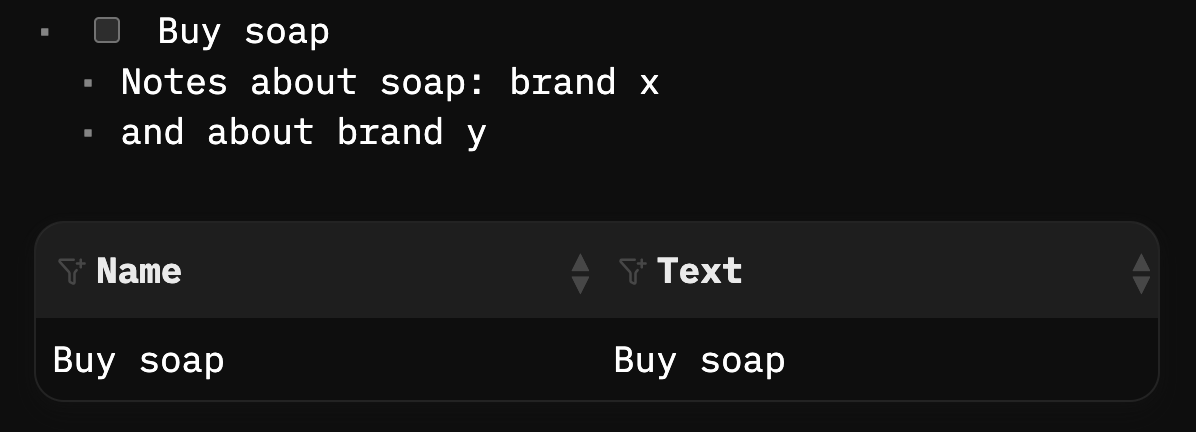
Is this considered a multiline task?
- [ ] Buy soap
  - Notes about soap: brand x
  - and about brand y
If so, adding an attribute to this works incorrectly, and produces this:
- [ ] Buy soap
  - Notes about soap: brand x
  - and about brand y [est: 30min]
no it's not, because the second line and third line is another object
If you are unsure, to test it you can always use a query and check the name.
if the name also returns the second line, its valid multiline, if it doesn't appear it's not multiline:
${query[[from index.tag "task" where name:startsWith("Buy") and page == _CTX.currentPage.name select {Name = name,Text = text}]]}
But the more important question I am wondering is:
Why do you need so much soap 
 ?????
?????
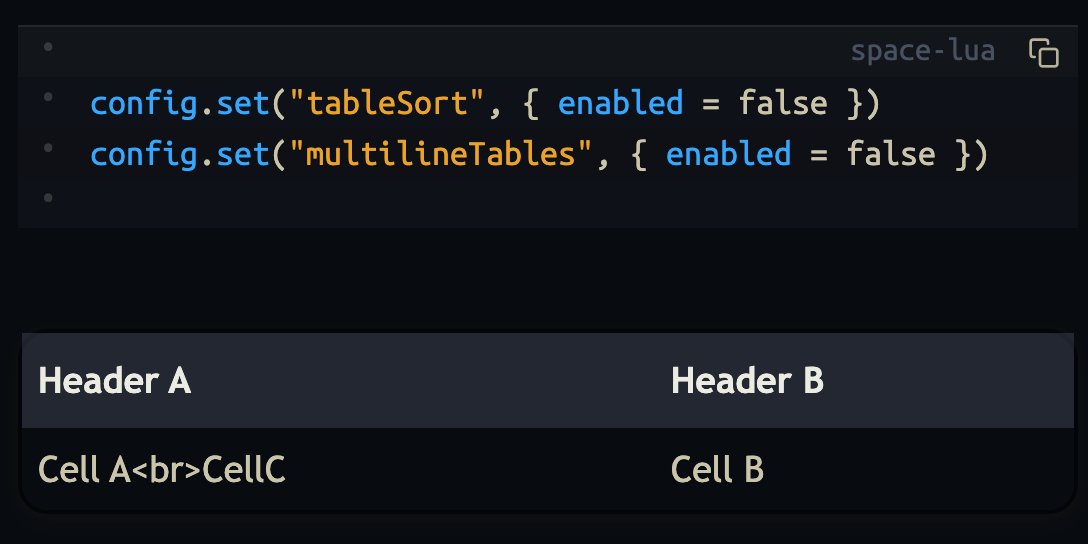
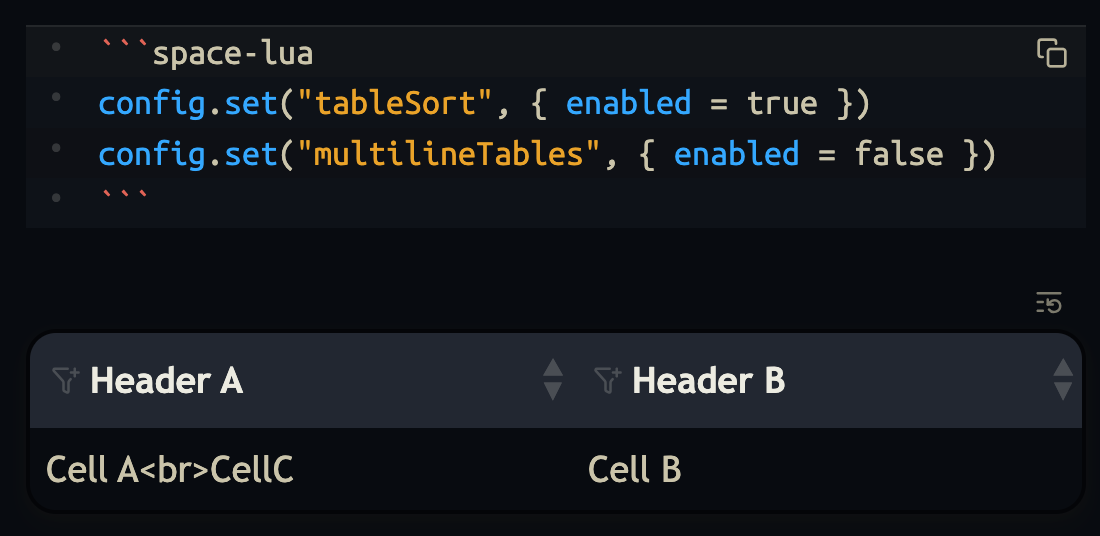
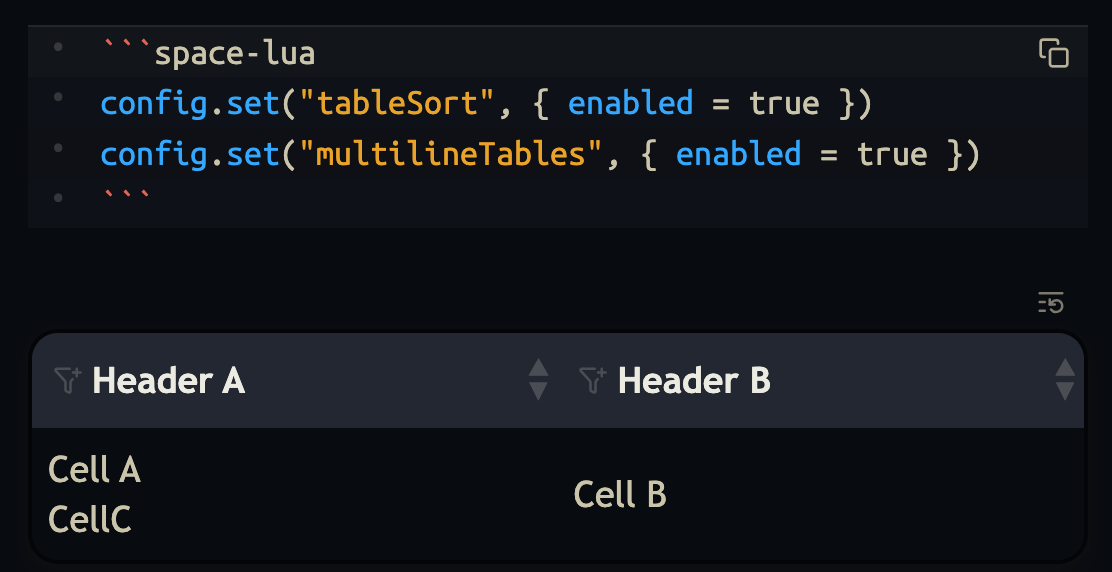
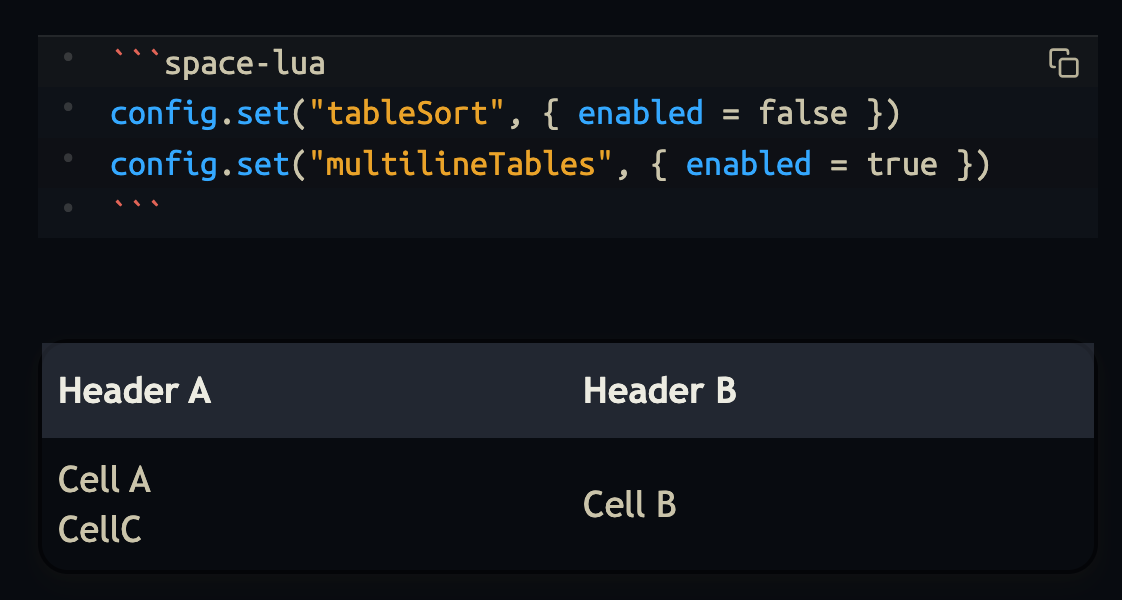
Did you used the correct config synthax?
config.set("tableSort", { enabled = false })
config.set("multilineTables", { enabled = true })
I just tested all four combinations of config, on stable-release (2.4.1-0-g3e1f03b), and everything works on my side:
sort: off
multiline:off
sort: on
multiline:off
sort: on
multiline:on
sort: off
multiline:on
@malys you were right, thanks. when tested before the js was already injected as script so the test was a false positive. just pushed the fix. now it should work.
So is that not supported?
I'm still searching for good ways to handle tasks. Currently, I'm just putting them wherever I'm currently writing and either queries or your taskmanager do a fine job of compiling task lists.
However, I'm still lacking a method to clean finished tasks globally. I saw some way to add a "clean" button in the documentation, but that does not work with query lists. Same with the taskmanager or am I missing something?